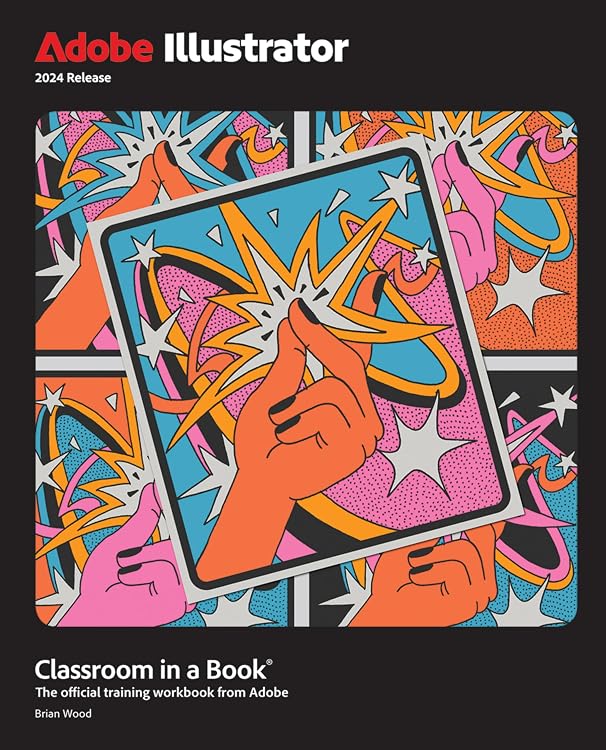
Adobe Illustrator Classroom in a Book 2024 Release
Adobe Illustrator Classroom in a Book 2024 Release is a 17-lesson workbook for learning Illustrator through project-based exercises. It moves from core tools to vector artwork, creative effects, product mockups and exporting, and requires separate Illustrator 2024 software.
At a glance
- 17 lessons use real-world, project-based learning and can be followed in sequence or selected individually.
- Topics include drawing, selections, text, shapes, colour, gradients, layers, symbols, brushes and creative effects.
- Projects include logos, illustrations, posters, podcast covers, flyers and product mockups.
- Includes lessons on generative AI for creating vector artwork and on exporting assets for review.
Often bought together
Pros and cons
Pros
- Its project-based lessons cover both foundational Illustrator tools and more advanced workflows in one 480-page book.
- The option to work through the book or pick specific lessons suits readers who want either a structured course or targeted practice.
- The stated examples range across practical design formats such as logos, posters and podcast covers.
Cons
- The book is tied to the 2024 release of Illustrator, so readers using a different release may encounter differences from the lessons.
- Illustrator software is required and is not included with the book.
Technical specifications
8 specifications| Publisher | Adobe Press |
|---|---|
| Publication date | 20 December 2023 |
| Edition | 1st |
| Language | English |
| Print length | 480 pages |
| ISBN-13 | 978-0138263829 |
| Weight listed | 925 g |
|---|---|
| Dimensions | 18.54 x 2.16 x 23.19 cm |
What to know before buying
- The listing says Adobe Illustrator 2024 Release software for Windows or macOS is needed, and explicitly states that software is not included. Check that this version suits your setup before buying.
Who is it for?
A good fit for
- Beginners learning Illustrator through guided, hands-on projects.
- Graphic designers at beginner to intermediate level seeking structured practice with vector artwork and common design tasks.
- Illustrator users who want focused lessons on specific tools or workflows.
Less suited to
- Anyone seeking a software licence or a book that does not require Illustrator 2024 Release.
- Readers looking specifically for instruction on a later Illustrator release.
Customer reviews on Amazon
- 5 stars
84% 84% - 4 stars
8% 8% - 3 stars
4% 4% - 2 stars
1% 1% - 1 star
3% 3%
Customer feedback describes the book as helpful for learning Illustrator, including for beginner to intermediate graphic designers, and comments positively on its content. Views on value for money are mixed, with the price a concern for some. The project-led 17-lesson format is relevant for readers wanting structured practice, but feedback does not establish how well each lesson suits a particular skill level or Illustrator setup.
Positive themes
- Customers describe it as useful for learning the program, particularly at beginner to intermediate level.
- Feedback on the content is positive.
Mixed feedback
- Feedback on value for money is mixed, with some customers mentioning the price.
Frequently asked questions
Is Adobe Illustrator included?
No. The listing says the book requires Adobe Illustrator 2024 Release for Windows or macOS and specifies that the software is not included.
How is the book structured?
It contains 17 project-based lessons. The listing says you can follow them from start to finish or choose the lessons that interest you.
What kinds of skills does it cover?
Listed topics include drawing, text, shapes, colour, gradients, layers, symbols, brushes, effects, generative AI vector artwork, mockups and exporting assets.
What do customers say about the book?
Feedback describes it as useful for learning Illustrator, particularly for beginner to intermediate graphic designers. Content is viewed positively, while opinions about value for money are mixed.
Alternative options
Adobe Illustrator Classroom in a Book 2025 Release
$91.03
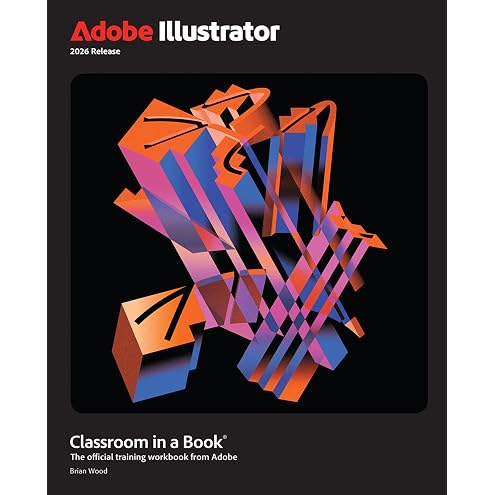
Adobe Illustrator Classroom in a Book 2026 Release
$97.88
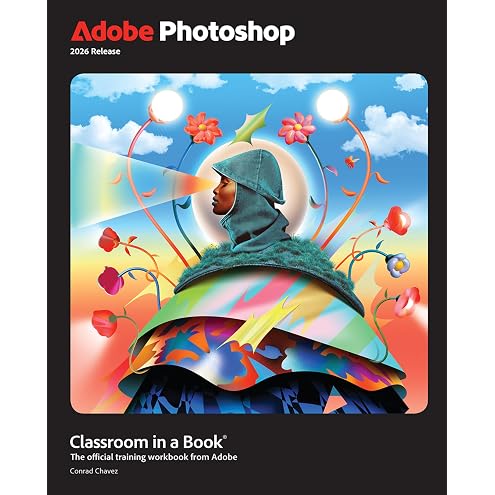
Adobe Photoshop Classroom in a Book 2026 Release
$91.22

Grief Counseling and Grief Therapy: A Handbook for the Mental Health Practitioner
$119.75
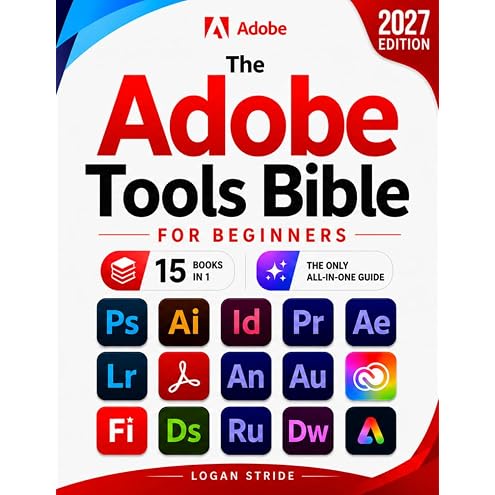
The Adobe Tools Bible for Beginners: Workflows, Templates & Time-Saving Shortcuts | The Most Complete Guide to Photoshop, Illustrator, Lightroom, After Effects, and Every Adobe App
$90.85
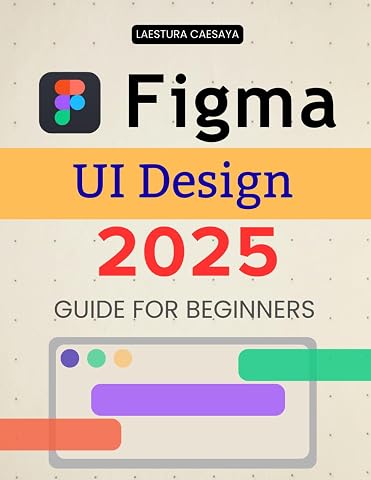
Figma UI Design 2025 Guide for Beginners: Master Modern Interface Design Essentials And Build Interactive User Experiences With Creative Workflows Collaboration And Visual Clarity
$30.34
Adobe Acrobat DC Pro 2026 Guide for Beginners: A Step By Step Practical Guide To Editing Securing Automating And Enhancing PDF Documents For Modern Workflows And Everyday Professional Use
$32.88
The Hidden Power of Adobe Lightroom Classic Guide: Unlock The Full Potential Of Lightroom Classic With Expert Editing Techniques Organizational Mastery And A Streamlined Workflow From Import To Export
$42.91
Google Workspace 2025 for Beginners: Master Communication, Collaboration, and Productivity with Practical Tips for Using Gmail, Drive, Docs, Calendar, and More
$34.61
Excel: The most updated bible to master Microsoft Excel from scratch in less than 7 minutes a day | Discover all the features & formulas with step-by-step tutorials
$32.96
Adobe Illustrator 2026 Guide for Beginners: A Step By Step Beginner Friendly Path To Confident Vector Design Creative Workflows Professional Results And Real World Projects Using Modern Digital Tools
$32.68
Mastering Blender 2026 Guide For Beginners: A Step By Step Learning Path To Create Model Animate And Render Stunning Three Dimensional Scenes Using Modern Professional Workflows
$31.39