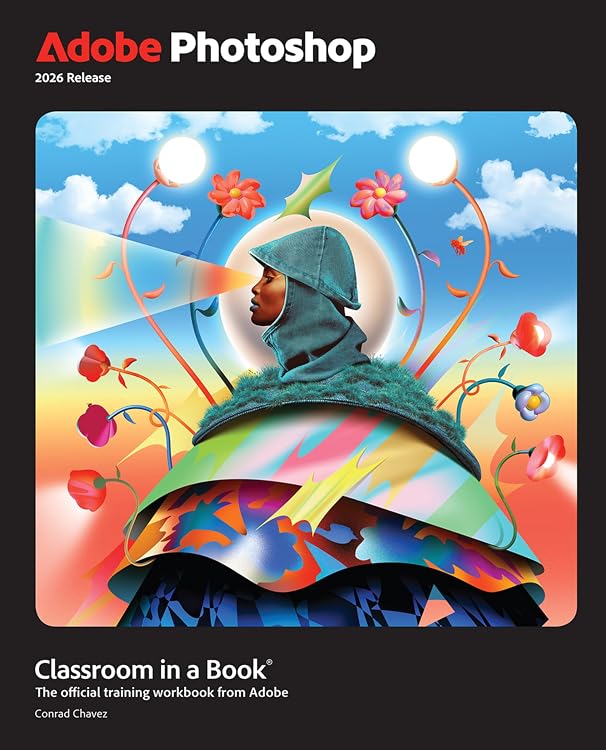
Adobe Photoshop Classroom in a Book 2026 Release
Adobe Photoshop Classroom in a Book 2026 Release is a 15-lesson workbook for learning Photoshop through project-based exercises. It covers photo correction, selections, compositing, generative AI, animation and export workflows, and requires Photoshop 2026 software, which is not included.
At a glance
- 15 lessons use real-world, project-based learning and can be followed in sequence or selected individually.
- Topics include photo correction and repair, background and object removal, complex selections, compositing and camera raw editing.
- Lessons cover Adobe Firefly generative AI, timeline animation, combining work with video and audio, and automating repetitive tasks.
- The book describes itself as an official Adobe training series developed with support from Adobe product experts.
Often bought together
Pros and cons
Pros
- Broad lesson coverage spans image editing, compositing, animation and output for web, mobile, video and print.
- The option to work through the lessons in order or choose topics makes the workbook usable for both newcomers and readers seeking specific skills.
Cons
- Photoshop 2026 software is required and is not included with the book.
Technical specifications
10 specifications| Publisher | Adobe Press |
|---|---|
| Publication date | 1 January 2026 |
| Edition | 1st |
| Language | English |
| Print length | 448 pages |
| ISBN-10 | 0135495008 |
| ISBN-13 | 978-0135495001 |
| Weight listed | 858 g |
|---|---|
| Dimensions | 18.75 x 2.16 x 23.19 cm |
| Required software | Adobe Photoshop 2026 Release software, for either Windows or macOS. (Software not included.) |
|---|
Who is it for?
A good fit for
- Beginners learning Photoshop through guided projects.
- Existing Photoshop users who want lessons on particular tools or workflows.
- Readers who need a reference for photo editing, compositing, animation or export tasks.
Less suited to
- Anyone seeking Photoshop software rather than a training book.
- Readers who cannot access Photoshop 2026 on Windows or macOS.
Customer reviews on Amazon
- 5 stars
58% 58% - 4 stars
22% 22% - 3 stars
4% 4% - 2 stars
4% 4% - 1 star
12% 12%
Aggregate customer ratings lean positive overall, with most ratings in the top two categories, but a smaller lower-rating share shows that experiences are not uniformly positive. No written feedback is supplied, so the ratings do not reveal which lessons readers liked or found difficult. The book's extensive topic coverage may suit readers seeking a structured Photoshop guide, but the ratings alone cannot establish how well it teaches any specific skill.
Frequently asked questions
Is Photoshop included with this book?
No. The book requires Adobe Photoshop 2026 Release for Windows or macOS, and the software is not included.
What does the workbook teach?
Its 15 lessons cover tasks including photo repair, selections, background and object removal, compositing, camera raw editing, generative AI, animation, automation and exporting.
Can I choose individual lessons?
Yes. The listing says readers can follow the book from start to finish or select lessons that interest them.
Is it suitable for beginners?
The listing presents it for beginners and experienced users alike, with project-based lessons covering Photoshop basics and more advanced topics.
Alternative options

Adobe Creative Cloud Pro Student & Teacher - 20+ Desktop & Mobile Apps - Gen AI Features - 1 User - Validation Required - 1 Year Subscription [Digital Code]
$143.00

Code Red: The Left, the Right, China, and the Race to Control AI
$44.66

Beyond Good And Evil (Deluxe Hardbound Edition)
$22.93
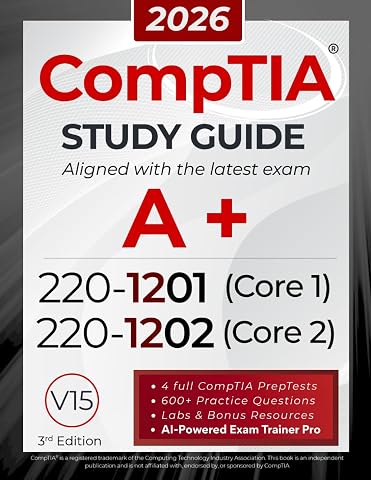
CompTIA A+ 220-1201 and 220-1202 Study Guide: The All-in-One Manual to Pass Core 1 & 2 with Confidence – Includes Labs, Practical Exercises, and the Exam AI Trainer Pro
$59.66

When the Sky Falls: A human history of shooting stars
$28.04

Photographic Memory: Fifty Years of Photography at the National Portrait Gallery
$58.77

Log Cabin Quilt Blocks: 100 colour and pattern variations
$32.78

The King Is Coming Bible [Study Guide + Streaming Video]: It's Time to Prepare for the Return of Christ
$37.40