 1 / 7
Yukidoke YSW222 Dual-Monitor HDMI/DisplayPort KVM Switch, 4K 60Hz
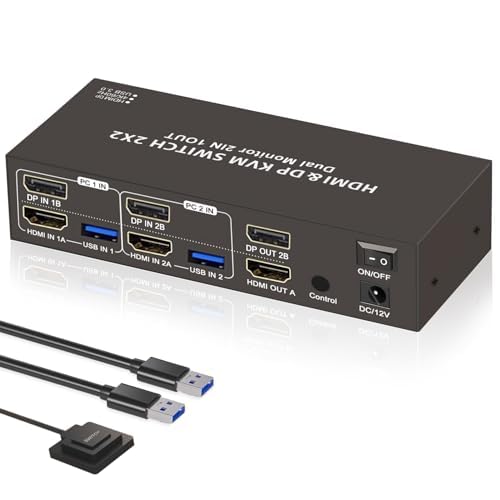
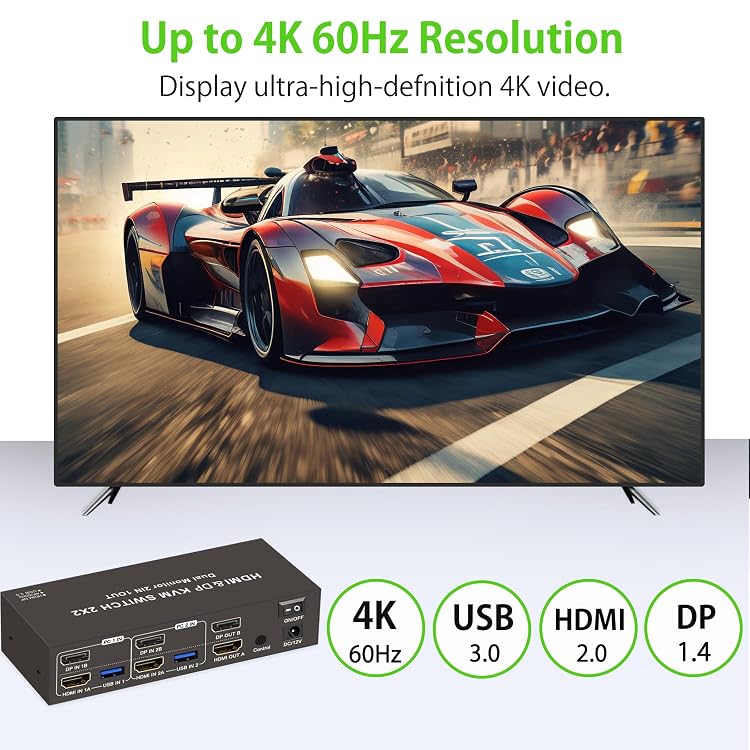
Dual-Monitor: The Yukidoke YSW222 KVM switch is listed for switching one of two desktop computers across two monitors, with four USB 3.0 peripheral ports. The listing claims 4K 60Hz and extended or mirrored display modes, but specifies a desktop HDMI and DisplayPort setup and says laptops and tablets cannot be used.
At a glance
- Switches one active computer between two monitors, according to the listing. It does not display two computers at the same time.
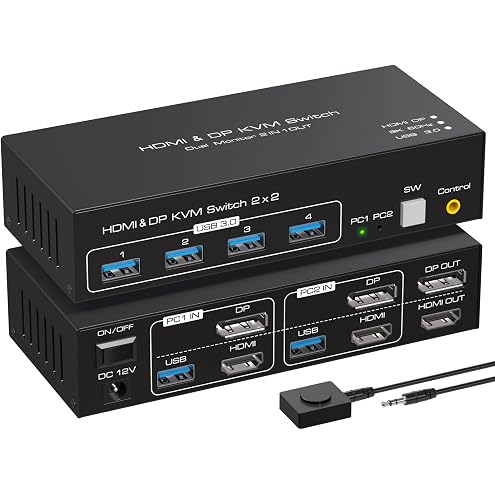
- Four USB 3.0 output ports are listed for sharing peripherals, with computer USB connections required for those ports to work.
- The listing describes extended and mirrored display modes, subject to the connected computer supporting them.
- The manufacturer says to connect the included 12V DC power adapter for stable operation.
Pros and cons
Pros
- Can share a keyboard, mouse and other USB peripherals between two desktop computers through four USB 3.0 output ports.
- The stated two-monitor arrangement and extended or mirrored modes suit a dual-screen desktop workflow, if the computer supports the chosen mode.
Cons
- Switching between computers is reported to blank the display for a few seconds.
Technical specifications
11 specifications| Brand | Yukidoke |
|---|---|
| Part number | YSW222 |
| Colour | White |
| Compatible devices | Computers, Gaming Consoles, Media Sources |
| Computer and monitor arrangement | 2 Monitors 2 Desktop Computers |
|---|---|
| Resolution and refresh-rate claim | 4K 60Hz |
| USB peripheral ports | 4 USB 3.0 Ports |
| Display modes | Extended/Copy Mode |
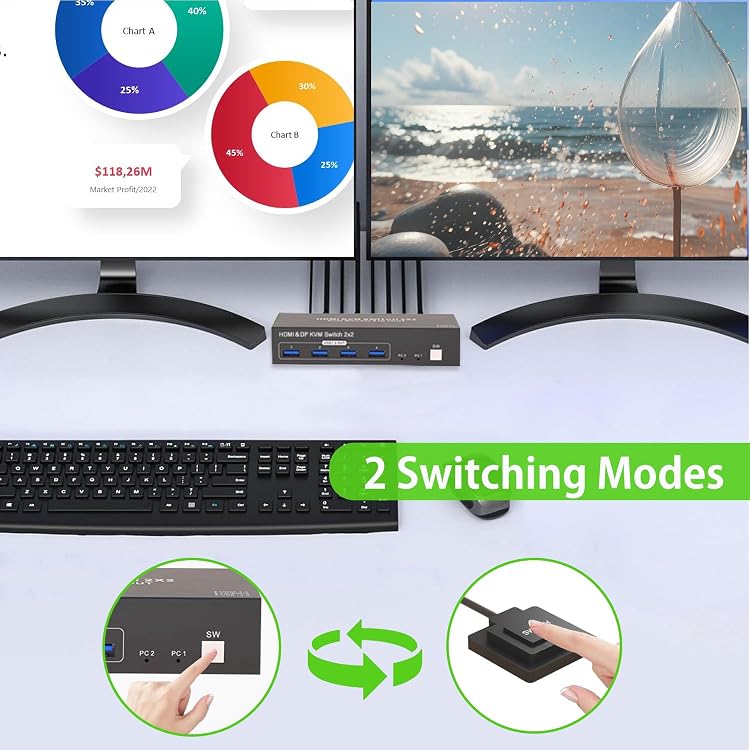
| Control methods listed | Push Button |
|---|
| Dimensions listed | 6.8 x 2.2 x 14.8 centimetres |
|---|---|
| Mounting types listed | Through Hole Mount |
What to know before buying
Listing details to confirm
The listing is inconsistent about the video connections: its title says HDMI and DisplayPort, while setup instructions describe both HDMI ports and elsewhere map HDMI input A to HDMI output A and DisplayPort input B to DisplayPort output B. The 4K 60Hz claim does not specify which output combination it applies to. Confirm the exact port layout and your PC-to-monitor cabling before buying. The listing also conflicts on included items: its explicit contents list names a USB cable, while the title mentions sharing a mouse and keyboard.
What’s in the box
- USB cableIncluded
- KeyboardCheck selected pack
- MouseCheck selected pack
Check which accessories are included in your selected pack before buying.
Who is it for?
A good fit for
- Desktop users who want to switch shared monitors and USB peripherals between two computers.
- Workstations using extended or mirrored displays, where the computer supports the selected mode.
Less suited to
- Laptop or tablet setups, which the listing says are not supported.
- Anyone needing both computers displayed simultaneously.
Customer reviews on Amazon
- 5 stars
48% 48% - 4 stars
39% 39% - 3 stars
13% 13% - 2 stars
0% 0% - 1 star
0% 0%
The supplied aggregate ratings lean positive, with five- and four-star categories making up most ratings, while some three-star ratings indicate less positive experiences. Without customer comments, the reasons are unknown. Treat the figures as limited feedback rather than evidence that the claimed video modes, ports or compatibility will suit a particular setup.
Frequently asked questions
Can this switch show both computers at once?
No. The listing says it routes one active signal source at a time, so it switches between computers rather than showing both simultaneously.
Are laptops supported?
The listing says the switch is for desktop PCs and that laptops and tablets cannot be used.
Do the four USB ports work without connecting the computers by USB?
No. The setup instructions say to connect USB cables from the computers to the switch's USB input ports for its four USB output ports to function.
Does it support extended and mirrored displays?
The listing claims both modes, but says the connected computer must support the mode. It also gives inconsistent connection instructions, so check the port arrangement before purchase.
Alternative options
ATLAHET 8K HDMI+Displayport Dual Monitor KVM Switch 2 Monitors 2 Computers USB 3.0 KVM Switcher Support 8k 60hz 4k 120hz for Two Computers Share 4 USB Devices with External Wired Controller - Black
$89.99
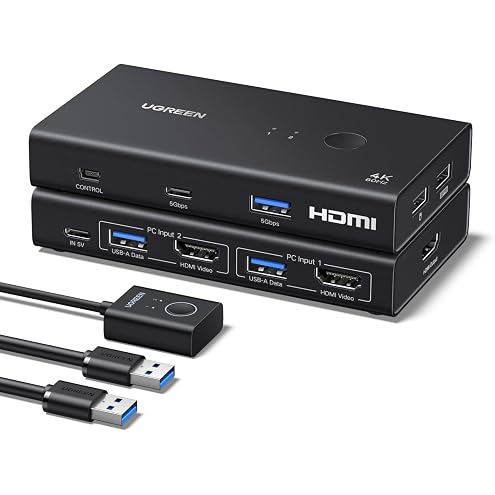
UGREEN 4K@60 Hz HDMI KVM Switch, 2 Computers, 1 Monitor, 4 USB 3.0 Ports | Share Keyboard, Mouse, Hard Drives and Webcam, Includes 2 USB Cables and Controller
$55.99
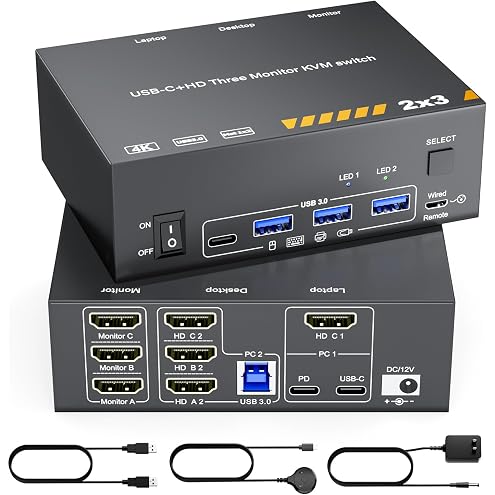
KVM Switch 3 Monitors MST USB-C & Triple HDMI USB Type-C Docking 4K@60Hz Triple Monitor KVM Switch for Laptop & Desktop PC, 100W PD Charging, with Type-C 3.1 Gen2 Cable and Wired Remote
$179.99
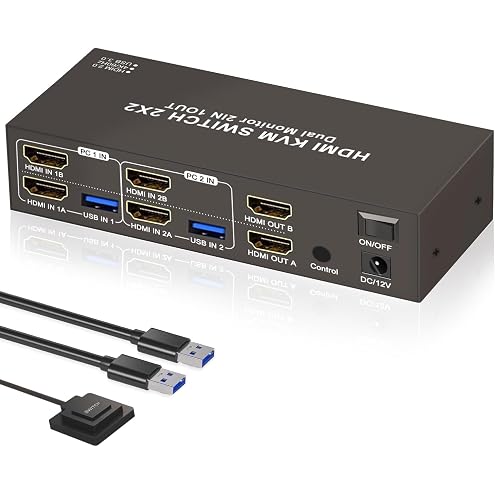
【HDMI 2 in 2 Out】 KVM Switch 2 Monitors 2 Computers, HDMI Dual Monitor 4K@60Hz 2 Desktop Computers in 2 Monitors Out, with 4 USB 3.0 Ports to Share Keyboard Mouse, Extended Display
$67.95
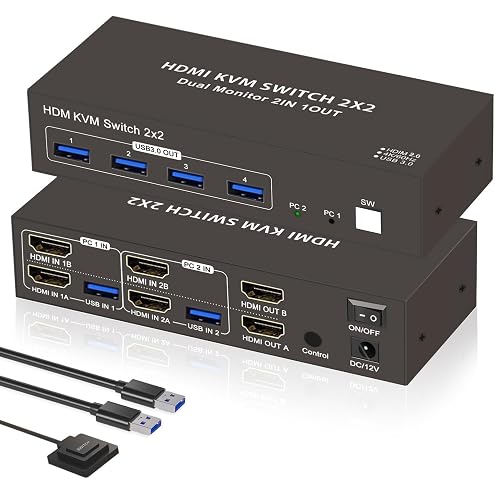
Dual Monitor HDMI KVM Switch 2 Desktop Computers 2 Monitors, 4K 60Hz KVM Switch 2PC, 4 USB 3.0 Devices, with Remote & Button Control, Keyboard Mouse Sharing, Extended and Mirrored Mode for PC/Mac/PS5
$67.99
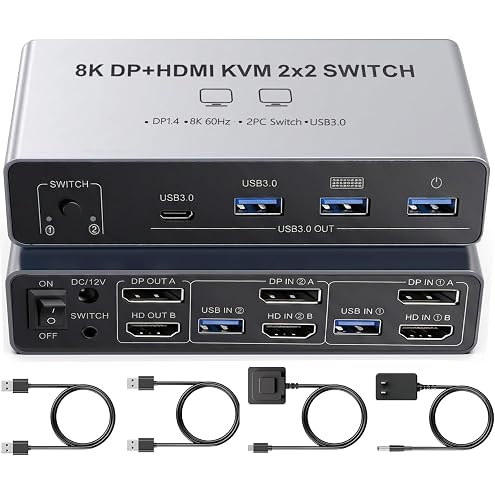
Dual Monitor 8K KVM Switch 2 Monitors 2 Desktop Computers HDMI Displayport Switcher 4K@144Hz HDMI 2.1 + DP 1.4 2 Port KVM Switch for 2 PCs Sharing Keyboard Mouse & 4 USB 3.0 Ports, Wired Switching
$82.99
Products with discounts that might interest you
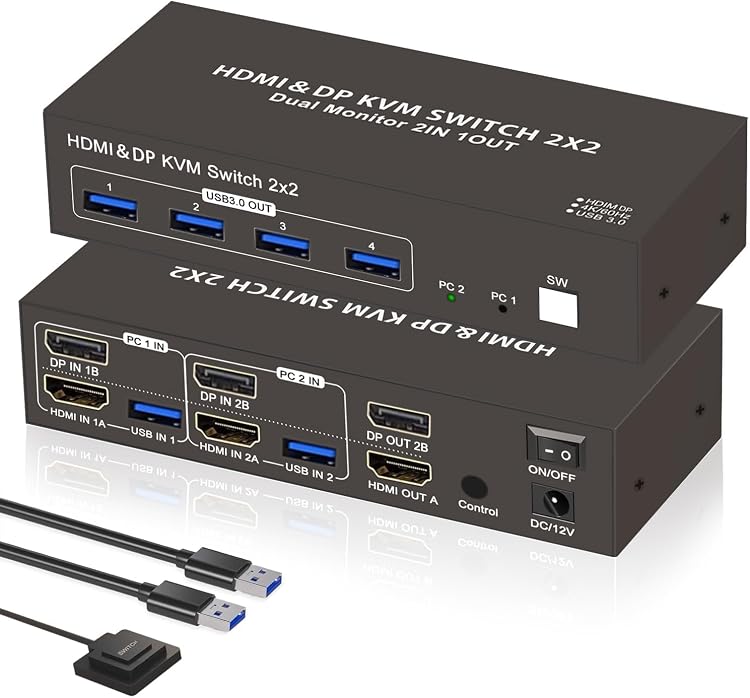
Offer details
- Connect the included 12V DC power adapter, as directed by the manufacturer.
- Connect each computer to the KVM's USB input for the four USB output ports to function.
- The listing says the display goes black for a few seconds when switching computers.