 1 / 6
Yukimatu Dual-Monitor HDMI and DisplayPort KVM Switch, 4K 60Hz
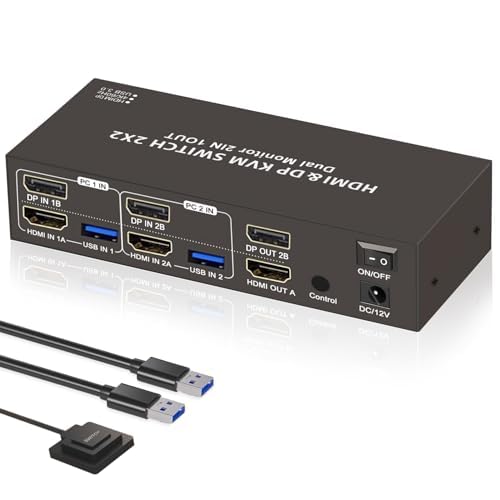
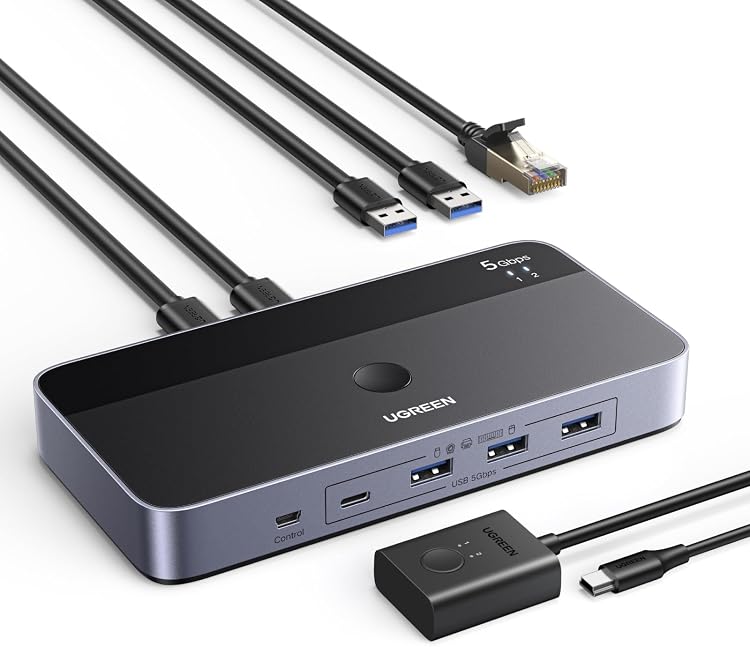
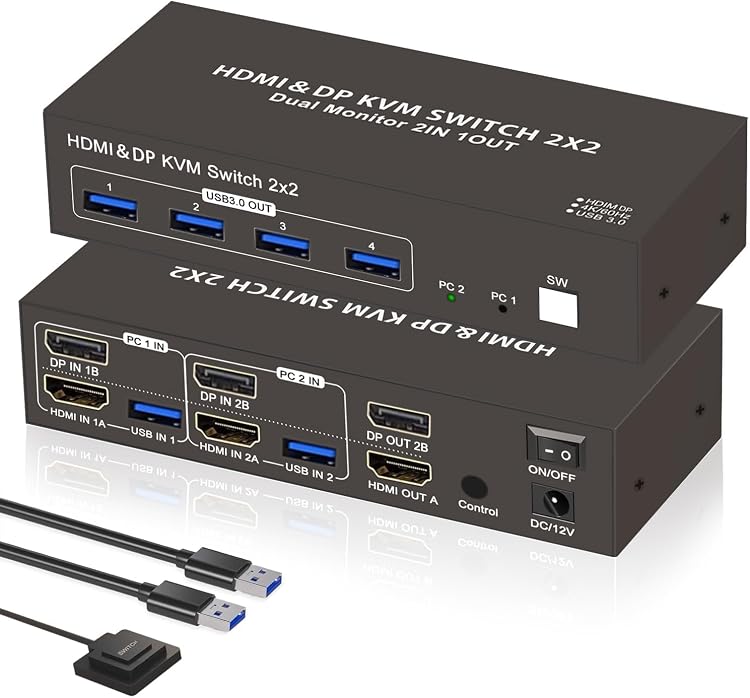
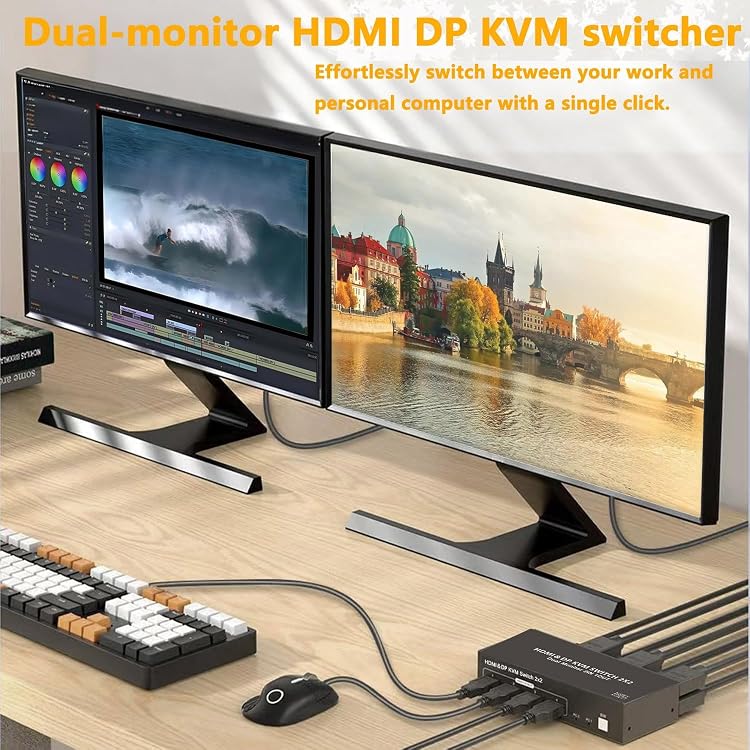
HDMI DisplayPort: The Yukimatu dual-monitor KVM switch lets two computers share two displays and USB peripherals, with switching by a button on the unit or a wired remote. The listing claims up to 4K at 60Hz and extended or mirrored display modes. Its setup notes say the computers cannot be used simultaneously and that both video inputs must be connected to one computer for dual-monitor display.
At a glance
- Shares two displays and USB peripherals between two computers, switching between computers rather than using both sources at once.
- The listing specifies HDMI and DisplayPort connections and a maximum of 4K at 60Hz.
- Four USB 3.0 ports are described for peripherals, with keyboard and mouse sharing when switching.
- Switch using the unit's physical button or the wired remote.
- The listing says no drivers are required and names Windows, macOS, Linux and Chrome OS compatibility.
Pros and cons
Pros
- Four USB 3.0 ports provide a shared connection point for peripherals such as a keyboard, mouse, storage device or printer.
- A wired remote offers a switching option that can be placed within reach, as an alternative to the button on the switch.
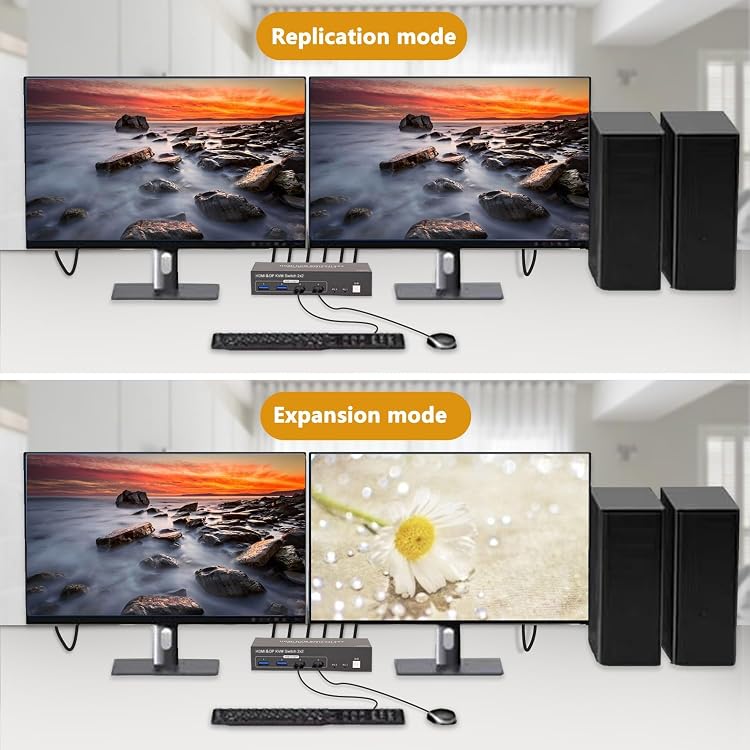
- Mirrored and extended display modes cover both duplicated-screen and expanded-desktop workflows.
Cons
- Switching computers may briefly blank the display, according to the listing.
- The two computer sources cannot be used simultaneously.
Technical specifications
12 specifications| Brand | Yukimatu |
|---|
| Connector type | HDMI, DisplayPort |
|---|---|
| Maximum listed resolution and refresh rate | 4K (3840x2160) resolution at 60Hz |
| HDCP | HDCP 2.2 |
| USB ports | 4-Port USB 3.0 hub |
|---|---|
| Stated USB transfer speed | up to 5Gbps |
| Switching methods | physical button on the switch box or the wired remote controller |
| Display modes | Duplicate (mirrored) and Extend (expanded desktop) modes |
| Compatible devices | Gaming Console, Laptop, Monitor, Personal Computer |
|---|---|
| Operating systems | Windows, macOS, Linux, Chrome OS |
| Colour | White |
| Country of origin | Italy |
What to know before buying
Listing details to confirm
The listing's dual-monitor setup instructions say both HDMI and DisplayPort inputs must connect to one computer, while its headline describes two computers sharing two monitors. These connection details are contradictory or unclear. Confirm the input-to-output arrangement and that it supports your intended setup before buying. The listing also says USB ports are for data only, video and audio use HDMI or DisplayPort, and the supplied power adapter should be used for stable operation.
What’s in the box
- KeyboardCheck selected pack
- MouseCheck selected pack
- Australian-standard power adapterCheck selected pack
- USB 3.0 cablesCheck selected pack
- Wired remote controllerCheck selected pack
Check which accessories are included in your selected pack before buying.
Who is it for?
A good fit for
- People switching a keyboard, mouse and other USB peripherals between two computers.
- Setups using HDMI and DisplayPort displays where 4K at 60Hz is sufficient.
- Users who want a physical switch or a wired remote and mirrored or extended display modes.
Less suited to
- People who need both computers to display at the same time.
- Buyers who need a confirmed connection diagram for a specific two-computer, two-monitor configuration without first clarifying the listing's setup instructions.
Frequently asked questions
Can both computers be used at the same time?
No. The listing says the two signal source devices cannot be used simultaneously and must be switched between.
Does it support two monitors?
The title and feature text describe two-monitor use. However, the setup instructions say both HDMI and DisplayPort inputs must connect to one computer for dual-monitor display, so confirm the wiring and intended configuration before buying.
What resolution does the listing specify?
It claims support up to 4K (3840x2160) resolution at 60Hz. This is a listing specification, not an independently verified performance result.
Are the USB ports for video?
No. The listing says the USB ports are for data transfer. It directs users to HDMI and DisplayPort for video and audio.
How can I switch between computers?
The listing describes a physical button on the switch and a wired remote controller. It also notes that the display may go black for a few seconds during switching.
Alternative options
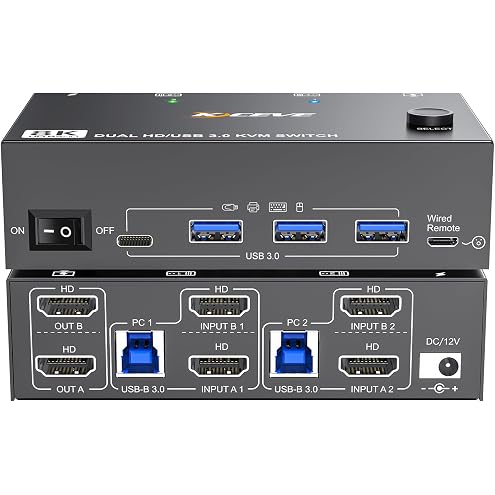
8K Dual Monitor KVM Switch HDMI 8K@60Hz 4K@144Hz,Camgeet KVM Switch 2 Monitors 2 Computers with 4 USB 3.0 HUB for Keyboard Mouse Printer,Wired Remote,12V Power Adapter and USB Cables Included
$95.99
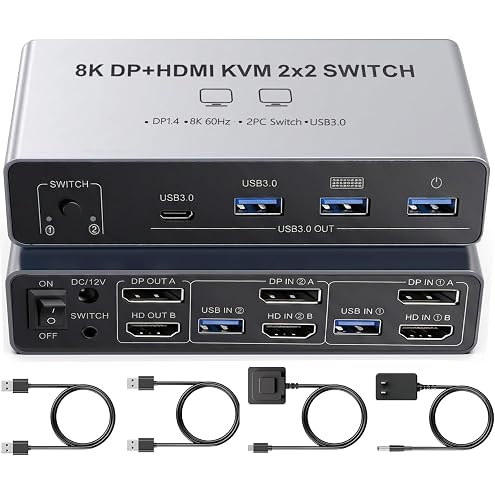
Dual Monitor 8K KVM Switch 2 Monitors 2 Desktop Computers HDMI Displayport Switcher 4K@144Hz HDMI 2.1 + DP 1.4 2 Port KVM Switch for 2 PCs Sharing Keyboard Mouse & 4 USB 3.0 Ports, Wired Switching
$82.99
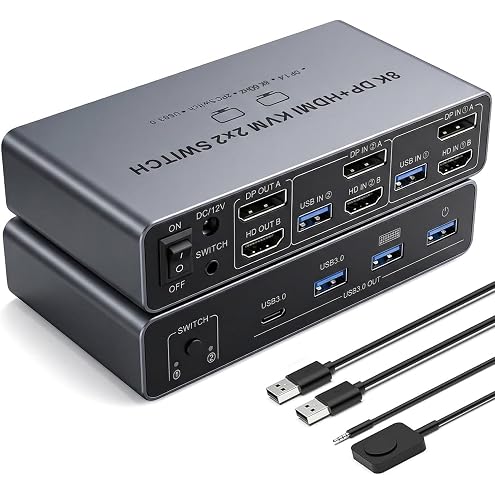
【HDMI Displayport 2 IN 2 OUT】8K KVM Switch 2 Monitors 2 Desktop Computers, Dual Monitor, 4K@144Hz HDMI+DP 2IN 2 OUT USB 3.0 KVM Switcher, 2 Switching Modes, 2 PCs Share 1 Set of Keyboard Mouse Printer
$80.50
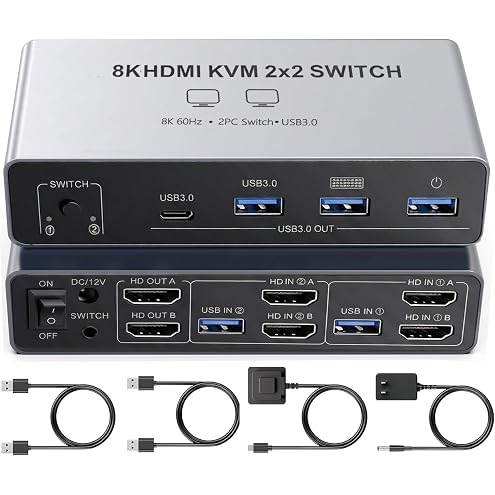
Dual Monitor 8K KVM Switch, 2 Port Dual HDMI 2.1 KVM Switcher Supports 4K@144Hz, 2 Computers Share 2 HDMI Monitors, Keyboard Mouse & 4 USB 3.0 Ports with Wired Remote Switch Button
$82.99
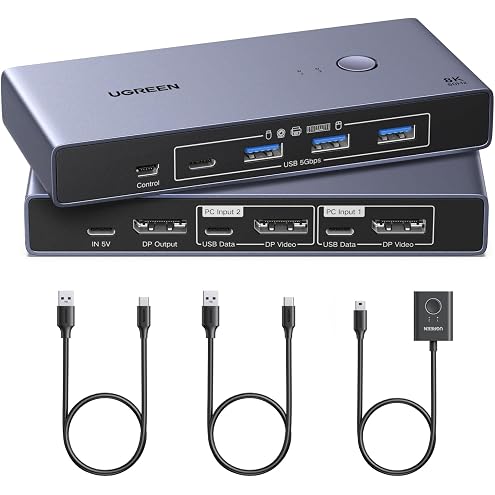
UGREEN 8K@60 Hz DisplayPort KVM Switch, 2 PCs, 1 Monitor, 4 USB 3.0 Ports | 4K@240 Hz, Aluminium, Keyboard, Mouse, USB Drives and Printer Sharing, Includes 2 USB Cables
$93.49
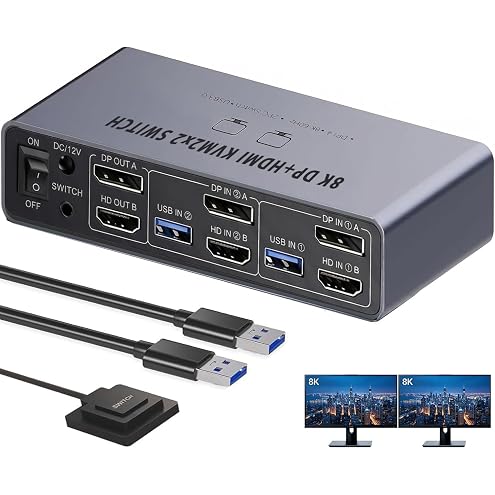
8K Dual‑Monitor HDMI DisplayPort KVM Switch, 2 Port KVM Switcher for 2 PCs Share 2 Screens, Keyboard & Mouse Sharing, 4 USB 3.0 Ports, Extended/Clone Mode, Includes Wired Desktop Controller
$83.99
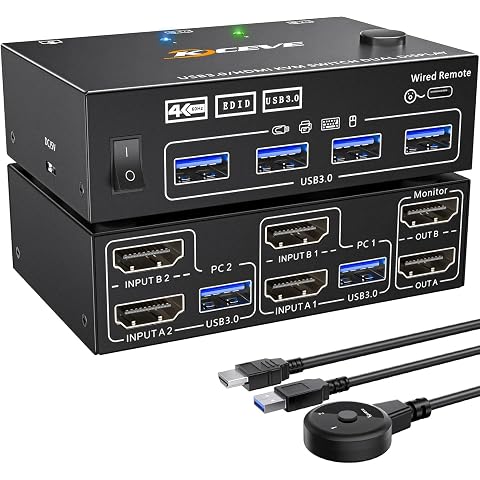
4K KVM Switch 2 Monitors 2 Computers Dual Monitor 2 Port HDMI KVM 2 PCs | 2 in 2 Out 4K@60Hz Extended and Copy Display with EDID Simulation, 2 HDMI 2.0 Cables Included
$72.99
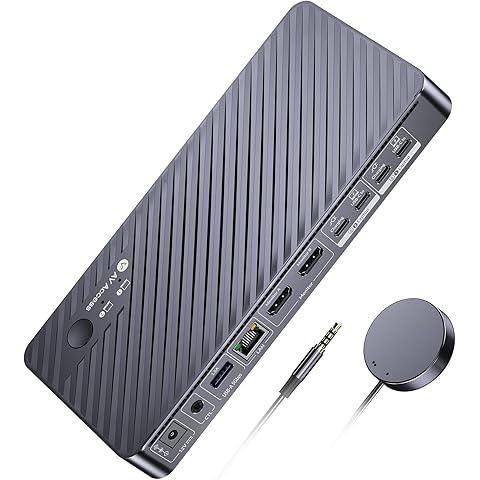
AV Access KVM Docking Station 2 Monitors 2 Laptops 4K KVM Switch | Dual Monitor 4K Display, 100W PD for Each PC, 1G Ethernet, EDID Emulation, Ideal for Home Office Laptop Switching
$305.99
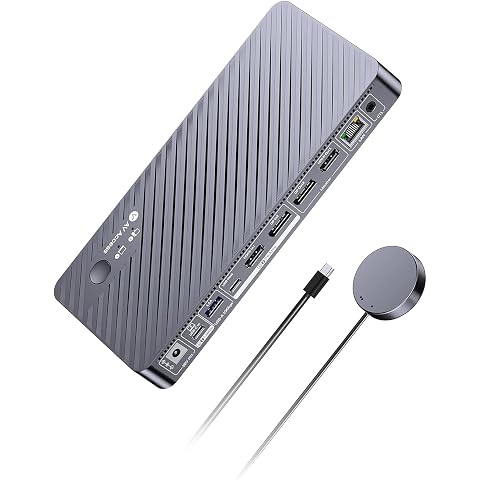
AV Access 8K KVM Switch 2 Monitors 2 Computers for Laptop & Desktop | KVM Docking Station Dual Monitor 8K@60Hz/4K@165Hz, 100W PD, 4xUSB 3.2 10Gbps USB C Hub, Audio, SD, Remote Switch, 1G Ethernet
$459.99
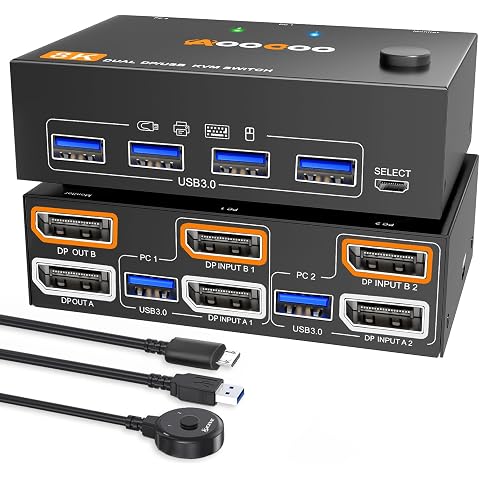
4K@144Hz KVM Switch 2 Monitors 2 Computers Displayport 1.4 Dual Monitor 8K@30Hz/4K@144Hz 5Gbps DP1.4 for 2 PCs Share 2 Screens & 4 USB 3.0 External Devices, with 2 USB 3.0 Cables & Wired Remote
$95.99
JBL Quantum 950, 50mm Carbon Dynamic Drivers, Spatial Sound with Head Tracking, 50 Hours of Playtime, QuantumENGINE, Adaptive Noise Cancelling, Black
$449.95

JBL Live 770NC, JBL Signature Sound and Surround Sound, Bluetooth 5.3 with LE Audio Supported *, True Adaptive Noise Cancelling with Smart Ambient, Black
$156.80