 1 / 7
XPPen Deco 01 V3 Drawing Tablet, 10-inch
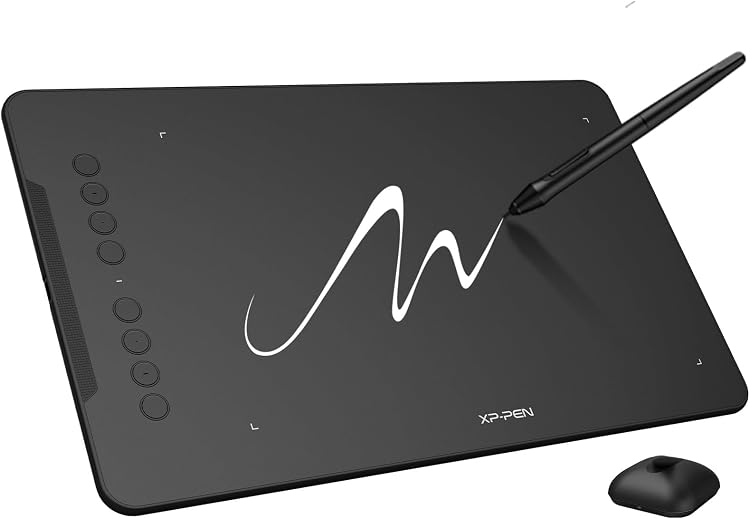
XPPen Deco 01 V3 is a USB-connected drawing tablet with a battery-free stylus and customisable shortcut keys. It is a screenless drawing pad rather than a drawing display, so you work on the tablet while viewing your canvas on a connected device.
At a glance
- A battery-free stylus avoids routine pen charging.
- Eight customisable shortcuts are stated to suit left- and right-handed use.
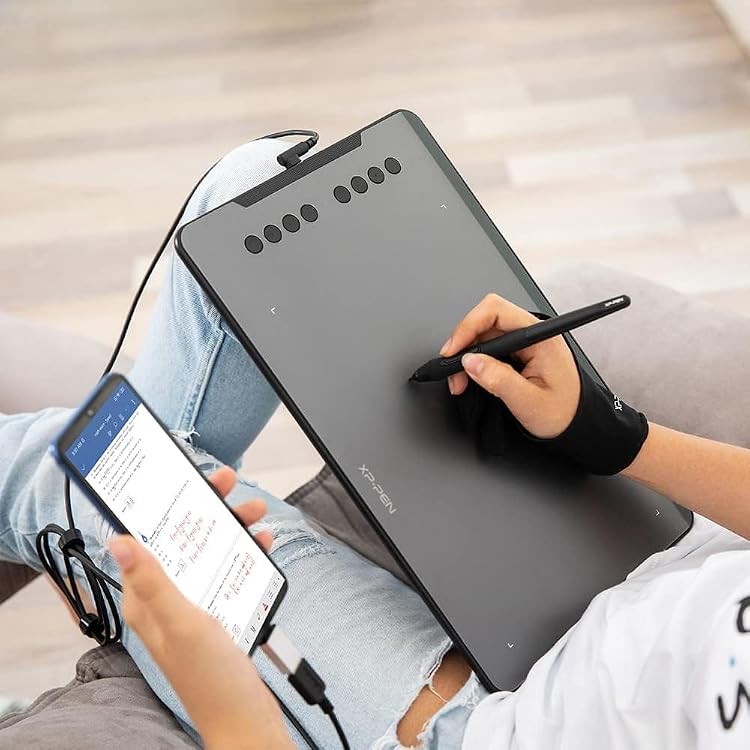
- Android support is listed for version 10.0 and later, with the manufacturer recommending its app for screen mapping.
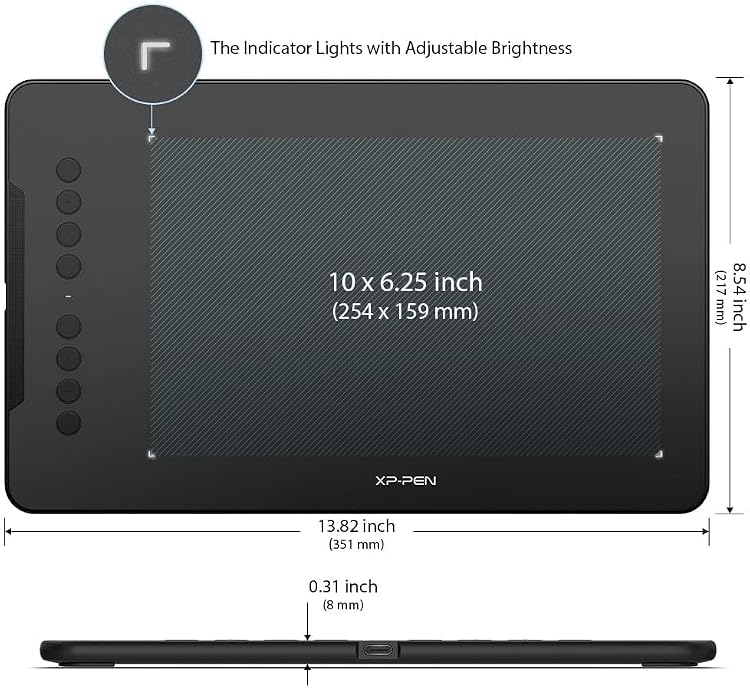
- The tablet is specified as 8 mm thin, though its listed weight is 1000 Grams.
Reference price: $89.99
Price checked: 18 Nov 2026
View offerAhead of Black FridayExplore the selectionOften bought together
Pros and cons
Pros
- The pen needs no battery or charging, according to the listing.
- Eight customisable shortcuts can put frequently used actions within reach.
- Listed support spans Windows, Mac, Android, Chrome OS and Linux, subject to the stated version requirements.
Cons
- As a drawing pad rather than a drawing display, it does not provide a listed on-tablet drawing screen.
Technical specifications
16 specifications| Brand | XPPen |
|---|---|
| Model | Deco |
| Screen size listed | 10 Inches |
|---|---|
| Screen technology listed | LCD |
| Connection listed | USB |
|---|---|
| Pressure sensitivity | 8192 Levels |
| Stylus | Battery-free Stylus |
| Shortcut keys | 8 customizable shortcuts |
| Tilt support | up to 60 degrees |
| Operating system listed | Windows Mac |
|---|---|
| Other stated compatibility | Windows 7 (or later), Android 10.0 or later), mac OS 10.13 (or later), Chrome OS 88 (or later) and Linux. |
| Active area | 60 square inches |
|---|---|
| Dimensions | 35.3L x 22.4W centimetres |
| Thickness | 8 mm |
| Weight listed | 1000 Grams |
| Colour | Black |
What to know before buying
Listing details to confirm
The listing conflicts on pressure sensitivity: the title and feature copy claim 16,384 levels, while the specifications state 8192 Levels. It also describes the tablet as 10 x 6.25 inches and lists a 60-square-inch active area, a 10-inch screen and LCD technology, although it is presented as a drawing pad. USB connectivity is listed alongside USB-C cable and adapter descriptions, and operating-system details differ across sections. Confirm the precise revision, working area, connection and compatibility before purchase.
What’s in the box
- 1 × 16384-Level Battery-Free StylusCheck selected pack
- 1 × Pen Stand and replacement nibsIncluded
- 1 × Protective filmIncluded
- 1 × Quick guideIncluded
- 1 × USB cableIncluded
- 1 × USB to USB-C adapterIncluded
- 1 × GloveIncluded
Check which accessories are included in your selected pack before buying.
Who is it for?
A good fit for
- Beginners who want a screenless drawing tablet with a battery-free pen and shortcut keys.
- Digital artists using compatible Windows or Mac software, including Photoshop and Lightroom as mentioned in customer feedback.
- Teachers or users who want a drawing pad for compatible Android devices, after checking version and mapping requirements.
Less suited to
- Buyers who want to draw directly on a built-in display.
- Buyers who need a confirmed 16,384-level pressure specification without checking which listing details apply to the selected revision.
Customer reviews on Amazon
- 5 stars
70% 70% - 4 stars
17% 17% - 3 stars
7% 7% - 2 stars
2% 2% - 1 star
4% 4%
Customer feedback highlights easy setup, use with Photoshop and Lightroom, beginner suitability, size and value. Button responsiveness and durability receive mixed reports, including a report of breakage after two weeks. For beginners, the reported ease of use aligns with the listed shortcuts and battery-free pen, but the mixed button and durability feedback is worth weighing if dependable long-term use is a priority.
Positive themes
- Customers report that setup and connection are easy.
- Customers describe it as suitable for beginners and report using it with Photoshop and Lightroom.
- Customers appreciate its size and value.
Mixed feedback
- Feedback on button responsiveness is mixed.
- Durability opinions are mixed, including one report of breakage after two weeks.
Frequently asked questions
Does the tablet have a screen for drawing?
It is described as a drawing pad, not a drawing display. The listing’s LCD and screen-size fields conflict with that description, so confirm the selected version if an on-tablet display matters.
How many pressure levels does the stylus support?
The listing is inconsistent. Its title and feature copy claim 16,384 levels, while the technical details state 8192 Levels. Check the selected revision with the seller before relying on either figure.
Can it connect to an Android device?
The feature listing says Android 10.0 or later is supported and recommends the XPPen Tools Android app for mapping. The listing also contains differing connection descriptions, so confirm the required cable and adapter for your device.
What comes in the package?
The stated contents include a stylus and replacement nibs, a pen stand, protective film, quick guide, USB cable, USB to USB-C adapter and glove. The package descriptions vary, so verify the selected listing.
Alternative options
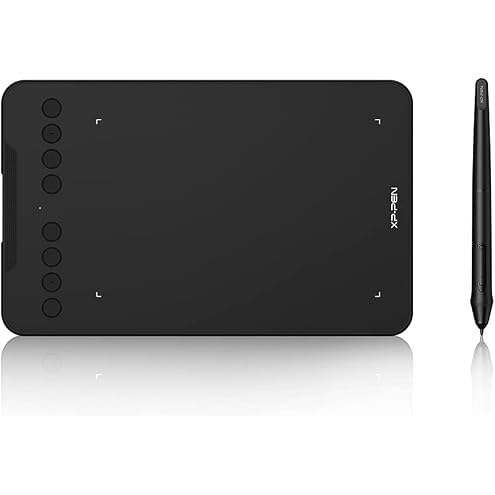
XPPen Updated Deco Mini7 V2 Drawing Tablet-16384 Levels of Pressure Battery-Free Stylus, 7 x 4 OSU Drawing Pad, 8 Hotkeys for Digital Art, Teaching, Gaming Graphic Tablet for Chrome, PC, Mac, Android
$44.79
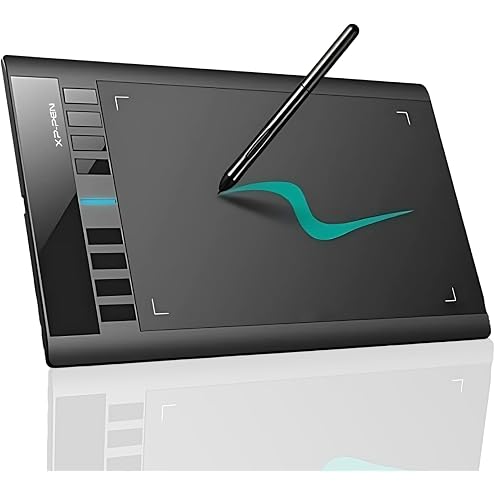
XP-PEN Star03 10x6 Graphic Drawing Tablet With Battery-Free Stylus, Passive Pen, 8 Hot Keys - Signature Board
$55.99
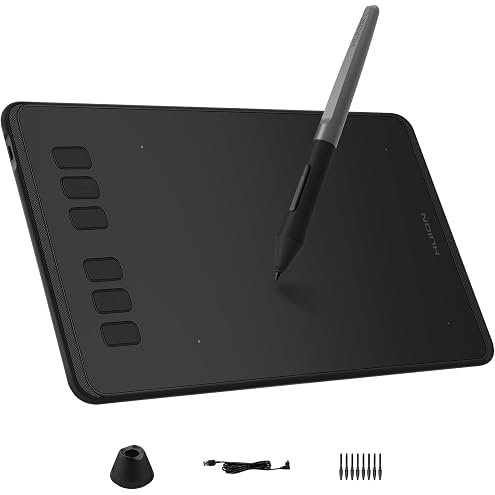
HUION Inspiroy H640P 6 * 4 inch Graphics Drawing Tablet with Battery-Free Stylus 8192 Pressure Sensitivity 6 Customized Hot Keys, Digital Pen Tablet for Linux, Mac, Windows PC and Android, Black
$35.51
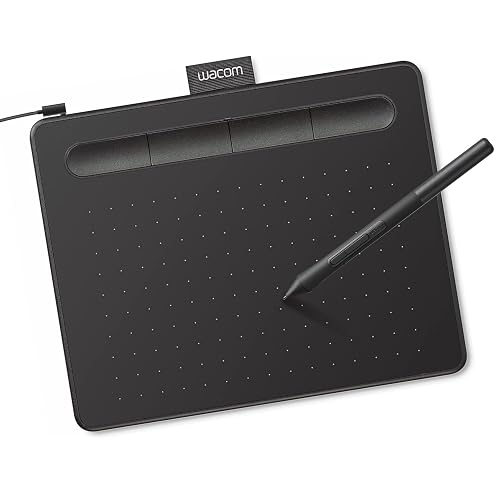
Wacom Intuos Small Graphics Drawing Tablet, Includes Training & Software; 4 Customizable ExpressKeys Compatible with Chromebook Mac Android & Windows, Photo/Video Editing, Design & Education,Black
$72.02
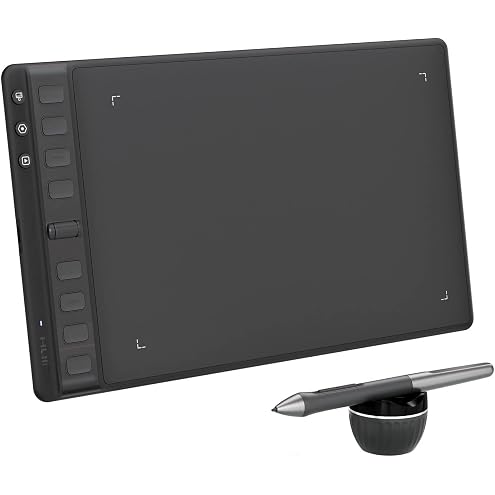
HUION Inspiroy 2 Medium Drawing Tablet with Scroll Wheel 8 Customized Keys Battery-Free Stylus 60° Tilt Support for Digital Art, Design, Sketch, 9x5inch Graphics Tablet, Black
$109.88
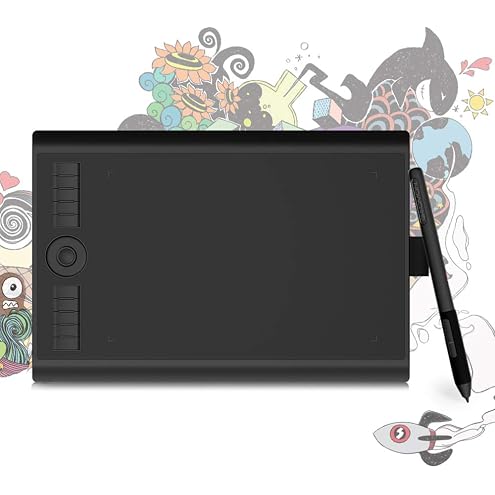
GAOMON M10K PRO Graphics Drawing Tablet, 10x6.25, Tilt & Radial, 10 Keys | Battery-Free, 8192 Pressure, Portable for Beginners, Students & Teachers in Digital Art, Teaching & Gaming, PC/Mac/Android
$47.48
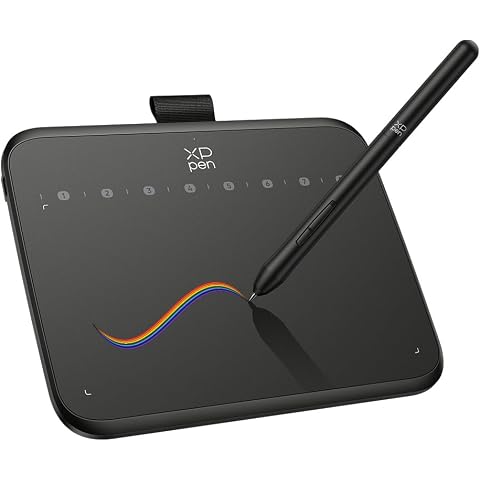
XPPen - Deco 640 Drawing Pad/Smartphones and Tablets
$29.99
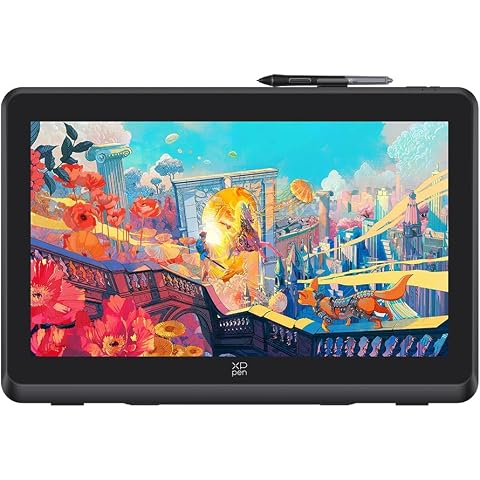
XPPen Artist 22 Plus Drawing Display Digital Drawing Monitor Graphic Tablet with Screen 22 Inch
$589.99
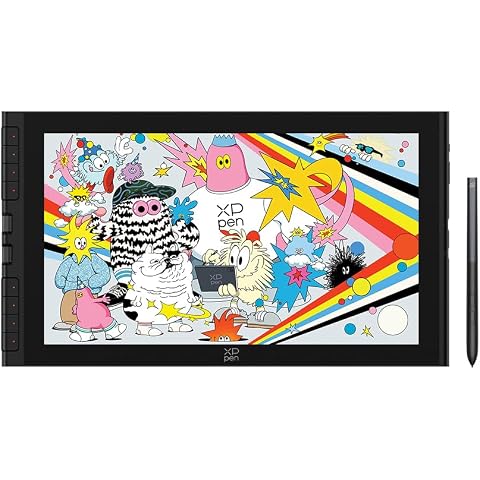
XPPen Artist 16 3rd Drawing Tablet with Screen, 15.4"Pen Display with 16K Pressure Stylus, Anti-Glare Etched Glass, 2 Scroll Wheels & 8 Hotkeys, Include Foldable Stand, Compatible with Mac/Win/Android
$399.99
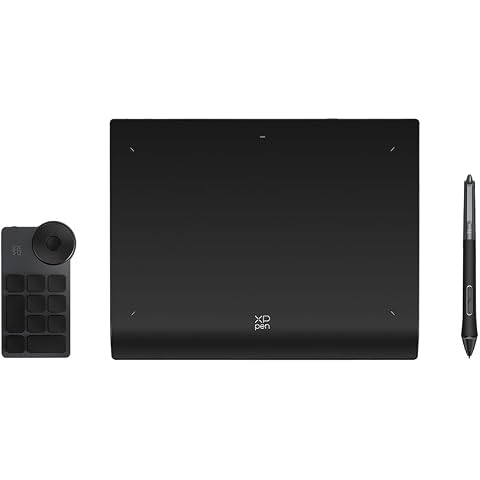
XPPen Deco Pro MW (Gen 2) Graphic Drawing Tablet Bluetooth with Shortcut Remote Battery-Free Stylus Supports 16K Pressure (9" x 6")
$179.99
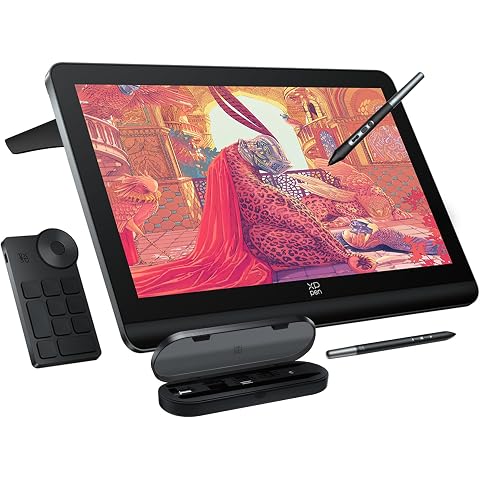
XPPen 4K UHD Artist Pro 19 Gen2 Drawing Tablet with Screen, 156% sRGB Graphic Tablet with 1.07 Billion Colors Anti-Glare Drawing Monitor with Dual 16384 Pen Pressure Stylus, Mini Keydial, 18.4"
$1,124.99
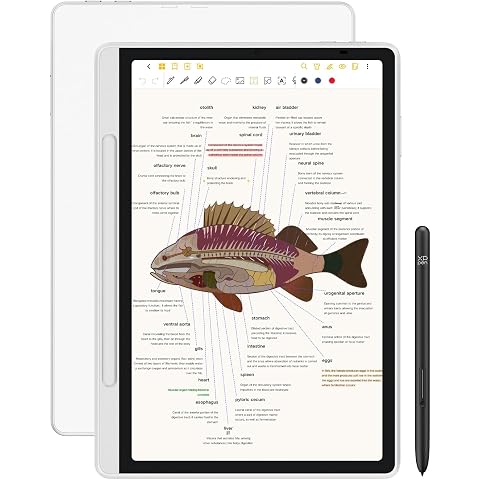
XPPen 3 in 1 Color Digital Notebook 10.95'' Paper Note Taking Tablet with 16384 Pressure Levels Battey-Free X3 Pro Pencil 2 Magnetic Folio 6+128GB Magic Note Pad for Writing/Reading/Meeting/Study
$459.99