 1 / 7
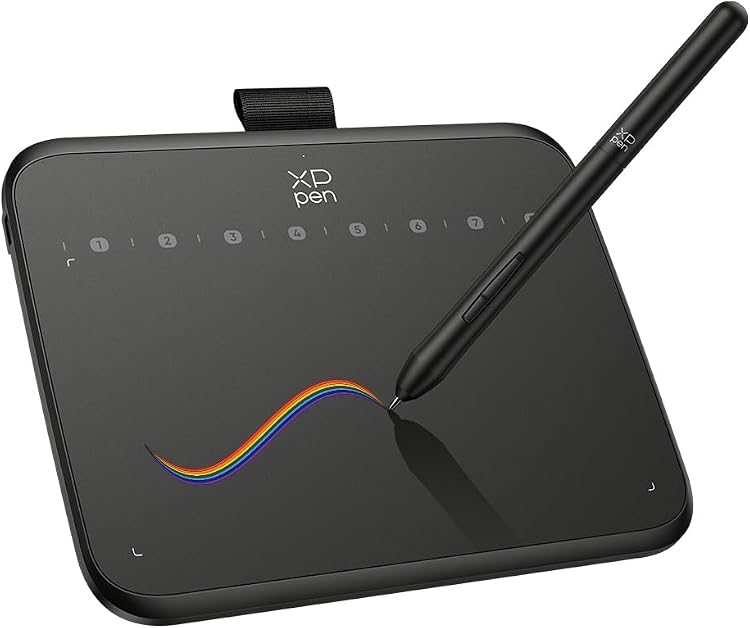
XPPen Deco 640 Drawing Tablet
The XPPen Deco 640 is a compact USB drawing tablet for drawing, handwriting and annotation with a compatible computer or tablet. Its small listed screen size and portable weight suit buyers with limited desk space, while the listing’s specifications include contradictory pressure-sensitivity figures that are worth checking before purchase.
At a glance
- Compact dimensions and a listed weight of 170 grams make it easier to carry or fit on a crowded desk.
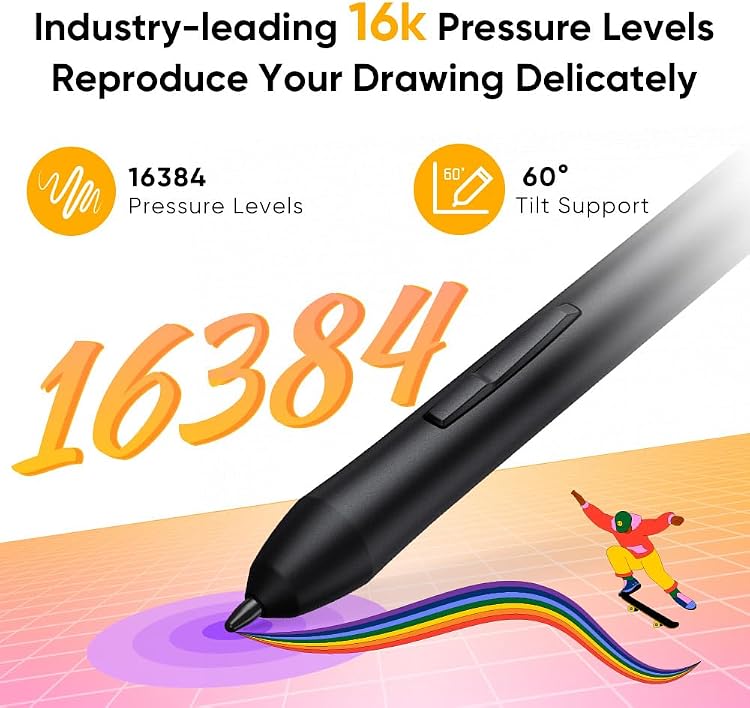
- The feature text claims 8 shortcut keys and 60° tilt support for drawing control.
- Customer feedback describes the tablet as beginner-friendly and useful for writing and annotation, but also reports inconsistent compatibility.
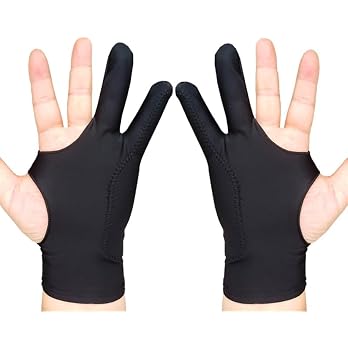
Often bought together
Pros and cons
Pros
- USB connection and a compact footprint suit a simple desk or portable setup.
- Shortcut keys and tilt support offer extra input options for drawing workflows.
- Customer feedback reports ease of use and useful writing performance.
Cons
- A 6-inch listed size gives less working area than a larger drawing tablet.
Technical specifications
17 specifications| Brand | XPPen |
|---|---|
| Model | Deco 640 |
| Screen size | 6 Inches |
|---|---|
| Screen technology listed | LCD |
| Active area | 155 Quadratzentimeter |
| Pen resolution | 5080 LPI |
| Pressure sensitivity | 16.38 Levels |
|---|---|
| Additional features | 60° Tilt Support, Extra-Slim |
| Shortcut keys | 8 soft shortcut keys |
| Report rate | 220RPS |
| Connection listed | USB |
|---|---|
| Compatible devices | Laptop, Desktop, Tablet |
| Weight listed | 170 Grams |
|---|---|
| Dimensions | 15.2L x 10.2W centimetres |
| Thickness | 7.7 mm |
| Colour | Black |
| Operating system listed | Windows 10 |
|---|
What to know before buying
Listing details to confirm
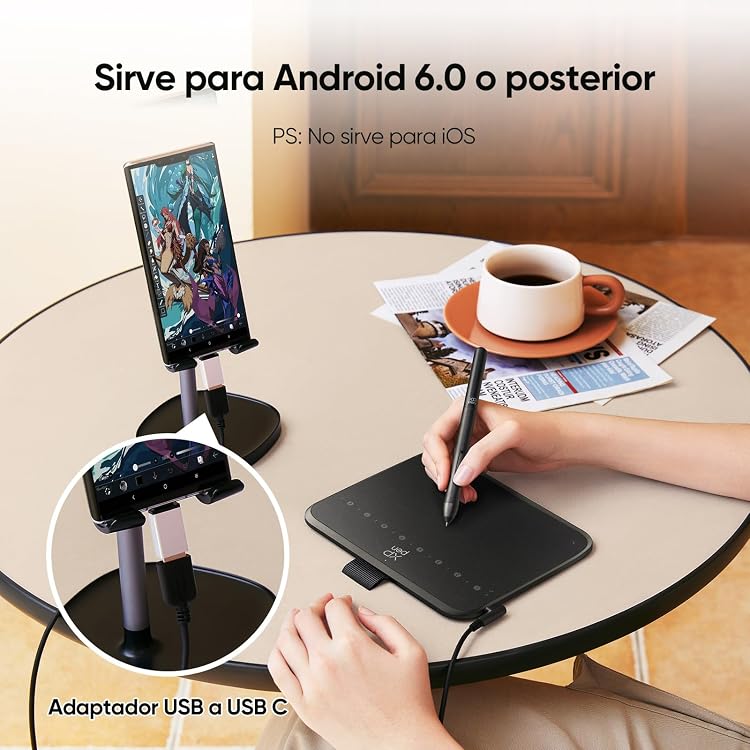
The pressure-sensitivity details are inconsistent: the specification says “16.38 Levels” while feature text claims 16K pressure levels. The listing also labels a 6-inch screen and LCD display despite describing a graphics tablet. Confirm the intended configuration and operating-system compatibility for your device before buying. USB is listed as the connection, and Windows 10 is the only operating system named in the technical details.
Who is it for?
A good fit for
- Beginners seeking a compact tablet for drawing, handwriting or annotation.
- Users who want a small USB drawing surface with shortcut keys and tilt support.
- People looking for a portable input device for a compatible laptop or desktop.
Less suited to
- Artists who need a large drawing surface or an integrated display for viewing artwork directly on the tablet.
- Buyers who require confirmed compatibility with an operating system not specified in the listing.
Customer reviews on Amazon
- 5 stars
76% 76% - 4 stars
12% 12% - 3 stars
7% 7% - 2 stars
2% 2% - 1 star
3% 3%
Customer feedback describes the tablet as good quality, easy to use and suitable for beginners, with positive remarks about writing, annotation, pen control and its compact size. Compatibility experiences are mixed, including reports that it works well with Windows 10 computers and reports that it is unworkable. For buyers considering the listed USB connection and Windows 10 support, checking the exact host device and software compatibility matters more than assuming it will work across all listed device types.
Positive themes
- Customers describe it as easy to use and suitable for beginners.
- Feedback praises writing and annotation use, pen control and compact size.
Mixed feedback
- Compatibility feedback is mixed, with some reporting successful Windows 10 use and others saying the tablet is unworkable.
Frequently asked questions
Does the Deco 640 have a screen for viewing artwork?
The listing gives an LCD display type and a 6-inch screen size, but it also describes the product as a graphics drawing tablet. Confirm whether the selected model is a screen tablet or a pen tablet before buying.
How many pressure levels does it support?
The specifications say “16.38 Levels”, while feature text claims 16K pressure levels. These details conflict, so the actual pressure specification is unconfirmed by the listing.
Which devices and operating systems are listed as compatible?
The listing names laptops, desktops and tablets as compatible devices, and Windows 10 as the operating system. It does not establish compatibility with every device or operating system.
Is the Deco 640 portable?
The listing gives a weight of 170 grams and dimensions of 15.2L x 10.2W centimetres. Those compact listed measurements may suit a portable setup, though the working surface is correspondingly small.
Alternative options
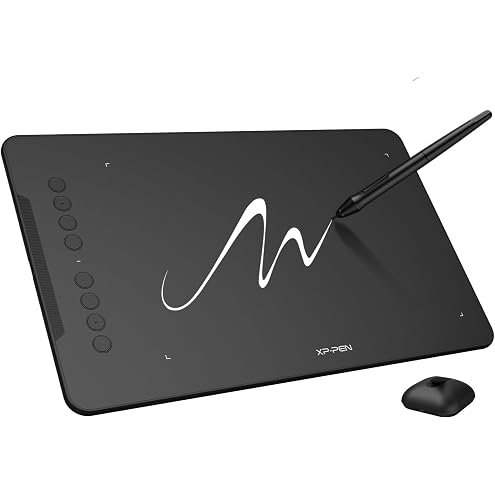
XPPen Updated Deco 01 V3 Drawing Tablet-16384 Levels of Pressure Battery-Free Stylus, 10x6 Inch OSU Graphic Tablet, 8 Hotkeys for Digital Art, Teaching, Gaming Drawing Pad for Chrome, PC, Mac, Android
$66.99
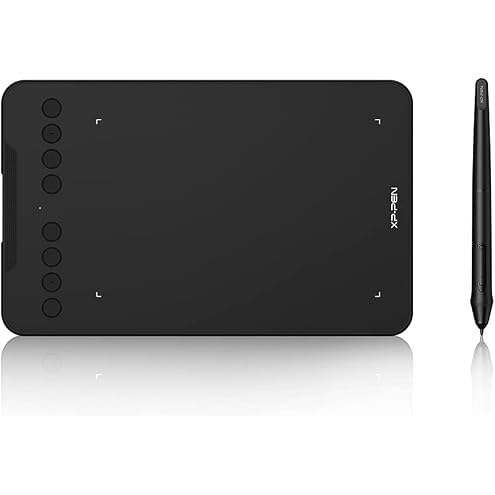
XPPen Updated Deco Mini7 V2 Drawing Tablet-16384 Levels of Pressure Battery-Free Stylus, 7 x 4 OSU Drawing Pad, 8 Hotkeys for Digital Art, Teaching, Gaming Graphic Tablet for Chrome, PC, Mac, Android
$44.79
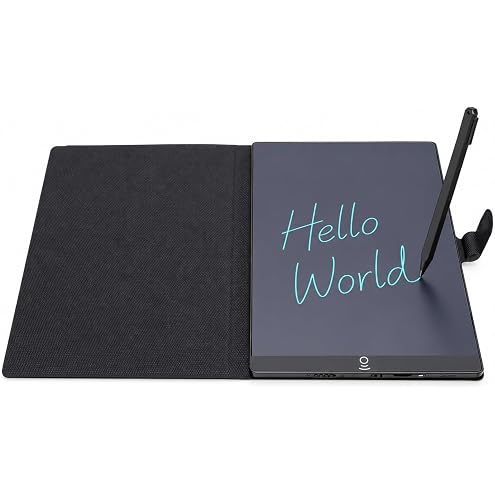
SENECESLI 9.5 Inch LCD Writing Tablet with Pen, Erasable Pad | Pressure-Sensitive Screen, Dual Erase Controls, Screen Lock, Protective Case and Stand for Notes and Sketches
$24.06
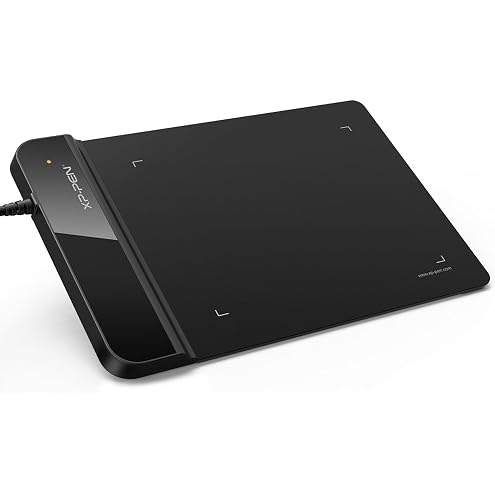
XP-Pen G430s OSU Drawing Tablet Ultrathin Graphic Tablet 4 x 3 inch Digital Drawing Pen Tablet for OSU! (Black)
$29.99
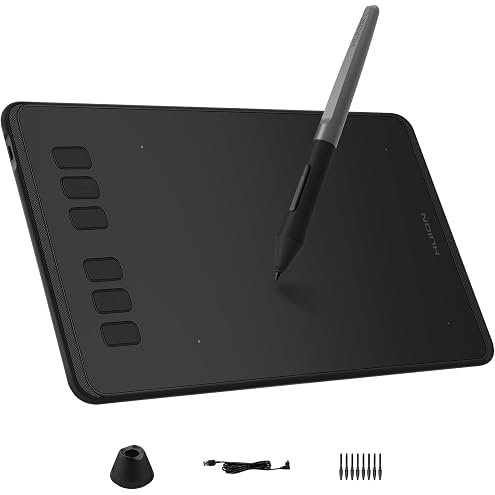
HUION Inspiroy H640P 6 * 4 inch Graphics Drawing Tablet with Battery-Free Stylus 8192 Pressure Sensitivity 6 Customized Hot Keys, Digital Pen Tablet for Linux, Mac, Windows PC and Android, Black
$35.51
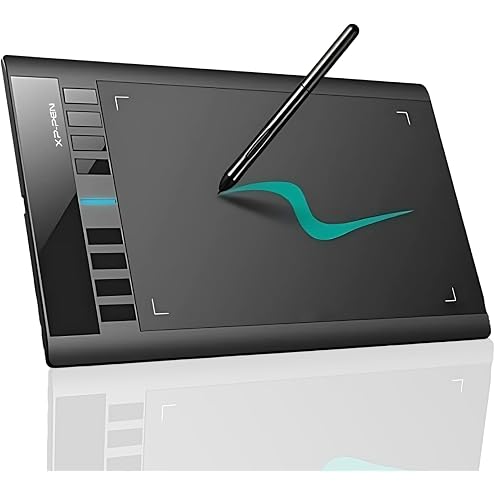
XP-PEN Star03 10x6 Graphic Drawing Tablet With Battery-Free Stylus, Passive Pen, 8 Hot Keys - Signature Board
$55.99
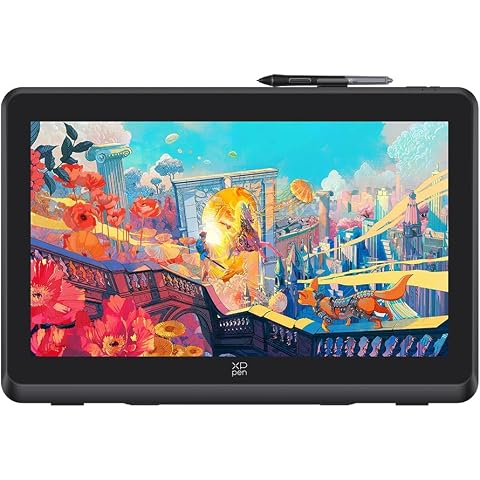
XPPen Artist 22 Plus Drawing Display Digital Drawing Monitor Graphic Tablet with Screen 22 Inch
$589.99
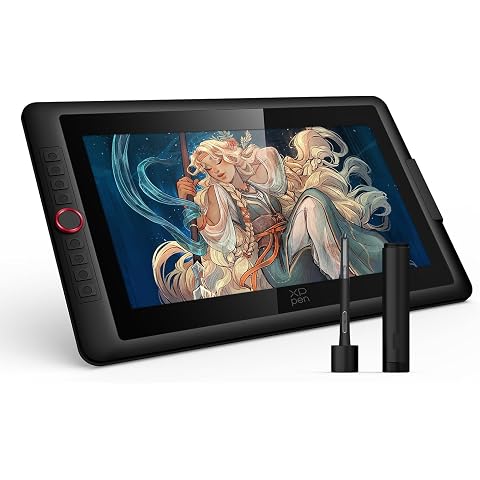
XPPen Upgraded Artist 15.6 Pro V2 Drawing Tablet with Screen 16384 Pen Pressure X3 Pro Stylus Graphic Art Tablet with Full-Laminated Anti-Glare Glass Tilt Support Red Dial and 8 Shortcut Keys
$299.99
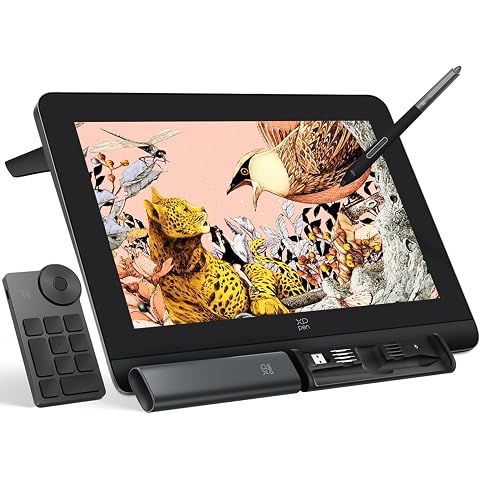
XPPen Artist Pro 16 Gen2 2.5K 16 inch QHD Drawing Tablet with Full Laminated Anti-Glare Screen 16384 Pressure Levels X3 Pro Battery-Free Stylus 159% sRGB Tilt Graphic Drawing Tablet with Mini Keydial
$559.99
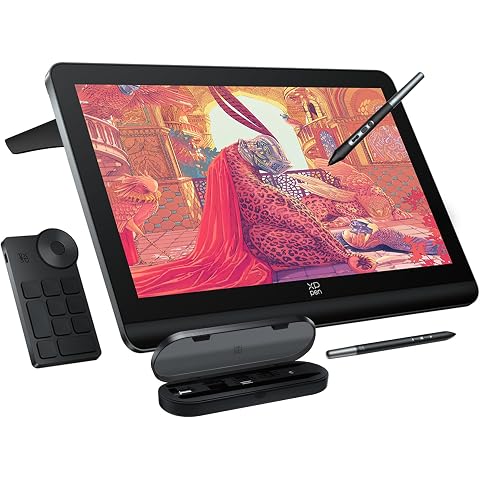
XPPen 4K UHD Artist Pro 19 Gen2 Drawing Tablet with Screen, 156% sRGB Graphic Tablet with 1.07 Billion Colors Anti-Glare Drawing Monitor with Dual 16384 Pen Pressure Stylus, Mini Keydial, 18.4"
$1,124.99