 1 / 6
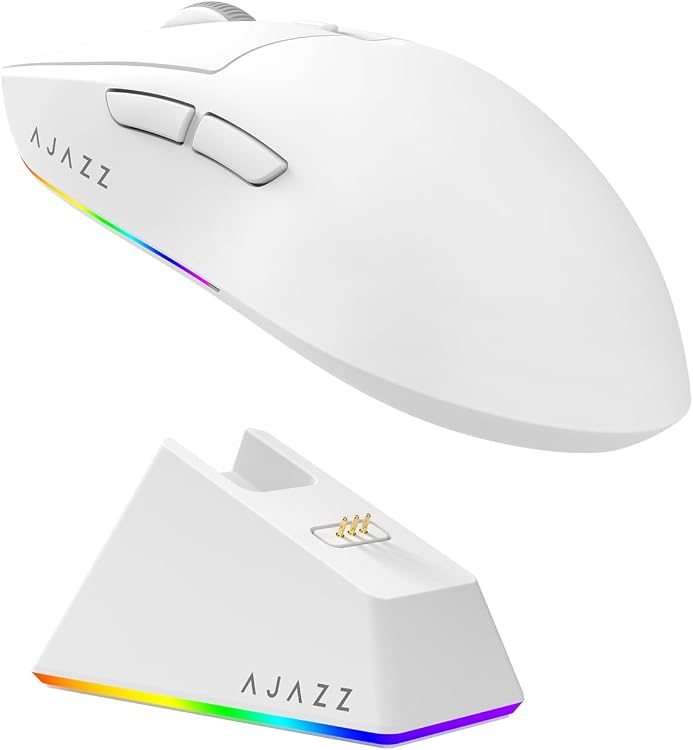
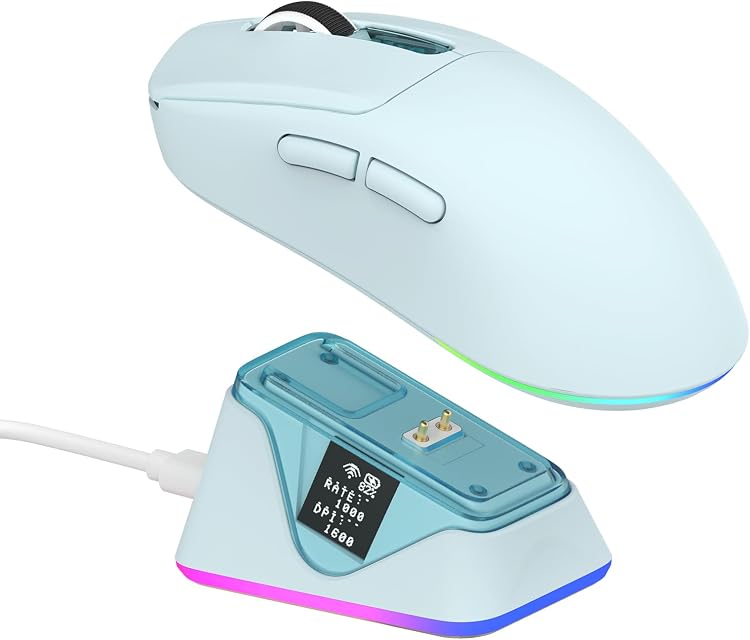
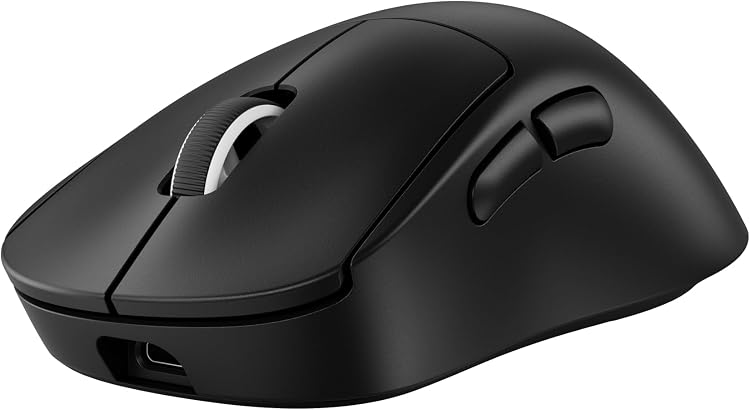
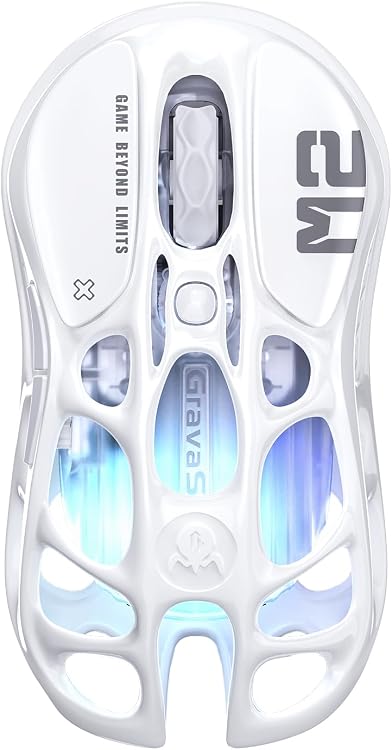
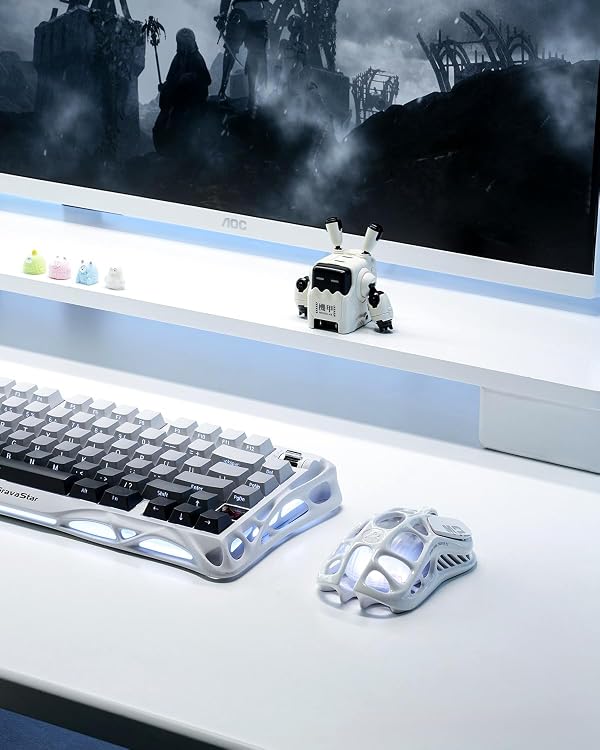
GravaStar Mercury M2 Wireless Gaming Mouse, Opaline White
Wireless: The GravaStar Mercury M2 is an Opaline White gaming mouse with optical tracking and three listed connection options. Its 26,000 DPI maximum sensitivity and ambidextrous design are useful on paper, but customer feedback is mixed on battery life, software and connectivity.
At a glance
- Lists Bluetooth, 2.4G and USB-C connectivity options.
- Optical movement detection with a stated maximum sensitivity of 26,000 DPI.
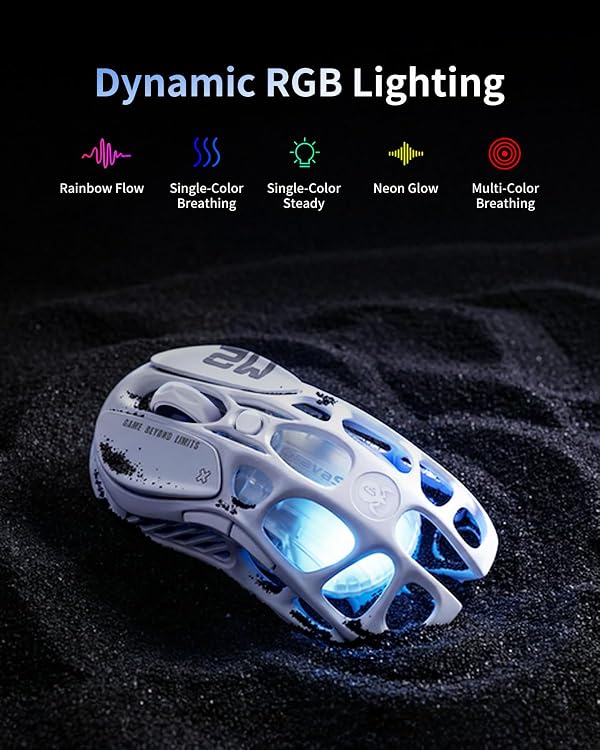
- Five buttons, ambidextrous orientation and LED lighting.
Reference price: $139.99
Price checked: 18 Nov 2026
View offerAhead of Black FridayExplore the selectionOften bought together
Pros and cons
Pros
- Ambidextrous orientation can suit left- or right-handed use.
- The listed 26,000 DPI ceiling offers a broad sensitivity range to configure.
Technical specifications
15 specifications| Brand | GravaStar |
|---|---|
| Model | GravaStar M2 |
| Colour | Opaline White |
| Hand orientation | Ambidextrous |
| Button quantity | 5 |
| Movement detection | Optical |
|---|---|
| Maximum sensitivity | 26000 Dots per Inch |
| Connection listed | BT / 2.4G / Usb-c |
| Special feature | LED Lights |
| Compatible devices | Personal Computer |
|---|---|
| Operating system | Windows 10 |
| Minimum required operating system version | Windows 7 |
| Batteries | 1 A batteries required. (included) |
| Warranty description | 1 Year |
|---|---|
| Country of origin | China |
What to know before buying
- Customer feedback reports mixed battery life, software and connectivity experiences. The listing does not specify battery runtime or clarify whether USB-C is a wired connection or charging-only, so confirm these details if they matter to your setup.
- The listing names Windows 10 and a minimum operating system version of Windows 7. Check software and connection compatibility for your particular PC before buying.
What’s in the box
Included- User manual
Who is it for?
A good fit for
- PC gamers seeking an ambidextrous mouse with five buttons and multiple listed connection options.
- Buyers who want LED lighting and adjustable sensitivity up to the stated 26,000 DPI.
Less suited to
- Buyers who need dependable, clearly stated battery runtime or consistently positive software and connectivity feedback.
Customer reviews on Amazon
- 5 stars
79% 79% - 4 stars
11% 11% - 3 stars
4% 4% - 2 stars
2% 2% - 1 star
4% 4%
Customer feedback describes the mouse as comfortable and lightweight, with fast response and positive comments about quality and value. Battery life, software and connectivity draw mixed reactions, including reports of strong endurance alongside concerns about holding a charge beyond a day. These experiences matter if long sessions or dependable configuration are priorities. The listing gives connection options and sensor sensitivity but no battery-runtime figure, so those specifications do not settle the reported concerns.
Positive themes
- Customers praise the mouse's perceived quality, comfort, light weight and responsiveness.
- Some customers describe its value positively.
Mixed feedback
- Battery-life experiences range from very long-lasting to reports that it will not hold a charge for more than a day.
- Software and connectivity receive both positive and strongly negative feedback.
Frequently asked questions
What connection options are listed for the Mercury M2?
The listing gives “BT / 2.4G / Usb-c”. It does not explain whether USB-C is for wired use or charging, so confirm the intended connection modes if that distinction matters.
What is the maximum sensitivity?
The listed maximum is 26000 Dots per Inch. This is a maximum sensitivity figure, not a claim about the best setting for every game or user.
Is it suitable for left-handed use?
The listing describes the hand orientation as ambidextrous, which indicates use intended for either hand.
What do customers report about battery life and software?
Feedback is mixed. Some customers describe long battery life and working software, while others report charge-holding concerns and find the software difficult to use.
Alternative options
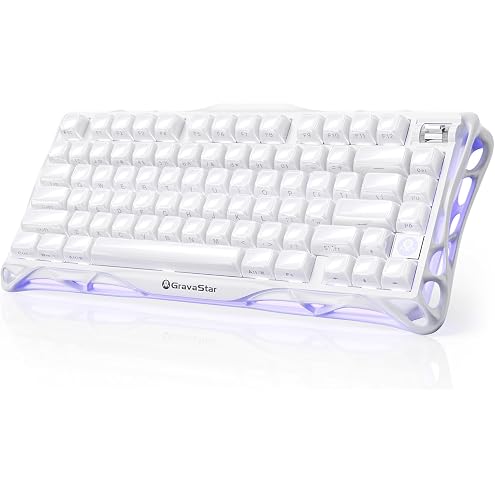
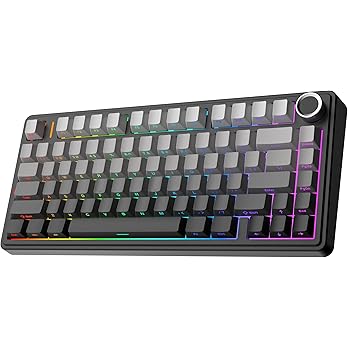
GravaStar Mercury K1 Gaming Keyboard (Opaline White)
$250.62
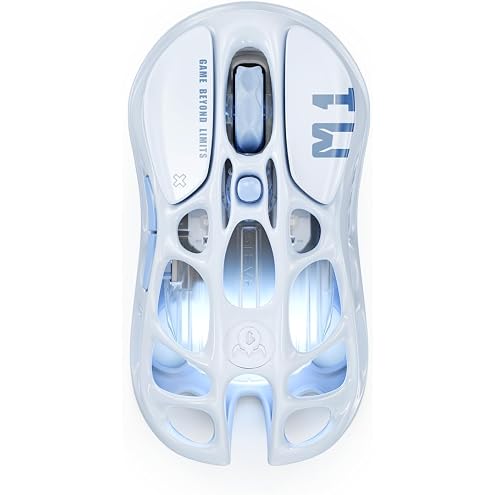
GravaStar Mercury M1 Pro Wireless Gaming Mouse (Ice Blue) | Magnesium alloy hollow frame, PAW3395 sensor with 26,000 DPI, 4KHz polling rate, and GLOWSYNC RGB tri-mode wireless.
$169.95

GravaStar Mercury M1 Pro Wireless Gaming Mouse (Sakura Pink) | Magnesium alloy hollow frame, PAW3395 sensor with 26,000 DPI, 4KHz polling rate, and GLOWSYNC RGB tri-mode wireless.
$154.69
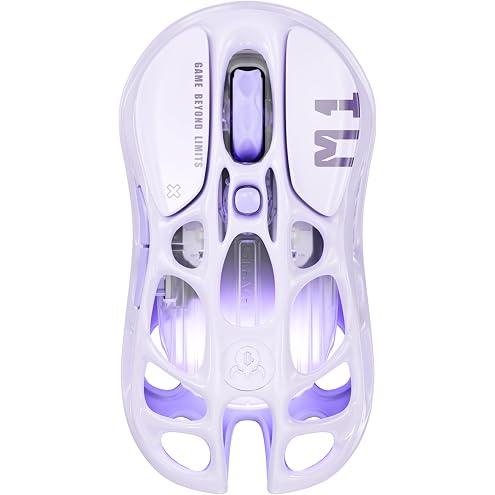
GravaStar Mercury M1 Pro Wireless Gaming Mouse (Lavender Purple)
$169.95
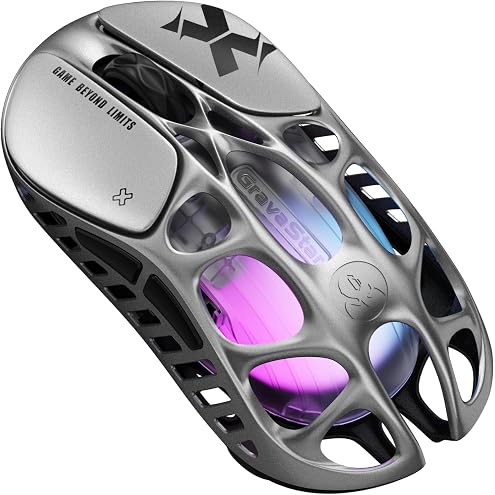
GravaStar Mercury X Wireless Gaming Mouse
$169.99
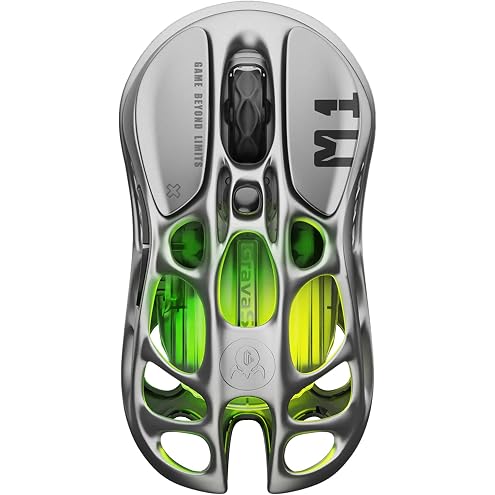
GravaStar Mercury M1 Pro Wireless Gaming Mouse | Magnesium alloy hollow frame, PAW3395 sensor with 26,000 DPI, 4KHz polling rate, and GLOWSYNC RGB tri-mode wireless.
$127.49
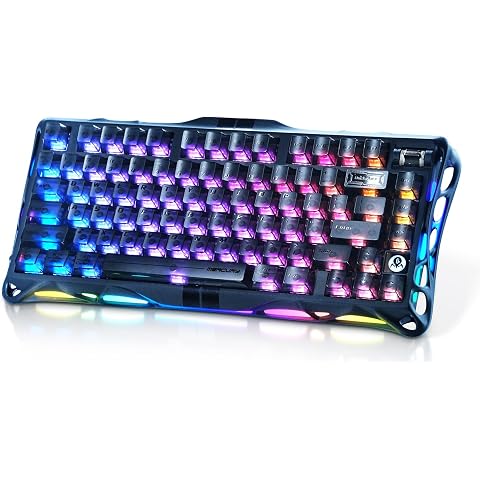
GravaStar Mercury V75 Hall Effect Gaming Keyboard, Stealth Black | Hall Effect magnetic switches with near-zero debounce delay, durable aluminium frame, and customisable RGB lighting.
$329.99
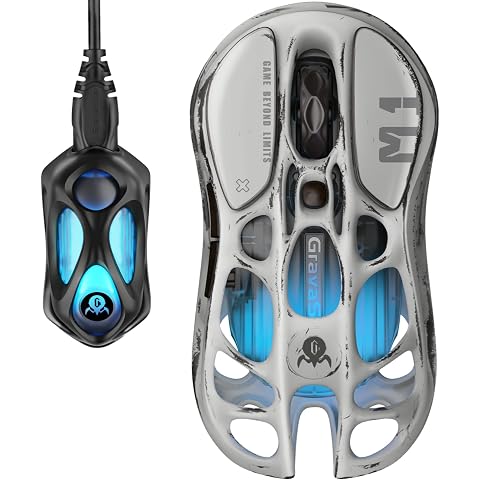
GravaStar Mercury M1 Pro Wireless Gaming Mouse (Worn Silver) | Magnesium alloy, PAW3395DM 26,000 DPI sensor, Bluetooth/2.4 GHz/USB, Battery life up to 200 hours and 5 programmable buttons
$219.99
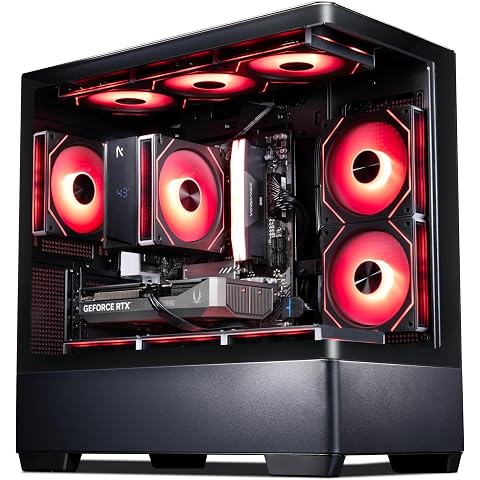
Aftershock Chamber Arc Gaming Desktop PC, AMD Ryzen 5 7500F, RTX 5060 Ti OC 8GB, 16GB DDR5 5200MHz RAM, 1TB PCIe Gen4 NVMe SSD, Wi-Fi, RGB Fans, Windows 11 Home (Black Silver)
$2,045.00
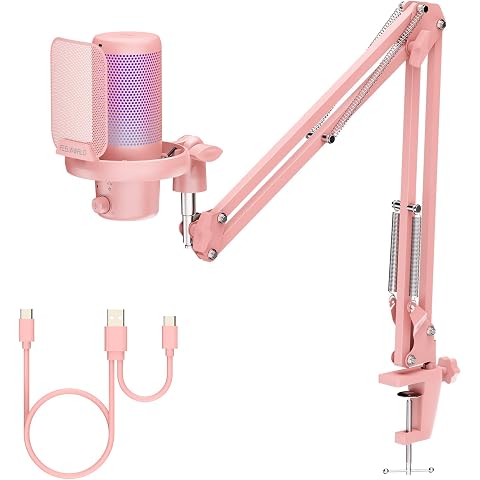
FEELWORLD VM1 Pink Gaming PC USB Microphone Condenser Mic with Noise Cancellation Mute RGB Light, Computer Accessories Gifts for Gamer YouTube Twitch Podcast Streaming Recording Online Chat PS4 PS5
$95.90
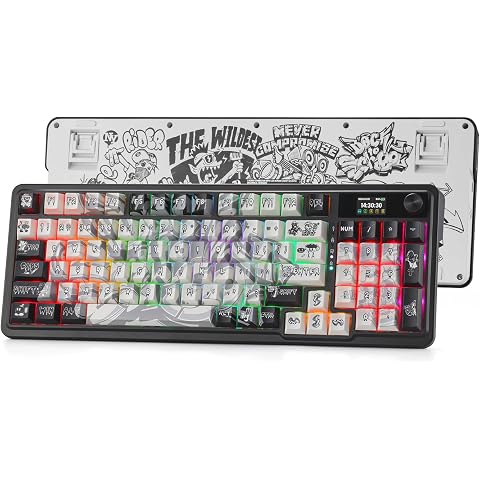
Redragon K719 PRO Wireless Gasket Gaming Keyboard w/Hype Screen & Knob, 95 Keys Mechanical Keyboard, Easy-Control 1.14 in TFT Info Display, 5-Layer Noise Dampening, Street Graffiti Dye-Sub PBT Keycaps
$112.00
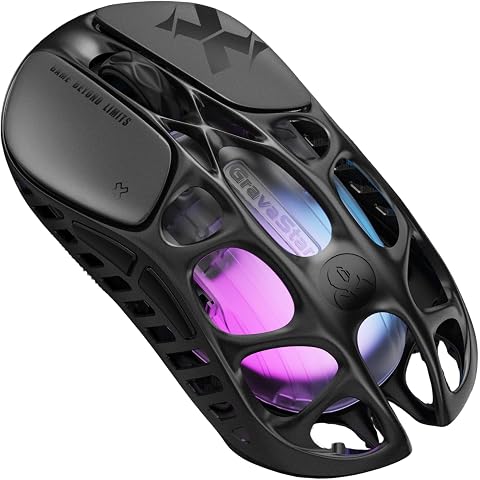
GravaStar Mercury X Wireless Gaming Mouse (Galaxy Black)
$199.99