 1 / 6
ZhiYo Under-Desk Cable Management Tray, 16.5 in, Black
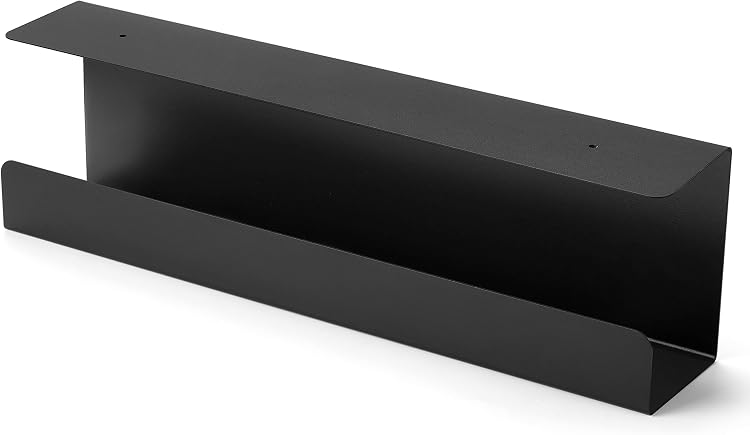
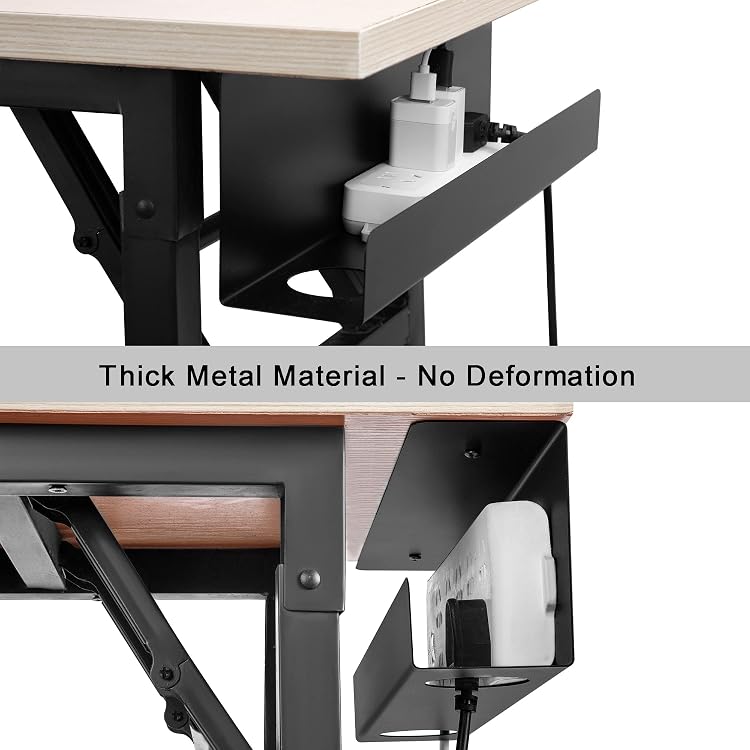
Black: The ZhiYo under-desk cable management tray is a single metal rack for stowing power boards, adapters and loose cables beneath a desk. It is screw-mounted, and the listing says it suits wood or particle-board desktops.
At a glance
- The rack is designed to hold power boards, power bricks, external drives and loose cables beneath a desk.
- Two large openings provide cable routing, while screw mounting is specified for wood or particle-board surfaces.
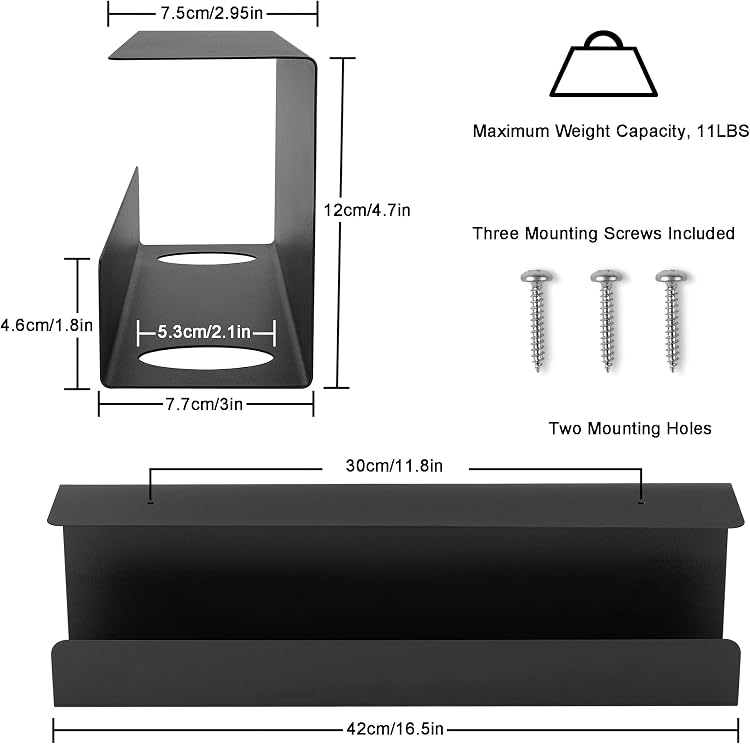
- The listing claims a load capacity of up to 11lb and says the tray is 0.9mm thick metal.
Reference price: $32.99
Price checked: 18 Nov 2026
View offerAhead of Black FridayExplore the selectionOften bought together
Pros and cons
Pros
- Metal construction and an under-desk layout offer a dedicated place to gather power boards and cables.
- The listing gives mounting details and specifies compatibility with wood or particle-board desk surfaces.
- Customer feedback reports positive experiences with installation, organisation and appearance.
Cons
- Screw-in mounting requires making holes in the desk, so this is not a no-drill option.
Technical specifications
13 specifications| Brand | ZhiYo |
|---|---|
| Material listed | Metal |
| Colour | Black |
| Dimensions listed | 41.9L x 7.6W centimetres |
|---|---|
| Listed installation type | Screw-In |
| Bottom width | 3in wide at the bottom |
| Raised height | 4.7in high |
| Metal thickness | 0.9mm thick |
| Cable-routing openings | two large through holes (each 2.1in wide) |
| Mounting holes | two reserved small mounting holes |
| Claimed weight capacity | up to 11lb |
|---|---|
| Maximum power-strip width stated | up to 4 in wide |
| Intended use | Indoor |
What to know before buying
- Disconnect power before installation. The listing says to measure first if placing two rows of power boards.
Who is it for?
A good fit for
- Desk users wanting to gather power boards, adapters and loose cables beneath a wood or particle-board desktop.
- Home-office setups with external drives or several cables to organise.
Less suited to
- Buyers who need a no-drill mounting method or cannot screw into their desk surface.
- Anyone whose power board exceeds the listed tray width or whose desk underside cannot accommodate the tray.
Customer reviews on Amazon
- 5 stars
80% 80% - 4 stars
11% 11% - 3 stars
6% 6% - 2 stars
1% 1% - 1 star
2% 2%
Customer feedback highlights organisation, appearance, ease of installation and the metal finish, with one customer mentioning a dual-monitor and docking-station setup. That feedback may be useful if you want to consolidate desk equipment beneath the surface. The tray's stated dimensions and claimed load capacity remain listing specifications, not customer-verified measurements. The aggregate ratings are mostly five-star, though lower ratings are also present, so experiences are not uniformly positive.
Positive themes
- Customers report positive experiences with functionality, appearance, organisation, installation and material.
Frequently asked questions
What can this tray hold?
It is intended for power boards, power bricks, external hard drives and loose cables. The listing claims a capacity of up to 11lb.
How is it installed?
It uses screw-in mounting. The listing describes two mounting holes and specifies wood or particle-board desk surfaces.
Can it hold two rows of power boards?
The listing advises measuring first if you plan to use two rows. It states that power boards up to 4 inches wide can fit.
Alternative options
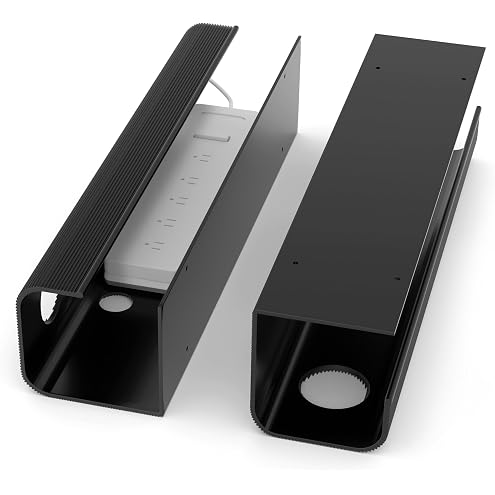
ZhiYo Large Capacity Cable Management Tray 2 Pack, Under Desk Cable Tray (2xL15.7in), PVC Standing Desk Cable Management, Cord Management Ideas, Desk Cable Organizer for Office and Home- Black
$31.44
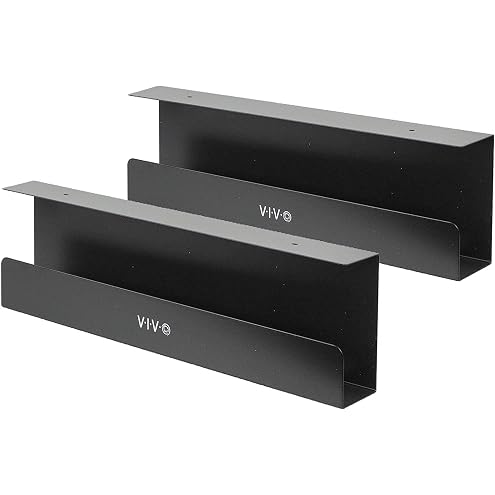
VIVO Under Desk 17 inch Cable Management Trays, Power Strip Holders, Cord Organizers, Wire Tamers for Office and Home, Black, 2 Pack, DESK-AC06-2C
$49.99
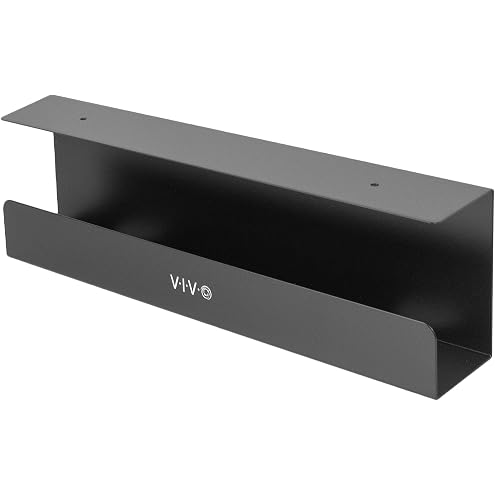
VIVO Under Desk 17 inch Cable Management Tray, Power Strip Holder, Cord Organizer, Wire Tamer for Office and Home, Black (DESK-AC06-1C)
$34.99
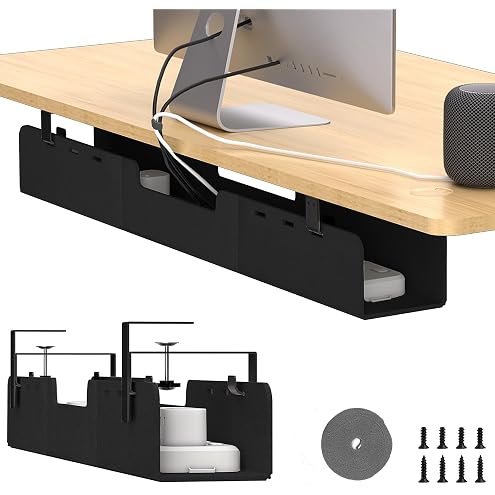
ERGO COLLECT No-Drill Under Standing Desk Cable Management,80cm,Black | Upgraded 0.25" Heavy-Duty Felt Cable Organizer,Desk Wire Management Tray with Clamp or Screw Mount
$55.99
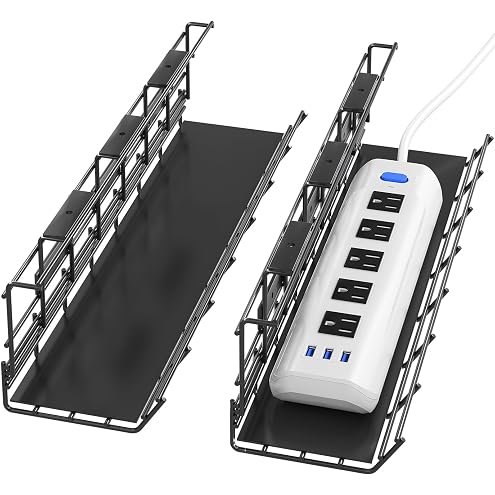
Delamu Under Desk Cable Management Trays, 2 Pack Metal Cable Tray, Under Desk Cord Management Rack, Wire Tray Desk Cable Organizer, 34in Cable Basket, 2X L17 W3.5 H4.1in, Black
$23.79
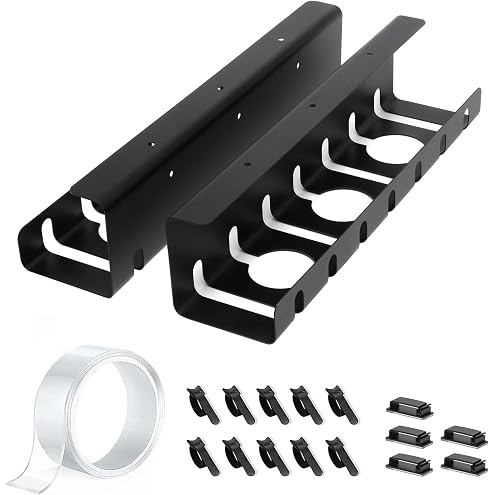
Under Desk Cable Management Tray 2 Pack, 43cm Cable Management Under Desk for Power Strip, No Drill Cable Raceway, Cable Organiser for Desk & Home, Black
$30.59
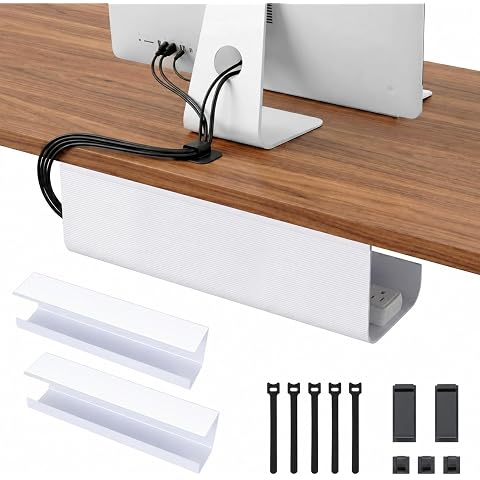
iXTRA Under Desk Cable Management Tray 2 Pack 40cm PVC Cord Organizer Box Self-Adhesive Wire Management Computer Cable Hider for Standing Desk Office & Home White
$26.34
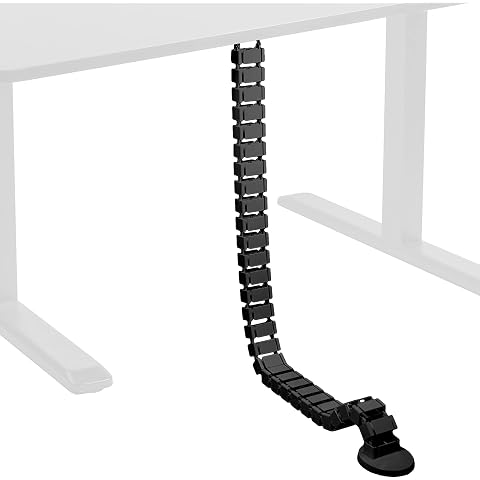
VIVO Vertebrae Cable Management Kit, Height Adjustable Desk Quad Entry Wire Organizer (Desk-Ac01C)
$49.99
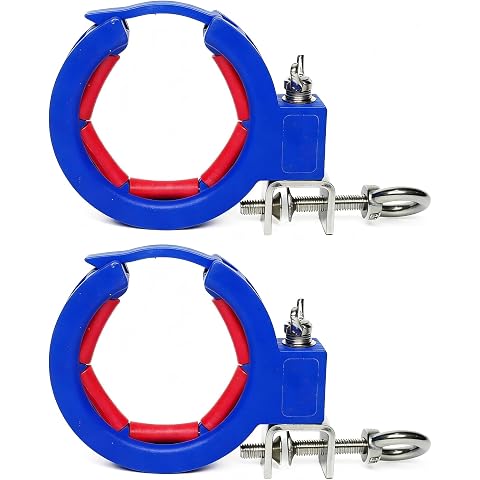
Cable Tray Roller Pulling Pulley 2-Pack Blue Nylon Wire Puller Sheave Block | Cable Tray Roller & Cable Roller with Locking Clip, Anti-slip Design, Lightweight for Wire Pulling, 2-Pack Sheave Block
$32.89
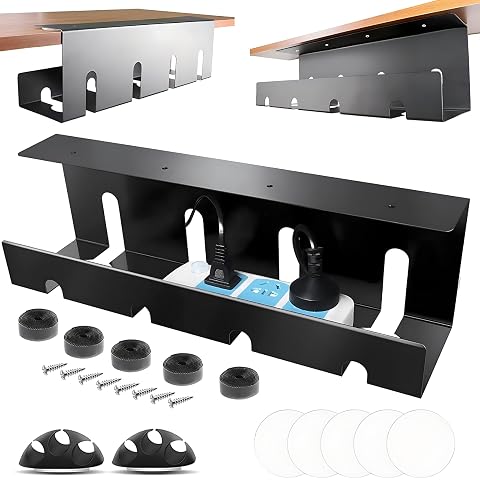
AIMANWEI 2 Pack Under Desk Cable Management Tray, Self-Adhesive & Screw-In Installation, Wire Management Rack, Under Table Tray for Home Office Standing Desk (Black, 40 x 11 cm)
$29.74
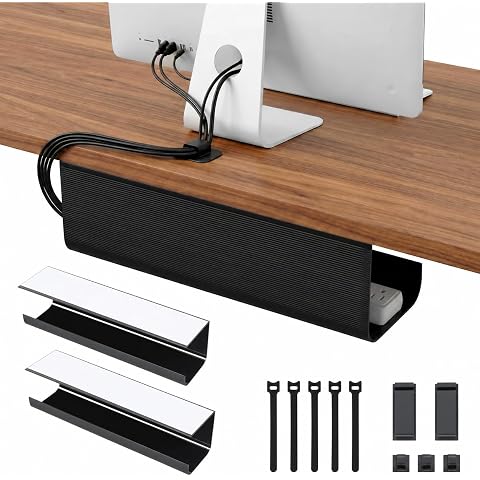
iXTRA Under Desk Cable Management Tray 2 Pack 40cm PVC Cord Organizer Box Self-Adhesive Wire Management Computer Cable Hider for Standing Desk Office & Home Black
$26.39
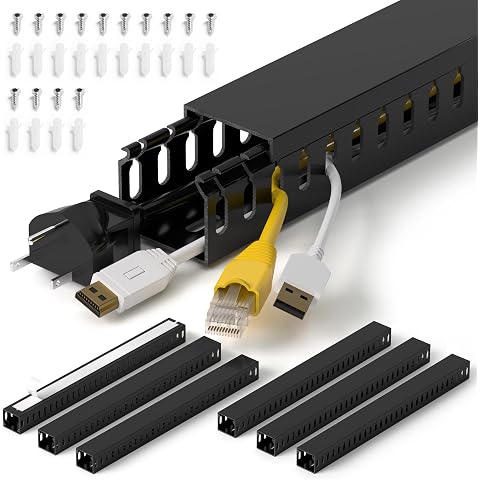
1.4"H x 1.6"W Cable Raceway, 99in Under Desk Wire Management Channel, Black | Slotted Wire Duct, 6Pack, 16.5in Each, Heavy-Duty PVC Cable Management for Server Racks, Network Cables & Electrical Cabinets
$28.99
Products with discounts that might interest you















Offer details
- The listing advises disconnecting power before installation.