 1 / 7
Yukidoke USB-C and HDMI KVM Switch, 2 Computers, 1 Monitor, 4K@60Hz
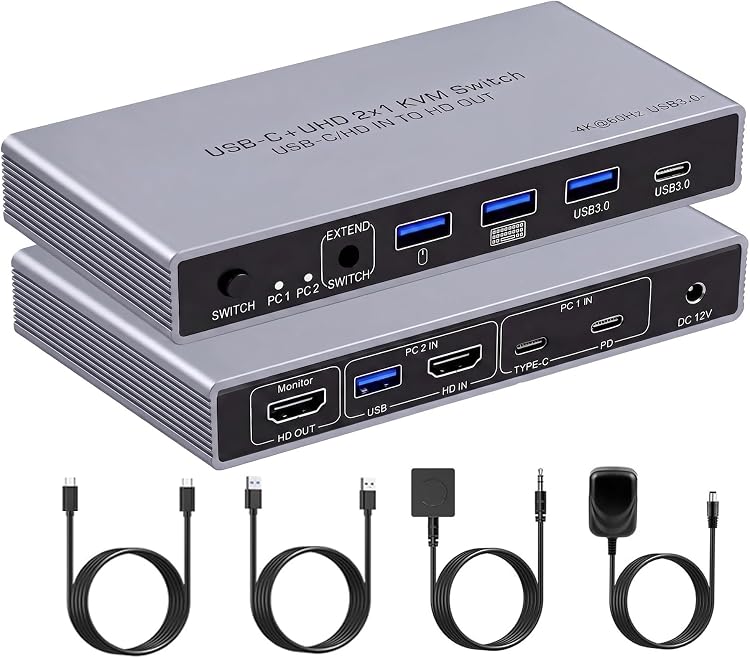
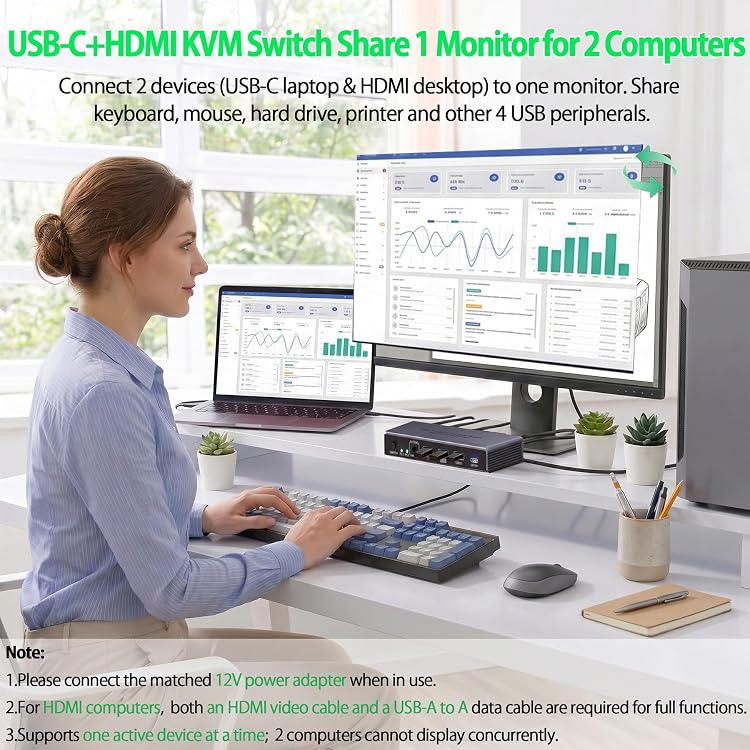
Computers: Yukidoke’s USB-C and HDMI KVM Switch lets you share one monitor and USB peripherals between a compatible USB-C laptop and an HDMI desktop. It claims video up to 4K@60Hz, has four USB peripheral ports and offers switching by unit button or wired desktop controller. Factor in the required power adapter, separately sourced HDMI cables and the computer-specific cabling before choosing it.
At a glance
- Connects one compatible USB-C laptop and one HDMI desktop to one monitor.
- Four-port USB hub is described as three USB-A 3.0 ports plus one USB-C port for shared peripherals.
- Switch between computers using the unit button or included wired desktop controller. The listing says automatic and hotkey switching are not supported.
- Laptop charging is claimed up to 85W through PD. The PD input is for charging and does not carry video.
Pros and cons
Pros
- Combines display switching with sharing USB peripherals such as a keyboard, mouse, printer or storage device.
- A wired desktop controller offers a switching option without reaching for the KVM unit.
- The stated 85W PD charging capability may suit compatible laptop setups when paired with an adequately rated power supply.
Cons
- Switching is manual, and the listing says it is unavailable while a computer is in sleep mode.
- HDMI cables are not included, and the HDMI desktop also needs a USB-A-to-A connection for data.
- The KVM needs its 12V adapter for normal operation, while laptop charging and KVM use may require a 100W PD supply.
Technical specifications
13 specifications| Brand | Yukidoke |
|---|---|
| Compatible devices | Keyboard, Laptop, Monitor, Mouse, Personal Computer, Printer |
| Colour | black+gray |
| Video connector type | HDMI |
| USB port count | 4 |
|---|---|
| USB port layout | 3 USB-A 3.0 ports and 1 USB-C port |
| USB 3.0 data rate | up to 5 Gbps |
| Maximum claimed video output | 4K@60Hz |
| Laptop PD charging support | up to 85W |
| Power configuration | AC adapter |
|---|---|
| Included switch power adapter | 12V power adapter |
| Switching methods | physical button on the unit or the included desktop controller |
|---|---|
| Active computer indicator | LED indicator |
What to know before buying
Listing details to confirm
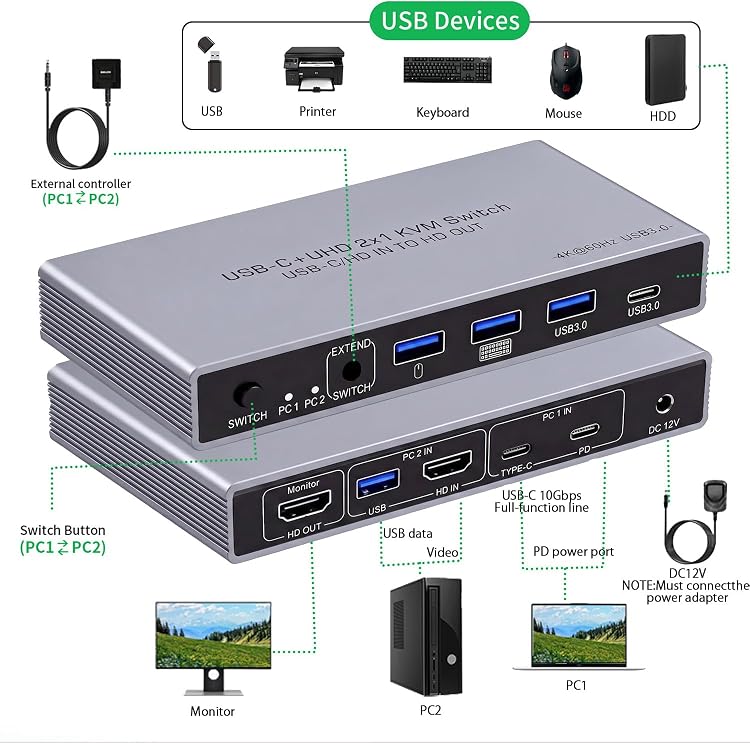
The USB-C laptop must have a fully functional USB-C port. For the desktop, connect both HDMI video and USB IN data cables. The listing says HDMI cables are separate, the included 12V adapter is required, and the PD IN port carries charging only, not video. For 4K output, it says the cables must support 4K and input and output resolutions must match. Its up-to-85W PD claim is for laptop charging, while a 100W PD supply is recommended when powering the laptop and KVM together. The listed compatible computer pairing is one USB-C laptop and one HDMI desktop, not two identical inputs.
What’s in the box
- 12V power adapterCheck selected pack
- Wired desktop controllerCheck selected pack
Check which accessories are included in your selected pack before buying.
Who is it for?
A good fit for
- People sharing one monitor and USB peripherals between a compatible USB-C laptop and an HDMI desktop.
- Home-office users who want physical-button or wired-controller switching and do not need automatic or hotkey switching.
- Setups where a USB keyboard, mouse, printer or other listed peripheral needs to move between computers.
Less suited to
- People needing two computers active at once on separate monitors, or automatic and keyboard-hotkey switching.
- Laptop setups without a fully functional USB-C port, or buyers expecting HDMI cables to be supplied.
- Users who need video to pass through the PD input or need switching while a computer is asleep.
Customer reviews on Amazon
- 5 stars
73% 73% - 4 stars
27% 27% - 3 stars
0% 0% - 2 stars
0% 0% - 1 star
0% 0%
The supplied evidence contains aggregate ratings only, with no customer comments or aspect-specific feedback, so it cannot establish which features buyers liked or what concerns they encountered. The rating distribution is positive but based on a small sample. For a setup needing the stated one-laptop, one-desktop arrangement, confirm that the cabling, manual switching and separate HDMI cables suit your desk before buying.
Frequently asked questions
Which computers can this switch connect?
The listing describes one laptop connected through USB-C and one desktop connected through HDMI. The laptop needs a fully functional USB-C port. The HDMI desktop also needs a USB-A-to-A data connection as well as HDMI for video.
Does it support 4K at 60Hz?
The listing claims video output up to 4K@60Hz. It says the cables must support 4K and the input and output resolutions must match.
How do you switch between computers?
Use the physical button on the unit or the included desktop controller. The listing says automatic and hotkey switching are not supported, and switching is unavailable while a computer is asleep.
Can the switch charge a laptop?
The listing claims up to 85W PD laptop charging. PD IN is for charging only and does not transmit video. It recommends a 100W PD supply when charging a laptop while powering the KVM.
Are HDMI cables included?
No. The listing says HDMI cables must be purchased separately. It also specifies a USB-A-to-A data connection for the HDMI desktop but does not state that this cable is included.
Alternative options
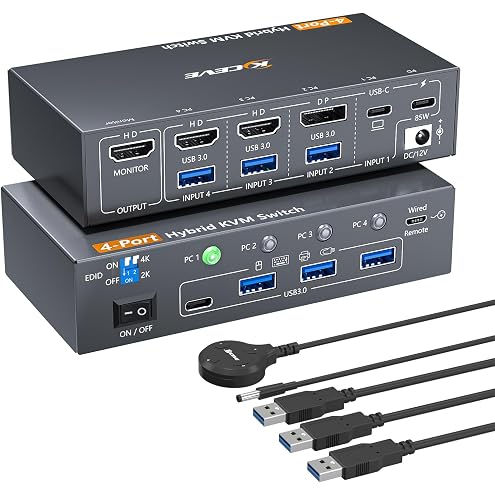
4 Computers KVM Switch 4 Port Hybrid USB-C & Displayport & Dual HDMI | 4K@60Hz USB 3.0 KVM Switcher with EDID Emulator 4 PC Share 1 Monitor & Keyboard Mouse Printer Camera, Support PD 85W Charging
$92.99
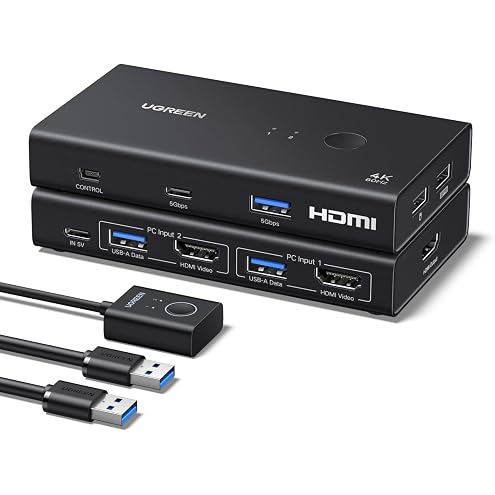
UGREEN 4K@60 Hz HDMI KVM Switch, 2 Computers, 1 Monitor, 4 USB 3.0 Ports | Share Keyboard, Mouse, Hard Drives and Webcam, Includes 2 USB Cables and Controller
$53.19
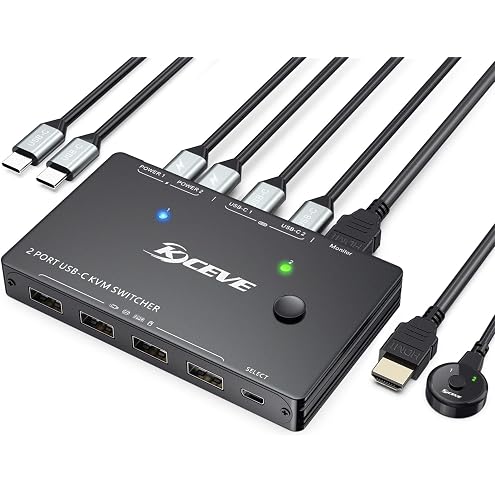
USB Type-C 2 Laptops KVM Switch 2 Computers 1 Monitor 2 Port USB-C Docking KVM Switcher One Screen Keyboard Mouse Support 4K@60Hz 5Gbps For Personal & Work Laptops, Support 100W PD Fast Power Delivery
$79.99
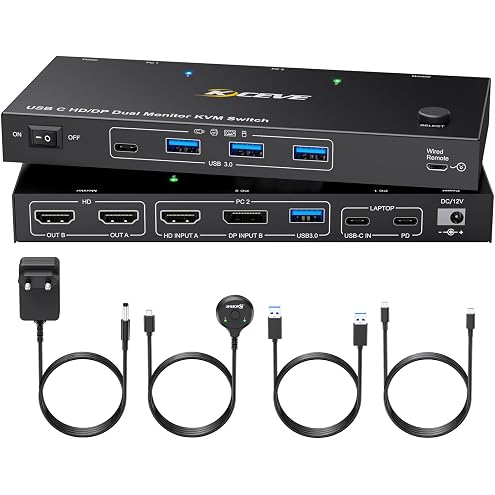
USB-C Docking KVM Switch 2 Monitors MST Type-C & Displayport and HDMI Dual Monitor KVM Switches for One Laptop One Desktop PC, 100W PD Charging, Type-C 3.1 Gen2 Cable and Wired Remote Included
$129.19
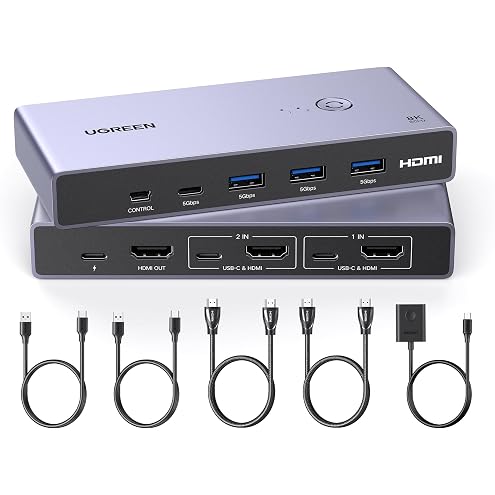
UGREEN HDMI KVM Switch 1 Monitor 2 Computers, 8K@60Hz, Aluminum | with 4 USB 3.0 Ports, for 2 PCs Share 1 Monitor Keyboard Mouse Hard Drives Printer, with 2 HDMI+2 USB Cables, Controller
$118.99
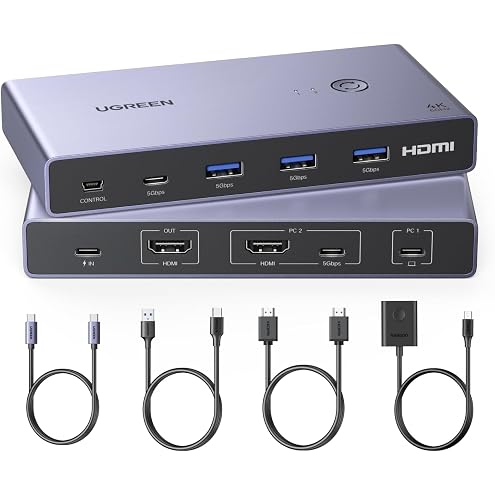
UGREEN 4K@60 Hz USB-C/HDMI KVM Switch, 2 PCs Share 1 Monitor, 4 USB Ports | 5 Gbps, USB 3.0, USB-C/USB-A Ports, Keyboard, Mouse, Printer and Scanner Sharing
$127.49
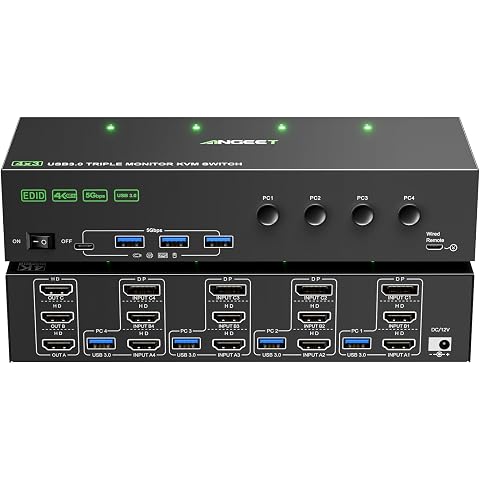
KVM Switch 3 Monitors 4 Computers 4K@60Hz,EDID Simulation,HDMI Displayport Triple Monitor KVM Switch,3 Monitor KVM with 4 USB 3.0 Ports for Keyboard Mouse, Wired Remote and 4 USB3.0 Cables Included
$169.99
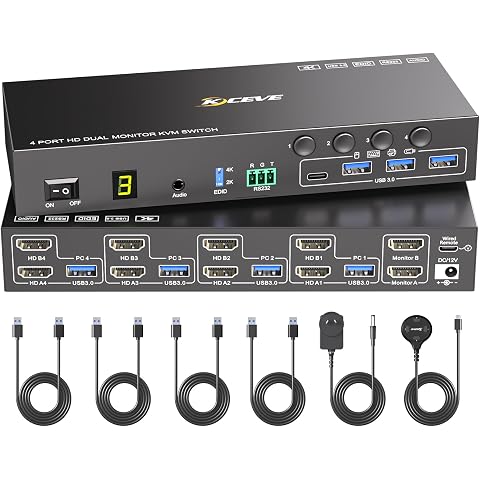
4 Port HDMI KVM Switch 2 Monitors 4 Computers 4K@60Hz EDID Simulation,Dual Monitor KVM Switch with 4 USB 3.0 Ports for USB Peripherals,Audio,RS232,with Wired Remote,12V Power and 4 USB Cables
$149.99
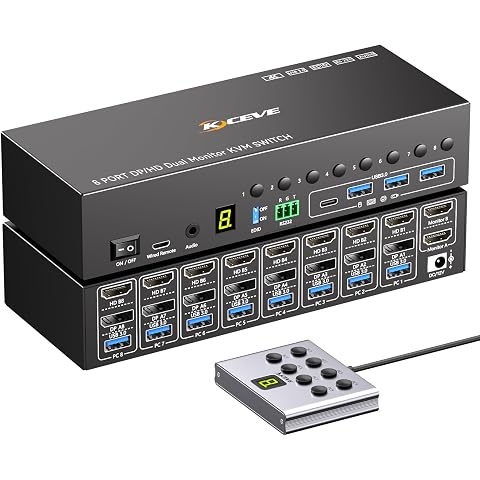
8 Port HDMI Displayport KVM Switch 2 Monitors 8 Computers 4K@60Hz EDID Simulation,8 PC Dual Monitor KVM Switch with 4 USB 3.0 Ports,Audio,RS232,with Wired Remote,12V Power Adapter and 8 USB Cable
$249.99
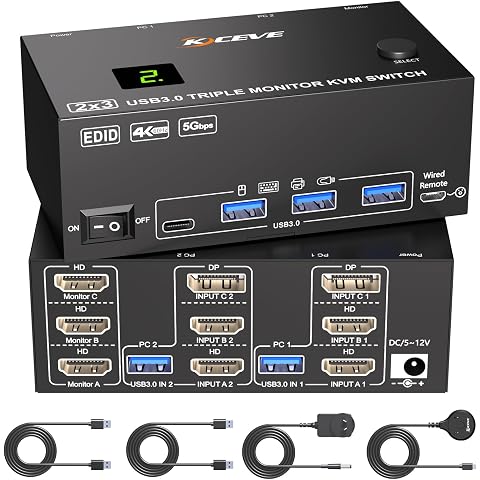
KVM Switch 3 Monitors 2 Computers 4K@60Hz,EDID Simulation,HDMI Displayport Triple Monitor KVM Switch,3 Monitor KVM with 4 USB 3.0 Ports for Keyboard Mouse, Wired Remote and 2 USB3.0 Cables Included
$108.99
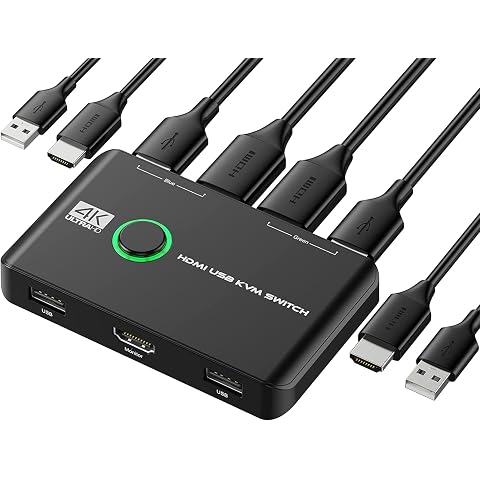
4K KVM Switch HDMI 2 Port Box, USB HDMI Switches for 2 Computers Share Keyboard Mouse Printer and one HD Monitor, Support UHD 4K@60Hz, with 2 USB Cables and 2 HDMI Cables
$33.99
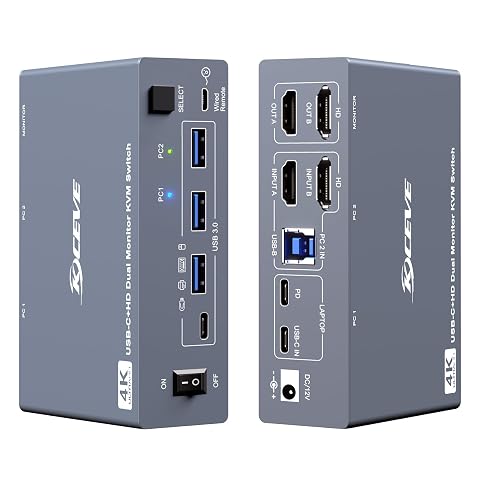
KVM Switch 2 Monitors 1 Desktop and 1 Laptop 4K@60Hz, 7-in-1 Dual Monitor KVM Switch Docking Station, Expand 2 HDMI Displays,4xUSB 3.0,PD 80W, Wired Remote and USB-C Cable Included
$169.99