 1 / 7
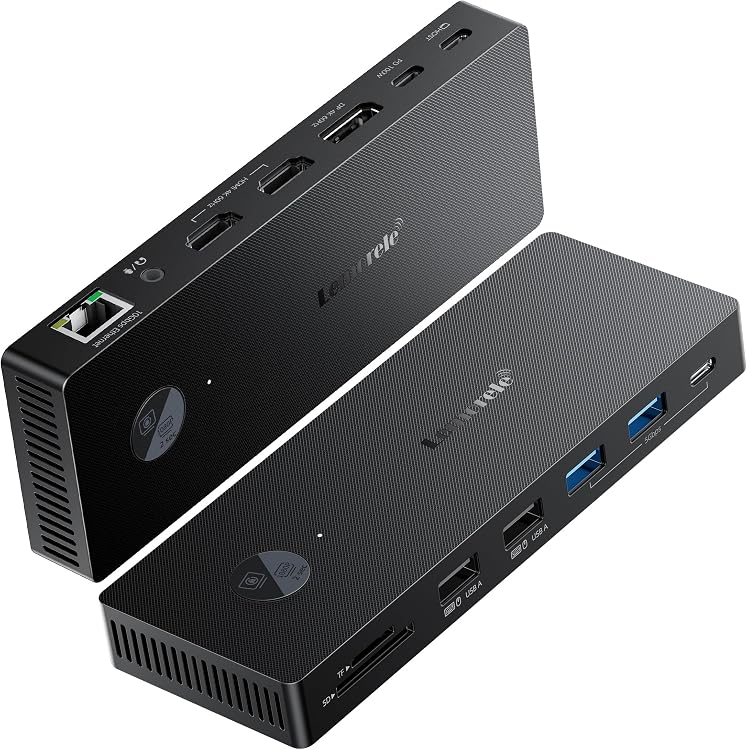
Yukidoke 8K Dual-Monitor HDMI and DisplayPort KVM Switch
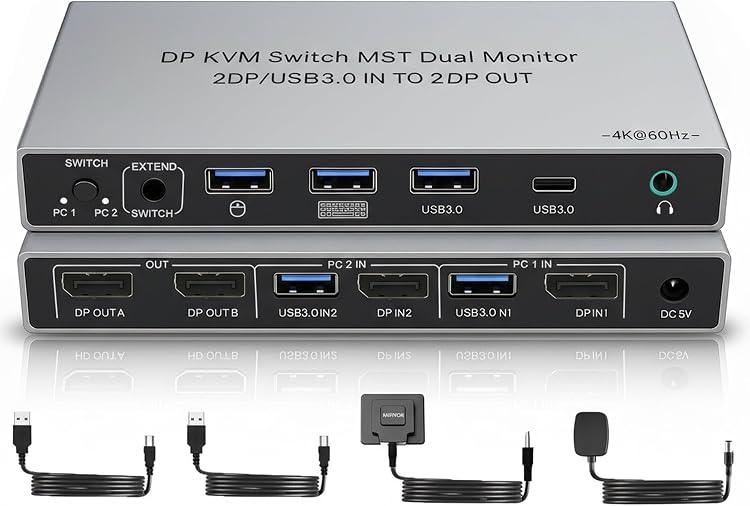
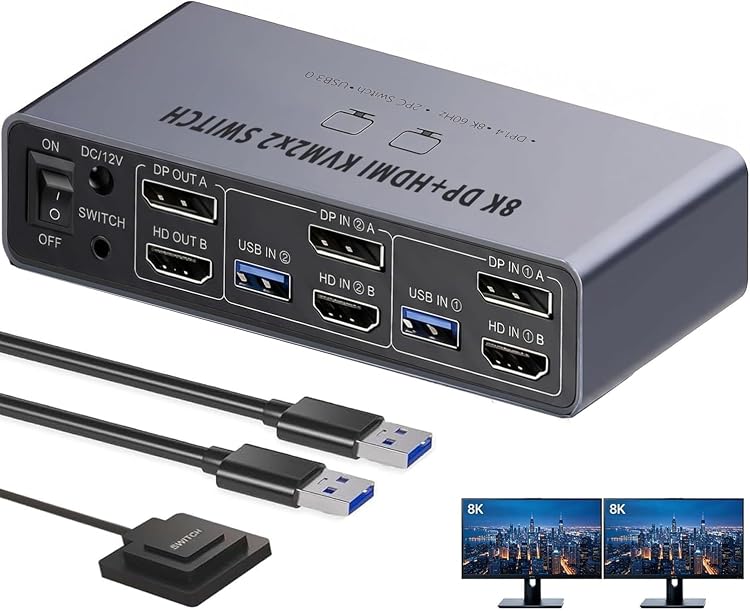
Yukidoke’s dual-monitor KVM switch is listed for connecting two desktop PCs to two screens and sharing keyboard, mouse and other USB devices. Its mixed HDMI and DisplayPort video paths may suit compatible desktops, but the listing gives conflicting connection guidance, so check the required inputs before buying.
At a glance
- The listing describes sharing two displays and USB peripherals between two computers, with only one computer active at a time.
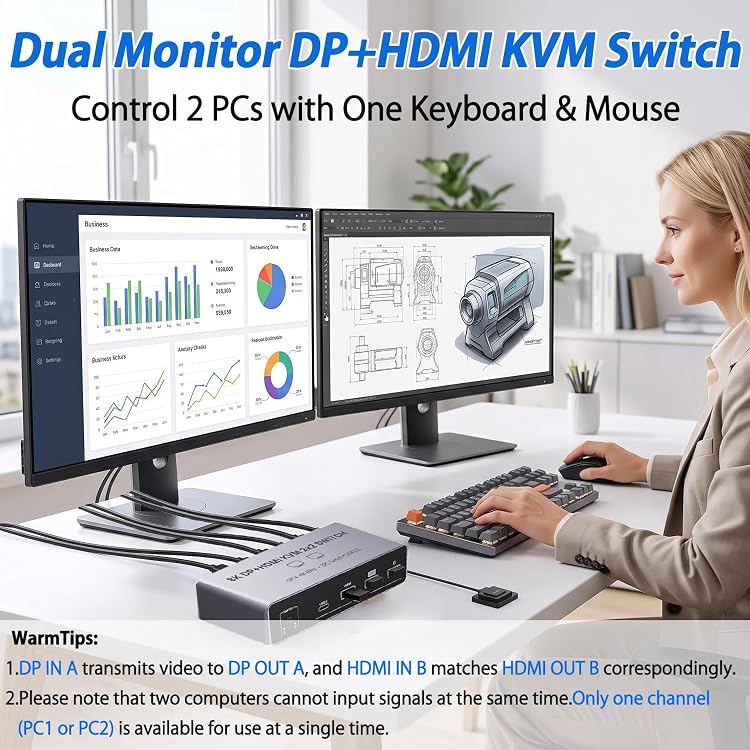
- Separate DisplayPort and HDMI paths are described, with the stated mapping DP IN A to DP OUT A and HDMI IN B to HDMI OUT B.
- Extended and mirrored display modes are listed, subject to support from the computer.
- Switching is described through a button on the unit or an external wired controller.
Reference price: $81.99
Price checked: 18 Nov 2026
View offerAhead of Black FridayExplore the selectionPros and cons
Pros
- Four USB 3.0 output ports are listed, including three USB-A and one USB-C, for sharing peripherals when the computer USB connections are made.
- Two switching methods are specified: a button on the unit and an external desktop controller.
- The listing gives both extended and mirrored display options.
Cons
- The described setup excludes laptops and tablets and calls for desktop PCs with both DisplayPort and HDMI outputs.
- Only one computer can be active at a time, so this is switching rather than simultaneous access to both PCs.
Technical specifications
11 specifications| Brand | Yukidoke |
|---|---|
| Colour | gray |
| Connector type | HDMI |
|---|---|
| Cable type | HDMI, DisplayPort |
| USB ports | 4 USB 3.0 output ports (3 USB-A + 1 USB-C) |
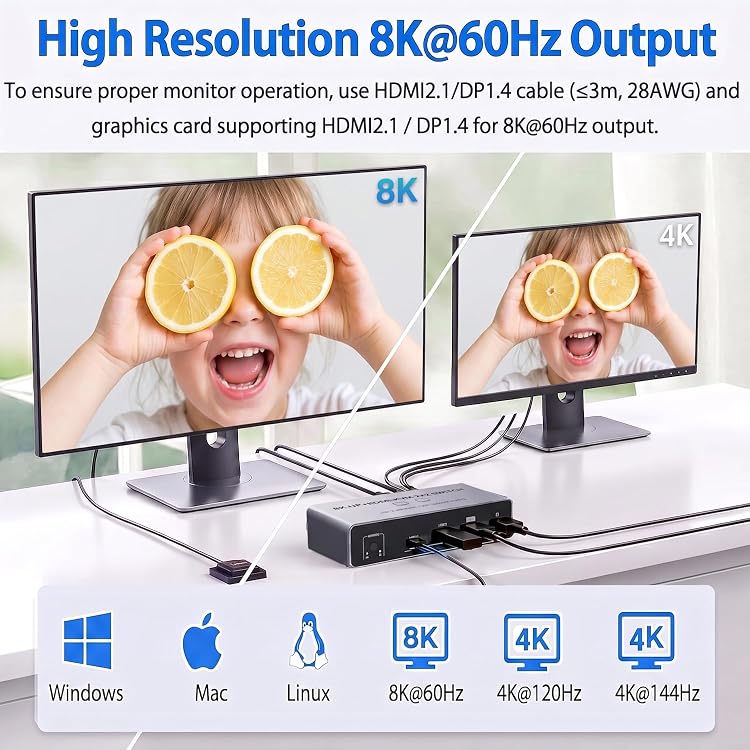
| Maximum listed resolution and refresh rate | up to 8K@60Hz and 4K@144Hz |
|---|---|
| Other listed modes | 4K@60Hz and 2K@144Hz |
| Switching controls | built-in body physical button and an external desktop controller |
| Listed operating systems | Windows, macOS, Linux and Chrome OS |
|---|---|
| Computer connection guidance | For desktop PCs with both DP and HDMI outputs only. Laptops and tablets cannot be used. |
| USB setup | You must connect the USB cables from your computers to the KVM's USB input ports to ensure 4 USB outputs work. |
What to know before buying
Listing details to confirm
The listing is contradictory about supported computers: one section says desktop PCs must have both DisplayPort and HDMI outputs, while another says HDMI-only desktop PCs. The title and details describe HDMI and DisplayPort video, but the exact port arrangement is not consistently confirmed. It also claims up to 8K@60Hz and 4K@144Hz without clarifying whether those maxima apply to both displays at once. Check the selected listing and match the connection requirements to your PCs and monitors. The listing says 8K@60Hz requires compatible computers and monitors, USB ports require computer-to-switch USB connections, display modes depend on computer support, switching may blank the display briefly, and the included power supply should be connected for stability.
Who is it for?
A good fit for
- Desktop-PC users seeking to switch one keyboard, mouse and other USB peripherals between two computers and two displays.
- Setups that need extended or mirrored display modes and can follow the required display-port mapping.
Less suited to
- Laptop or tablet users, according to the listing’s stated compatibility limits.
- Anyone needing both computers active at once or requiring confirmed dual-display performance at the highest listed resolution and refresh rate.
Customer reviews on Amazon
- 5 stars
42% 42% - 4 stars
50% 50% - 3 stars
8% 8% - 2 stars
0% 0% - 1 star
0% 0%
Aggregate customer ratings are mostly four- and five-star, with a smaller three-star share and no one- or two-star ratings shown. This is a limited snapshot and offers no reasons for the ratings. For buyers, confirming the mixed HDMI and DisplayPort setup and the conditions behind the stated video modes is more useful than treating the rating pattern as evidence of compatibility or performance.
Frequently asked questions
Can this switch use two computers at the same time?
No. The listing says only one computer can be active at a time.
Can I connect a laptop or tablet?
The listing says laptops and tablets cannot be used and describes a desktop-PC setup. However, its guidance conflicts on whether the desktop needs both DisplayPort and HDMI or HDMI only, so verify the selected listing before purchase.
What resolution and refresh rates are listed?
The listing claims up to 8K@60Hz and 4K@144Hz, with 4K@60Hz and 2K@144Hz also listed. It does not clarify whether the maximum figures apply to both displays simultaneously.
Do the USB ports work without extra connections?
The listing says computer-to-switch USB cables must be connected to use the four USB output ports.
Alternative options
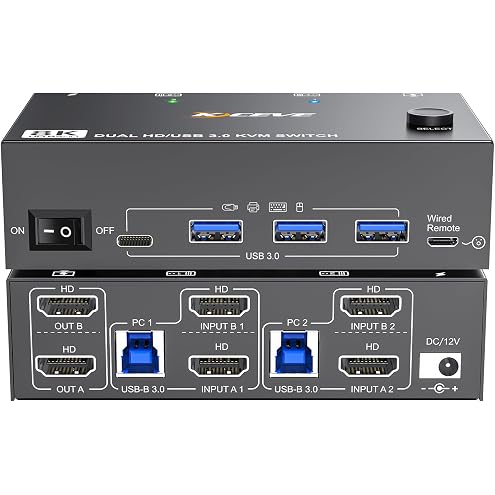
8K Dual Monitor KVM Switch HDMI 8K@60Hz 4K@144Hz,Camgeet KVM Switch 2 Monitors 2 Computers with 4 USB 3.0 HUB for Keyboard Mouse Printer,Wired Remote,12V Power Adapter and USB Cables Included
$95.99
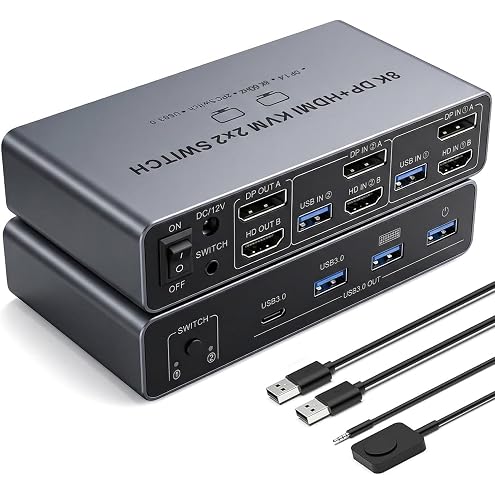
【HDMI Displayport 2 IN 2 OUT】8K KVM Switch 2 Monitors 2 Desktop Computers, Dual Monitor, 4K@144Hz HDMI+DP 2IN 2 OUT USB 3.0 KVM Switcher, 2 Switching Modes, 2 PCs Share 1 Set of Keyboard Mouse Printer
$67.12
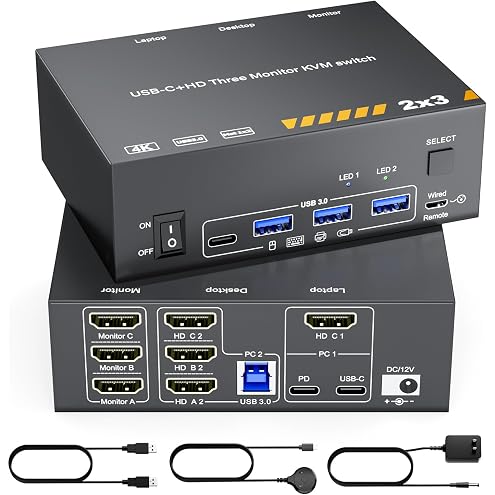
KVM Switch 3 Monitors MST USB-C & Triple HDMI USB Type-C Docking 4K@60Hz Triple Monitor KVM Switch for Laptop & Desktop PC, 100W PD Charging, with Type-C 3.1 Gen2 Cable and Wired Remote
$152.99
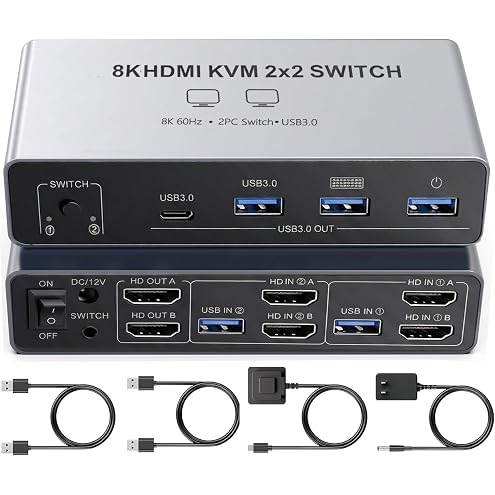
Dual Monitor 8K KVM Switch, 2 Port Dual HDMI 2.1 KVM Switcher Supports 4K@144Hz, 2 Computers Share 2 HDMI Monitors, Keyboard Mouse & 4 USB 3.0 Ports with Wired Remote Switch Button
$82.50
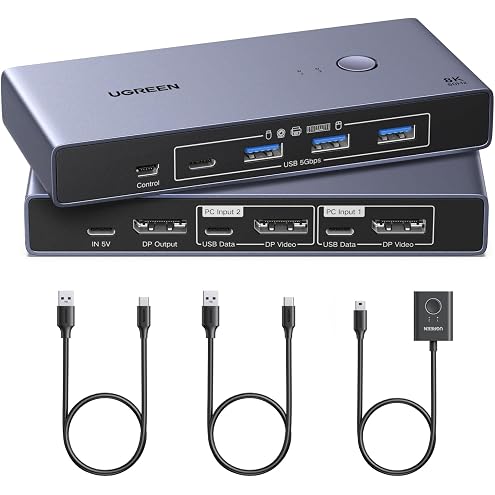
UGREEN 8K@60 Hz DisplayPort KVM Switch, 2 PCs, 1 Monitor, 4 USB 3.0 Ports | 4K@240 Hz, Aluminium, Keyboard, Mouse, USB Drives and Printer Sharing, Includes 2 USB Cables
$93.49
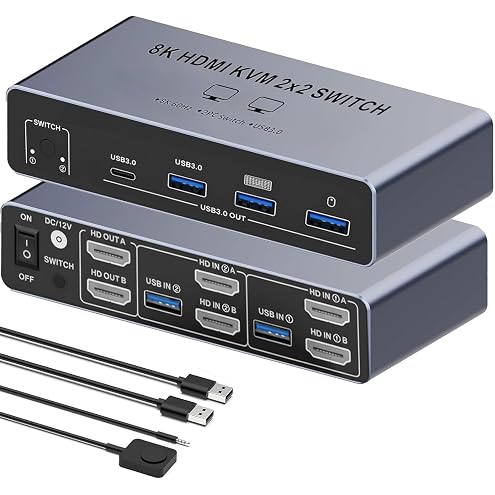
【Dual HDMI 2 in 2 Out】 KVM Switch 2 Monitors 2 Desktop Computers SW221, 8K 60Hz HDMI KVM Switcher 2 in 2OUT, 4 USB3.0 Ports Share Keyboard Mouse Printer, Support Extended and Mode
$69.99
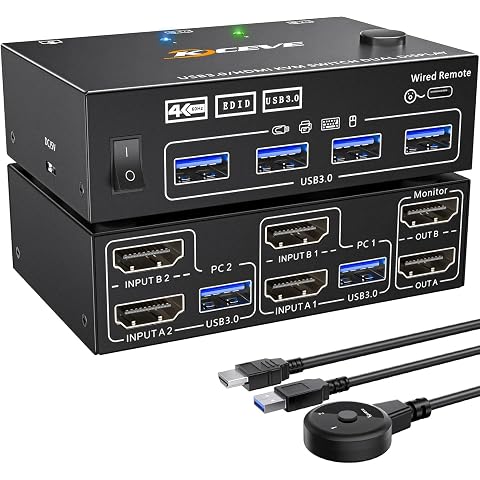
4K KVM Switch 2 Monitors 2 Computers Dual Monitor 2 Port HDMI KVM 2 PCs | 2 in 2 Out 4K@60Hz Extended and Copy Display with EDID Simulation, 2 HDMI 2.0 Cables Included
$67.99
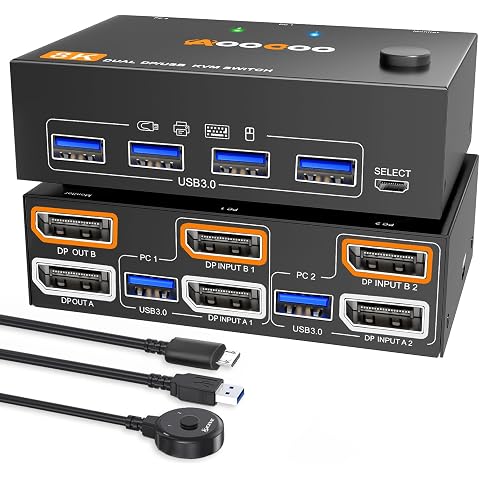
4K@144Hz KVM Switch 2 Monitors 2 Computers Displayport 1.4 Dual Monitor 8K@30Hz/4K@144Hz 5Gbps DP1.4 for 2 PCs Share 2 Screens & 4 USB 3.0 External Devices, with 2 USB 3.0 Cables & Wired Remote
$84.99
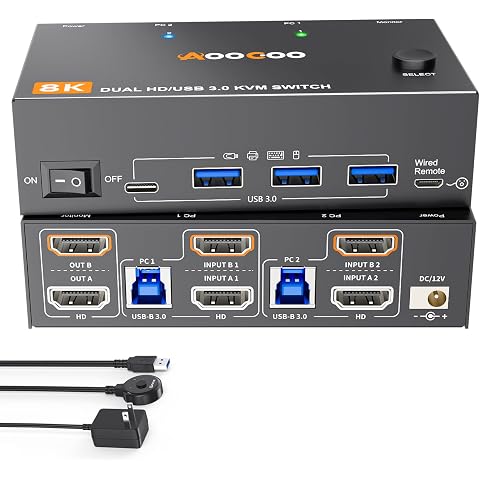
8K Dual Monitor KVM Switch Dual HDMI 2 Monitors 2 Computers 8K@60Hz 4K@120Hz USB 3.0 2 in 2 Out KVM Switches for 2 PC Share 2 Screens & Keyboard Mouse, Printer, Scanner, USB Camera, Hard Drive
$109.99
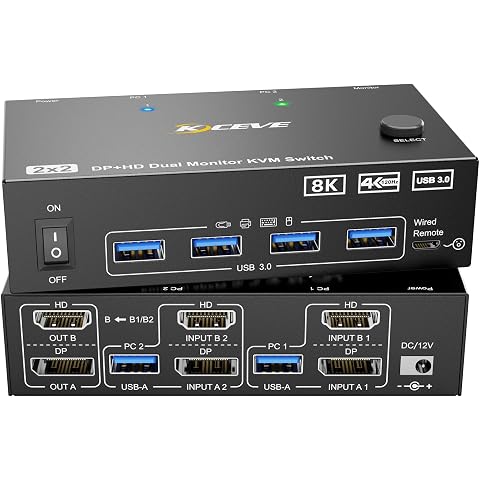
4K@144Hz KVM Switch 2 Monitors 2 Computers 8K@60Hz,Camgeet HDMI and Displayport Dual Monitor KVM Switch with 4 USB 3.0 Port for Keyboard Mouse Printer,Wired Remote,Power Adapter and USB Cable Included
$95.99
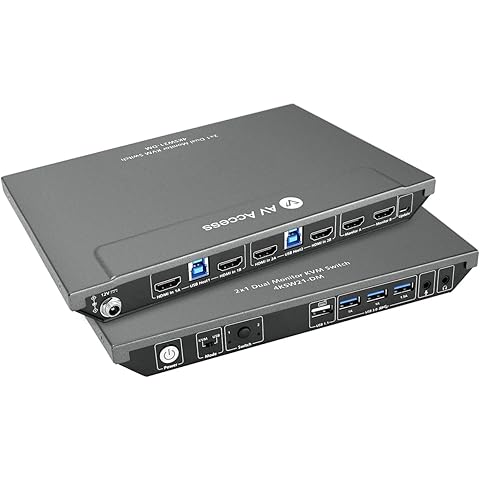
AV Access KVM Switch 2 Monitors 2 Computers, 4K60Hz HDMI | 2K@144Hz, USB 3.0, EDID, Hotkey Switch, HDCP 2.2, Share Keyboard & Mouse Between 2 PCs, Includes 2 USB Cables
$149.99
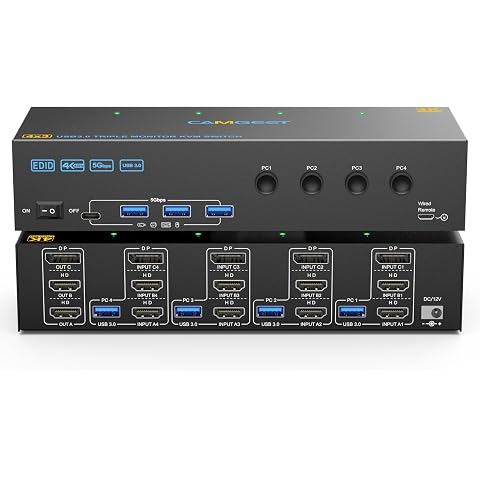
KVM Switch 3 Monitors 4 Computers 4K@60Hz, 2 HDMI+Displayport KVM Switch Triple Monitor for 4 Computer Share 3 Monitor and 4 USB3.0 Port Keyboard Mouse Printer, Wired Remote and 4 USB Cables Included
$165.99