 1 / 7
Wisoqu External PC Power Button Splitter, 2 m Cable
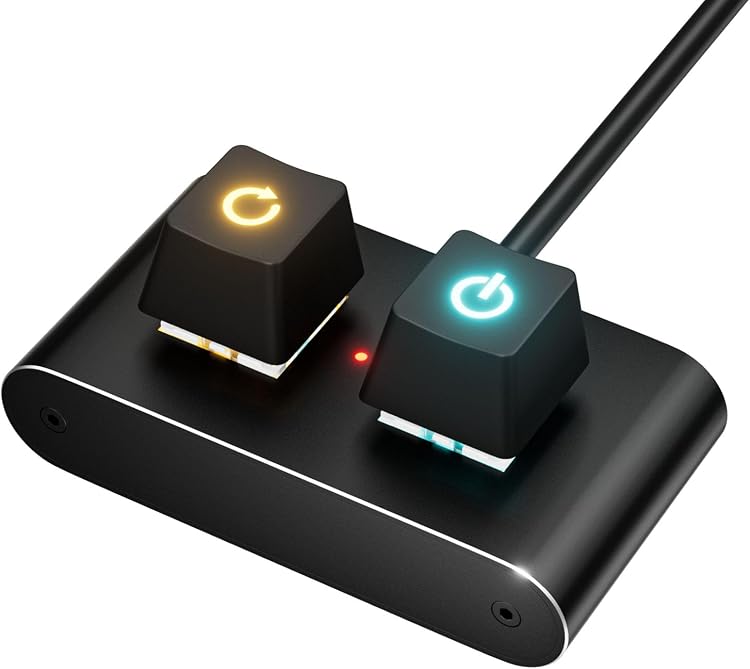
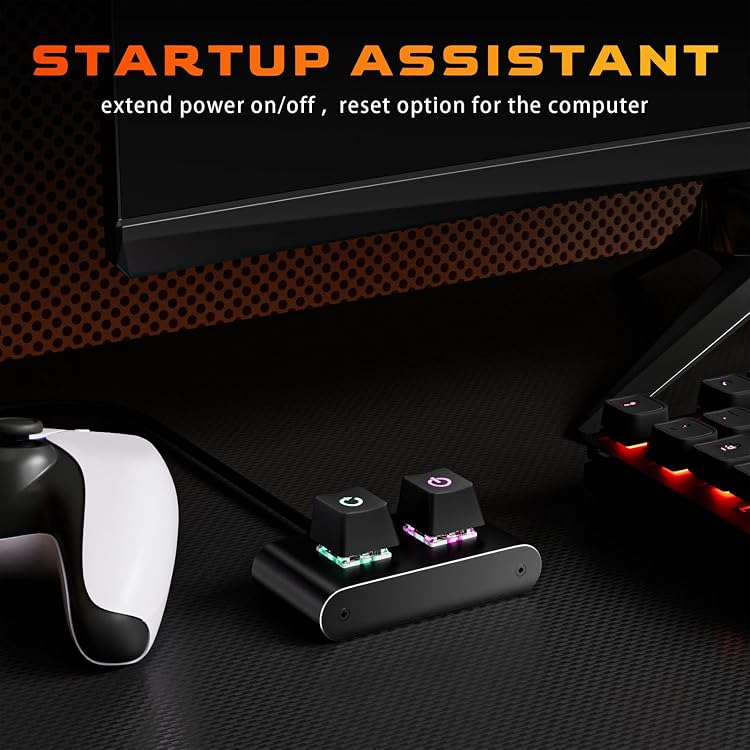
Wisoqu’s external PC power button splitter relocates desktop power control using a 2 m cable, with the listing also describing reset and LED connections. It may suit a PC in a hard-to-reach spot or a case with a faulty built-in button, provided its motherboard connectors match your setup.
At a glance
- A 2 m cable is intended to move the power button away from the PC case for easier access.
- The listing describes a 1-to-2 splitter so the external button can work alongside the original one.
- Installation instructions list POWER LED+, POWER LED-, POWER SW, RESET SW and HDD LED+ motherboard connections.
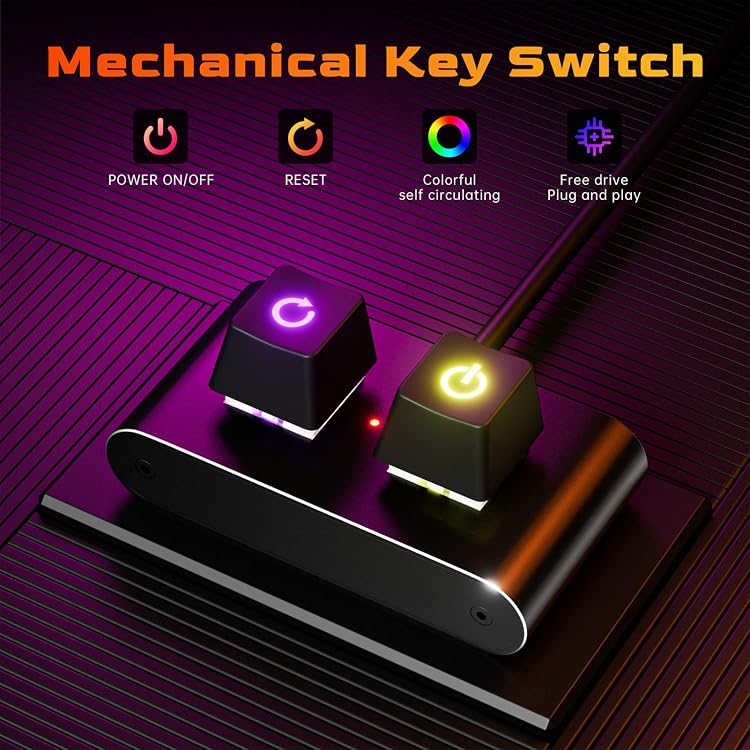
- A mechanical keyboard-style switch and gradient lighting are claimed features.
Pros and cons
Pros
- The long cable offers flexibility for a desktop placed under a desk or in another hard-to-reach location.
- The claimed splitter arrangement can retain use of the original case power button.
- The listing describes connections for power, reset and indicator LEDs as part of the installation.
Technical specifications
8 specifications| Brand | Wisoqu |
|---|
| Compatible device | Personal Computer |
|---|---|
| Connector type | ATX |
| System bus connector type | 2 Pin |
| Cable length | 2M |
|---|---|
| Number of packs | 1 |
| Cooling method | Air |
|---|---|
| Country of origin | China |
What to know before buying
Listing details to confirm
The listing is inconsistent about cable length, giving 6.56ft in the title and 2M in the feature text. It also calls the connector ATX while listing a 2 Pin system bus connector, and the installation list names several separate motherboard leads. Confirm the cable length, connector arrangement and motherboard fit before buying. The claimed 5 million key presses and lighting effect are not independently confirmed.
Who is it for?
A good fit for
- Desktop owners who want a remote power button for a hard-to-reach PC case.
- Custom chassis builders or users seeking an alternative power switch when the built-in button is faulty.
- Buyers comfortable matching front-panel leads to motherboard headers.
Less suited to
- People who need confirmed compatibility with a particular motherboard without checking its front-panel headers.
- Buyers who require a clearly settled cable length or connector configuration from the listing.
Customer reviews on Amazon
- 5 stars
100% 100% - 4 stars
0% 0% - 3 stars
0% 0% - 2 stars
0% 0% - 1 star
0% 0%
The supplied rating data is entirely five-star, but the sample is only three ratings and no written customer feedback is provided. That is too limited to establish how the switch performs or whether it fits particular motherboard headers. Buyers should rely on connector and cable details rather than the rating alone.
Frequently asked questions
Can this add a remote power button while retaining the case button?
The listing says its 1-to-2 splitter lets the external button work alongside the original. Check the connector arrangement against your motherboard before installation.
What cable length should I expect?
The feature text states 2M, while the title says 6.56ft. The listing is inconsistent, so confirm the selected product details before buying.
Which motherboard connections are mentioned?
The installation text lists POWER LED+, POWER LED-, POWER SW, RESET SW and HDD LED+. Confirm your motherboard headers and the supplied lead configuration match.
Alternative options
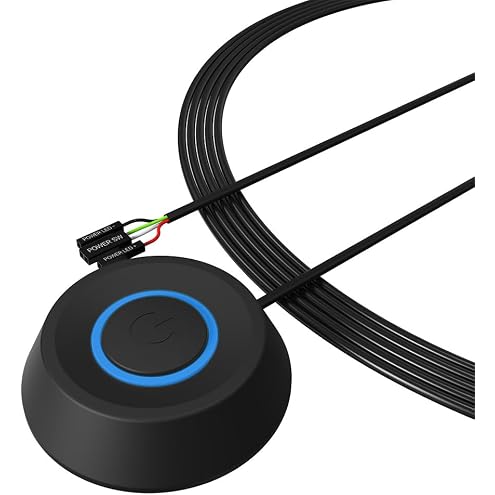
Plyisty PC Power Button, Desktop Computer Power Switch Splitter with ON Off Reset SW HDD LED, PC External Button with 2M Cable, for Computer Motherboard
$16.99
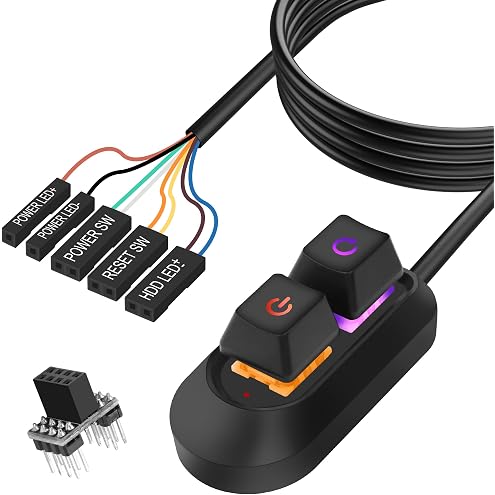
DKE PC Power Button Desktop PC Computer Case Power Switch On Off HDD Push Computer Host Button Supply Supplies with 2m Cables
$19.99
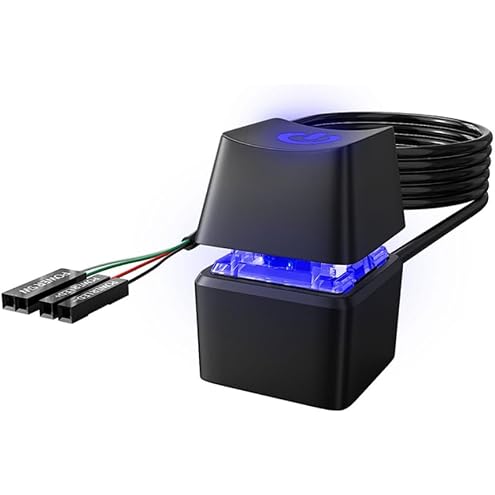
MEIRIYFA 2M Black Desktop Computer External Power Switch with ON Off Reset Switch for Computer Motherboard
$22.19
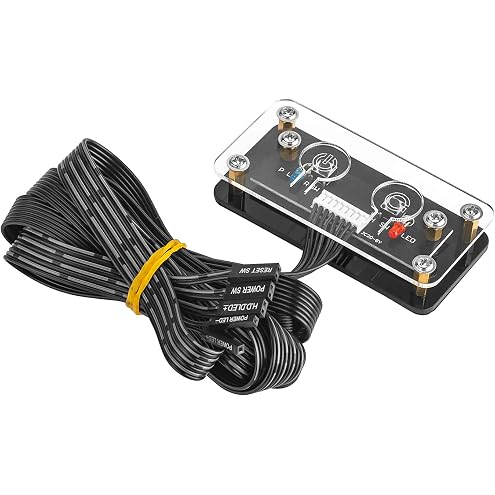
PC Power Button Extension, Computer Power Switch Button, Desktop On Off Control Adapter (1.65m)
$13.99
OwlTree Desktop Computer Power Button - External PC Case Motherboard Switch - On/Off Power Supply Button
$21.40
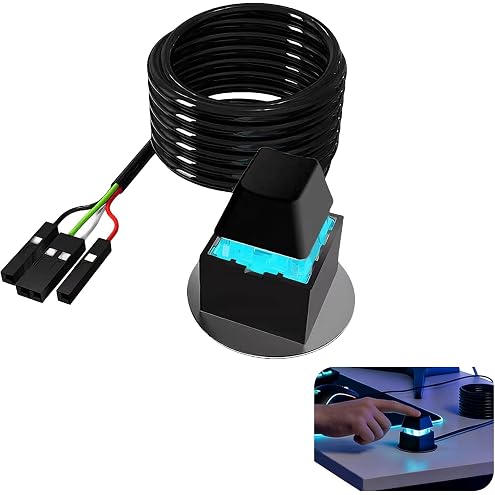
2m Desktop PC Power Button Switch Extension Cable - 1 to 2 Port Dual Output On/Off Control with Magnetic Base, Easy Access Power Switch Adapter for Desktop Motherboard Boot
$9.99
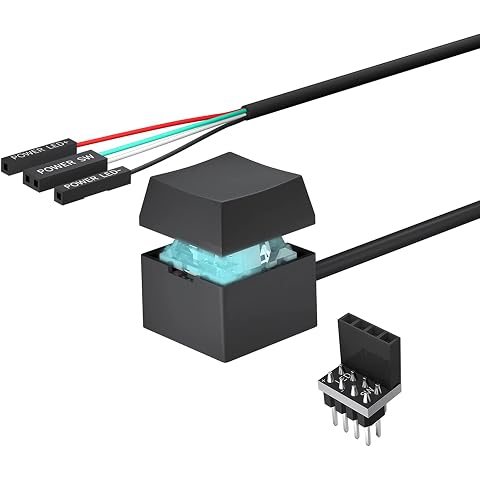
Desktop PC Power Button Switch: Mechanical Key External Desktop Computer Power On Off LED PC Power Switch Button Extension for Motherboard Boot
$16.99
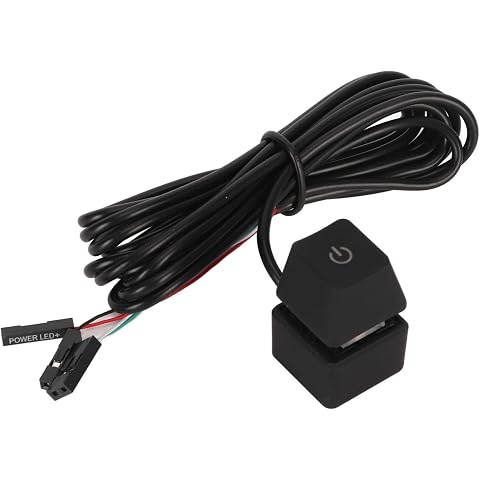
6.6ft PC Power Button, External Power Switch with 7 Color Light for Desktop PC, Blue Switch Mechanical Keys, Computer Power Switch Suitable for Home Hotel Office
$14.89
Freenove RFID Starter Kit V2.0 with Board V4 (Compatible with Arduino IDE), 267-Page Detailed Tutorial, 198 Items, 49 Projects
$45.86
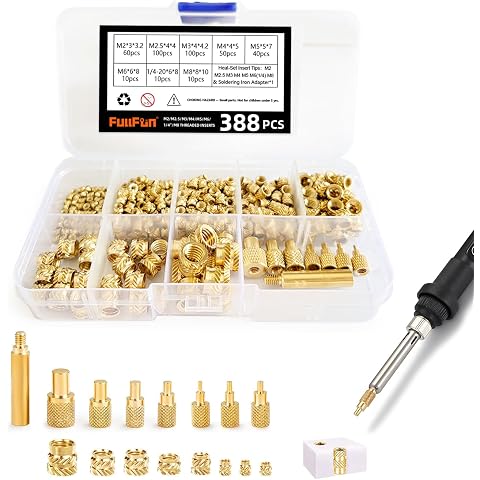
FullFun 388pcs Brass Threaded Inserts Heat Set Insert M2 M2.5 M3 M4 M5 M6 1/4-20 M8 Metric Female Knurled Embedment Nuts for Plastic and 3D Printing Injection Molding Assortment Kit
$23.99
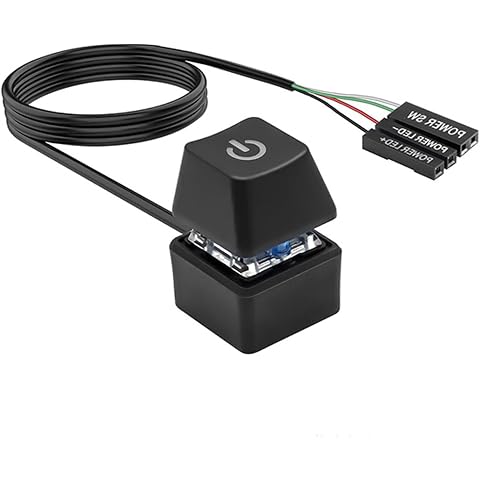
LuojinLuoda 1.8m Computer Power Switch Button Extension Cable (Black) | Desktop PC Power Button On Off Control Adapter with 1.8 Meter Cable for Custom PC Build and Gaming Computer Case
$10.99
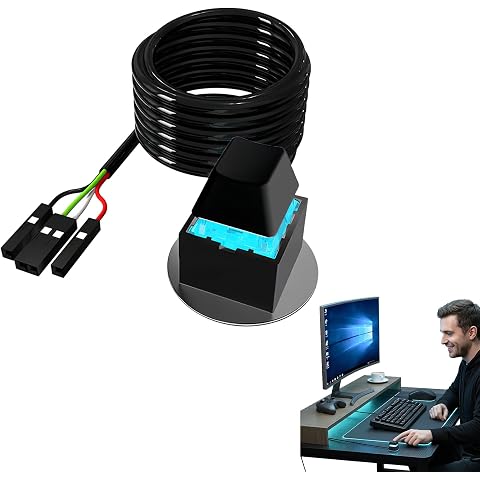
1pcs Desktop PC Button Switch Extension, SwitchExternal Mechanical Key with LED Indicator, Boot for Motherboard Startup, Versatile On/Off Replacement and Easy Installation for Custom Computer Builds
$8.79