 1 / 7
WAVLINK WL-UG63PD25(4K) DisplayLink Triple-Monitor Dock
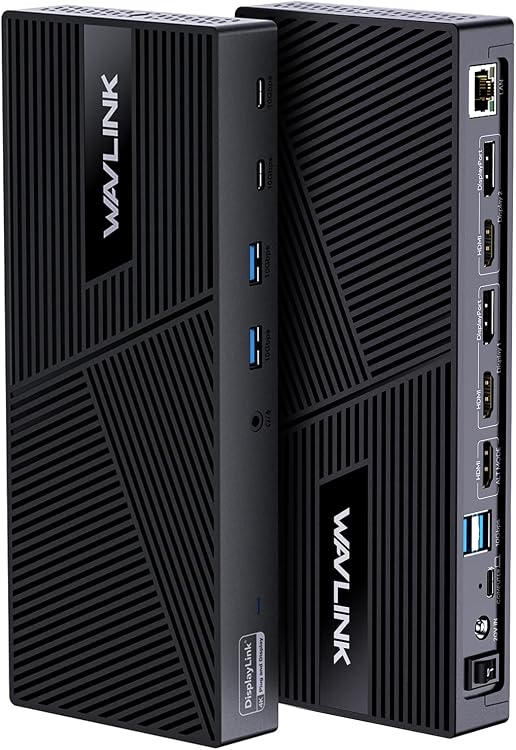
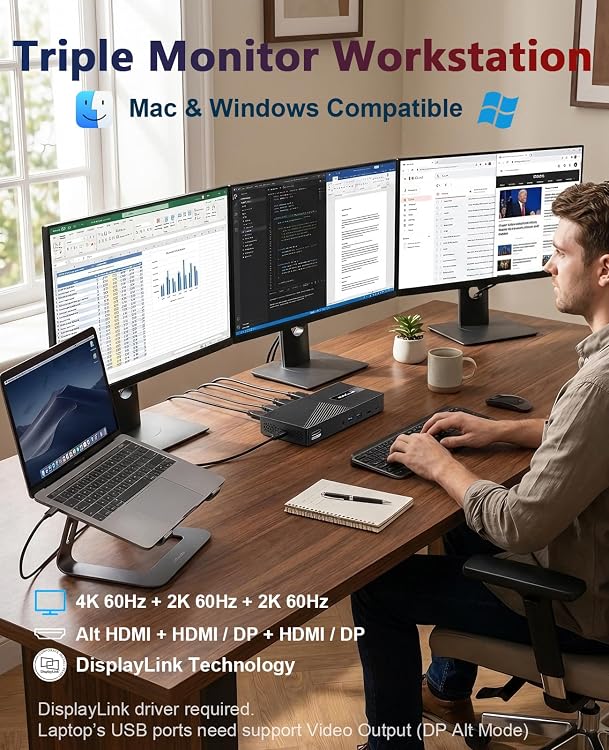
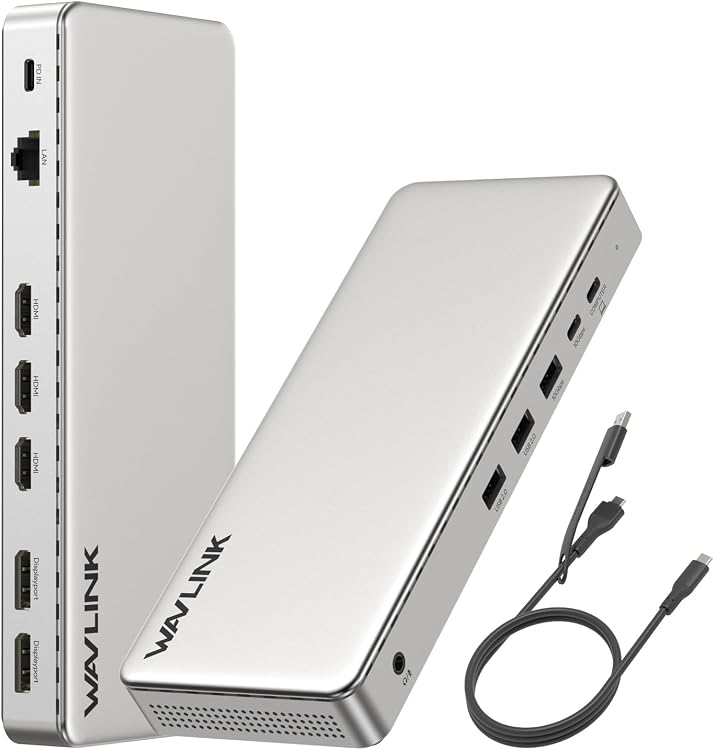
Triple-Monitor: The WAVLINK WL-UG63PD25(4K) is a DisplayLink USB-C dock advertised for connecting up to three external displays alongside USB devices and wired Ethernet. It may suit a fixed home-office setup, but the listing requires a DisplayLink driver and specifies different resolutions by output, so confirm your laptop’s USB-C video and charging support before buying.
At a glance
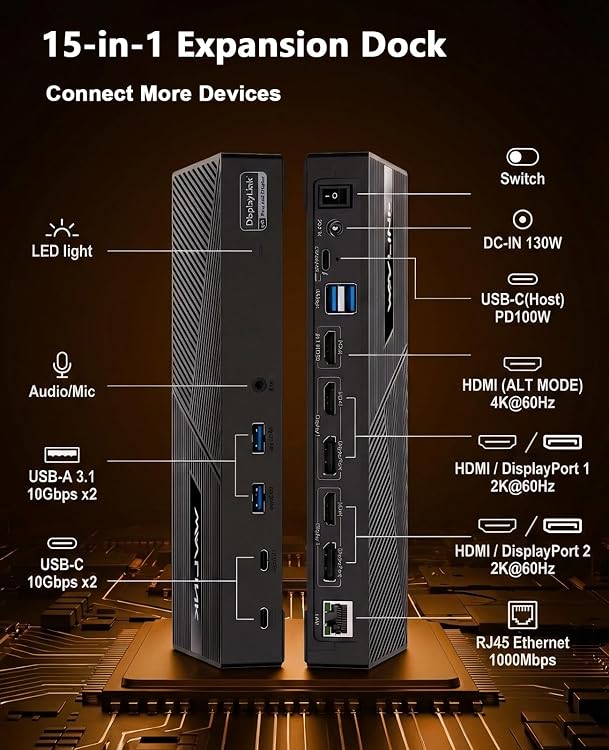
- Advertised for up to three external displays, with one HDMI output described for 4K at 60Hz and two additional outputs for 2K at 60Hz.
- Six USB ports are claimed to support up to 10Gbps individually, with Gigabit Ethernet also listed.
- The listing claims up to 100W host charging and includes a 130W power adapter in its stated box inventory.
- DisplayLink software is required. The host USB-C port must support video output, and charging pass-through depends on host support.
Reference price: $219.99
Price checked: 18 Nov 2026
View offerAhead of Black FridayExplore the selectionOften bought together
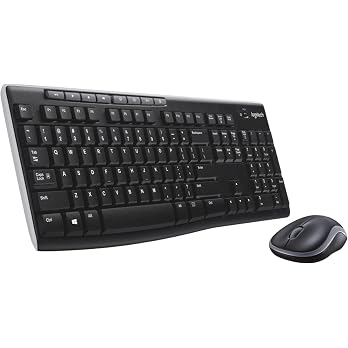
Logitech MK270 Wireless Keyboard and Mouse Combo for Windows, 2.4 GHz, 8 Multimedia Keys, PC, Laptop, Wireless Keyboard Compact Mouse Combo - Black
$43.00
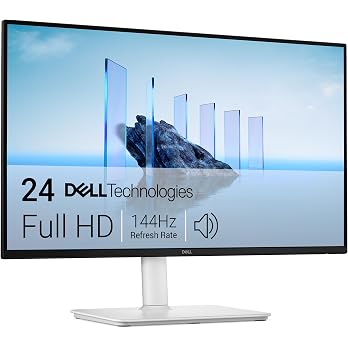
Dell 24 Plus Monitor - S2425HSM - 23.8" (1920 x 1080) 144Hz 1ms FHD Display, 2 x 3W Speakers, HDMI Connectivity, Height/Tilt/Swivel, AMD FreeSync - White
$680.82
Pros and cons
Pros
- Combines display connections, six USB ports and Ethernet in one desk dock.
- The stated display modes give a practical route to a mixed-resolution, three-screen workstation.
- A listed 100W host-charging output can reduce the number of laptop connections when the computer supports USB-C charging.
Cons
- DisplayLink driver installation is required, so this is not a plug-and-play choice for systems where drivers cannot be installed.
- The listing does not claim 4K resolution for all three screens. Its stated combination is one 4K display and two 2K displays.
Technical specifications
16 specifications| Brand | WAVLINK |
|---|---|
| Model | WL-UG63PD25(4K) |
| Video outputs listed | 2x Displayport, 3x HDMI |
|---|---|
| Other listed ports | 1x RJ45, 4 x USB-A 3.1 Gen2, 2 x USB-C 3.1 Gen2, 1x 4-pole phone jack |
| USB port count | 6 |
| Total ports listed | 15 |
| USB data rate claim | 10Gbps |
| Ethernet speed claim | 1000Mbps |
| Power adapter input | 1x DC IN(20V/6.5A, 130W) |
|---|---|
| Host charging claim | 100W |
| Advertised maximum multi-display combination | Up to 4K + 2K + 2K |
|---|---|
| Advertised output mode | 4K 60Hz HDMI + 2x 2K 60Hz HDMI/DP |
| Compatible devices listed | M1/M2/M3/M4/M5/Neo Macs, USB-C Microsoft Surface line w/ USB-C: Pro 7 / Go & Go 2 / Book 2 & 3 / Laptop 2 & 3, HP Spectre x360 series, Dell XPS 13 & XPS 15 (9300 9310 9350 9360 9370 9380 9550 9560 9570 7390 +more) / Latitude (5580 7280 7400 7490 +more), Lenovo ThinkPad T series (T470, T480, T490), Huawei MateBook Pro, LG Gram, Samsung Galaxy TabPro S, Thunderbolt 3 MacBook Pro & Air |
|---|---|
| Operating system versions listed | ChromeOs 134, Windows 10, iOS 11 |
| Dimensions listed | 9.1L x 22.1W x 2.5H centimetres |
|---|---|
| Weight listed | 370 Grams |
What to know before buying
Listing details to confirm
Listing details are inconsistent or unconfirmed: dimensions appear as 9.1L x 22.1W x 2.5H centimetres in product details but 22.3x9.1x2.9cm/8.7x3.6x1.1in( L x W x H ) in the specification block, and weight is listed as 370 Grams in details but 1.1Kg in that block. The dock is described as supporting three monitors, while the stated resolutions are one 4K plus two 2K displays, and the port summary and port-by-port list differ in how they account for all ports. Confirm the selected listing and the required outputs before purchase.
Who is it for?
A good fit for
- Laptop users who need several external screens for office work, study or multitasking and can install DisplayLink software.
- Desk setups needing multiple USB peripherals, wired Ethernet and a single dock connection.
- Compatible USB-C laptop owners whose host port supports video output and, if desired, USB-C charging.
Less suited to
- Users who need a driver-free dock or cannot install software on their work computer.
- Buyers requiring three simultaneous 4K displays, which the stated output modes do not support.
- Gaming or HDCP-protected 4K streaming, which the listing says is not recommended.
Customer reviews on Amazon
- 5 stars
72% 72% - 4 stars
19% 19% - 3 stars
5% 5% - 2 stars
0% 0% - 1 star
4% 4%
Aggregate customer ratings lean positive, with most ratings in the five-star category, but a smaller spread of lower ratings means experiences are not uniform. With no written feedback supplied, the ratings do not identify specific strengths or problems. For buyers, driver setup, host compatibility and the stated mixed-resolution display modes are key considerations that ratings alone cannot settle.
Frequently asked questions
Can it drive three 4K monitors?
The listing does not support that claim. It specifies up to 4K + 2K + 2K, with one HDMI output described as 4K at 60Hz and two additional outputs at 2K at 60Hz.
Does it work without installing software?
No. The listing says a DisplayLink driver is required, so check that you can install the driver on your computer.
Will it charge any USB-C laptop?
The listing claims up to 100W charging, but says the laptop’s USB-C port must support power delivery. Confirm host compatibility before relying on charging through the dock.
What is included?
The specification block lists a USB-C triple-display dock, USB-C to C cable, 130W power adapter, quick-start guide and driver-link card. See the box section for the stated components.
Alternative options
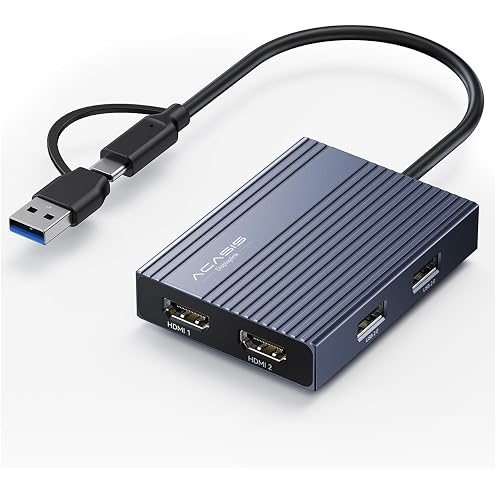
ACASIS USB C to Dual HDMI DisplayLink Adapter for Mac M1/M2/M3/M4/Windows | USB C DisplayLink Docking Station with 2HDMI 4K@60Hz, 3USB-A Ports, 100W PD Charging ,USB A/C to Dual Monitor,Grey
$99.89
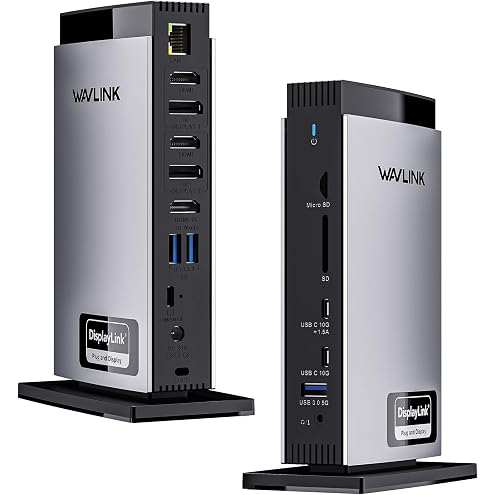
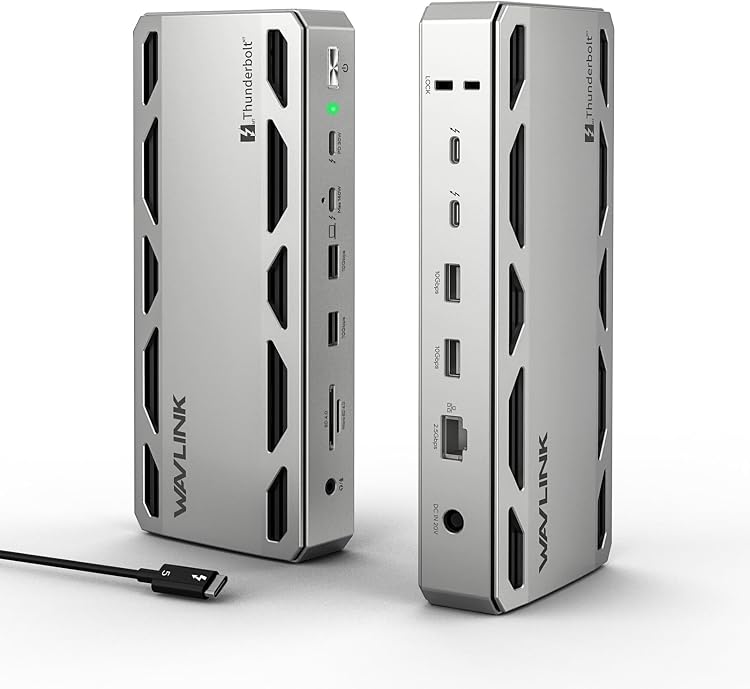
WAVLINK Docking Station 3 Monitors, Triple 4K@60Hz for M1-M4/Macbook Neo/Windows, Displaylink Dock with 3X HDMI or 2X DisplayPort, 130WPD,5 USB Ports, Ethernet, Audio, SD/TF, Thunderbolt 5/4
$219.99
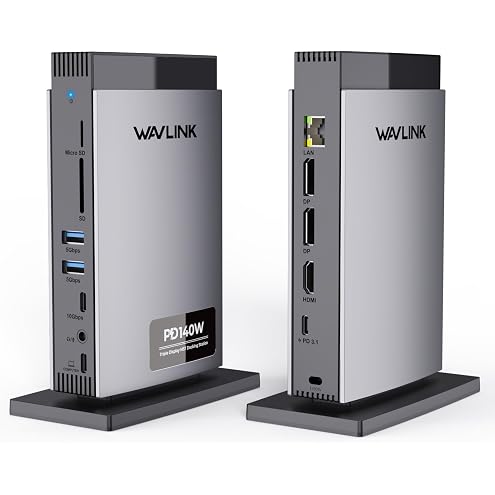
WAVLINK 11-in-1 USB-C Docking Station for Triple Monitors | Supports Single 8K or Triple 4K, 125W PD3.1 Pass-Through & Power Adapter, HDMI + 2x DP, for MacBook M1–M4 & Windows
$125.99
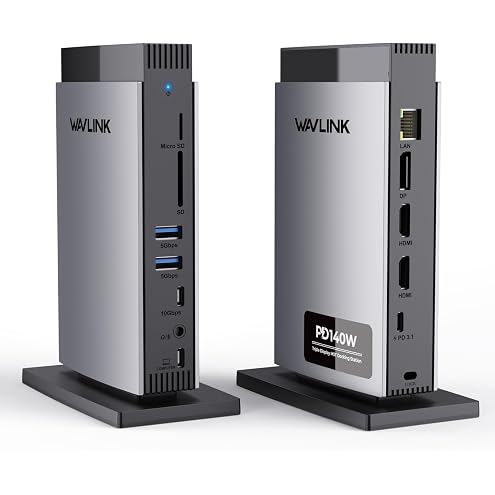
WAVLINK 11-in-1 USB-C Docking Station for Triple Monitors | Supports Single 8K or Triple 4K, 125W PD3.1 Pass-Through & Power Adapter, 2x HDMI + DP, for MacBook M1–M4 & Windows
$129.99
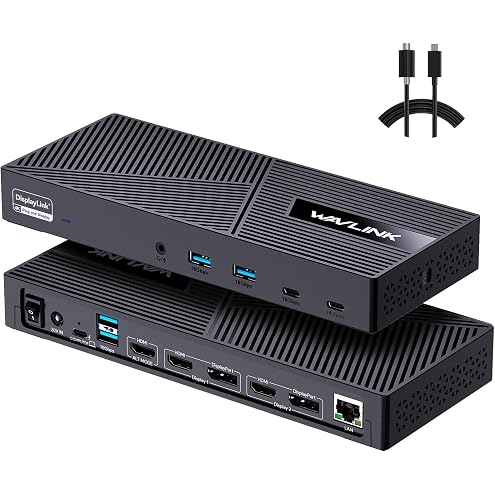
WAVLINK Triple Display Universal USB C Docking Station with 100W PD, 1x4K HDMI, 2x2K HDMI&DP, 2xUSB-C, 4xUSB 3.1-10Gbps, 1xRJ45, 1xAudio&Mic, 15-in-1 USB-C Dock for Intel/M1/M2-Mac/Dell/Asus, Windows
$163.88
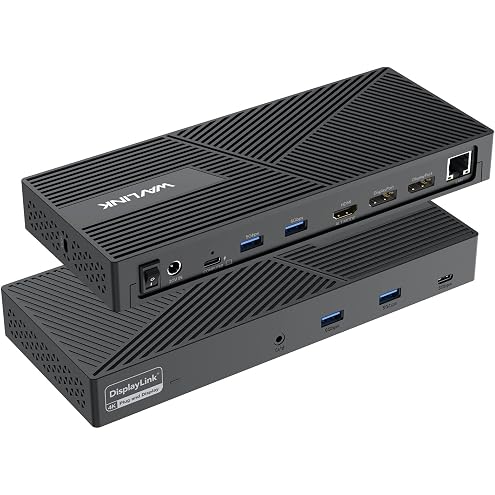
WAVLINK Triple 4K@60Hz Display Universal USB C Docking Station with PD 100W, 12-in-1 Laptop Dock Support Single 5K/Dual 4K@60Hz Display, 2xDP, 1xHDMI, 4xUSB 3.0, Type-C, RJ45, for Windows/Mac
$181.28
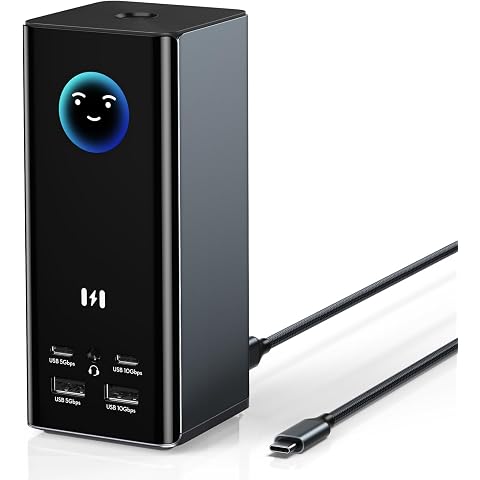
Selore Triple 4K Docking Station 3HDMI 2DP Weather Screen 100W PD LAN SD TF | Laptop Docking Station 3HDMI, 2DP, Weather Screen, 100W PD, LAN SD TF,high-speed 10Gbps data transmission,plug-and-play
$125.61
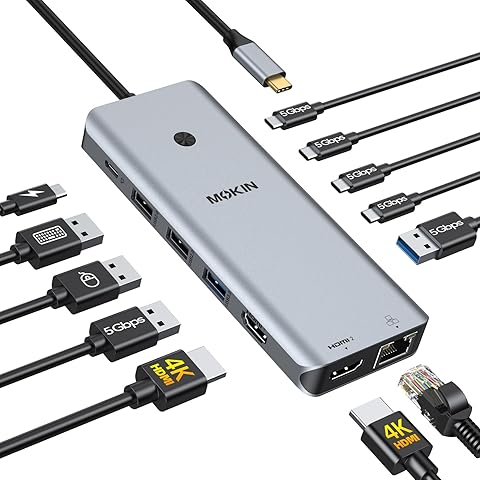
MOKiN Laptop Docking Station Dual Monitor,13-in-1 USB C Hub with 2 HDMI | USB C Docking Station Dual Monitor with 2 HDMI, RJ45 Ethernet, 8*5Gbps USB C/A, 100W PD, Tonggle Button for Dell/HP/Lenovo
$49.99
Products with discounts that might interest you

Offer details
- DisplayLink driver installation is required.
- The host USB-C port must support video output. USB-C charging requires host power-delivery support.
- The stated 4K output is limited to one HDMI display. The listed three-screen mode is 4K plus two 2K displays.