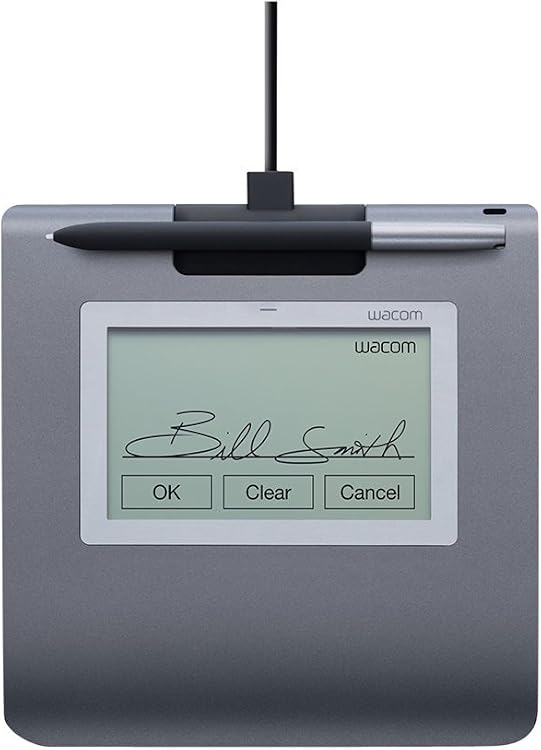
 1 / 5
Wacom STU-430 Signature Pad with Sign Pro PDF
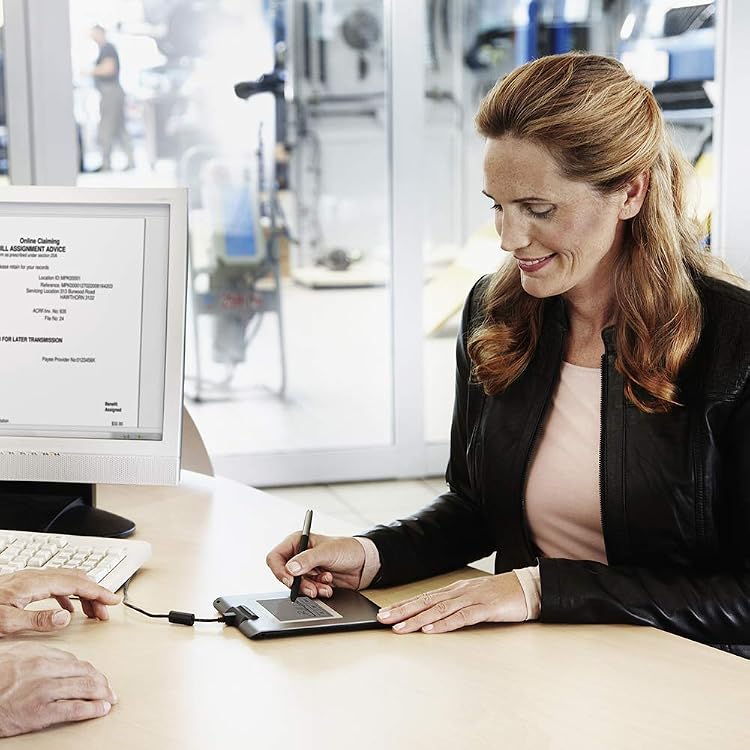
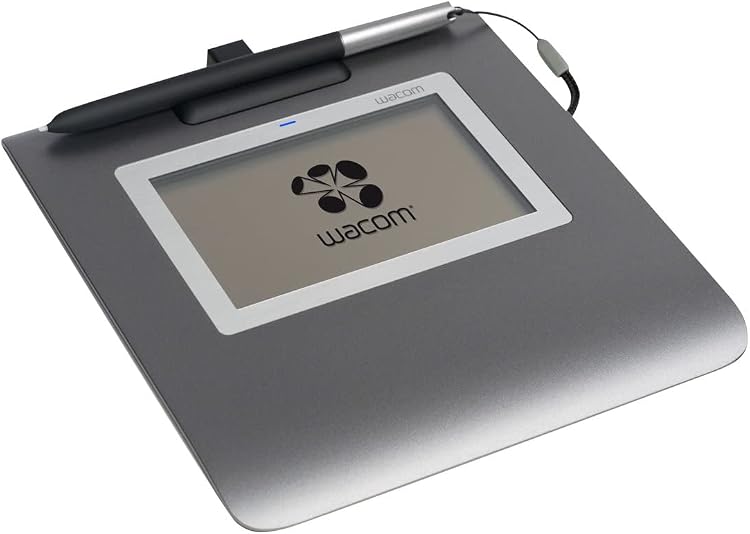
Wacom STU-430 Signature Set pairs a compact LCD pad with Sign Pro PDF for Windows to capture handwritten signatures and work with PDFs. Its USB connection and battery-free, cordless pen suit counter-based signing, while the small monochrome display is for signatures and form input rather than a general-purpose drawing screen.
At a glance
- The listing describes a reflective monochrome LCD intended to accommodate handwritten signatures and use in varying light conditions.
- The pen is described as cordless and battery-free, and the pad connects by USB.
- Sign Pro PDF for Windows is included as part of the Signature Set offering, for signing or annotating PDFs.
- The listing claims the screen has been tested to capture over 500K electronic signatures without surface wear. This is a manufacturer claim, not an independently verified result.
Pros and cons
Pros
- A purpose-built pad and Windows PDF software can support in-person signing without printing and scanning paper forms.
- Battery-free, cordless pen design avoids pen batteries and a pen cable during signing.
- The listed 1,024 pressure levels support pressure-sensitive handwriting capture.
Cons
- The stated Windows support makes this a less suitable choice for buyers who need a confirmed macOS or mobile workflow.
- The compact monochrome signing display is not positioned as a general-purpose drawing or full-size document viewing screen.
Technical specifications
12 specifications| Brand | Wacom |
|---|---|
| Model | STU-430 |
| Screen size | 5 Inches |
|---|---|
| Screen technology listed | LCD |
| Native resolution | 320x200 pixels |
| Active surface area | 89.99 cm² |
| Connection listed | USB |
|---|---|
| Pressure sensitivity | 1024 Levels |
| Operating system | Windows |
| Weight listed | 279 Grams |
|---|---|
| Dimensions | 11.4L x 11.4W centimetres |
| Colour | Gray |
|---|
What to know before buying
Listing details to confirm
The title calls the display 4.5 inches, while the technical details list 5 Inches. The supplied listing also describes the pad as a 4.5 Inch display, so screen size is inconsistent. Confirm the exact display size and the selected kit contents before buying. The listed native resolution is 320x200 pixels.
What’s in the box
Included- STU-430 signature pad
- Cordless, battery-free pen
- USB cable, 9.84ft /3m
- Quick Start Guide
- Pen tether, nylon fibre, 19.7 inch/50cm
- Sign Pro PDF software
Who is it for?
A good fit for
- Businesses taking signatures in person at retail, service, health or other counter-based settings.
- Windows users who need to collect handwritten signatures or annotate PDF documents.
- Buyers seeking a compact USB signature pad with a battery-free cordless pen.
Less suited to
- People looking for a general-purpose graphics tablet, large drawing display or high-resolution document screen.
- Buyers who require confirmed support for operating systems other than Windows.
Frequently asked questions
Does the Wacom STU-430 work with Windows?
The listing specifies Windows and describes the set with Sign Pro PDF for Windows. It does not establish compatibility with other operating systems.
What size is the display?
The listing conflicts: the title and feature text say 4.5 inches, while the technical details say 5 Inches. Confirm the size for the listing you are considering.
Is the pen battery-powered?
The listing describes the included pen as cordless and battery-free.
Can it be used to sign PDFs?
The Signature Set is listed with Sign Pro PDF for Windows and is described for adding signatures to and annotating PDF documents.
Alternative options
XPPen Artist 22 Plus Drawing Display Digital Drawing Monitor Graphic Tablet with Screen 22 Inch
$739.99
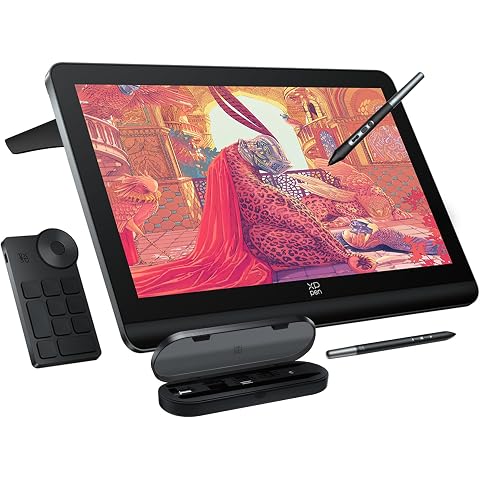
XPPen 4K UHD Artist Pro 19 Gen2 Drawing Tablet with Screen, 156% sRGB Graphic Tablet with 1.07 Billion Colors Anti-Glare Drawing Monitor with Dual 16384 Pen Pressure Stylus, Mini Keydial, 18.4"
$1,499.99
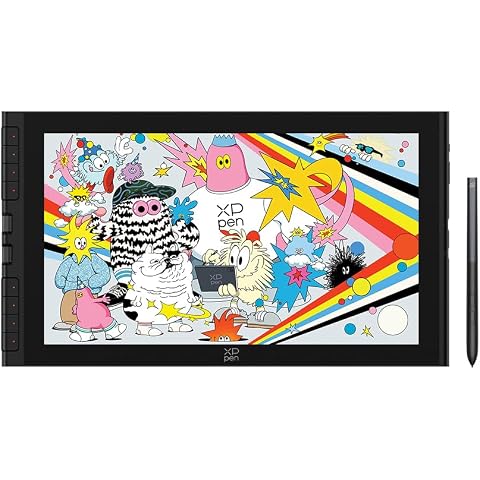
XPPen Artist 16 3rd Drawing Tablet with Screen, 15.4"Pen Display with 16K Pressure Stylus, Anti-Glare Etched Glass, 2 Scroll Wheels & 8 Hotkeys, Include Foldable Stand, Compatible with Mac/Win/Android
$499.99
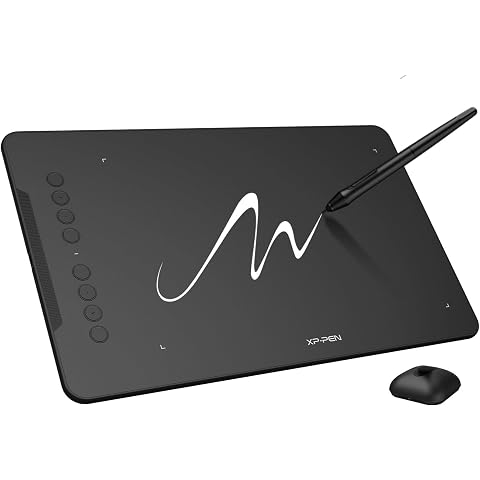
XPPen Updated Deco 01 V3 Drawing Tablet-16384 Levels of Pressure Battery-Free Stylus, 10x6 Inch OSU Graphic Tablet, 8 Hotkeys for Digital Art, Teaching, Gaming Drawing Pad for Chrome, PC, Mac, Android
$89.99
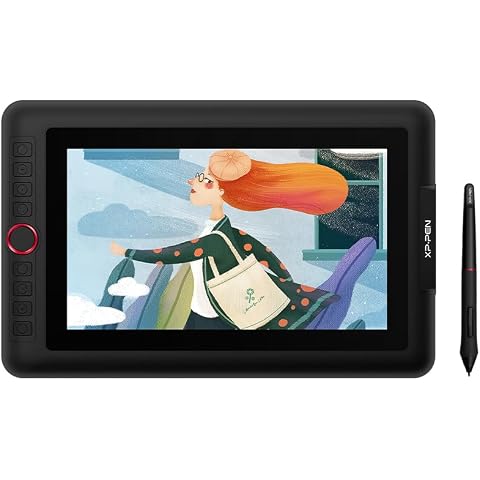
XPPen Artist 12 Pro Lite Version Drawing Tablet with Screen 8192 Stylus | 11.6" Drawing Monitor with Full Laminated Glass, 8 Shortcut Keys & Red Dial Tilt Support, Battery-Free Stylus
$299.99
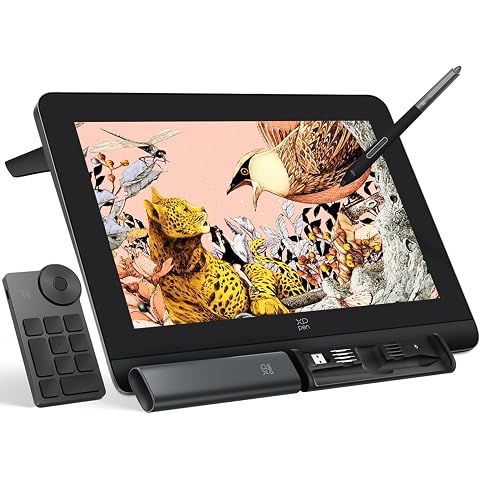
XPPen Artist Pro 16 Gen2 2.5K 16 inch QHD Drawing Tablet with Full Laminated Anti-Glare Screen 16384 Pressure Levels X3 Pro Battery-Free Stylus 159% sRGB Tilt Graphic Drawing Tablet with Mini Keydial
$689.99
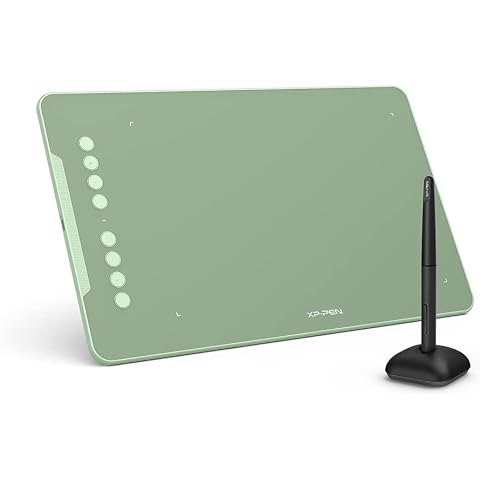
XPPen Updated Deco 01 V3 Drawing Tablet-16384 Levels of Pressure Battery-Free Stylus, 10x6 Inch OSU Graphic Tablet, 8 Hotkeys for Digital Art, Teaching, Gaming Drawing Pad for Chrome, PC, Mac, Android
$89.99
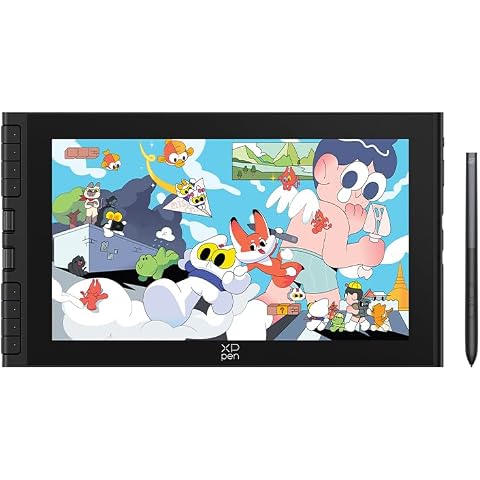
XPPen Artist 12 3rd 11.9" Drawing Tablet with Screen | X4 Pen 16K Pressure | Dial Wheels+8 Keys | AG Etched Glass Portable Art Drawing Tablet Compatible with Windows/macOS/Android/ChromeOS/Linux
$359.99