 1 / 7
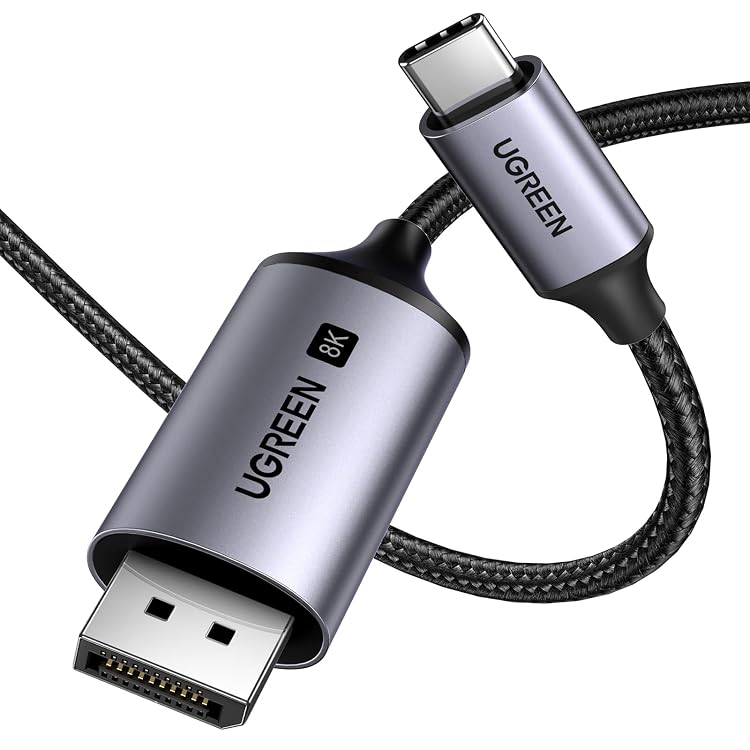
UGREEN USB-C to DisplayPort 1.4 Cable, 8K@60 Hz, 4K@240 Hz, 3 m
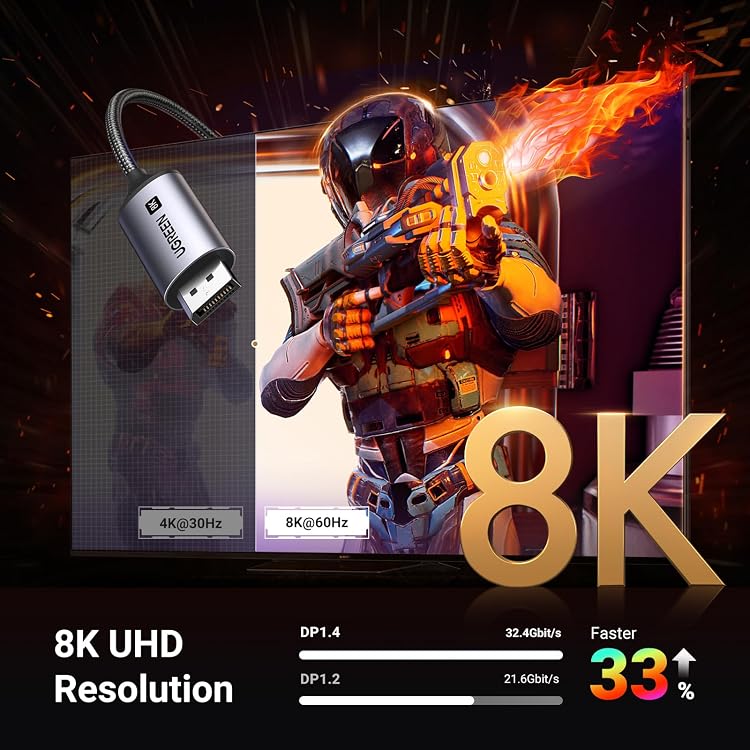
The UGREEN USB-C to DisplayPort cable (model 25158) connects a compatible USB-C video-output device to a DisplayPort screen. It is listed for up to 8K at 60 Hz and 4K at 240 Hz, but those modes depend on the capabilities of the source and display.
At a glance
- USB-C or Thunderbolt 3/4 source to a DisplayPort screen, with no driver or software required according to the listing.
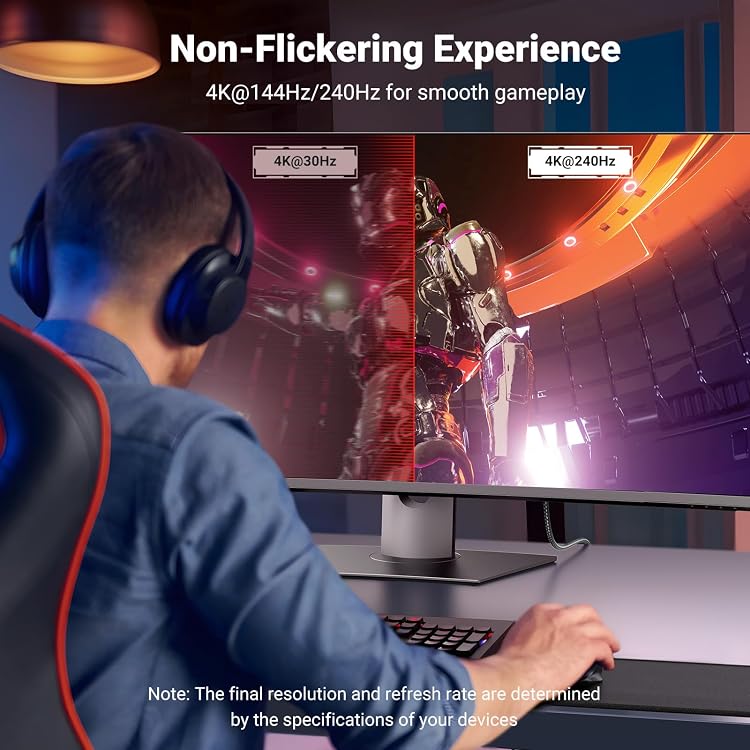
- The listing claims support for 8K@60Hz, 4K@240Hz and 2K@240Hz, plus HDR, VRR and DSC.
- Supports screen mirroring or extension. MST daisy chaining is described, subject to monitor and operating-system limitations.
- Braided cable construction and a stated 3-metre length suit longer desk connections.
Pros and cons
Pros
- A 3-metre cable offers more placement flexibility than a short lead.
- The listed video modes include high refresh rates for compatible source and display combinations.
- The cable is described as braided and supports screen mirroring or extension.
Cons
- This is a USB-C-to-DisplayPort cable, not a USB-C-to-HDMI cable.
Technical specifications
15 specifications| Brand | UGREEN |
|---|---|
| Model | 25158 |
| Cable type | USB-C / DisplayPort |
|---|---|
| Connector type | USB Type C |
| Connector gender | Male-to-Male |
| Data transfer rate | 32.4 Gigabits Per Second |
| Frequency | 60 Hz |
| Specification met | USB-IF, DisplayPort, USB-C |
| Length | 3 Meters |
|---|---|
| Weight listed | 0.11 Kilograms |
| Special feature | Braided |
| Outer material | Thermoplastic Elastomer (TPE) |
| Colour | Silver |
| Shape | Round |
| Indoor/outdoor use | Indoor |
What to know before buying
- The source device must support video output through DP Alt Mode or Thunderbolt 3/4, and the display must have DisplayPort. The cable is described as unidirectional, from USB-C source to DisplayPort display.
- The listing's mode claims are conditional on the connected devices and setup. For MST daisy chaining, it states that the monitor must have two DisplayPorts and that Mac OS does not support it.
Listing details to confirm
The listing gives inconsistent construction details, describing the cable as braided nylon with an aluminium-alloy shell while its specifications list TPE as the outer material. Its compatibility details also differ between sections, so confirm your specific device and display before buying.
Who is it for?
A good fit for
- People connecting a USB-C or Thunderbolt 3/4 device with DisplayPort Alt Mode to a DisplayPort monitor.
- Desk setups needing a 3-metre USB-C-to-DisplayPort lead.
- Users seeking high-refresh-rate video, provided both connected devices support the chosen resolution and refresh rate.
Less suited to
- People who need a USB-C-to-HDMI connection.
- Devices whose USB-C port does not provide video output through DP Alt Mode or Thunderbolt 3/4.
- Setups that require a bidirectional cable or DisplayPort-to-USB-C signal direction.
Customer reviews on Amazon
- 5 stars
83% 83% - 4 stars
8% 8% - 3 stars
2% 2% - 2 stars
1% 1% - 1 star
6% 6%
Customer feedback reports crisp video output, including 4K at 144 Hz, along with positive impressions of build quality and value. Compatibility experiences are mixed, including a reported issue with an MSI273U monitor. This feedback may help set expectations, but it does not establish compatibility with a particular setup or confirm the listing's higher mode claims.
Positive themes
- Customers report crisp picture quality and useful functionality.
- Customer feedback is positive about build quality and value.
Mixed feedback
- Compatibility feedback is mixed, with a reported MSI273U issue alongside a report of seamless use.
Frequently asked questions
Will this cable work with any USB-C port?
No. The listing requires a USB-C port with video output through DP Alt Mode or Thunderbolt 3/4. Check your source device's port capabilities.
Does it connect to an HDMI display?
No. This cable connects USB-C to DisplayPort. The listing explicitly says it is not USB-C to HDMI.
Can it deliver 8K at 60 Hz or 4K at 240 Hz?
Those are listed maximum modes, not guaranteed results for every setup. The source device, display and configuration must support the selected resolution and refresh rate.
Can it daisy-chain multiple monitors?
The listing describes MST daisy chaining, but says the monitor must have two DisplayPorts and Mac OS does not support this use.
Alternative options
UGREEN USB-C to DisplayPort 1.4 Cable, 8K@60 Hz, 4K@240 Hz, Bidirectional | Thunderbolt 4, Aluminium, Braided, Compatible with iPhone 17 Pro Max, Galaxy S26, MacBook Pro/Air, iPad and XPS 17
$24.71
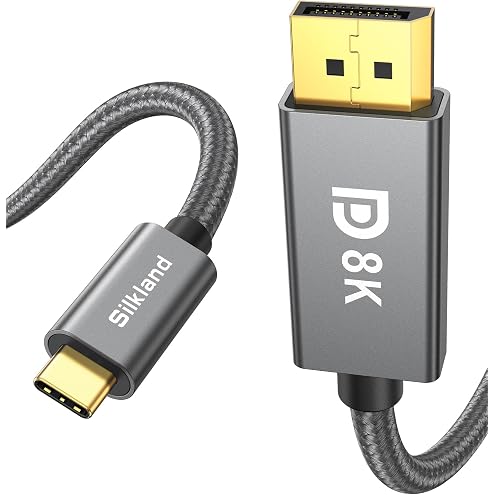
Silkland USB C to DisplayPort 1.4 Cable 8K@60Hz 4K@240Hz 3M | Unidirectional, Thunderbolt 4/3 to DisplayPort, 32.4Gbps,G-Sync, for iPhone 18/17 Pro, MacBook, Mac mini, Odyssey G8/G9, XPS
$28.04
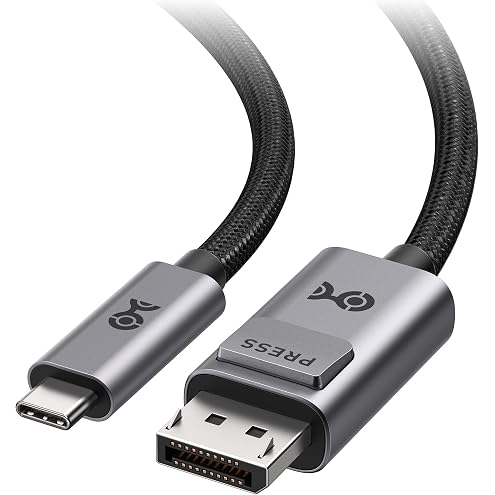
Cable Matters 40Gbps Bidirectional USB C to DisplayPort 2.1 Cable, 1.8m | DP40 (UHBR10), 8K@120Hz / 4K@480Hz, DisplayPort to USB C Cable, No Power Delivery
$41.64
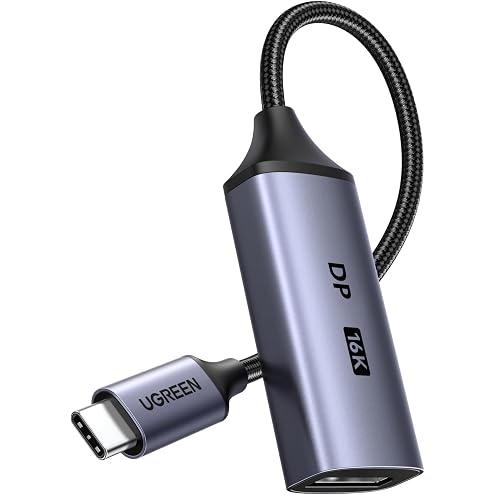
UGREEN USB-C to DisplayPort 2.1 Adapter, 16K@60 Hz, 80 Gbps | 8K@120 Hz, 4K@240 Hz, 1440p@480/500 Hz, Thunderbolt 5/4/3, HDR, G-SYNC/FreeSync, MacBook Pro/Air, Mac mini, iMac and iPad
$25.58
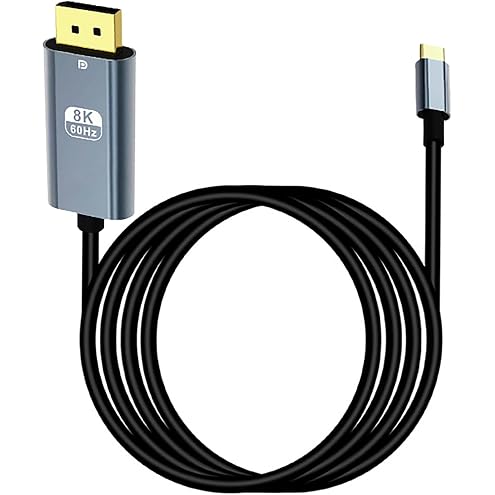
USB C to DisplayPort 1.4 Cable [8K@60Hz 4K@144Hz 2K@240Hz], tunghey Type C to DP 1.4 Cable 32.4 Gbps Compatible with MacBook Pro/Air, iPad Pro 2M
$12.99
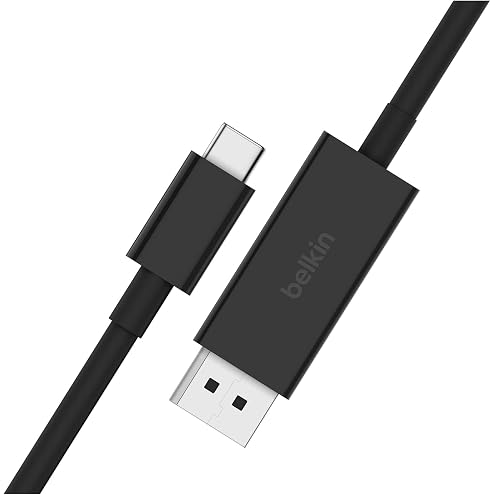
Belkin USB C to DisplayPort 1.4 Cable 2m 32.4Gbps 8K 60Hz 4K 144Hz Black | Connect a USB C Device to a DisplayPort Screen with 8K 60Hz or 4K 144Hz Video, 32.4Gbps Bandwidth and a Convenient 2m Length
$53.10
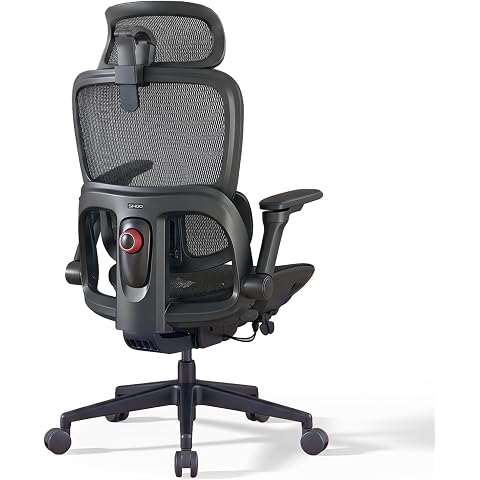
SIHOO B300-PRO Ergonomic Office Chair, High Back Mesh Desk Chair | 6D Adjustable Armrests, Adaptive Lumbar Support, Adjustable Headrest, 135° Recline, without footrest
$339.99
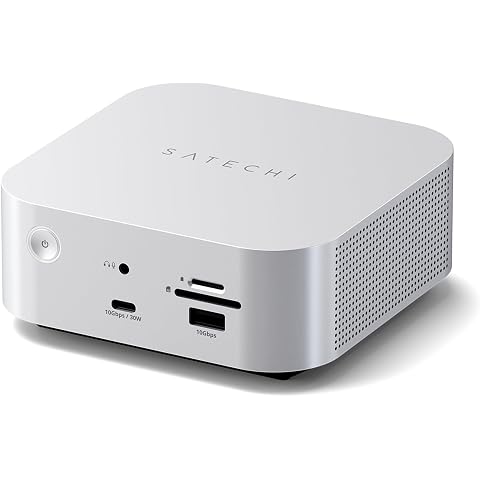
Satechi Thunderbolt 5 CubeDock with Built-in NVMe SSD Enclosure, Silver | USB-C Docking Station, 80/120Gbps USB4 v2, 140W Charging, Up to 8K Display, 2.5GbE, 10Gbps Type-A/C, Active Cooling
$611.99
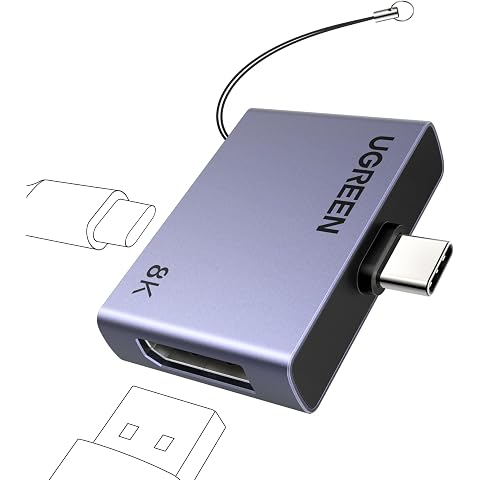
UGREEN USB-C to DisplayPort 1.4 Adapter, 8K@60 Hz, 100W PD | 4K@240/144/120 Hz, Thunderbolt 3/4/5, HDR, VRR, FreeSync, For MacBook, iMac, Mac mini, iPad Pro, XPS, iPhone 17, Galaxy S26
$21.24
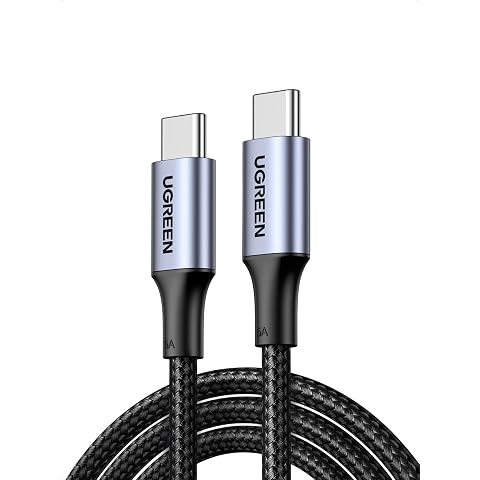
UGREEN 100W USB C to USB C Cable 2M, PD Fast Charging Type C Cord | USB2.0 480Mbps Data Transfer Type C Cord Compatible with iPhone 18/17/16, Galaxy S26, MacBook Air/Pro, iPad Pro/Air, Black
$12.70
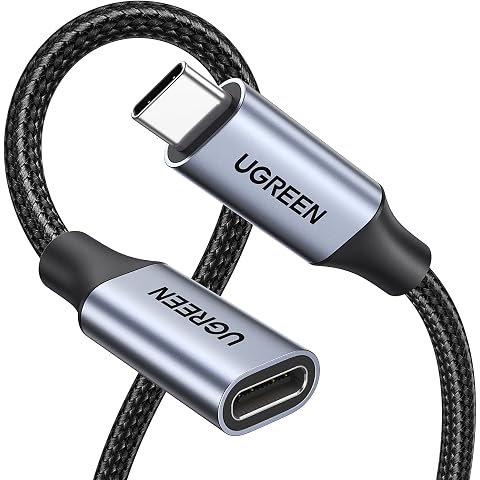
UGREEN USB C Extension Cable 0.5M, 10Gbps Nylon Braided 100W Fast Charge | 4K 60Hz Video Display Lead Type C Male to Female Extender Cord Compatible with iPhone 18, MacBook/iPad Pro Air Space Gray
$17.57
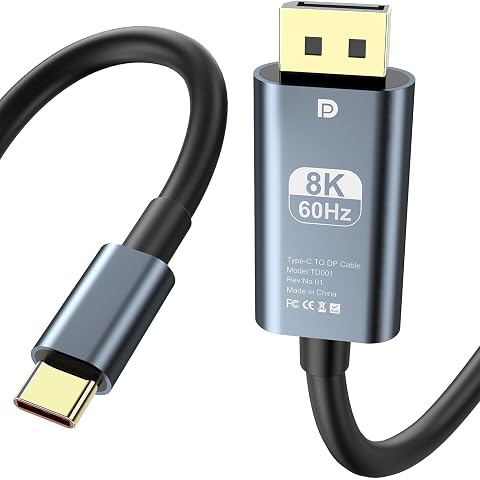
AHGEIIY 8K@60Hz USB C to DisplayPort 1.4 Cable 1M 4K 240Hz Type C Thunderbolt 4/3 to Dp Cord 32.4Gbps Thunderbolt to Display Port for iPhone 16/15, MacBook Pro/Air, iPad, Mac mini, Galaxy, XPS
$12.99