 1 / 7
TESmart HDC203-P24-AUBK Triple-Monitor USB-C KVM Switch
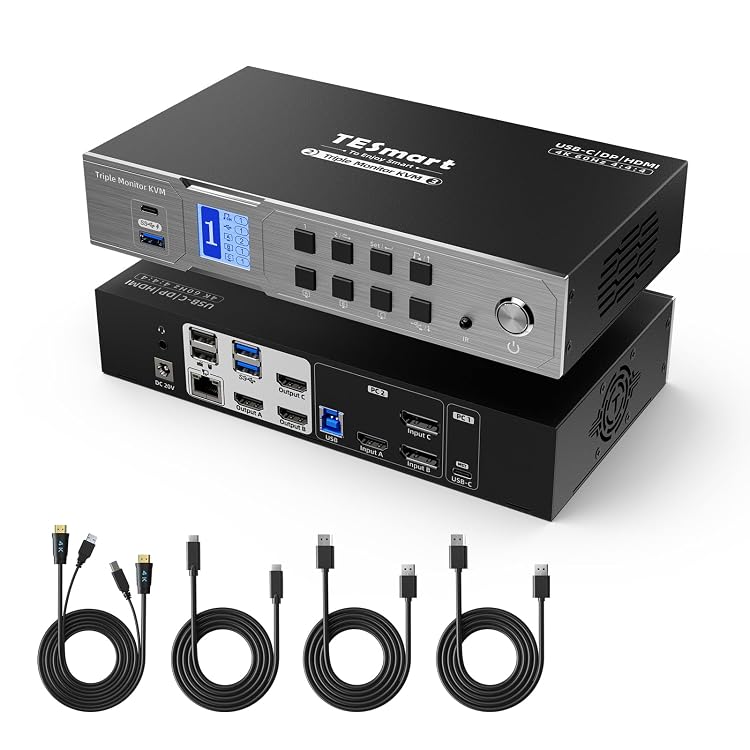
The TESmart HDC203-P24-AUBK is a triple-monitor KVM switch for sharing three displays and USB peripherals between a USB-C laptop and a desktop. The listing claims up to 4K at 60Hz HDMI output, USB-C laptop charging up to 60W, EDID emulation and Gigabit Ethernet. Its USB-C video features depend on compatible laptop support for DP Alt Mode and MST.
At a glance
- Connects two computers to three monitors, with keyboard, mouse and other USB devices shared between the computers.
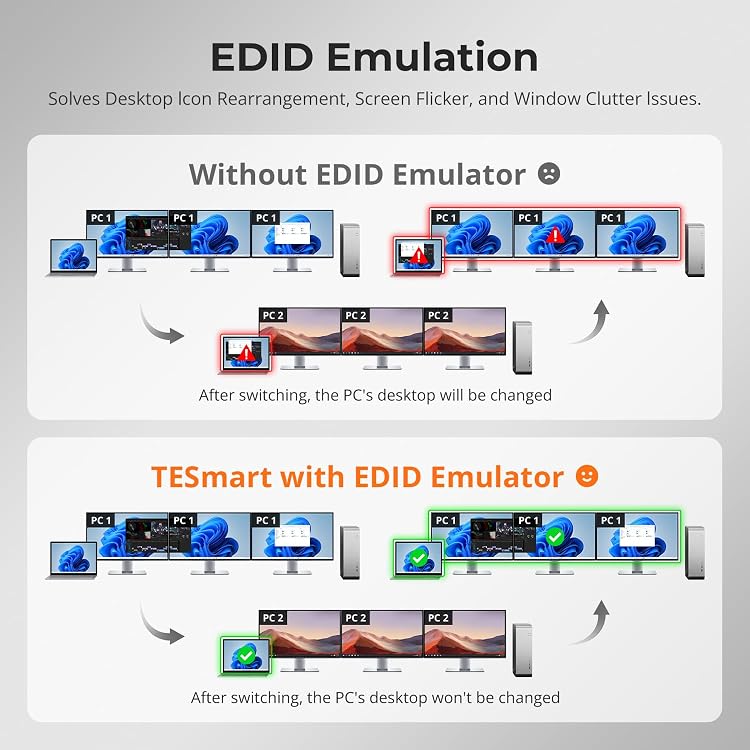
- The listing claims HDMI output up to 4K at 60Hz and EDID emulation to help retain display settings when switching.
- USB-C laptop connection is advertised for video, audio, USB data and charging up to 60W over one cable.
- Built-in docking features are listed as USB 3.0, 1000Mbps Ethernet and 3.5mm audio.
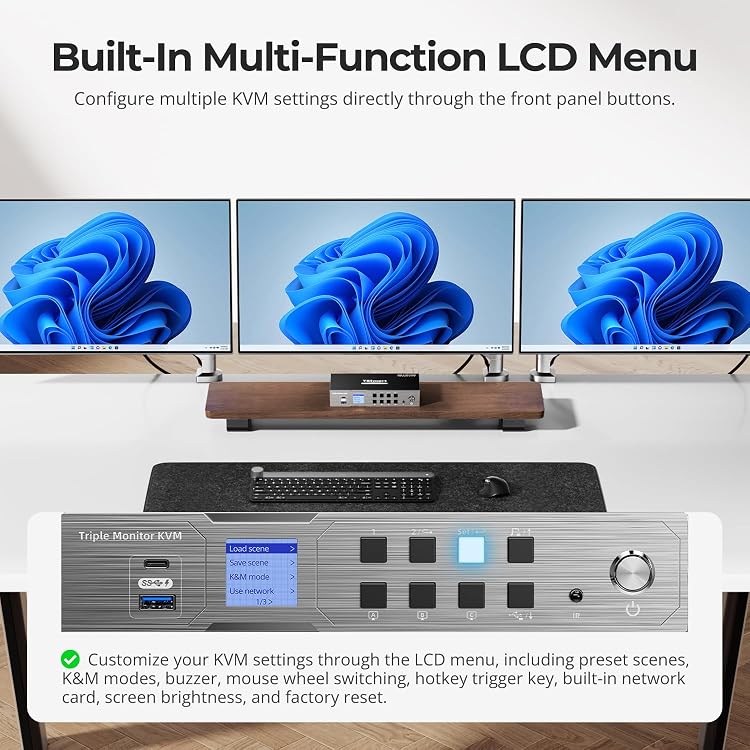
- Switching is advertised by hotkeys, front buttons, mouse wheel or IR remote.
Often bought together
Pros and cons
Pros
- One setup can share three monitors and peripherals between a laptop and desktop, reducing the need to move cables when switching computers.
- EDID emulation is intended to help preserve window and desktop layout during computer changes.
- A compatible USB-C laptop can use one cable for video, data, audio and up to 60W charging, according to the listing.
- The advertised selection of hotkeys, physical button, mouse wheel and IR remote offers several ways to switch.
Cons
- The 60W charging claim may be insufficient for higher-power laptops, which the listing says may charge slowly and need their original adapter for full performance.
- Bluetooth keyboards and mice are stated to be unsupported.
Technical specifications
27 specifications| Brand | TESmart |
|---|---|
| Model | HDC203-P24-AUBK |
| HDMI output claim | up to 4K@60Hz (3840×2160) |
|---|---|
| USB-C laptop charging | up to 60W |
| Ethernet | 1000Mbps Ethernet |
| Listed wireless connection | Ethernet |
| Listed connectors | USB, USB-C, Display prot, HDMI |
| Control methods listed | Push Button, Remote, Sensor |
|---|---|
| Advertised switching methods | keyboard hotkeys, front panel buttons, mouse wheel control or IR remote |
| Compatible laptop video support claimed | Windows laptops supporting DP Alt Mode and MST |
|---|---|
| Mounting types listed | Surface Mount |
| Weight listed | 1 Kilograms |
| Colour | Black |
| Material | Metal |
| Protection rating | IP00 |
| Operating mode listed | ON-OFF |
|---|---|
| Current rating listed | 3 Amps |
| Operating voltage listed | 20 Volts |
| Contact type listed | Normally Open |
| Switch type listed | KVM Switches |
| Terminal listed | USB-C+HDMI+DP and USB switcher |
| Circuit type listed | 3-way |
| Number of positions listed | 2 |
| Control type listed | Manual |
| Compatible devices listed | Laptops(USB-C (Multi-Stream Transport), Desktops, Gaming Keyboards, Windows, Unix, Debian, Ubuntu, Fedora, MacOS X, Raspbian, Other Linux-based Systems |
|---|---|
| Warranty description listed | 1 Year Manufacturer |
| Country of origin listed | China |
What to know before buying
Listing details to confirm
The listing’s HDMI claim is up to 4K at 60Hz, while other material describes a triple-monitor KVM and USB-C, DisplayPort and HDMI connections without specifying all three display outputs’ individual limits. Verify the intended monitor arrangement and connection requirements. Three-monitor USB-C extension is claimed for Windows laptops supporting DP Alt Mode and MST. Mac notes limit native external-display support on M1/M2 and M3 in open-lid mode. Up to 60W charging may be slow for laptops needing 90W–120W. Ethernet appears as a wired network feature but is also labelled a wireless connection. The listed control methods include a sensor, while the feature text describes hotkeys, front buttons, mouse wheel and IR remote. The explicit contents list names a KVM switch, while switching descriptions mention keyboard, mouse and remote without confirming those accessories are included. Check the selected listing’s package contents.
What’s in the box
- USB-C, DisplayPort and HDMI KVM switchIncluded
- KeyboardCheck selected pack
- MouseCheck selected pack
- ScreenIncluded
Check which accessories are included in your selected pack before buying.
Who is it for?
A good fit for
- People who want to switch a three-monitor workstation between a compatible USB-C laptop and a desktop.
- Windows laptop users whose USB-C port supports DP Alt Mode and MST and who can work within the stated 60W charging limit.
- Desk setups that benefit from sharing USB peripherals and a wired Ethernet connection between computers.
Less suited to
- Users who need Bluetooth keyboard or mouse support.
- Laptop owners who require more than 60W charging from the KVM and do not want to use the laptop’s original power adapter.
- Buyers who need guaranteed triple-display compatibility without first checking the computer’s video outputs and the intended monitor connection layout.
Frequently asked questions
How many computers and monitors does this KVM switch support?
The listing describes switching between two computers while sharing three monitors. Check that your computers and chosen video connections support your particular three-display setup.
Can it charge a laptop through USB-C?
The listing claims up to 60W charging through the USB-C laptop connection. It says higher-power laptops needing 90W–120W may charge slowly and may need their original adapter for full performance.
Will it extend three displays from any USB-C laptop?
The listing specifies Windows laptops with DP Alt Mode and MST support. It also notes native external-display limits for M1/M2 Macs and M3 Macs in open-lid mode, so verify compatibility before buying.
Are cables and switching accessories included?
The explicit included-components field names a USB-C, DisplayPort and HDMI KVM switch. Separate listing text claims switching by hotkeys, front buttons, mouse wheel and IR remote, but the package list does not confirm those accessories. Check the selected listing for the exact kit.
Alternative options
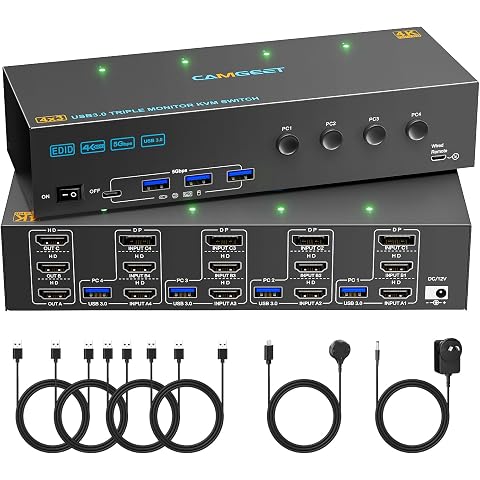
KVM Switch 3 Monitors 4 Computers 4K@60Hz,EDID Simulation,USB 3.0 HDMI Displayport KVM Switch Triple Monitor for 4 PC Share 3 Monitors and Keyboard Mouse Printer,with Wired Remote and 4 USB Cables
$169.99
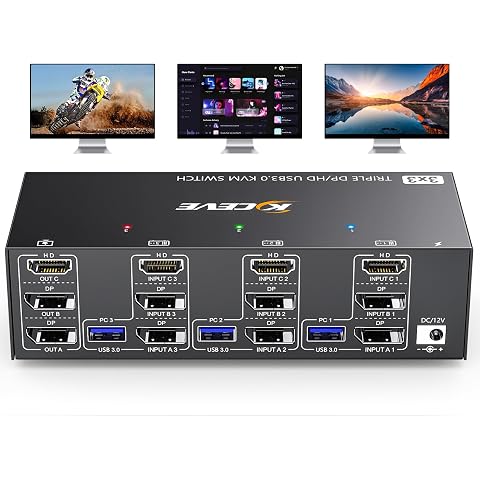
KVM Switch 3 Monitors 3 Computers 8K@60Hz,4K@144Hz, HDMI Displayport KVM Switch Triple Monitor for 3 PC Share 3 Monitor and 4 USB 3.0 Devices, Wired Remote,12V Adapter and 3 USB Cables Included
$155.99
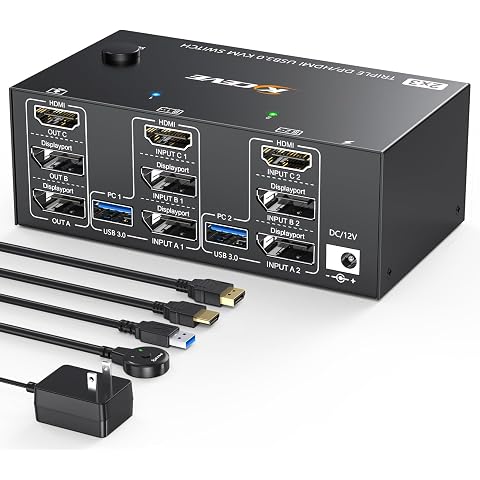
Triple Monitor KVM Switch 3 Monitors 2 Computers, 3 Port 2 Displayport + HDMI USB 3.0 KVM Switch, DP 1.4 Supports 8K@30Hz/4K@144Hz, HDMI Supports Max 8K@60Hz /4K@60Hz with Wired Remote Control
$93.49
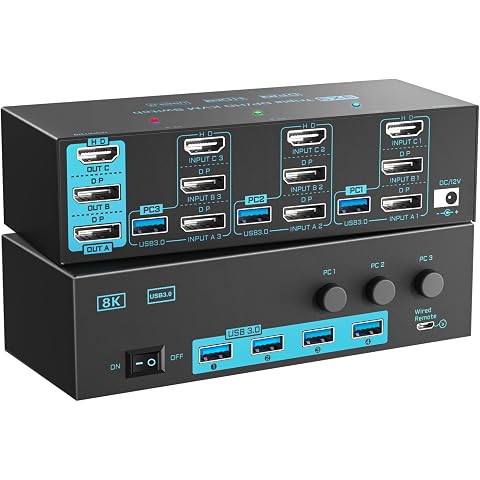
8K/4K KVM Switch 3 Monitors 3 Computers Triple Monitor 3 Port 2 Displayport 1.4 and HDMI 2.1 USB 3.0 KVM Switches, DP 1.4 Supports 8K@30Hz/4K@144Hz, HDMI Supports 8K@60Hz /4K@120Hz with Wired Remote
$155.99
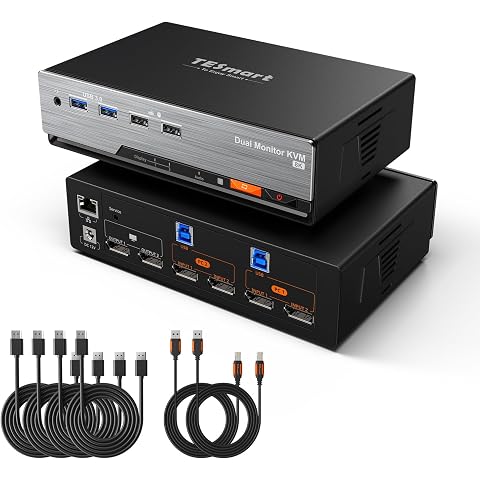
TESmart 8K@60Hz DP KVM Switch 2 Monitors 2 Computers | Support EDID, USB 3.0, DP 1.4, Gigabit Network, Hotkey Switch, Audio & Mic, KVM 4K@144Hz for Gaming Dock with Input Cables
$499.69
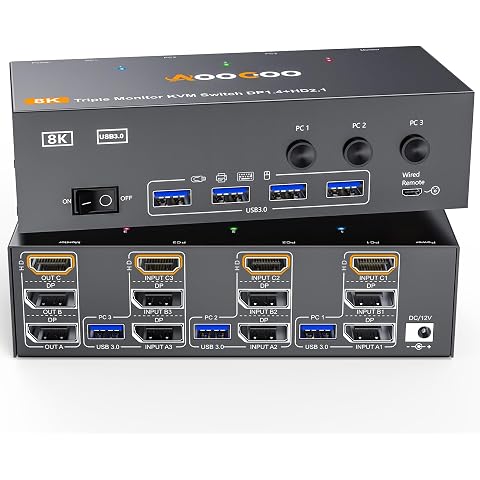
3 Monitors 3 Computers KVM Switch Triple Monitor 3 Port Displayport 1.4 + HDMI 2.1
$132.59
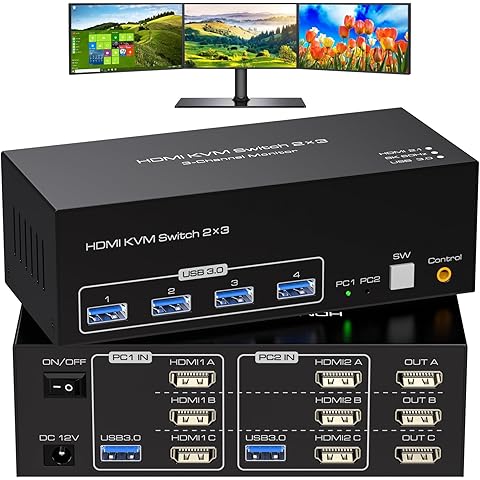
ATLAHET HDMI KVM Switch 3 Monitors 2 Computers 8K 60Hz 4K 120Hz 2 Port KVM Switches Share Triple Monitor and 4 USB Devices Support Copy and Extend Mode Includes Desktop Control and Power Adapter
$108.78
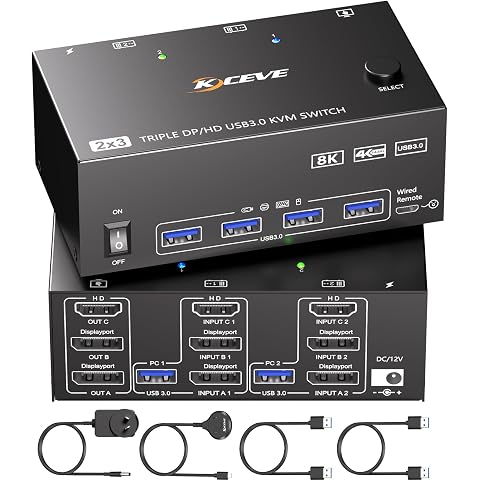
KVM Switch 3 Monitors 2 Computers 8K@60Hz,Triple Monitor KVM Switch for Running Two Computers Across 3 Monitors, Sharing 4 USB 3.0 Devices, with Wired Remote & USB Cable
$109.99
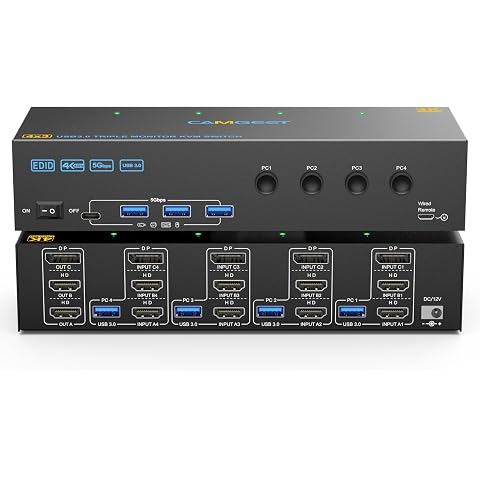
KVM Switch 3 Monitors 4 Computers 4K@60Hz, 2 HDMI+Displayport KVM Switch Triple Monitor for 4 Computer Share 3 Monitor and 4 USB3.0 Port Keyboard Mouse Printer, Wired Remote and 4 USB Cables Included
$165.99
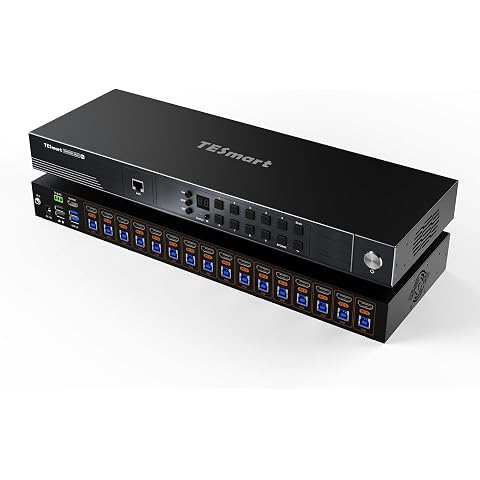
TESmart 16X1 HDMI KVM Switch, 8K@60Hz, Enterprise-Grade Rackmount KVM | 16 Port KVM Switch with EDID emulation, HDMI 2.1, USB 3.0, 7 switching methods, Auto Scan, rack ears, 8 KVM cables included
$1,139.99