 1 / 7
Plyisty PCIe USB 3.2 Gen 2 Expansion Card, 5 Ports
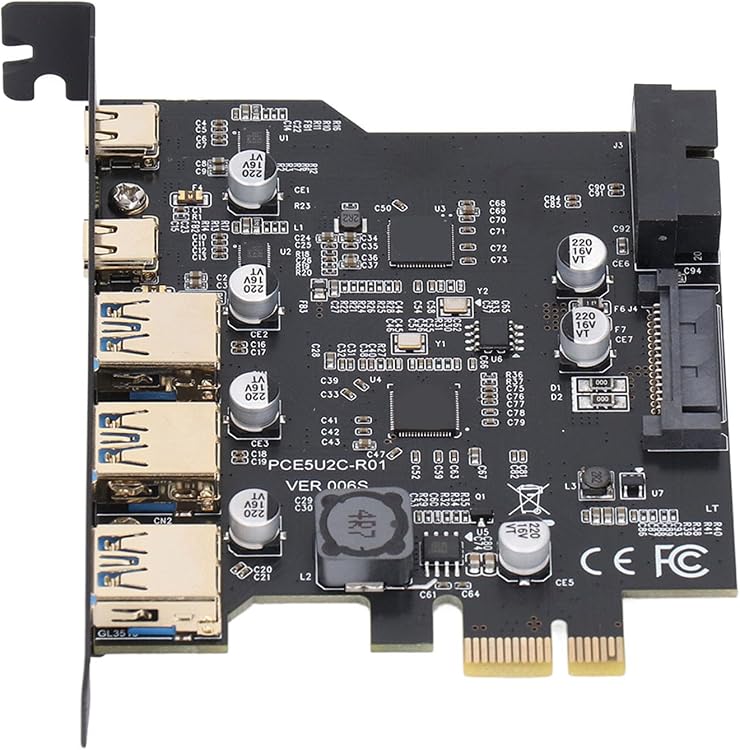
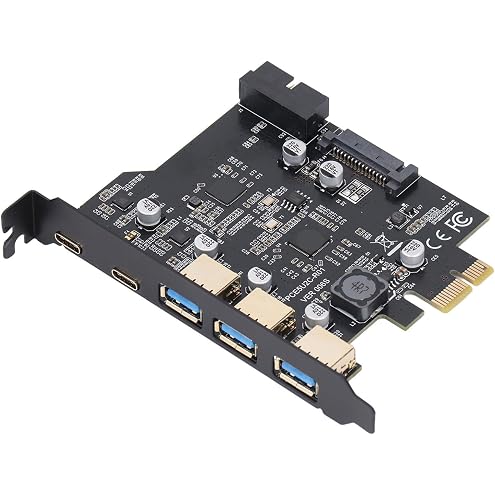
The Plyisty PCIe USB 3.2 Gen 2 expansion card adds three USB Type-A and two USB Type-C ports to a desktop PC. The listing claims up to 20 Gbps combined bandwidth, but specifies that each port's up-to-10-Gbps rate applies when used individually and that the ports share bandwidth in two groups.
At a glance
- Five external ports combine three USB Type-A and two USB Type-C connections.
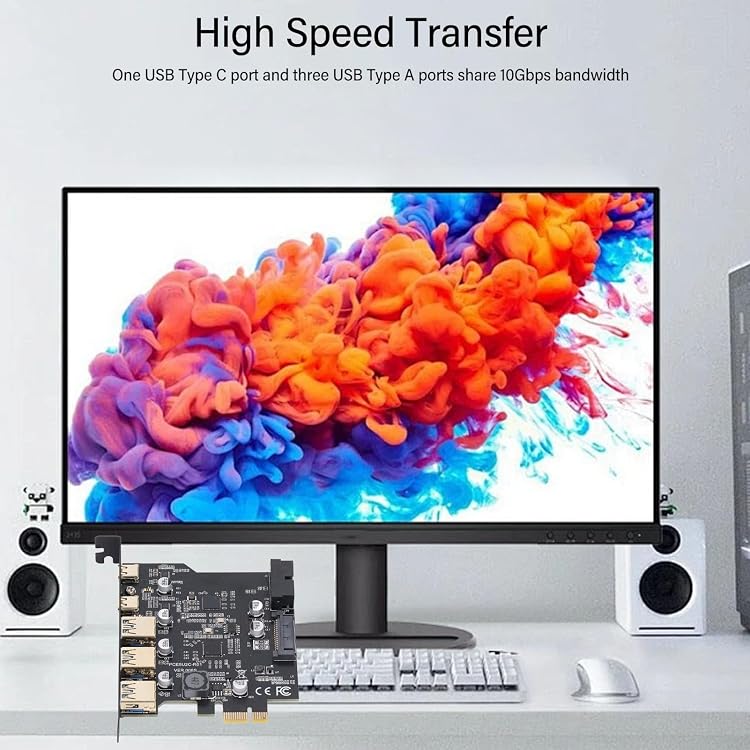
- The listing describes two shared bandwidth groups, each with 10Gbps, and up to 10Gbps per port when used individually.
- The listing names Windows and Linux in its compatibility details and also lists macOS separately.
- The card is intended for installation in a desktop PC's PCIe slot.
Reference price: $32.85
Price checked: 18 Nov 2026
View offerAhead of Black FridayExplore the selectionOften bought together
Pros and cons
Pros
- Adds five external USB ports through an internal PCIe card.
- Provides a mix of Type-A and Type-C ports for connecting peripherals and storage devices.
- The listing identifies common connected devices including keyboards, external drives, webcams and printers.
Cons
- The USB-C ports are specified for data transfer only, not power-delivery fast charging, video output or Thunderbolt protocol.
Technical specifications
9 specifications| Brand | Plyisty |
|---|---|
| Model | Plyistyd2e5c9i1pg |
| USB ports | 2 x USB Type C, 3 x USB Type A, 19pin |
|---|---|
| Total bandwidth | 20 Gbps |
| Operating systems | Windows 7, Windows 8, Windows 10, Windows 11, macOS, Linux |
|---|---|
| Compatible devices | Keyboard, Mouse, External Hard Drive, CD/DVD Drive, Webcam, USB Printer, Scanner, Game Controller, USB VR, Digital Camera |
| Bus type | PCIE |
| Material | PCB |
| Colour | Black |
What to know before buying
Listing details to confirm
Bandwidth details are inconsistent: the title claims 20 Gbps total, while the feature text describes one Type-C plus three Type-A ports sharing 10Gbps and the remaining three ports sharing another 10Gbps, despite listing only five ports. It also claims up to 10Gbps per port when used individually. Compatibility details are inconsistent because macOS appears in one field while other compatibility text names Windows and Linux. Confirm the relevant port grouping and operating-system support for your setup before buying.
Who is it for?
A good fit for
- Desktop PC owners who need additional USB Type-A and Type-C data ports and have a suitable PCIe slot.
- Users connecting peripherals such as keyboards, mice, external drives, webcams or printers.
Less suited to
- Anyone needing USB-C power delivery, display output or Thunderbolt support from the card.
- Laptop users or desktop owners without an available compatible PCIe slot.
Customer reviews on Amazon
- 5 stars
68% 68% - 4 stars
16% 16% - 3 stars
0% 0% - 2 stars
0% 0% - 1 star
16% 16%
Aggregate customer ratings are mostly at the higher end, but a smaller one-star share makes the overall picture less uniform. With no customer comments supplied, the ratings cannot explain experiences with installation, compatibility or the stated bandwidth. Buyers should weigh that limited feedback against the card's five-port layout and the listing's unresolved bandwidth and operating-system details.
Frequently asked questions
How many ports does this card have?
The title and feature text describe three USB Type-A and two USB Type-C external ports. The listing also mentions a 19-pin interface in its specification.
What bandwidth does the card offer?
The listing claims 20 Gbps total and up to 10Gbps per port when used individually. Its description of how the five ports share bandwidth is inconsistent, so confirm the intended grouping before relying on the combined figure.
Does USB-C support charging or video?
No. The listing says the card supports data transfer only and does not support PD fast charging, video signal transfer or the Thunderbolt protocol over USB-C.
Which operating systems are supported?
Windows and Linux are named in the system compatibility details. Another field also lists macOS, but the compatibility wording differs across the listing, so confirm support for your operating system.
Alternative options
PCIe to USB 3.2 Gen 2 Card with 20 Gbps Bandwidth 5 USB Ports (3 USB Type A and 2 USB C Ports), USB PCI E Expansion Card for 7/8/10/11 (32, 64 bit), OS X 10.8.2, Linux
$27.65
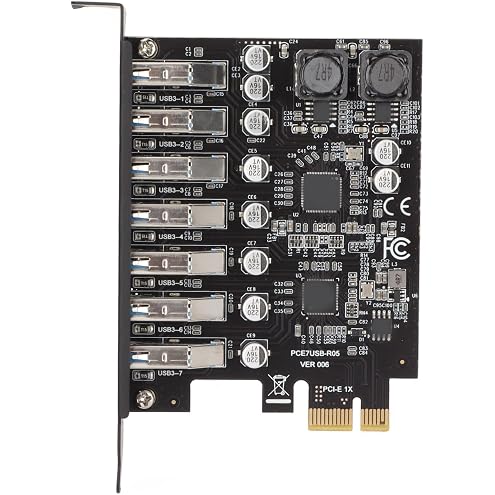
PCIE to USB 3.2 GEN1 7 Port Expansion Card, PCI Express USB Add in Card, Internal USB 3.2 GEN1 7 Port Front Expansion Card for XP 7 8 10 11 Linux
$34.85
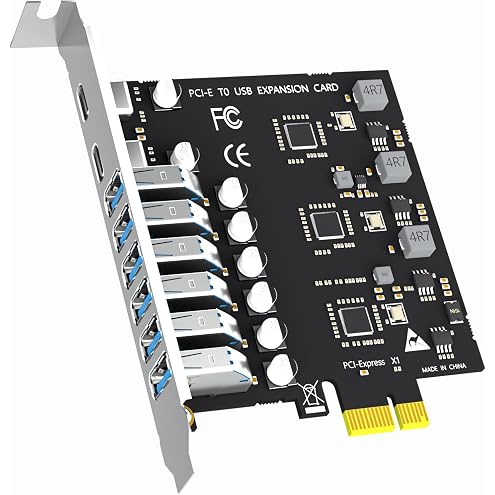
GLOTRENDS 6 Port USB-A + 2 Port USB-C 3.0 5Gbps PCI-Express USB Adapter Card, Compatible with Windows and Linux (Not Support Mac OS)
$49.99
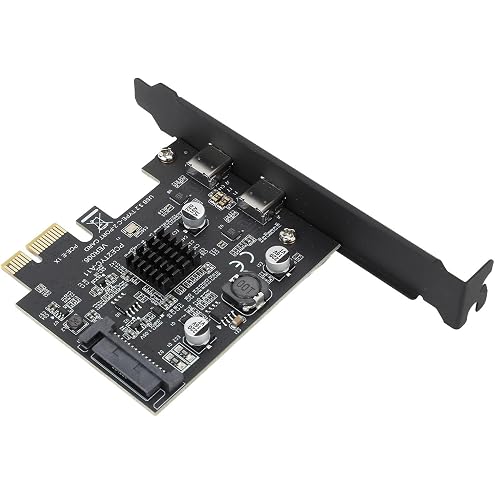
YUEHISY USB 3.2 PCIe Expansion Card 10Gbps, Type C, PCIe x1/x4/x8/x16, 7/10/11/Linux, ASM3142, YUEHISY3f02bep1nu
$45.88
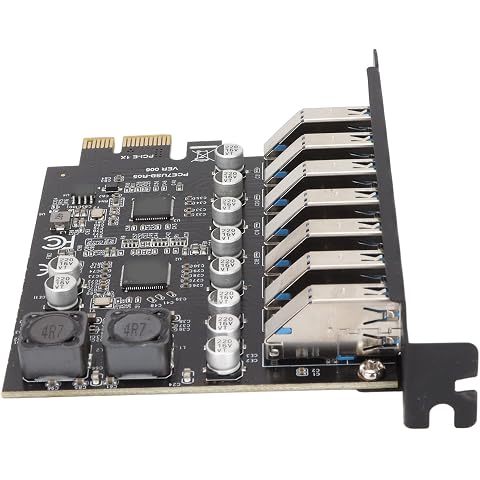
7 Port PCIE Expansion Card, USB 3.2 GEN1 Front Expansion Card, High Speed | Transmission Stable Power, Window Inbuilt Driver, Suitable for Window XP, 7, 8, 10, 11
$31.41
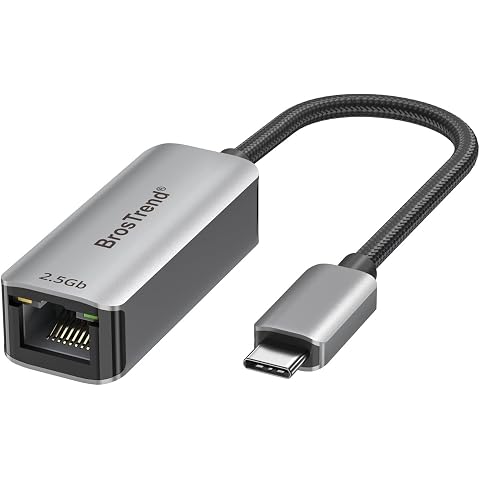
BrosTrend 2.5Gb USB C to Ethernet Adapter, Plug & Play Lifetime Protection | Aluminum USB 3.2 to RJ45 Network Adapter for Laptop MacBook Pro/Air, iPad, Compatible with Thunderbolt, Windows, MacOS, iOS
$25.45
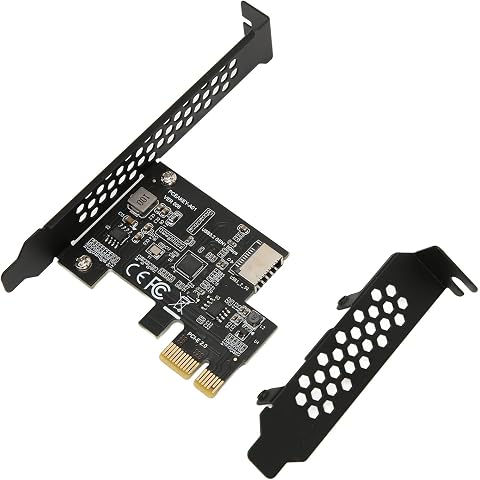
PCI E to USB 3.2 Expansion Card, Front Panel Connector Riser Card with USB3.2 Gen1 USB3.2 Gen1 Type E 20PIN Interface, USB3.2 Gen1 5Gbps A Key Suitable for Desktop Front Type C
$24.67
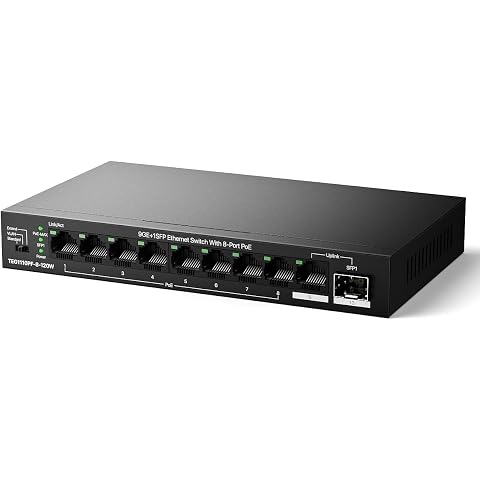
Tenda 10-Port Gigabit PoE Switch (8X PoE+ 120W, 1x Uplink, 1x SFP) | Unmanaged silent metal plug & play hub. One-key VLAN & 250m Extend mode for IP cameras/VoIP. Wall mount support.
$49.99
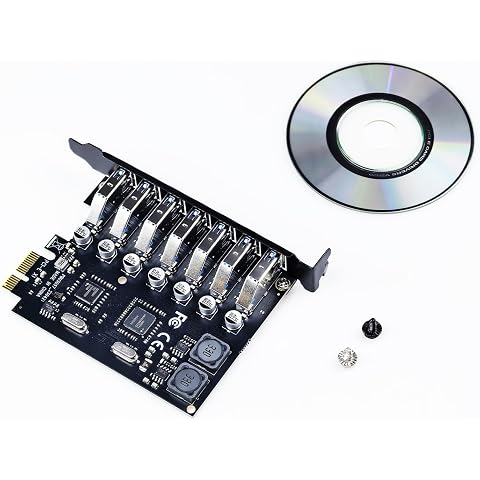
Flylin 7 Port USB 3.2 Gen1 5Gbps Front PCIE Expansion Card | External hard drive game controller add on adapter, interface expansion module, NEC dual chip mainboard add on
$29.29
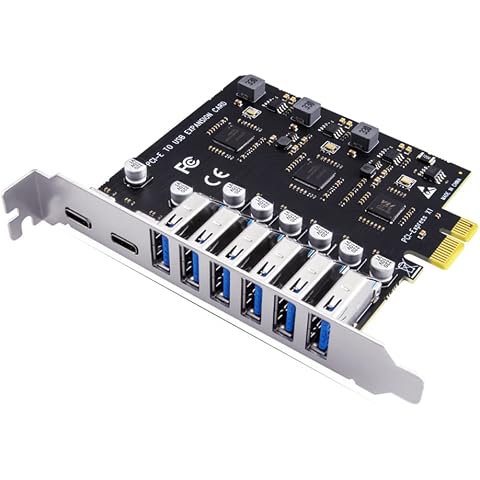
Zicojia USB 3.2 and Type C PCI-E Expansion Card PCIE to USB Controller 6Port + 2Port USB-C 3.2 PCI-E Card Adapter
$40.84
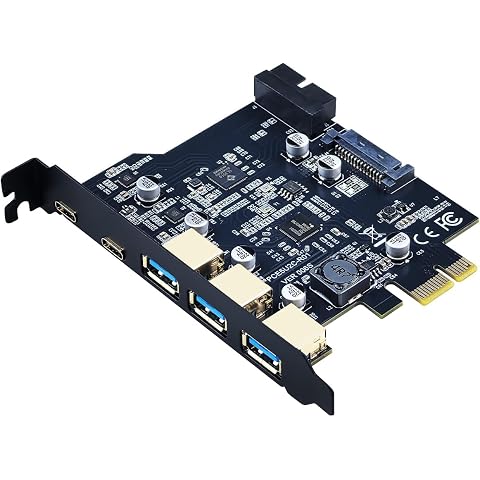
Flylin USB 3.2 Gen 1 19PIN 5Gbps 3 USB A 2 Type C PCIe Card | PCIe host card, Front panel Type C and A interface, 19 pin dual core 5Gbps, Computer expansion board component
$35.99