 1 / 7
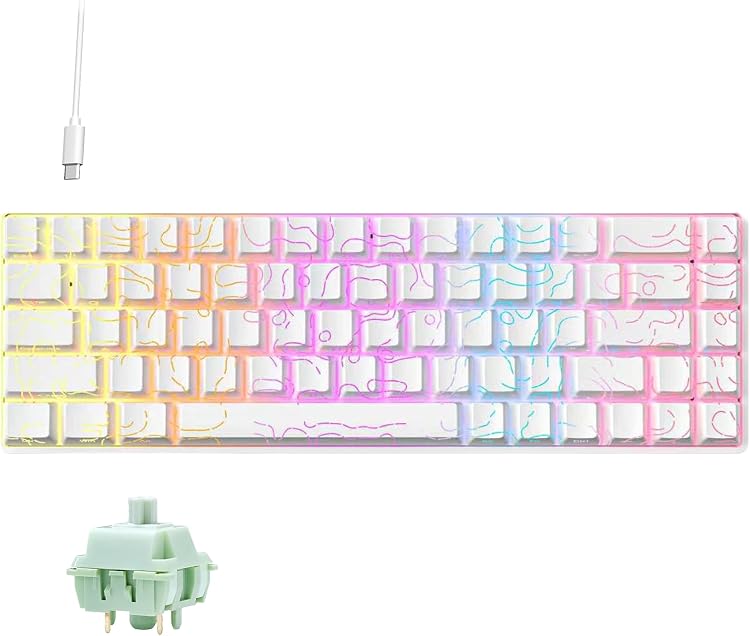
MomoZoo Zifriend TK68 68-Key Hot-Swap Mechanical Keyboard
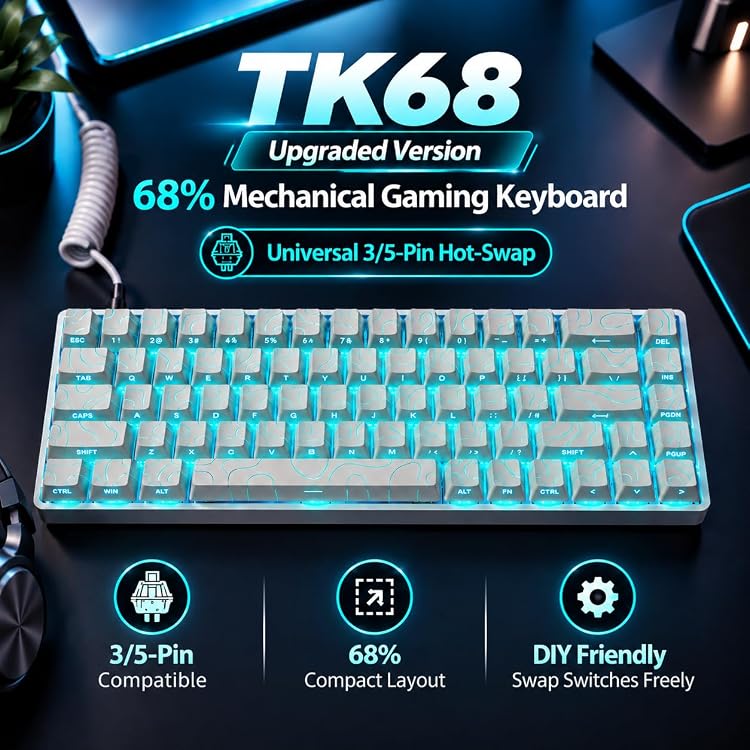
MomoZoo Zifriend TK68 is a compact wired mechanical keyboard listed with 68 keys, linear Mint switches, hot-swap support and RGB backlighting. Its smaller layout retains arrow keys according to the listing, while the wired-only connection suits desks where cable use is acceptable.
At a glance
- The 68-key compact layout is described as retaining dedicated arrow keys and essential shortcuts, reducing desk footprint compared with a full-size board.
- Linear Mint switches and a hot-swappable PCB are listed. The product description says switches can be changed without soldering.
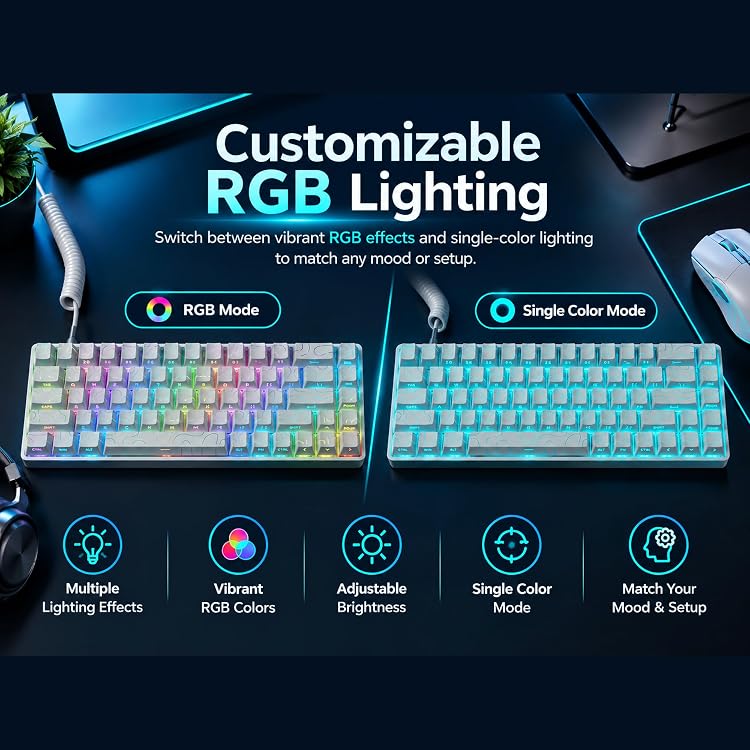
- The listing claims dynamic RGB lighting and full-key anti-ghosting.
- A detachable USB Type-C cable is stated in the built-in media list.
Pros and cons
Pros
- Compact 68-key layout includes dedicated arrow keys according to the product description.
- Hot-swap support offers a way to change switches without soldering, as claimed by the listing.
- Detachable wired USB-C connection avoids reliance on a wireless link.
Cons
- Wired-only operation may not suit buyers seeking a wireless keyboard.
- The compact layout omits the footprint of a full-size keyboard, so buyers who need a dedicated number pad should look elsewhere.
Technical specifications
17 specifications| Brand | MomoZoo |
|---|---|
| Number of keys | 68 |
| Keyboard layout | QWERTY |
| Compatible operating system family listed | Windows |
| Compatible devices listed | Laptop |
| Keyboard description | Multi Functional |
| Connection listed | USB-C |
|---|---|
| Switch type | Linear |
| Switch model | Mint Switch |
| Hot-swap | Hot-Swappable |
| Backlighting | RGB |
| Power configuration | Wired |
|---|---|
| Dimensions (L × W × H) | 35L x 14W x 4.5H centimetres |
| Weight listed | 0.7 Kilograms |
| Enclosure material | Plastic |
|---|---|
| Colour listed | White |
| Water resistance listed | Waterproof |
What to know before buying
Listing details to confirm
Listing details are inconsistent: the title calls the keyboard Zifriend TK68, while feature text names FURYCUBE TK68 and manufacturer data says FURYCUBE. It also describes the layout as both 65% and 68%, and the stated waterproof rating has no supporting rating or test details. The listed cable and manual appear in the explicit contents list, but that list does not confirm the keyboard itself or the separately claimed switches and keycaps. Check the selected listing for exact identity, layout and box contents.
What’s in the box
- Detachable USB Type-C cableIncluded
- User manualIncluded
- KeyboardCheck selected pack
Check which accessories are included in your selected pack before buying.
Who is it for?
A good fit for
- Buyers wanting a compact wired mechanical keyboard with arrow keys and RGB lighting.
- Keyboard customisers interested in a hot-swappable board and linear Mint switches.
Less suited to
- Buyers who require wireless operation or a dedicated number pad.
- Buyers who need a clearly documented water-resistance rating.
Frequently asked questions
Is the TK68 wireless?
No wireless connection is listed. The specifications identify USB-C connectivity and wired power.
Can its switches be changed?
Hot-swap support is claimed, and the description says switches can be changed without soldering. Confirm the exact product version because the listing has inconsistent identity details.
Does it include a number pad?
The listing describes a compact 68-key layout and does not claim a dedicated number pad.
What is stated to come in the box?
The explicit built-in media list names a detachable USB Type-C cable and user manual. It does not separately confirm the keyboard or other claimed components, so check the selected listing.
Alternative options
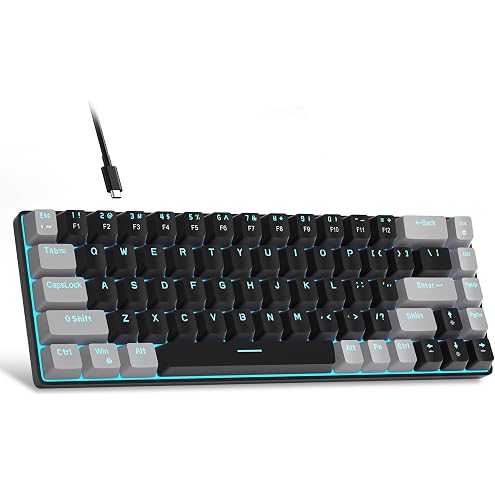
MageGee Portable 60% Mechanical Gaming Keyboard, MK-Box LED Blue Backlit Compact 68 Keys Mini Wired Office Keyboard with Red Switch for Windows Laptop PC Mac - Black/Grey
$37.99
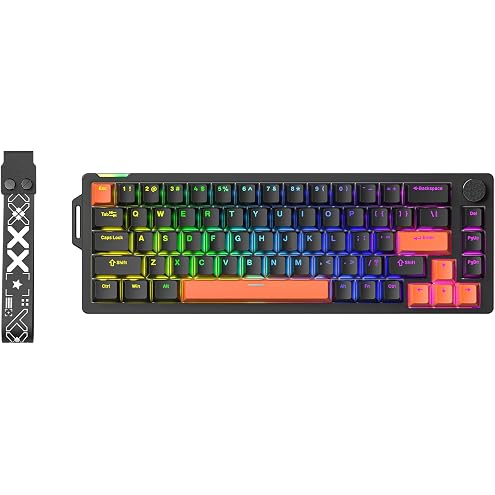
V68 Mechanical Gaming Keyboard, Rapid Trigger Wired Keyboard with Knob | Rgb Backlit Hot Swappable, 68 Keys 65% Layout, For Pc Mac Esport Gamer (Black)
$45.99
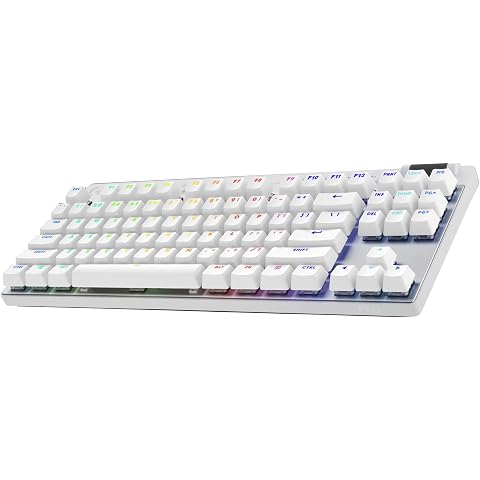
Logitech G PRO X TKL Lightspeed Wireless Gaming Keyboard, Ultra-Portable Tenkeyless Design, LIGHTSYNC RGB, PBT keycaps, Tactile Switches (GX Brown) - White
$218.00
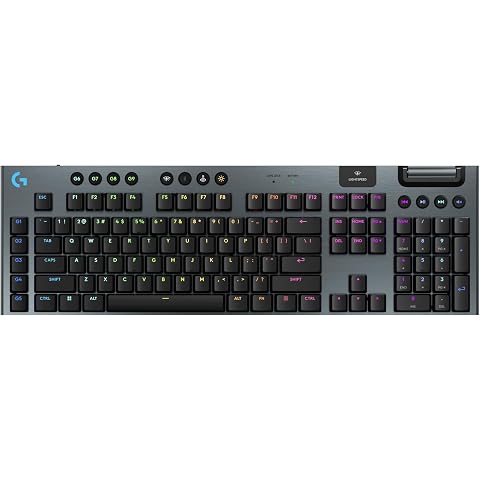
Logitech G915 X LIGHTSPEED Low-Profile Wireless Gaming Keyboard, Double-Shot PBT Keycaps, Fully Programmable Keys, RGB Backlighting, Sleek Aluminum Finishing, GL Brown Tactile Switches - PC/Mac, Black
$255.55
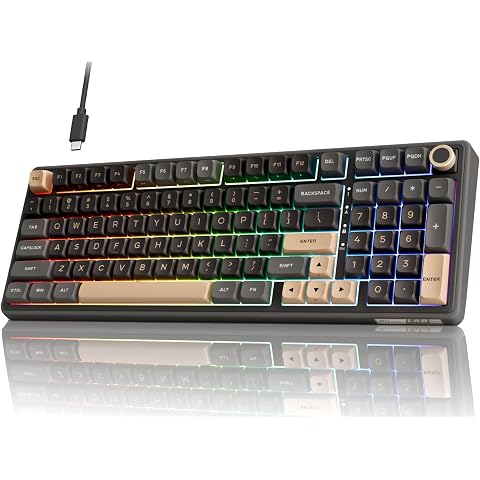
RK Royal KLUDGE R98 Pro Wired Mechanical Keyboard, 96% Creamy Gaming Keyboard RGB Backlit with Number Pad and Volume Knob, Gasket Mount, MDA Profile PBT Keycaps, Hot Swappable Pre-lubed Linear Switch
$99.98
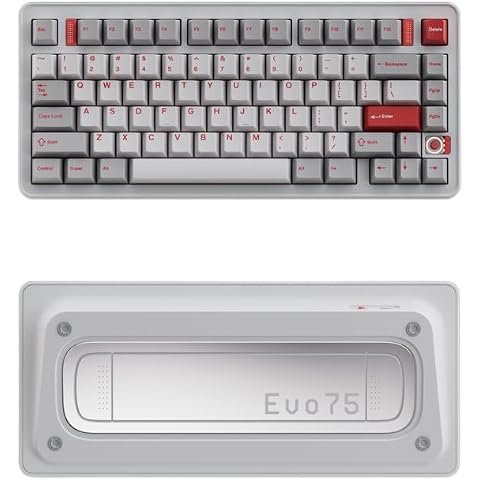
EVOWORKS Evo75 Wireless Custom Mechanical Keyboard – CNC Aluminium, Tri-Mode (BT/2.4G/Wired), VIA Compatible, Leaf-Spring Mount, Hot-Swap PCB, RGB, PBT Keycaps (Spray-Coated Nova White)
$275.95
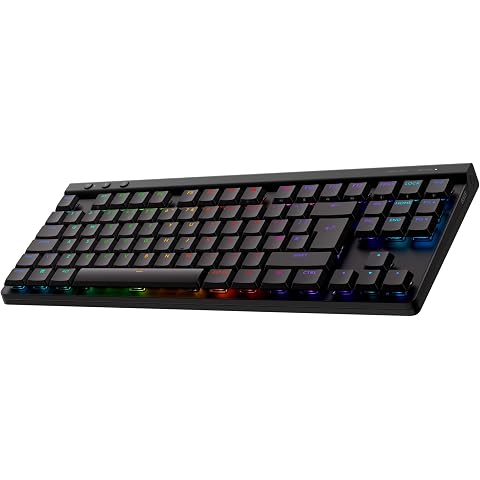
Logitech G G515 Lightspeed TKL Wireless Gaming Keyboard, Black
$159.00
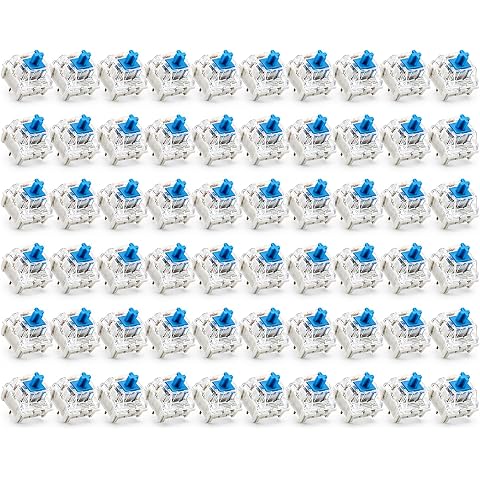
60 Pcs Mechanical Keyboard Switches Linear, White Base Blue Button | Hot-swap keyboard switches, Mechanical keyboard, Swap worn switches, Replace faulty switches, Customise keyboard builds
$14.99
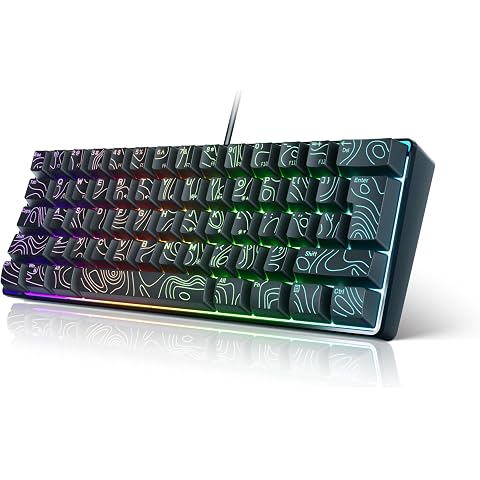
Smliekate 61-Key Membrane Keyboard, Blue Axis RGB Backlight Contour keycaps, Compact Mini Wired Keyboard, for PC, Mac Portable Gaming Keyboard (Black)
$31.80
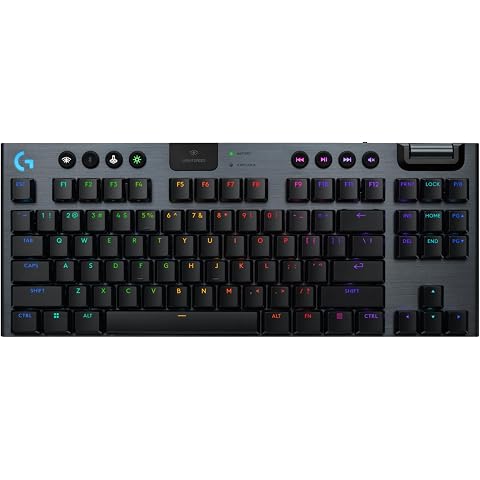
Logitech G915 X Lightspeed TKL Low-Profile Wireless Gaming Keyboard, Double-Shot PBT Keycaps, Fully Programmable Keys, RGB Backlighting, Sleek Aluminum Finishing, GL Brown Tactile - PC/Mac, Black
$231.99
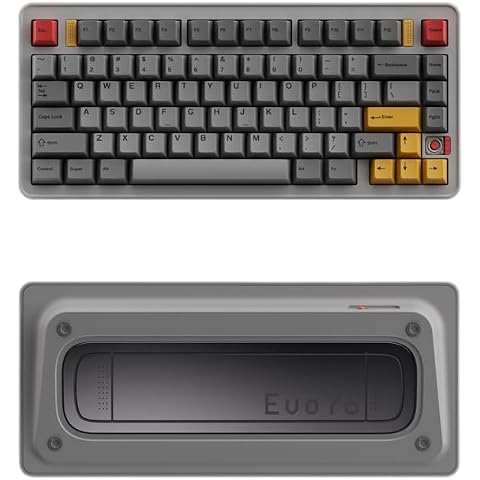
EVOWORKS Evo75 Wireless Custom Mechanical Keyboard – CNC Aluminium, Tri-Mode (BT/2.4G/Wired), VIA Compatible, Leaf-Spring Mount, Hot-Swap PCB, RGB, PBT Keycaps (Spray-Coated Eclipse Grey)
$275.95
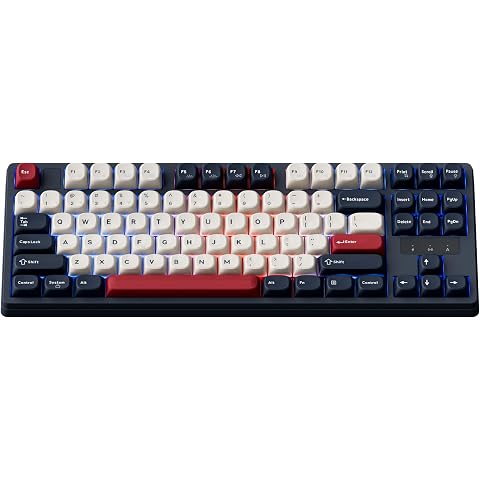
Keychron KJ4 Wireless Custom Mechanical Keyboard, 2.4 GHz Bluetooth QMK 80% Layout RGB, Hot-swappable Banana Switch Compatible with Mac Windows Linux, PBT Durable Keycaps for Gaming - Dark Blue
$103.20