 1 / 6
JESWO YME78771 7-in-1 USB-C Hub
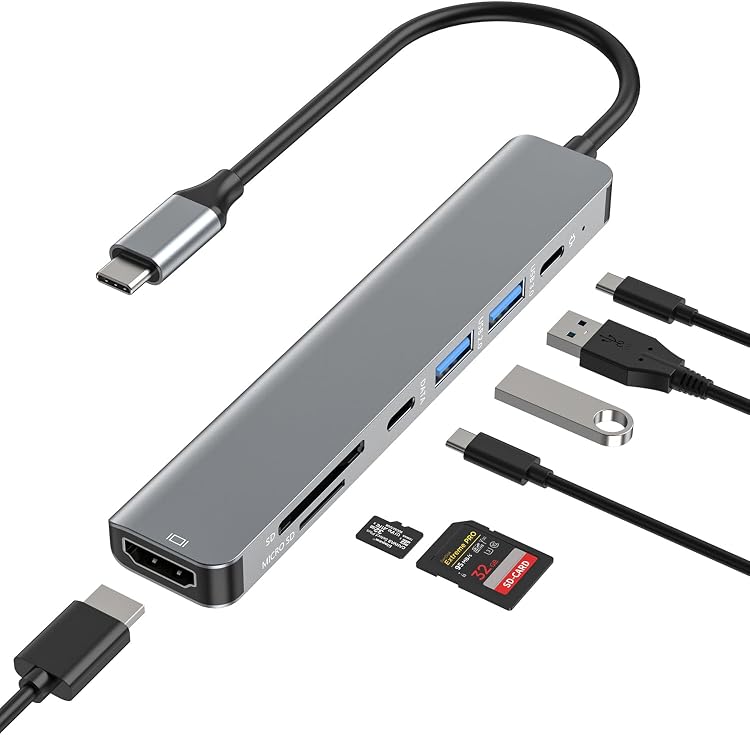
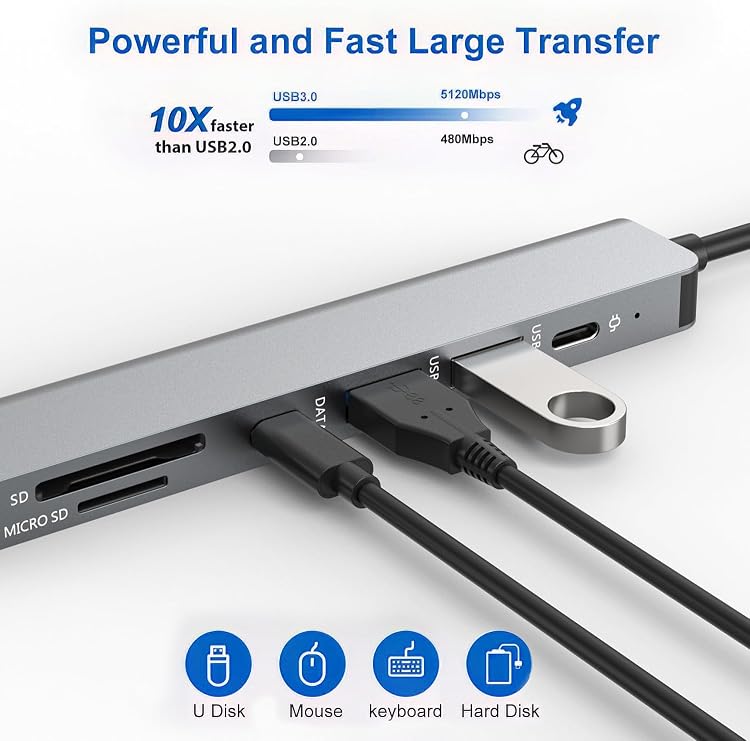
JESWO YME78771 is a 7-in-1 USB-C hub for adding HDMI, USB, card-reader and pass-through charging connections to a compatible device. Its listed uses include external display output and SD/TF card access, though the supplied port descriptions do not fully agree.
At a glance
- Combines an HDMI output, USB connections, SD and TF card readers, and USB-C charging in a compact hub.
- HDMI video modes are specified as 4K at 30 Hz or 1080p at 60 Hz.
- The listing claims up to 5 Gbps data transfer and 100W pass-through charging.
Often bought together
Pros and cons
Pros
- The claimed HDMI output and SD/TF readers can help connect a display and access memory cards from one USB-C hub.
- The listing describes pass-through charging while the hub is in use, with a stated maximum of 100W.
- A listed weight of 46 Grams and aluminium enclosure suit buyers looking for a small, lightweight adapter.
Technical specifications
14 specifications| Brand | JESWO |
|---|---|
| Model | YME78771 |
| Port count | 7 |
|---|---|
| USB port count | 2 |
| Listed interfaces | HDMI, USB, USB 3.0 |
| USB data rate | 5 Gigabits Per Second |
| HDMI output claim | 4K UHD@30Hz or Full HD 1080p@60Hz |
| Charging claim | 100W pass-through USB-C charging |
| Compatible devices | Laptops, Mouse, Tablets |
|---|---|
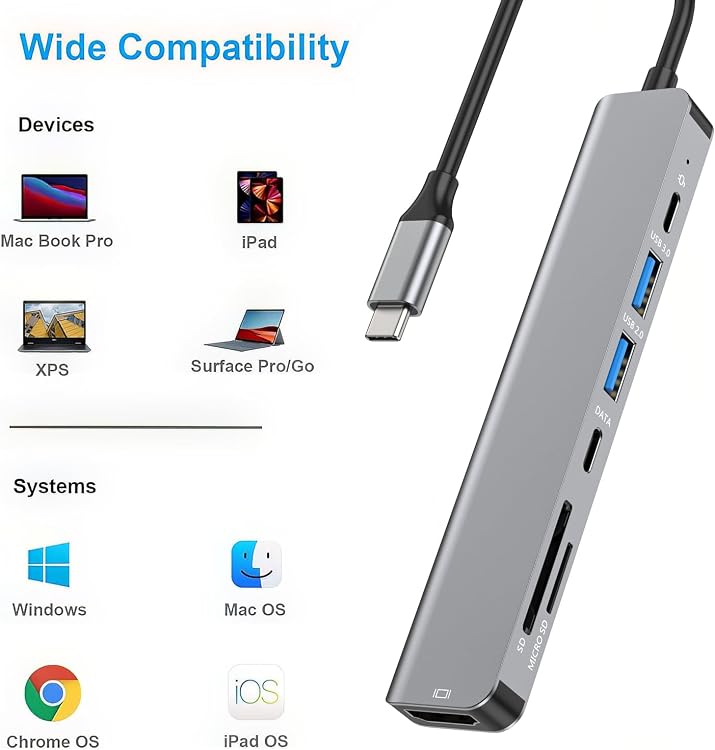
| Operating systems | Windows, Mac OS, Chromebook OS, iPad OS |
| Colour | Silver gray |
| Enclosure material | Aluminum |
| Dimensions | 12.9L x 2.8W x 1H centimetres |
| Weight listed | 46 Grams |
What to know before buying
Listing details to confirm
The listing is inconsistent about the seven connections: one description names USB 3.0 and USB 2.0 ports plus SD/TF readers, USB-C data and USB-C PD, while another calls out a USB-C 3.0 port. The USB-port count and exact port layout are therefore unconfirmed. The 100W figure is a pass-through charging claim, and the USB-C PD port is described as supplying power to the hub and connected host rather than as a data port. Confirm the port arrangement and device support before buying.
Who is it for?
A good fit for
- Laptop, tablet and compatible USB-C device owners who need HDMI output, card-reader access and additional connections from one hub.
- Travellers who prioritise a compact hub and a listed weight of 46 Grams.
Less suited to
- Buyers who need a confirmed exact port layout or a clearly specified number and type of USB data ports.
- Anyone requiring HDMI 4K output at 60 Hz, which is not the stated mode for this hub.
Customer reviews on Amazon
- 5 stars
73% 73% - 4 stars
12% 12% - 3 stars
3% 3% - 2 stars
6% 6% - 1 star
6% 6%
Aggregate ratings lean positive, with most ratings in the five-star category, but a smaller share are low ratings. Without written customer feedback, these figures do not establish specific strengths or explain concerns. For buyers, the stated HDMI modes and claimed charging are useful context, while the unclear port layout remains a practical point to confirm.
Frequently asked questions
What display modes does the HDMI port claim to support?
The listing specifies 4K UHD at 30 Hz or Full HD 1080p at 60 Hz. It does not claim 4K at 60 Hz.
Does the hub support charging while connected?
The listing claims up to 100W USB-C pass-through charging. It says the PD port provides power to the hub and connected USB-C host, not data.
How many USB data ports does it have?
That is unclear from the listing. It gives a total of seven connections and names USB 3.0 and USB 2.0 in one description, but elsewhere describes a USB-C 3.0 port. Check the selected listing's port layout.
Which operating systems are listed as compatible?
Windows, Mac OS, Chromebook OS and iPad OS are listed. The listing also describes broad compatibility with USB-C devices, but device support is not independently confirmed.
Alternative options
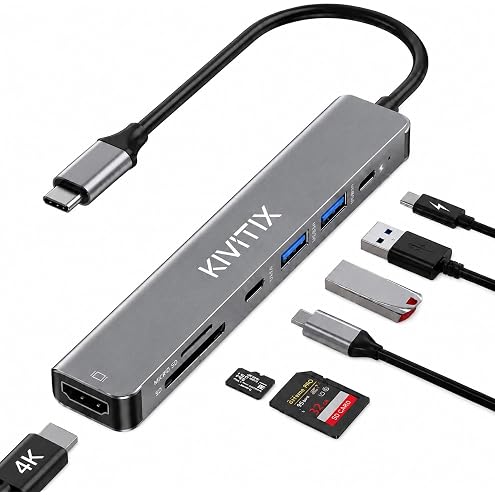
KIVITIX 7 in 1 USB C Hub, USB C Dock for MacBook Air/Pro/Type-C Devices | Aluminum USB C Adapter to 4K HDMI, 100W Power Delivery, 5Gbps USB C Data Port, USB 3.0, USB 2.0, SD/TF Card Reader
$12.78
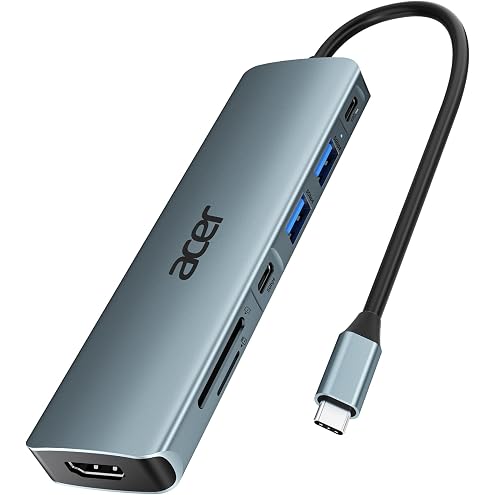
Acer USB C Hub 7-in-1, Multiport Type-C Adapter to 4K HDMI, SD Card Reader | 2 USB-A, Type-C 3.0, 100W PD, USB C Dock for Laptop Tablet, MacBook Neo iPad Pro Air, iPhone 18 17 16 Pro Max, Galaxy S26
$27.19
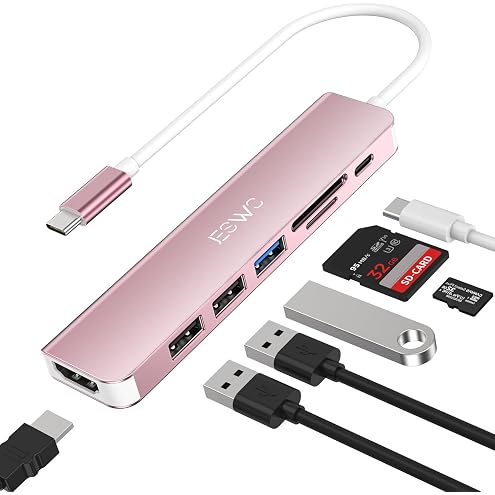
JESWO 7 in 1 USB C Hub for MacBook Pro/Air, iPad Pro, Type C Laptop | USB C to HDMI 4K, USB 3.0, 2*USB 2.0, 100W PD, SD/TF Card Reader- Rose Gold
$16.13
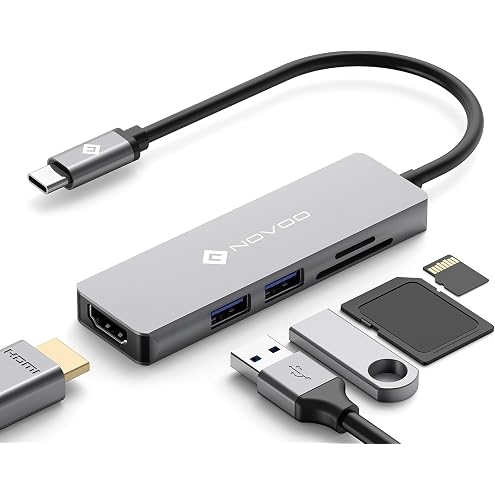
USB C Hub, NOVOO USB Type C Hub Adapter with 4K HDMI, 2 X USB 3.0, SD Card & Micro SD Card Slots USB-C Multiport Adapter USB C Dongle for MacBook Pro Dell XPS HP More Type C Devices
$14.99
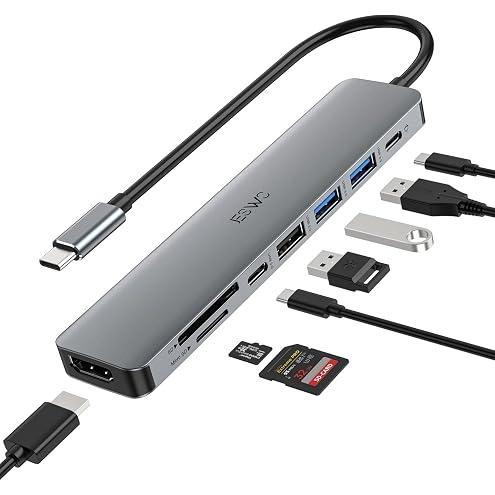
USB C Hub, JESWO 8 in 1 USB C to HDMI Adapter with USB-C Data Port, 100W PD Charging, SD/Micro SD Card Reader, 2 USB3.0&1 USB2.0, USB C Dongle Multiport Adapter for MacBook Air/Pro, iPad Pro M1
$19.99
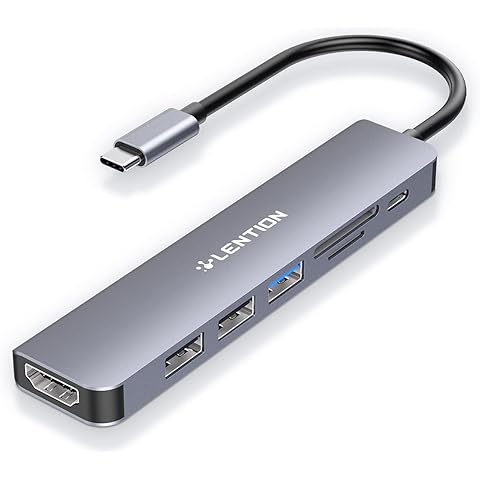
LENTION 7-in-1 USB C Hub, 4K@60Hz HDMI, 100W PD, USB 3.0, SD/TF Card Reader | 2 USB 2.0 Ports, Compatible iPhone 18/17/16 Series, MacBook Pro/Air M5, Mac, Surface, Chromebook, More (CE18, Grey)
$25.49
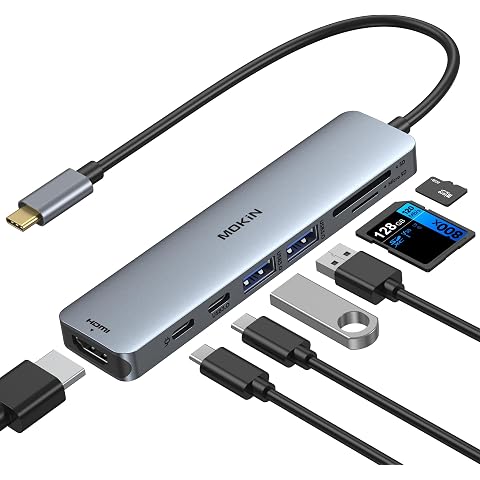
MOKiN USB C Hub HDMI Adapter for MacBook Pro/Air,7 in 1 USB C Dongle HDMI | HDMI to USB C with HDMI,SD/microSD Card Reader,USBC Data Port,100W PD,2USB 3.0 for MacBook Pro/Air, Dell XPS,Lenovo Thinkpad
$22.39
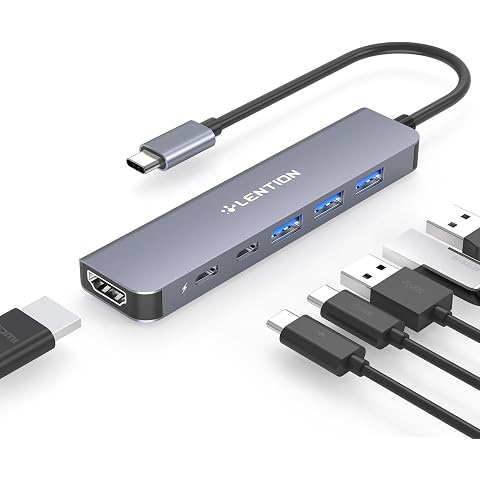
LENTION 6-in-1 USB C Hub, 4K@60Hz HDMI, 100W PD, 3 USB 3.0, USB-C Data | Ideal for Work & Study, Stable Driver 3.0 Certified, Compatible with macOS, iOS/iPadOS, Windows & ChromeOS (CE35, Space Grey)
$25.49
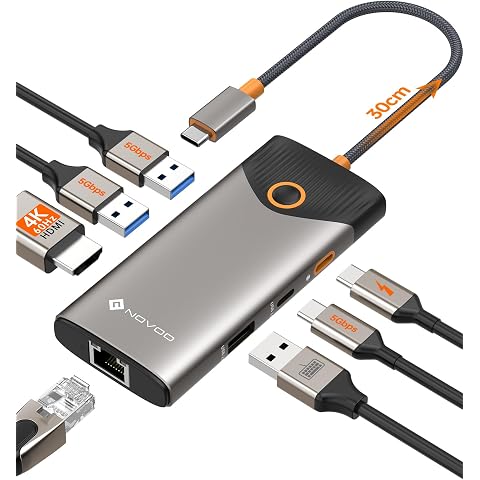
NOVOO USB C Hub, 7-in-1 USB Dock with 4K@60Hz HDMI, 1 Gbps Ethernet, 100W PD, 5Gbps USB-A/C Data Ports Docking Station Compatible for MacBook/iPad/iPhone/Dell/HP/Surface
$27.54
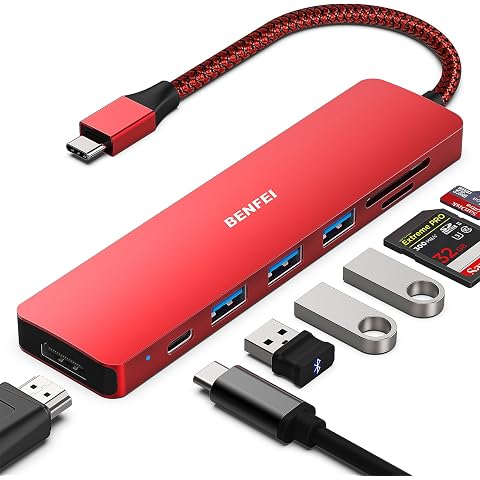
BENFEI USB C HUB 7in1, USB C HUB Multiport Adapter with USB-C to HDMI, USB-C to SD/TF Card Reader/3*USB 3.0/100W Power Delivery
$29.99
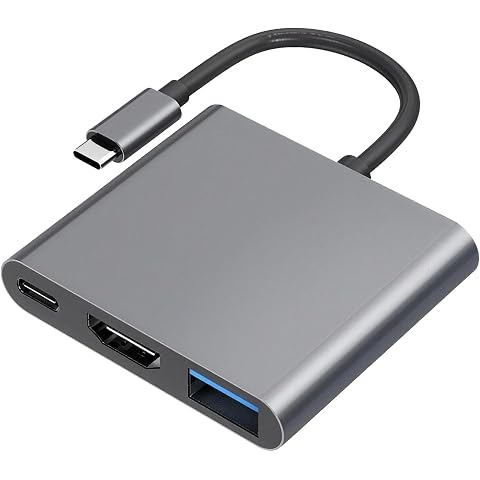
3-in-1 Universal USB C Hub, with 4K HDMI & USB 3.0 High-Speed Data Port, Sleek Multiport Adapter for MacBook Pro/Air M1, iPad Pro, Dell XPS, Chromebook and More Laptops
$10.99
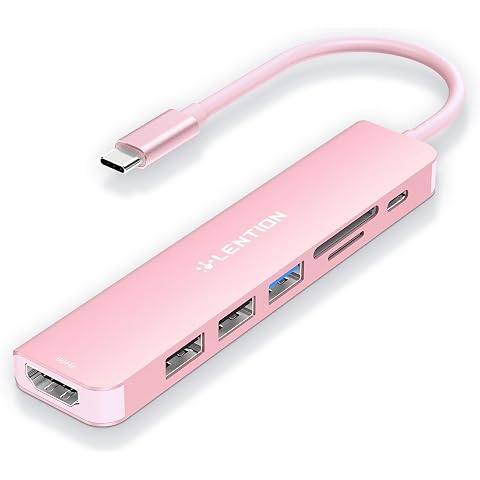
LENTION 7-in-1 USB-C Hub, 4K@60Hz HDMI, 100W PD, USB 3.0, SD/TF Card Reader | 2 USB 2.0 Ports, Compatible iPhone 18/17/16 Series, MacBook Pro/Air, Mac, Surface, Chromebook, More (CE18, Rose Gold)
$23.99