 1 / 7
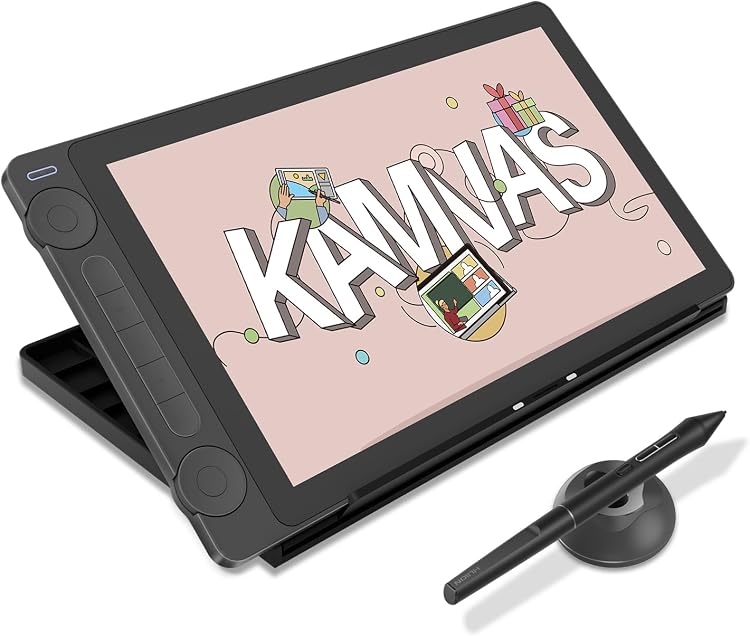
HUION Kamvas 13 (Gen 3) GS1333 13.3-inch Drawing Display
GS1333: The HUION Kamvas 13 (Gen 3) is a 13.3-inch pen display for drawing and design, with dual dials, shortcut keys and a laminated screen. It connects to a computer or compatible Android device rather than working as a standalone tablet.
At a glance
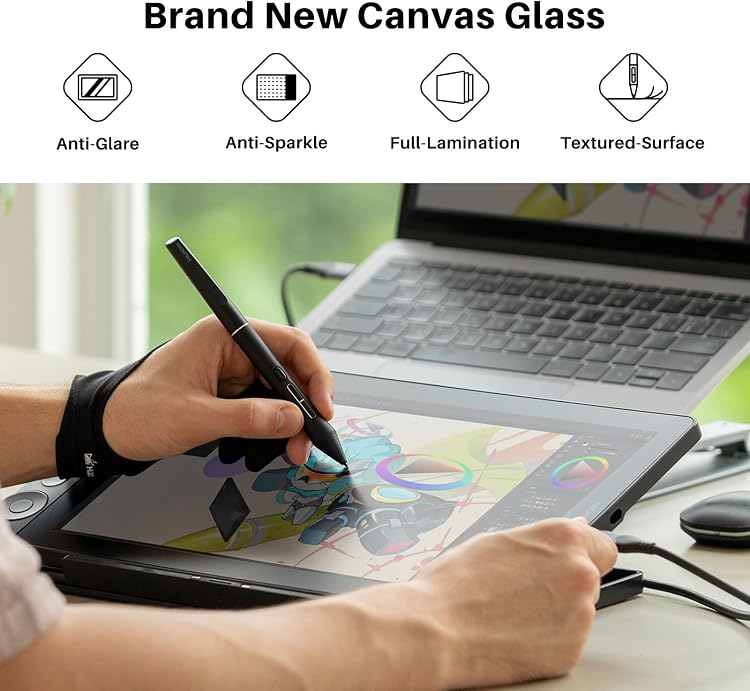
- 13.3-inch laminated LCD drawing display with anti-glare glass.
- PenTech 4.0 pen specification lists 16,384 pressure levels and 2g initial activation force.
- Five press keys and two dials provide on-device shortcuts and adjustable controls.
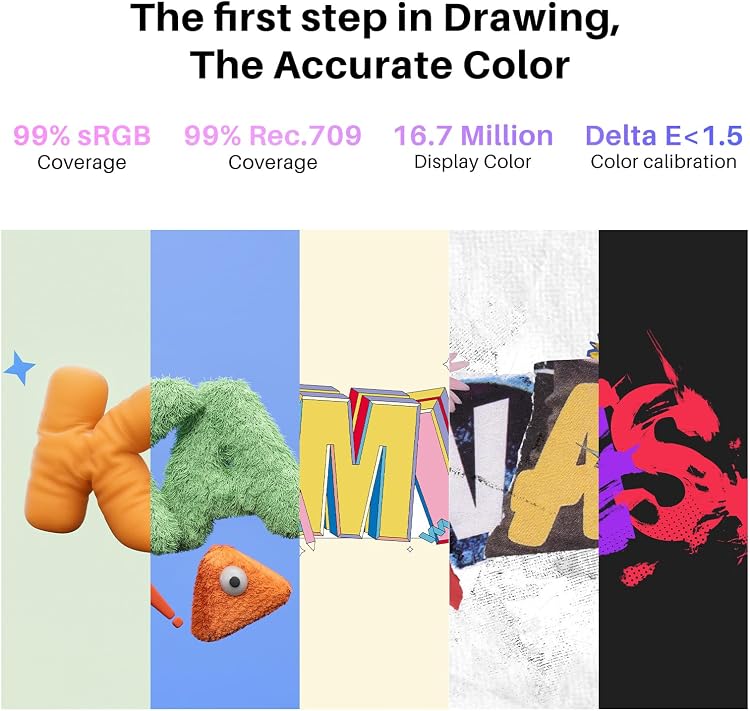
- The listing claims 99% sRGB coverage and a factory calibration report.
- Requires a connected computer or compatible Android device. It is not a standalone tablet.
Often bought together
Pros and cons
Pros
- Dual dials and five shortcut keys give artists configurable controls without relying only on software menus.
- The stated compatibility spans Windows, macOS, Ubuntu Linux and qualifying Android devices.
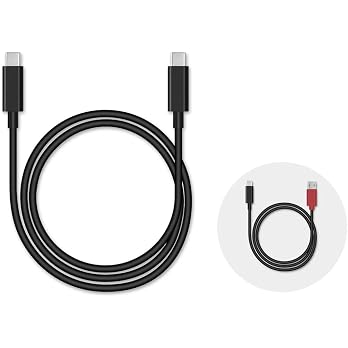
- The listed 3-in-1 cable and adjustable stand can support a ready-to-use desk setup, subject to the package details below.
Cons
- The 13.3-inch active display is a relatively compact canvas for users who prefer a larger workspace.
Technical specifications
17 specifications| Brand | HUION |
|---|---|
| Model | GS1333 |
| Screen size | 13.3 |
|---|---|
| Display technology | LCD |
| Native resolution | 1980x1080 |
| Active surface area | 13.3 inches |
| Colour coverage | 99% sRGB |
| Display colours | 16.7 million |
| Pressure sensitivity | 16384 Levels |
|---|---|
| Listed features | 2nd Anti-glare glass, 5 press keys+ 2 Dial, Full Lamination, PenTech 4.0 |
| Pen initial activation force | 2g |
| Connection options | 3-in-1 Cable or Full-featured USB-C cable (sold separately) |
|---|---|
| Operating system compatibility | Android(USB3.1 DP1.2 or later), Linux(Ubuntu 20.04 LTS), Windows 7 or later, macOS 10.12 or later |
| Weight | 1.96 Pounds |
|---|---|
| Dimensions | 36L x 20W centimetres |
| Colour | Black |
|---|---|
| Warranty description | 1 year warranty |
What to know before buying
- This is a pen display that must connect to a computer, laptop or compatible Android device. Android support requires USB 3.1 with DP 1.2 or later according to the listing.
Listing details to confirm
The listing gives Windows 7 or later in its specifications but Windows 10 or later in a feature claim. It also describes USB-C single-cable use while stating the full-featured USB-C cable is sold separately. Check your host device, required connection and selected bundle before purchase.
Who is it for?
A good fit for
- Digital artists, illustrators and designers who want to draw directly on a compact screen.
- Users who want configurable dial and key controls for drawing, photo editing or illustration.
- Buyers with a supported computer or Android device who want a pen display rather than a standalone tablet.
Less suited to
- Anyone needing a standalone tablet that works without a connected host device.
- Users who need a larger drawing surface than a 13.3-inch display offers.
Customer reviews on Amazon
- 5 stars
77% 77% - 4 stars
11% 11% - 3 stars
4% 4% - 2 stars
2% 2% - 1 star
6% 6%
Customer feedback describes the tablet as functional and generally easy to set up, with positive comments about performance, value and useful pen buttons. Reports on display quality and driver compatibility are mixed, and users disagree about pen responsiveness. Those differences matter for workflows that depend on a particular screen finish or precise input feel. The listing's 13.3-inch laminated display, dual dials and shortcut keys define the setup, but do not resolve individual driver or responsiveness concerns.
Positive themes
- Customers report good functionality and relatively easy setup.
- Feedback includes praise for performance and the pen buttons.
Mixed feedback
- Display quality draws differing reactions, including reports that the screen can look grainy.
- Customers report mixed driver compatibility and disagree about pen-input responsiveness.
Frequently asked questions
Can the Kamvas 13 (Gen 3) work on its own?
No. The listing describes it as a drawing monitor that needs to connect to a computer, laptop or compatible Android device.
Which systems are listed as compatible?
The specifications list Android with USB 3.1 DP 1.2 or later, Ubuntu 20.04 LTS, Windows 7 or later, and macOS 10.12 or later. A separate feature claim says Windows 10 or later, so confirm compatibility for your setup.
Is a full-featured USB-C cable included?
The connection details say the full-featured USB-C cable is sold separately. The listed media names a 3-in-1 cable, so check the selected package if you need USB-C single-cable operation.
What controls does it have?
The listing specifies five press keys and two dials. It also describes three pen side buttons and says the dials can be assigned separate functions in the driver.
Alternative options
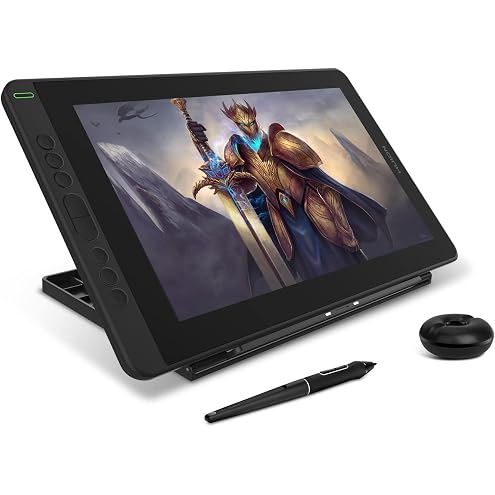
HUION KAMVAS 13 Graphics Drawing Tablet with Full-Laminated Screen Battery-Free Stylus PW517 Tilt 8 Press Keys Adjustable Stand, 13.3inch Pen Display for Android, Linux, Mac and Windows PC, Black
$256.48
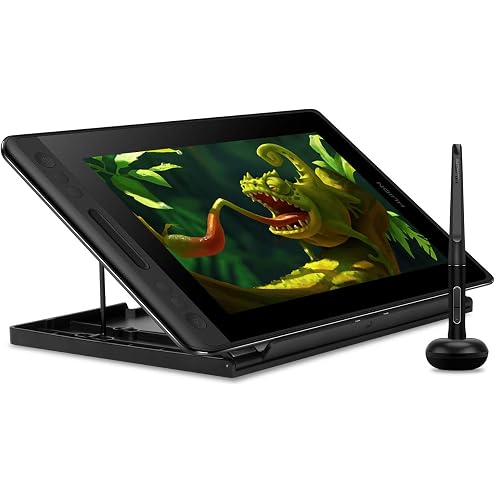
Huion KAMVAS Pro 12 Drawing Tablet with Screen Graphics Drawing Monitor Full-Laminated Pen Display with Battery-Free Pen and Adjustable Stand 8192 Pen Pressure(GT-116)
$227.99
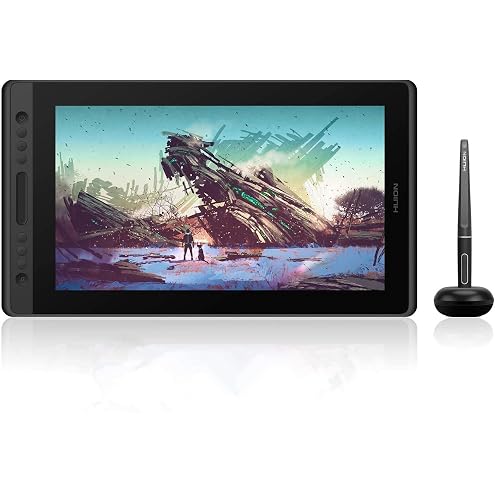
HUION KAMVAS Pro 16 Drawing Tablet with Screen, 15.6 inch Pen Display Anti-Glare Glass 6 Shortcut Keys Graphics Tablet for Drawing, Writing, Design, Work with Windows, Mac and Linux
$340.09
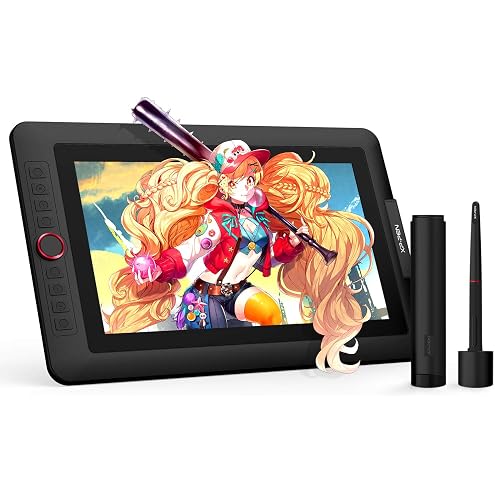
XPPen Upgraded Artist13.3 Pro V2 Drawing Tablet with Screen, 16384 Pen Pressure X3 Pro Stylus Pen Display, 99% sRGB Full-Laminated AG Screen Graphic Tablet with Stand, Red Dial, 8 Shortcut Keys 13.3"
$383.98
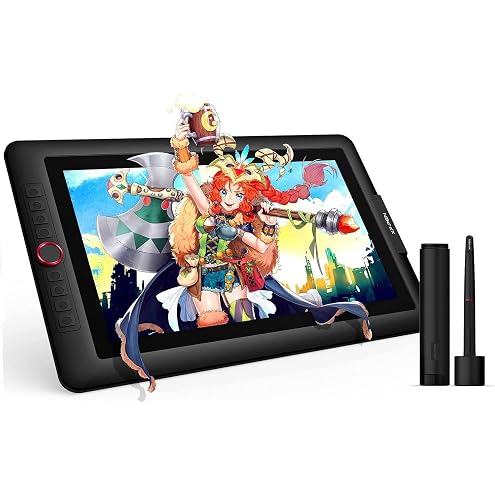
XPPen Artist 15.6 Pro V2 Drawing Tablet with Screen, 16K Pen Pressure Stylus Digital Art Tablet with Full-Laminated Anti-Glare Glass Adjustable Stand 8 Shortcut Keys Work for PC Mac Linux Android
$299.99
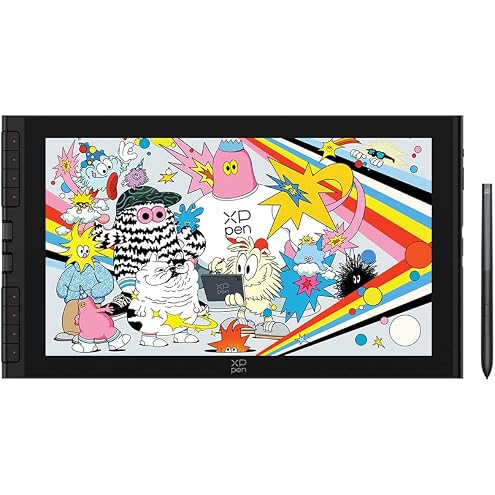
XPPen Artist 16 3rd Drawing Tablet with Screen, 15.4"Pen Display with 16K Pressure Stylus, Anti-Glare Etched Glass, 2 Scroll Wheels & 8 Hotkeys, Include Foldable Stand, Compatible with Mac/Win/Android
$399.99
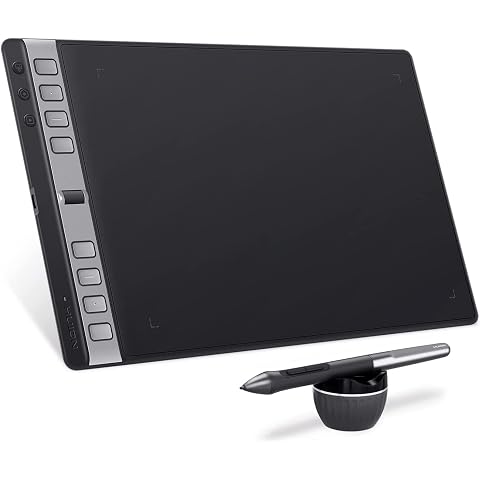
HUION Inspiroy 2 Large Drawing Tablet with Scroll Wheel 3-Set 8 Customized Keys Battery-Free Stylus for Digital Art, Design, Sketch, 10x6 inch Graphics Tablet Works with Mac, PC & Mobile, Black
$103.53
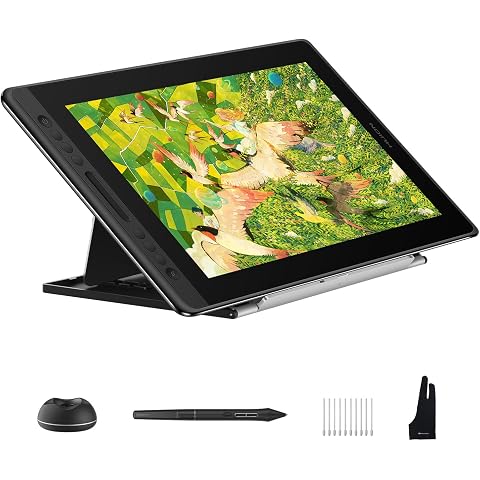
HUION Kamvas Pro 16 V2 Drawing Tablet with Screen 16384 Levels Battery-Free Pen Tilt Support 2g IAF, 15.6" Full-Laminated AG Glass, Smart Touch Bar & 6 Keys Art Tablet Work with Windows, Mac and Linux
$375.69
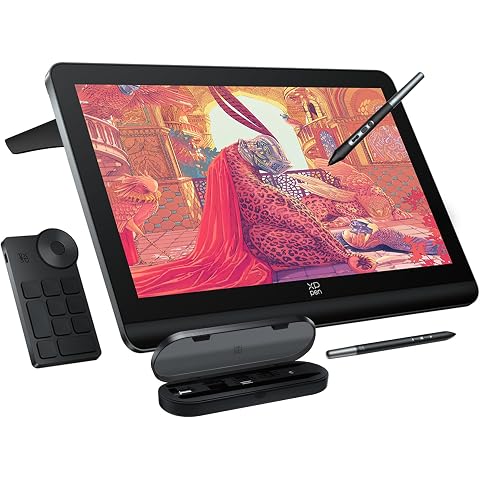
XPPen 4K UHD Artist Pro 19 Gen2 Drawing Tablet with Screen, 156% sRGB Graphic Tablet with 1.07 Billion Colors Anti-Glare Drawing Monitor with Dual 16384 Pen Pressure Stylus, Mini Keydial, 18.4"
$1,124.99
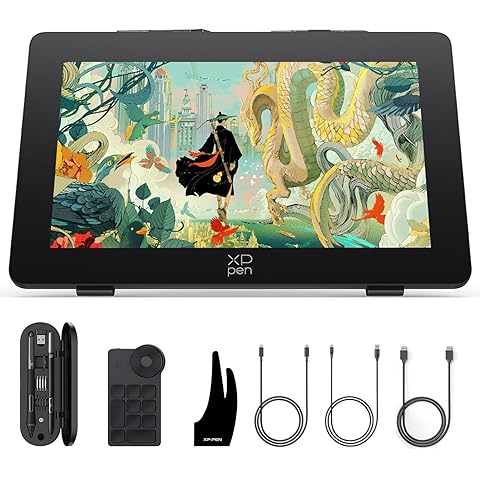
XPPen Artist Pro 24 Gen2 165hz Drawing Tablet with Screen, △E < 1 Graphic Tablet with Full Laminated AG Screen, Drawing Monitor with Dual 16384 Pen Pressure Battery-Free Stylus, Mini Keydial, 23.8"
$1,199.99
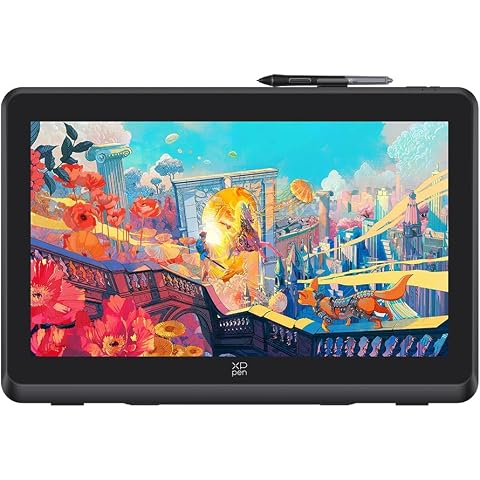
XPPen Artist 22 Plus Drawing Display Digital Drawing Monitor Graphic Tablet with Screen 22 Inch
$589.99