 1 / 7
FIFINE AmpliGame SC8 Gaming Audio Mixer
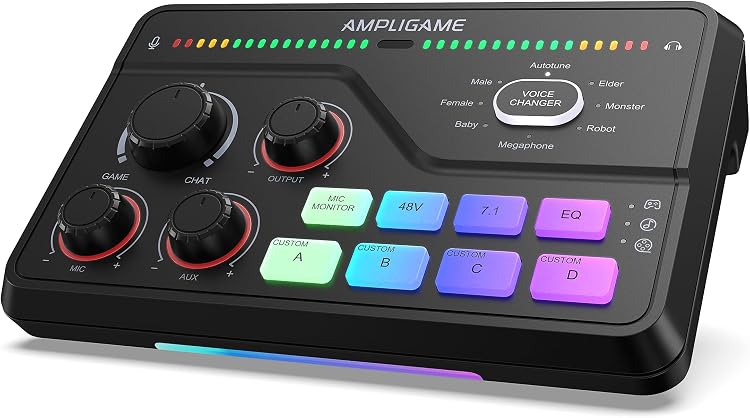
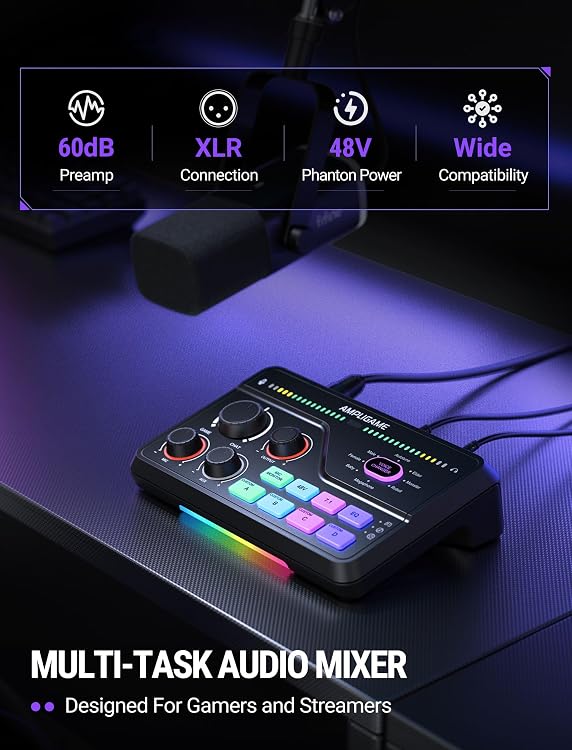
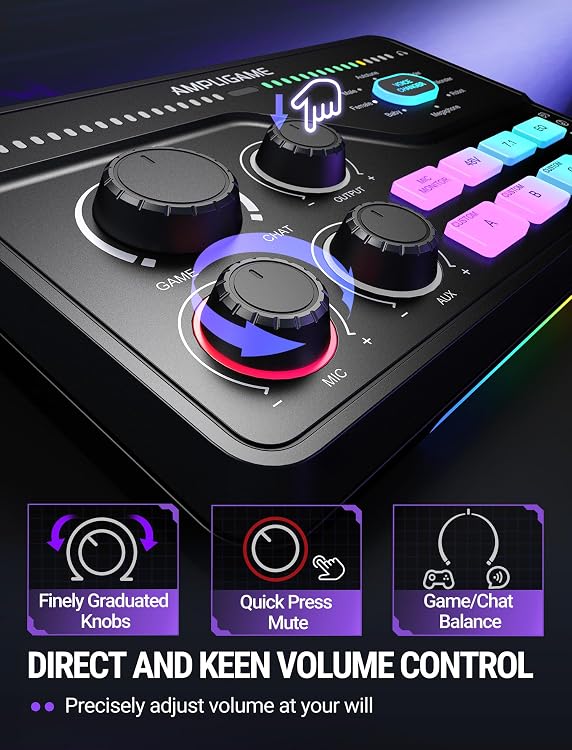
The FIFINE AmpliGame SC8 is a gaming audio mixer for streaming, with XLR microphone input, game/chat balance, voice effects and RGB lighting. Its listing describes separate virtual audio channels on PC, while the hardware itself does not provide more than two separate unmixed channels without FIFINE Genie software.
At a glance
- Adjust game and chat audio balance, with separate virtual audio channels described for PC use.
- XLR input includes 48V phantom power for condenser microphones. The listing states it should only be enabled when the microphone requires it.
- Eight voice effects and four custom buttons are described. Custom recordings can be up to 15 seconds each.
- The listing describes optical input for TV and PS4/PS5, AUX line-in for PC and mobile, and three smart knobs for mute and volume control.
- Switchable RGB lighting and selectable modes are listed.
Often bought together
Pros and cons
Pros
- Dedicated game/chat balance can help adjust gameplay and teammate audio without treating them as one level.
- Custom audio buttons and voice effects offer hands-on options for streaming presentation.
- The listed optical input, AUX line-in and XLR input cover several types of audio source and microphone setup.
Technical specifications
15 specifications| Brand | FIFINE |
|---|---|
| Model | SC8 |
| Connection listed | USB, XLR |
|---|
| Power configuration | Corded Electric |
|---|
| Weight listed | 0.64 Kilograms |
|---|
| Audio input | XLR |
|---|---|
| XLR preamp gain | up to -50dB |
| Signal-to-noise ratio | 75dB |
| Real-time monitoring distortion | <0.2% |
| Phantom power | 48V |
| Virtual audio channels on PC | 2 separatedi virtual audio channels |
| Custom sound recording limit | Each recording can be up to 15 seconds. |
| Voice changer effects | 8 voice changer effects |
| Surround sound | 7.1 Surround Sound |
| EQ modes in feature listing | 3 kinds of EQ modes (Game/Music/Movie) |
What to know before buying
Listing details to confirm
Listing details are inconsistent: the item highlight says 4 EQ Modes, while the feature description lists 3 modes (Game/Music/Movie). The PC channel description says two separated virtual channels, and the FAQ says the hardware itself cannot provide more than two separate unmixed PC channels without FIFINE Genie software. Confirm which EQ count and software behaviour apply to the selected setup.
Who is it for?
A good fit for
- Streamers who want physical game/chat balance and quick access to custom audio or voice effects.
- Users with an XLR microphone who need listed 48V phantom power for a compatible condenser mic.
- PC users seeking a mixer with virtual audio channel control and willing to use FIFINE Genie for more than two separate unmixed channels.
Less suited to
- Buyers who need more than two separate unmixed PC channels directly from the hardware without relying on software.
- Buyers who need a confirmed EQ-mode count before choosing a setup.
Customer reviews on Amazon
- 5 stars
64% 64% - 4 stars
31% 31% - 3 stars
5% 5% - 2 stars
0% 0% - 1 star
0% 0%
Aggregate ratings lean positive, with most ratings in the four- and five-star categories and a smaller three-star share. This offers a generally favourable but limited snapshot, not specific evidence about audio quality, controls or compatibility. Buyers should weigh it alongside the listed game/chat controls and the stated limit on hardware-only PC channel separation.
Frequently asked questions
Can the SC8 provide more than two separate unmixed channels to a PC?
The listing says the hardware itself cannot provide and control more than two separate unmixed channels. It says FIFINE Genie software can control separate channels through its Master Mixer feature.
Does the SC8 support 48V phantom power?
Yes, the listing specifies 48V phantom power for XLR condenser microphones. Check the microphone specifications first and leave phantom power off if it is not needed.
Can I adjust game and chat volume separately?
The product description lists a game/chat balance control. Its FAQ says PS4 control requires an optical output, while PS5 already has this feature in its system.
How long can a custom sound recording be?
The listing states that each custom recording can be up to 15 seconds.
Alternative options
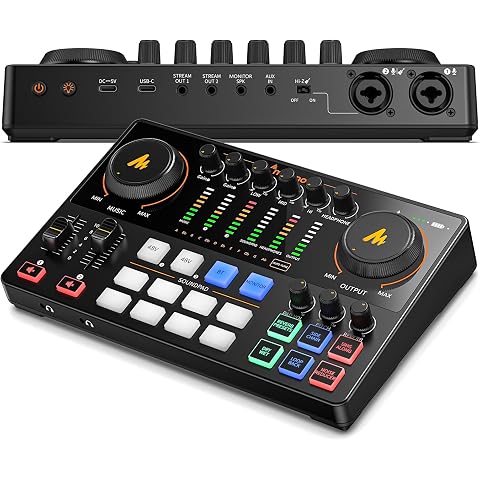
MAONO Podcast Equipment Bundle: Audio Interface mixer with Dual XLR Input for Podcast Streaming - MaonoCaster E2 Gen2
$167.99
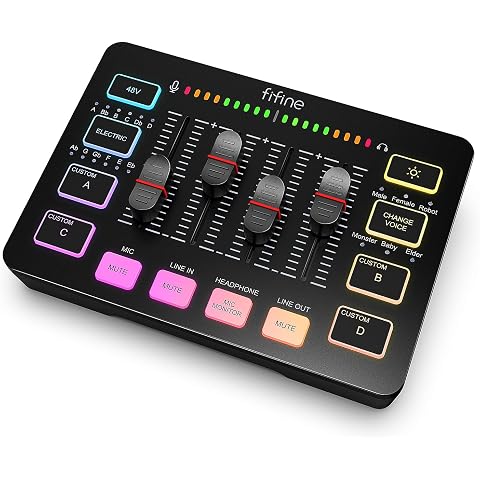
FIFINE AmpliGame SC3 Gaming Audio Mixer for Recording/Vocal/Game Voice | Streaming RGB PC Mixer, XLR Microphone Interface, Individual Control, Volume Fader, Mute Button, 48V Phantom Power
$76.49
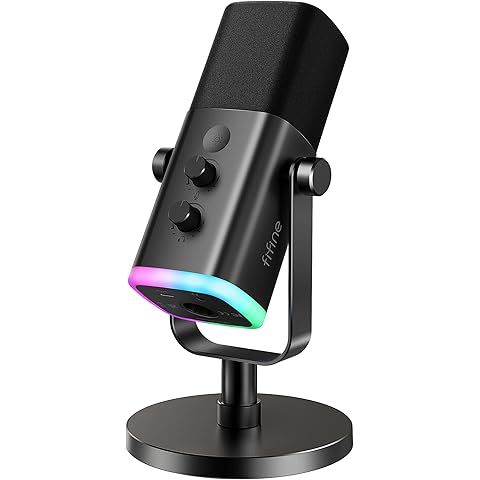
FIFINE AmpliGame AM8 USB/XLR Dynamic Microphone for Gaming Streaming | Podcast Mic with RGB Light, Mute Button, Headphones Jack, Desktop Stand, for Vocal Recording Singing YouTube, Metal
$81.59
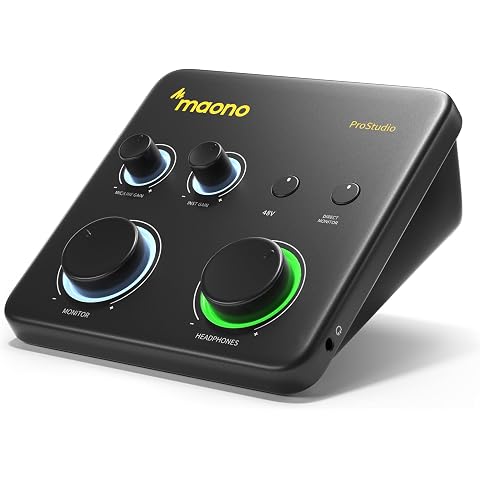
MAONO PS22 Lite USB Audio Interface for PC for Guitar & Vocals Streaming | Low-noise preamp, 24-bit/192kHz, loopback, ASIO driver, routing software, for home studio, DAW recording, OBS, creators
$99.96
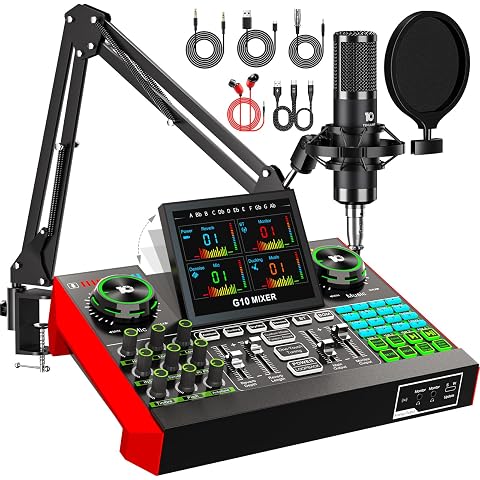
G10 Live Streaming Audio Interface Gaming Audio Mixer, Podcast Equipment with 3.5mm Condenser Mic, Sound Board,Sound Card for PC/Phone Podcast Recording, Voice Changer, Denoise,Phantom Power,Reverb
$178.49
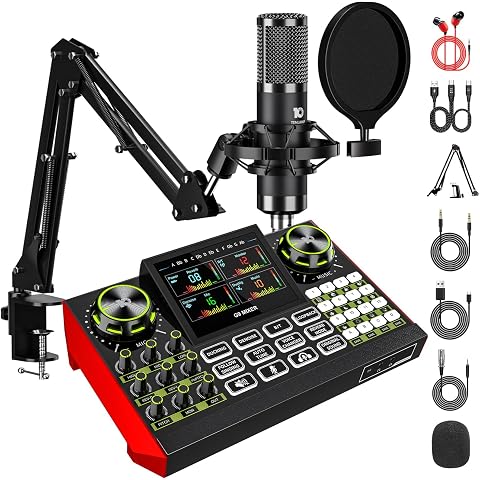
CryoSurf G9 Podcast Microphone Bundle – Condenser Mic, Audio Interface, Audio Mixer, Sound Card and Sound Board | Voice Changer, Reverb, Denoise for PC and Phone, Streaming, Gaming and Recording
$149.99
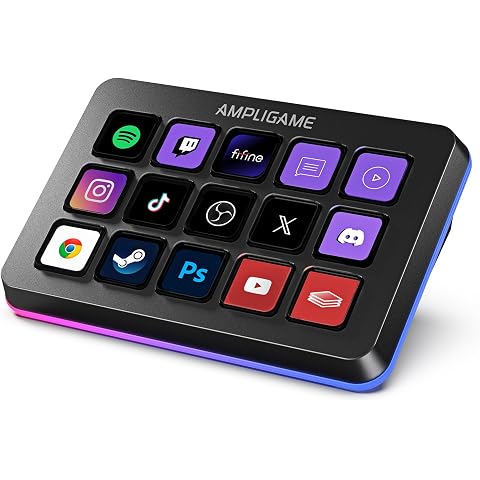
FIFINE AmpliGame D6 Stream Controller with 15 Macro Keys, Trigger Actions | Streaming Keyboard for OBS, Twitch/YouTube/Streamlabs, Shortcut Buttons Keypad, MAC and PC
$91.79
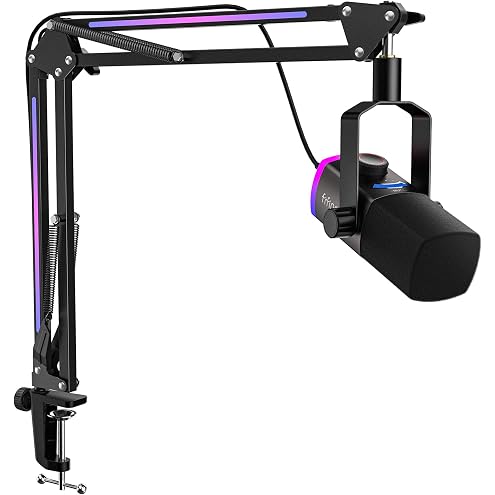
FIFINE AmpliGame AM8 PROT XLR/USB Gaming Microphone Kit for Streaming | Dynamic Mic Bundle, Boom Arm Stand, RGB Lighting, Mute Button, Mix Control, Gain Knob for Recording, Vocal, Podcasting
$107.19
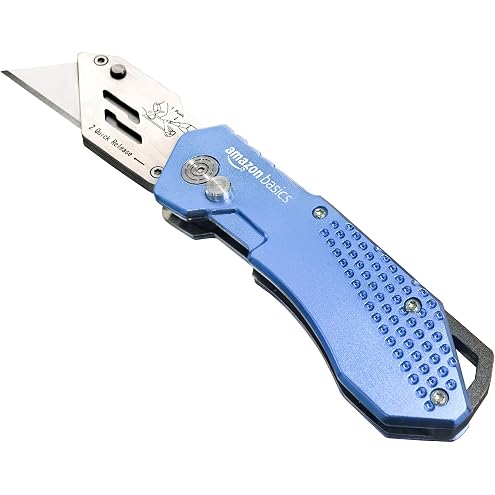
Amazon Basics Folding Utility Knife, Lightweight Aluminum Body with Holster, Light Blue
$11.12
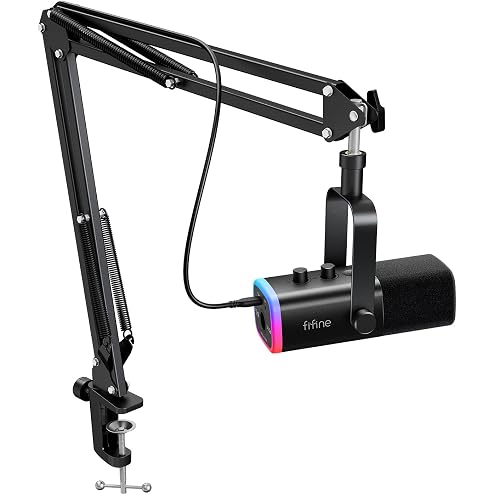
FIFINE AmpliGame AM8T XLR/USB Gaming Microphone Set, Dynamic PC Mic | Streaming RGB Mic Kit with Boom Arm Stand, Mute Button, Headphones Jack, for Podcasting Recording Vocal Voice-Over
$101.99