 1 / 6
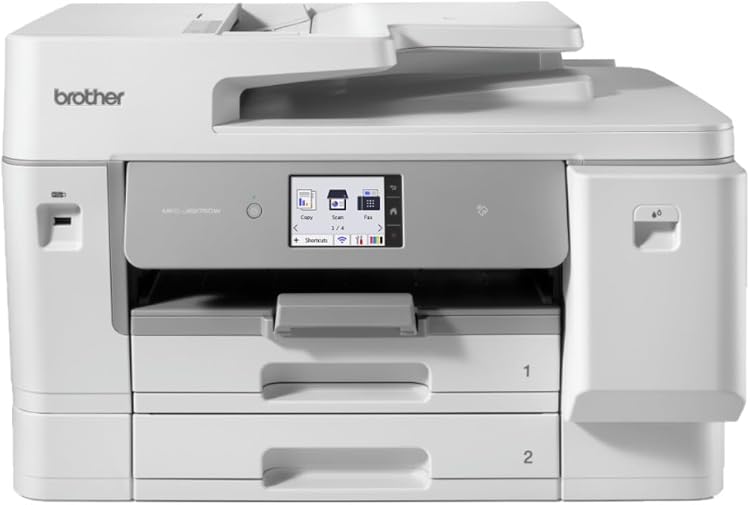
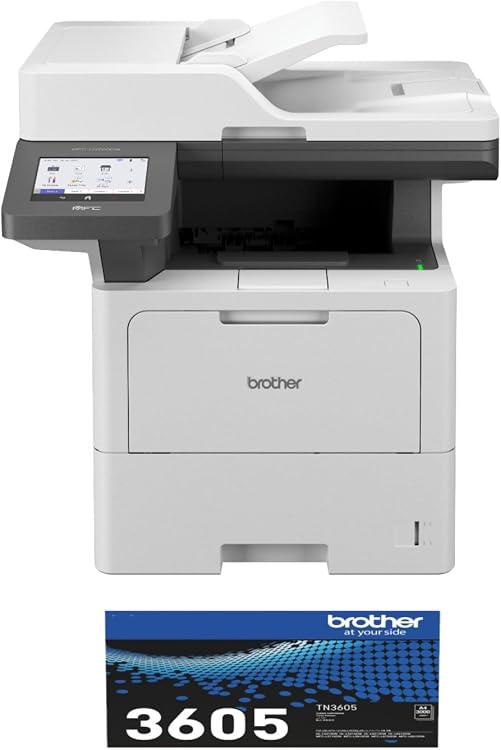
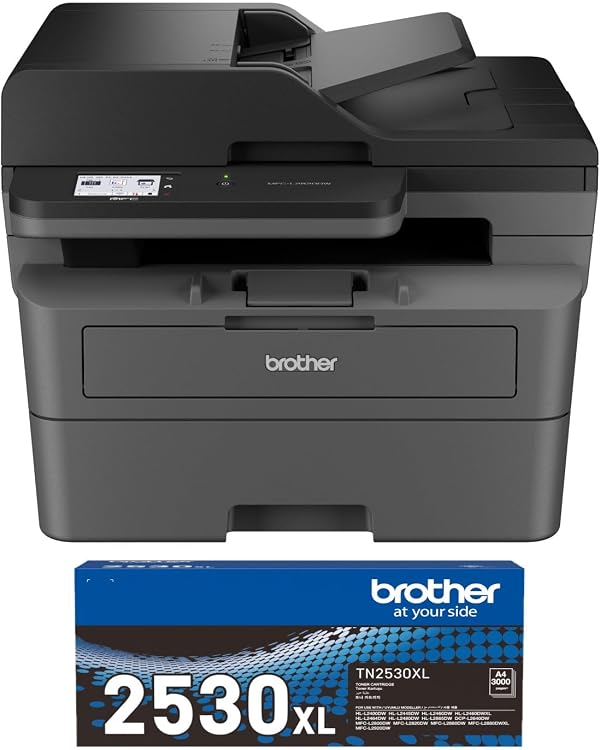
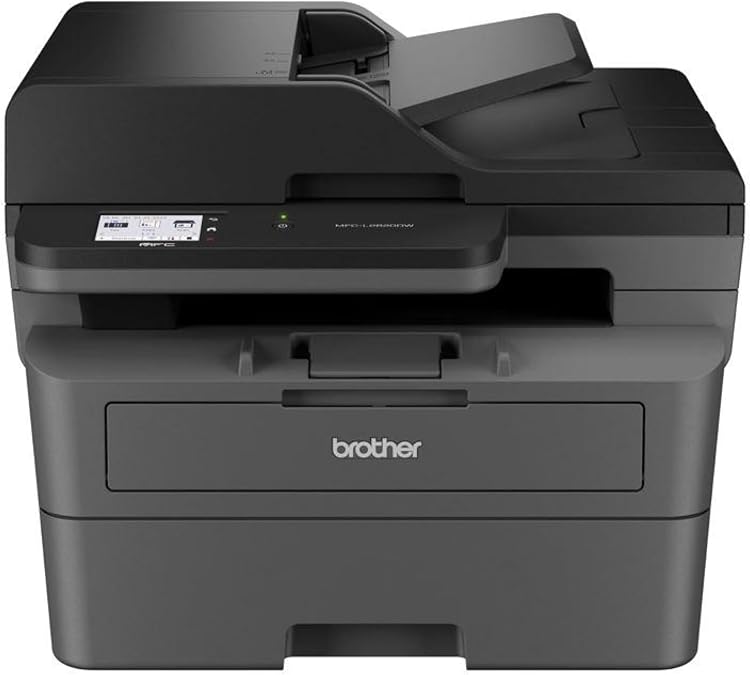
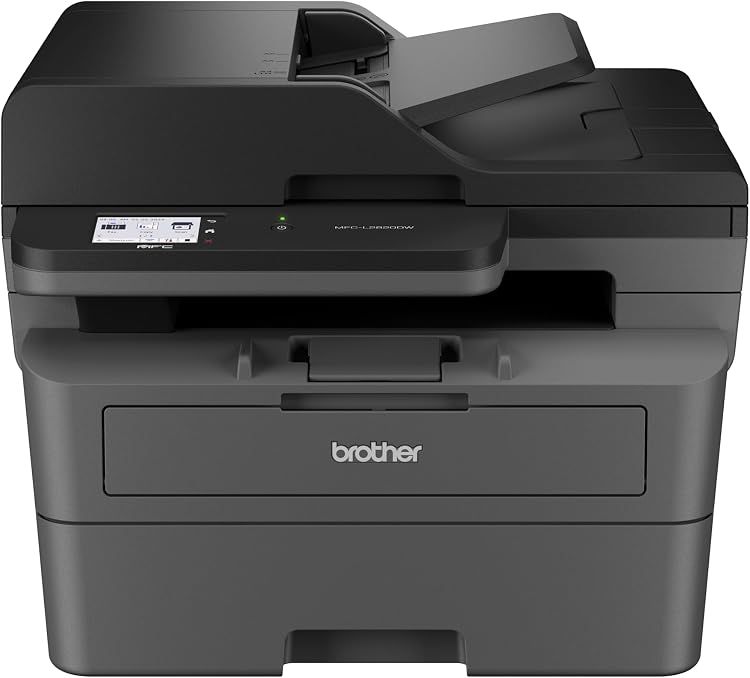
Brother MFC-L2820DW Monochrome Laser Multifunction Printer
The Brother MFC-L2820DW is a monochrome laser multifunction printer with listed copy and scan functions, automatic duplex printing and a 250-sheet paper tray. Its title also claims wireless connectivity, but the connectivity specification supplied lists USB only, so confirm the connection options for the selected listing before buying.
At a glance
- Automatic two-sided printing is listed, while ADF feeding is described as single-sided.
- The listing claims a 250-sheet paper tray and print speeds up to 32 ppm.
- The title claims wireless connectivity, but the supplied connectivity field names USB only.
Often bought together
Pros and cons
Pros
- Automatic duplex printing can reduce manual page turning for two-sided documents.
- Copying and scanning are listed alongside monochrome laser printing.
- A 250-sheet tray can accommodate larger print runs before reloading than a smaller capacity would.
Cons
- Monochrome output is not suited to buyers who need colour printing.
Technical specifications
12 specifications| Brand | Brother |
|---|---|
| Model | MFC-L2820DW |
| Technology | Laser |
|---|---|
| Output | Monochrome |
| Maximum monochrome print speed | 32 ppm |
| Duplex | Automatic |
| Media | Paper (plain) |
| Maximum sheet capacity | 250 |
| Colour | black |
| Scanner type | ADF |
|---|---|
| Additional functions | All In One, Copy, Scan |
| Connectivity technology listed | USB |
|---|
What to know before buying
Listing details to confirm
Listing details are inconsistent: the title calls the printer wireless, but the connectivity specification lists USB only. The feature text says single-sided ADF feeding, so do not assume duplex scanning. The supplied manufacturer text also refers to MFC-L820 and MFC-L2820DW for touchscreen information, leaving that screen specification unconfirmed. Confirm the connection options and controls for the selected listing.
Who is it for?
A good fit for
- Home offices or small workplaces that primarily print black-and-white documents.
- Users who want automatic two-sided printing and listed copy and scan functions.
- Buyers who can use USB connectivity if wireless operation is not confirmed.
Less suited to
- People who need colour prints.
- Buyers who require confirmed wireless connectivity or automatic two-sided ADF scanning.
Customer reviews on Amazon
- 5 stars
100% 100% - 4 stars
0% 0% - 3 stars
0% 0% - 2 stars
0% 0% - 1 star
0% 0%
Only a single aggregate rating is supplied, so it provides very limited evidence about customer experience and cannot establish consistent satisfaction or identify specific strengths or faults. Buyers should weigh that limited signal against their needs, especially the unconfirmed wireless connection and the distinction between single-sided ADF feeding and automatic duplex printing.
Frequently asked questions
Does the MFC-L2820DW support wireless printing?
Wireless appears in the title, but the supplied connectivity specification lists USB only. Confirm the connection options for the specific listing before purchase.
Can it print on both sides automatically?
Yes. The listing specifies automatic duplex printing.
Does the ADF scan both sides automatically?
The feature text describes the ADF as single-sided, so automatic two-sided ADF scanning is not established.
What is the claimed toner yield?
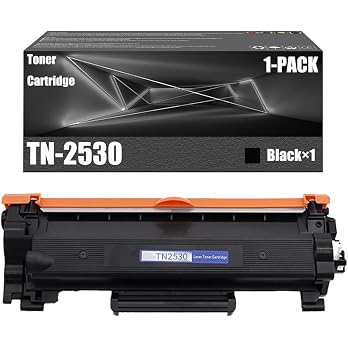
The title claims black toner yields up to 3,000 pages. The listing associates that yield with the TN2530XL cartridge and cites ISO/IEC 19798.
Alternative options
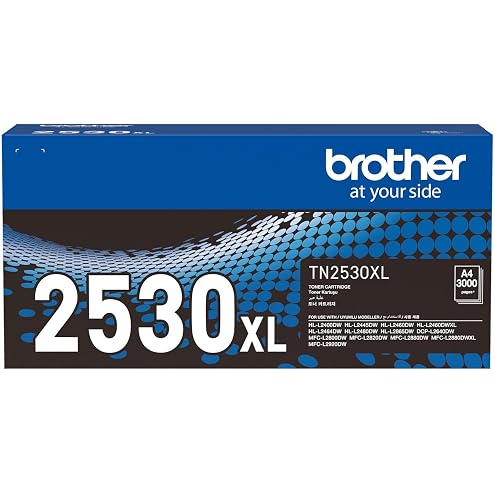
Brother Genuine TN2530XL Black Toner Cartridge, Page Yield Up to 3000 Pages
$149.00
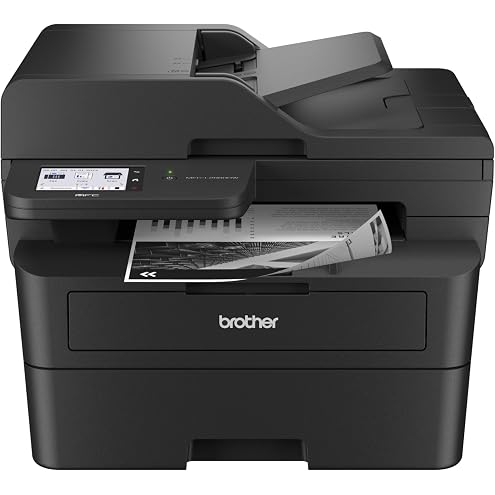
Brother MFC-L2880DW, Wireless Mono Laser Multi-Function, 34ppm, Black
$274.99
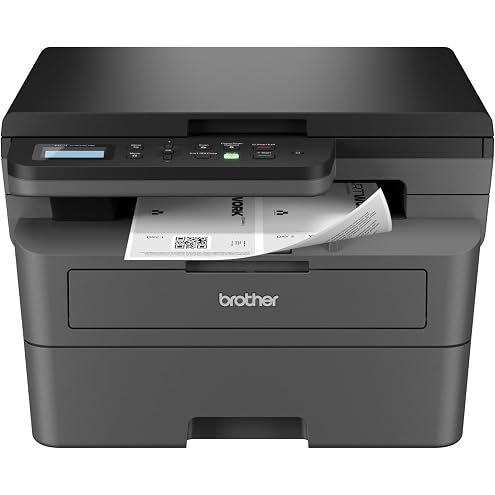
Brother HL-L2464DW, Wireless Mono Printer/Scanner/Copier, 28ppm, Black/Grey
$199.99
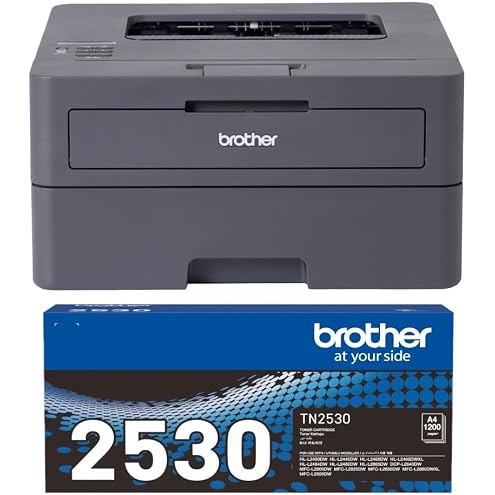
Brother HL-L2445DW Wireless Mono Laser Printer with Black Toner (Up to 1200 Pages)
$214.99
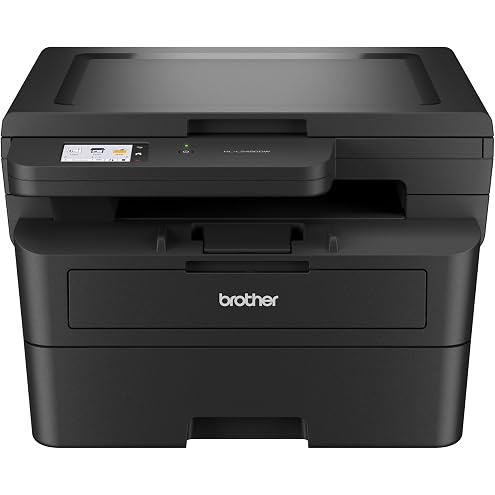
Brother HL-L2480DW Mono Laser Printer with Scanner, Wi-Fi, USB, Ethernet, Print Scan Copy, 34ppm
$227.99
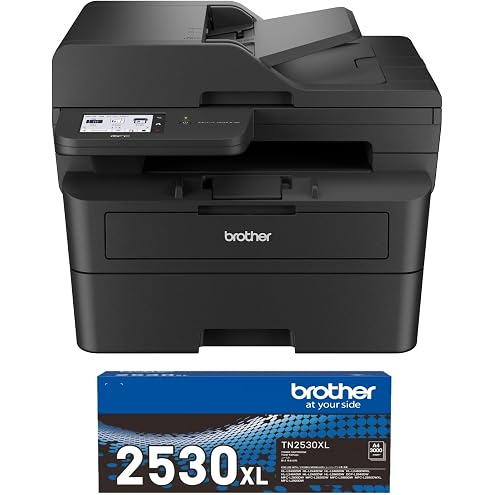
Brother MFC-L2880DW Wireless Mono Laser Multi-Function Printer with Black Toner (Up to 3000 Pages)
$355.99
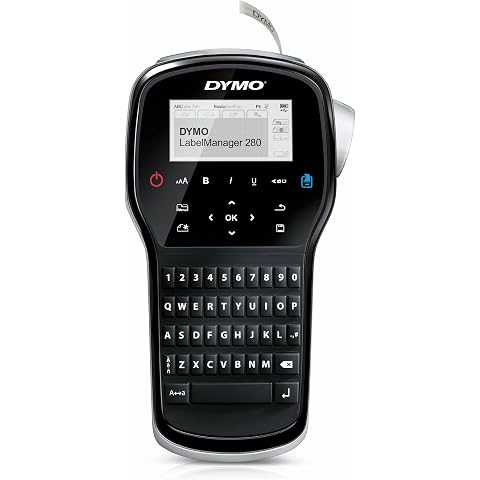
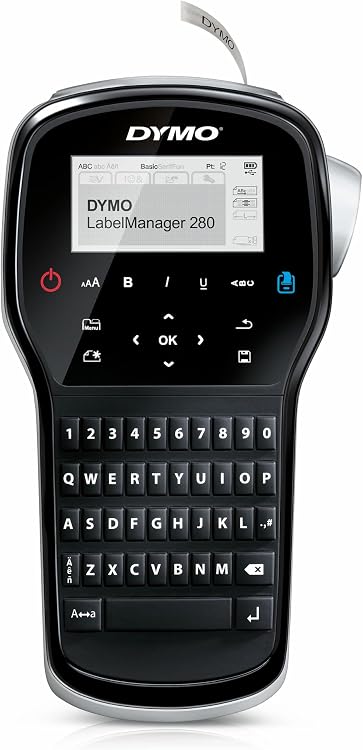
DYMO Label Maker | LabelManager 280 Rechargeable Portable Label Maker | Easy-to-Use, One-Touch Smart Keys, QWERTY Keyboard, PC & Mac Connectivity | for Home & Office Organization
$77.47
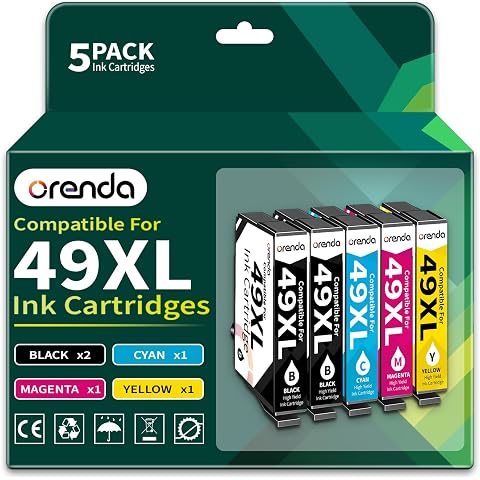
Orenda 49XL Replacement for Epson 49XL Ink Cartridges Mutipack (5-Pack) | 49XL Ink Cartridges Compatible for Epson XP-2205 Ink XP-4205 Printer Ink (2-49XL Black 1 Cyan 1 Magenta 1 Yellow)
$32.99
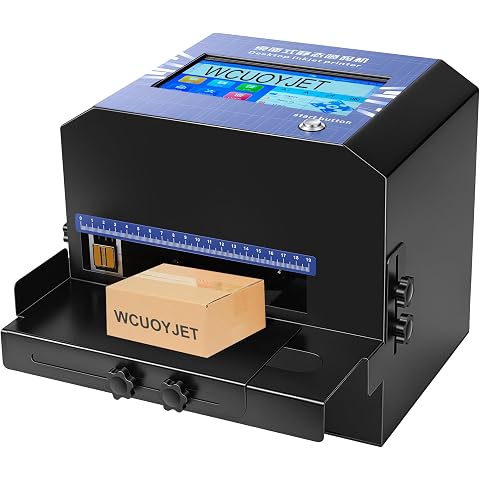
WCUOYJET/ T68 Inkjet Printer, 7-Inch Touch Screen Inkjet Coding Machine | With 42 Ml Quick-Dry Ink Cartridge, Print Qr Code, Text, Production Date And More, Suitable For All Materials.
$749.00
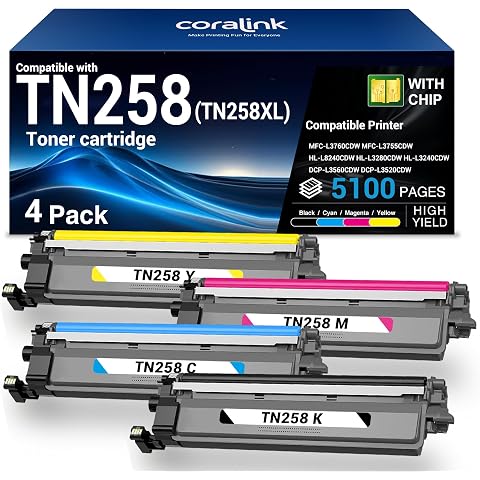
Coralink TN258 Toner Cartridge Compatible for Brother Replacement 258XL Work with MFC-L3760CDW MFC-L3755CDW HL-L8240CDW HL-L3280CDW HL-L3240CDW DCP-L3560CDW DCP-L3520CDW Color Laser Printer (4 Pack)
$99.89
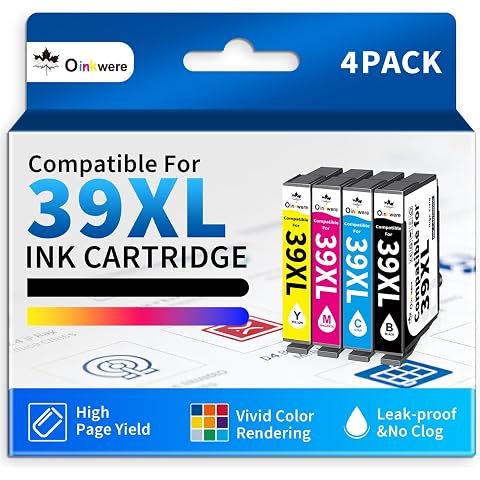
OINKWERE 39 XL Relacement for Epson 39XL Ink cartridges Compatible for Expression Home XP-2105 XP-4105 Printer Ink cartridges (4-Pack)
$19.99
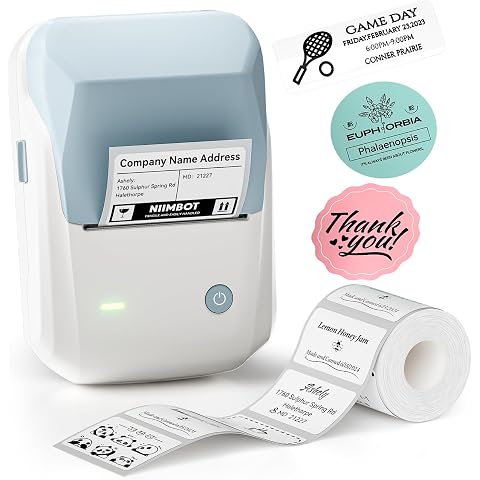
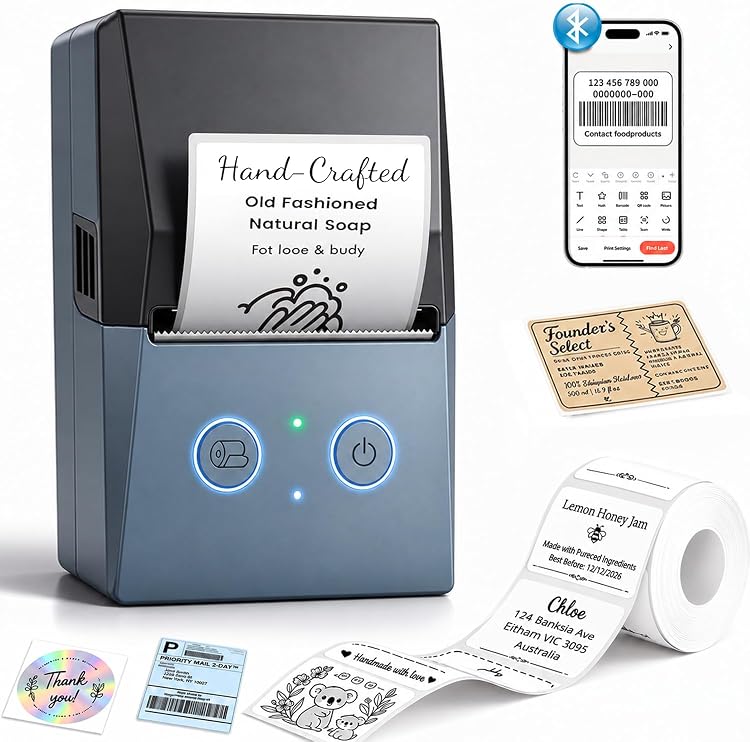
NIIMBOT B1 Label Maker 2inch Label Printer for Home, Office, Blue | Portable Label Printer, Bluetooth Label Maker Machine with 50*30mm Labels, Ideal for Business/Retail/Office/Kitchen
$49.99