 1 / 7
Apitor Robot J 6-in-1 Coding Robot Building Kit
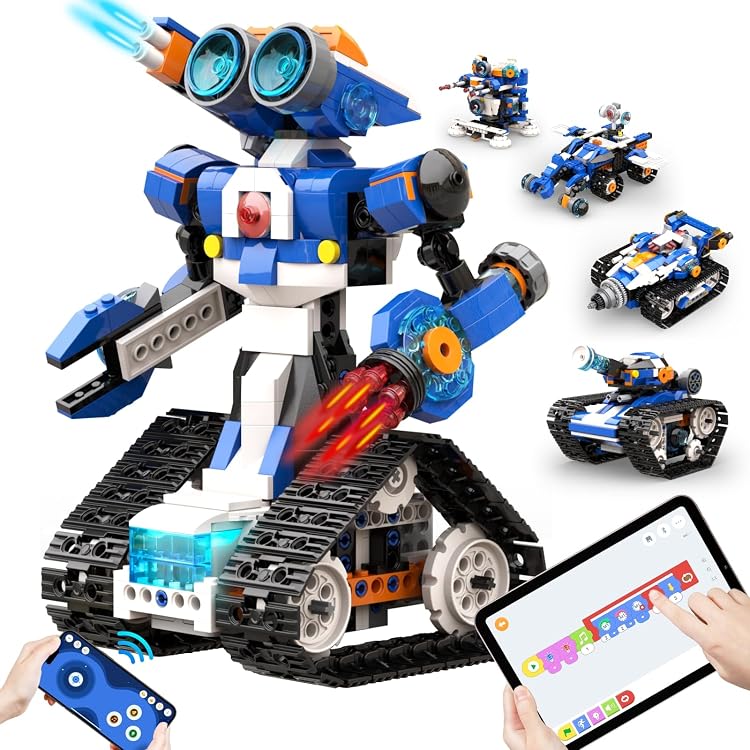
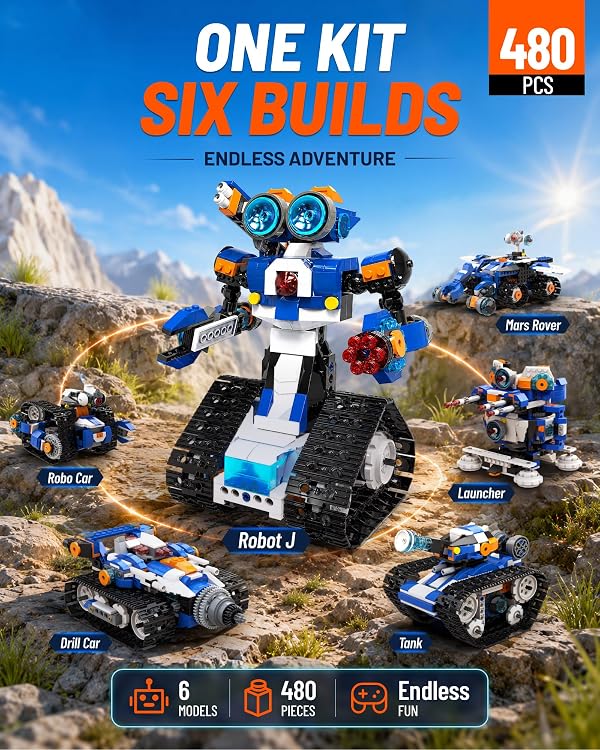
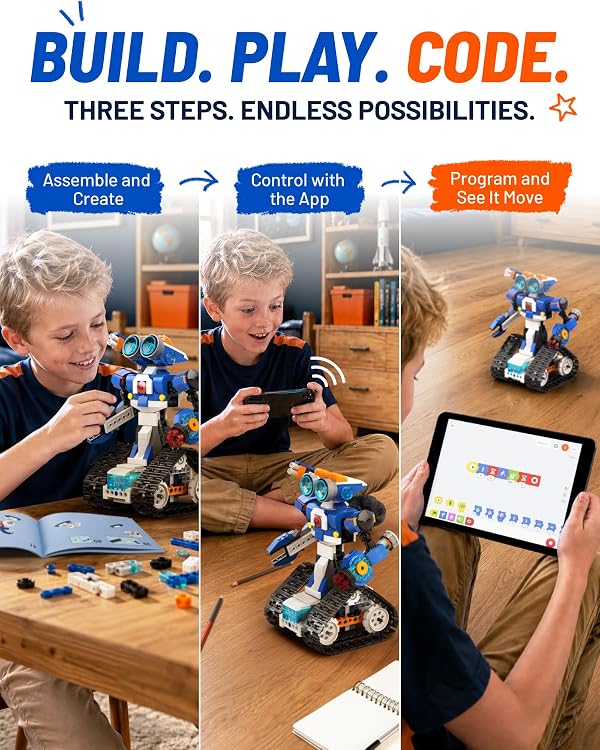
Coding Building: Apitor Robot J is a build-and-code robot kit with 480 blocks and parts for six different models. Children can use the app’s visual programming and challenge modes, or control the assembled robot by Bluetooth, with batteries required separately.
At a glance
- The listing describes six build options from a 480-piece kit.
- The app is described as offering visual programming, examples and nine challenge modes.
- Bluetooth app control is described with four modes: dual-motor, single-motor, gyro and path.
Reference price: $99.99
Price checked: 18 Nov 2026
View offerAhead of Black FridayExplore the selectionOften bought together
Pros and cons
Pros
- Combines hands-on building with app-based coding and remote-control play.
- Six described build options offer more than one robot configuration from the same kit.
- The listed kit includes a control module with two motors and two multicolour LED lights.
Cons
- Requires three AA batteries, which the listing says are not included.
Technical specifications
13 specifications| Brand | Apitor |
|---|---|
| Model | Robot J |
| Number of pieces | 480 |
|---|---|
| Models described | 6 different realistic models |
| App coding | Visual programming, coding examples and 9 challenge modes |
| Bluetooth control modes | dual-motor, single-motor, gyro, and path mode |
| Robot movement | left, right, forward, backward, and performs 360-degree stunts |
| Assembly required | Yes |
| Batteries specified | 3 AA batteries required (not included) |
| Dimensions listed | 30.5 x 21 x 6.3 centimetres |
|---|
| Age range in title | Ages 8-12 |
|---|---|
| Age range description | 6+ |
| Manufacturer recommended age | 6 - 8 years |
What to know before buying
Listing details to confirm
Age guidance is inconsistent: the title says ages 8–12, the age-range field says 6+, and the manufacturer recommendation says 6–8 years. The package dimensions are listed as 30.5 x 21 x 6.3 centimetres, so confirm whether these describe the box or assembled robot if size matters.
What’s in the box
Included- 480 blocks
- 1 control module with 2 high-speed motors
- 2 multicolour LED lights
- 1 building instruction
- 1 sorting tray
Who is it for?
A good fit for
- Children interested in building robots and trying introductory visual programming.
- Families looking for a buildable robot with app-based control and multiple assembly options.
Less suited to
- Buyers seeking a kit that includes its operating batteries.
- Buyers who need consistent age guidance without checking which listing details apply.
Customer reviews on Amazon
- 5 stars
78% 78% - 4 stars
11% 11% - 3 stars
7% 7% - 2 stars
1% 1% - 1 star
3% 3%
Aggregate ratings are mostly in the five-star category, with a smaller spread across lower ratings. That gives a generally positive but not uniform picture, and the ratings alone do not explain what customers liked or disliked. There is no supplied written feedback to clarify experiences with assembly, app control or coding.
Frequently asked questions
How many models can be built?
The listing says the 480-block kit can be used to build six different models.
How does the robot connect for control?
The listing describes phone-app control via Bluetooth, with dual-motor, single-motor, gyro and path modes.
Are batteries included?
The listing says three AA batteries are required and are not included.
What age is the kit intended for?
The age details conflict: the title says ages 8–12, another field says 6+, and the manufacturer recommendation says 6–8 years. Check the selected listing before buying.
Alternative options
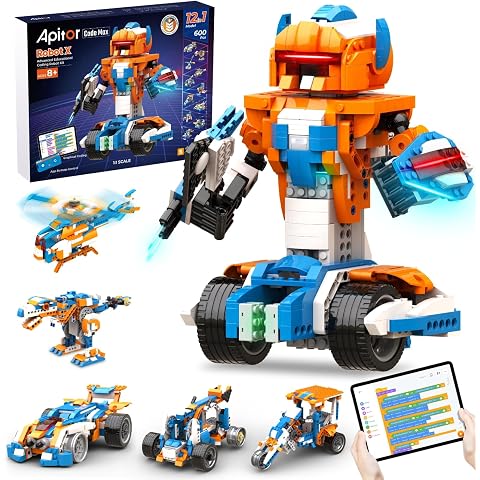
Apitor Robot X, STEM Robot Toys for Kids 8-12, 12-in-1 App-Enabled Educational Coding Toy, Remote Control Dinosaur Robot Programmable Building Kit (600 Pieces)
$111.99
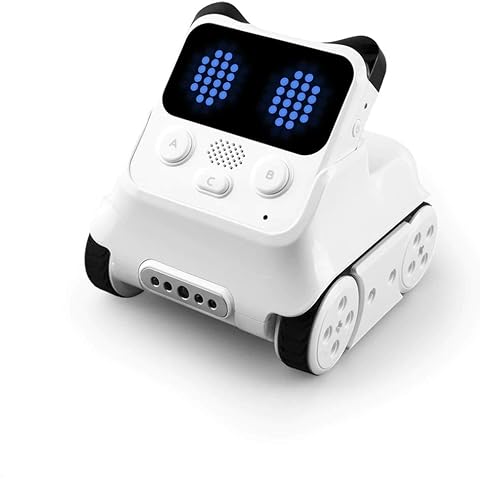
Makeblock Codey Rocky STEM Coding Robot Toy for Kids 6+ | Interactive Emo Robot Supporting Scratch & Python Programming, Educational Smart Toys
$113.99
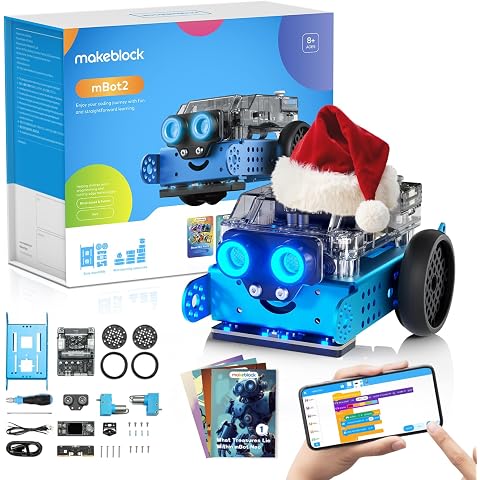
Makeblock mBot2 Robot Kit STEM Projects for Ages 8-12, Coding for Kids Support Scratch & Python Programming, Building Toys Gifts for Boys Girls 8+ Years Old
$152.99
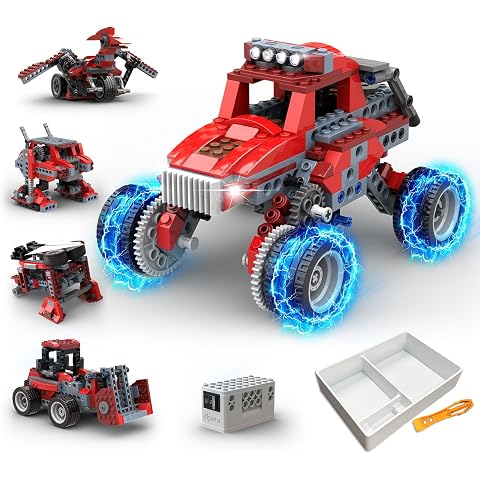
Apitor Robot B, STEM Toys for Kids Ages 6-12, 8-in-1 Electric Building Toy | Boys Toys, Electric Motor Power, 6-8 Year Old Boy Gifts, Car Building Kit, 240 PCS, Building & Construction Monster Truck
$39.99
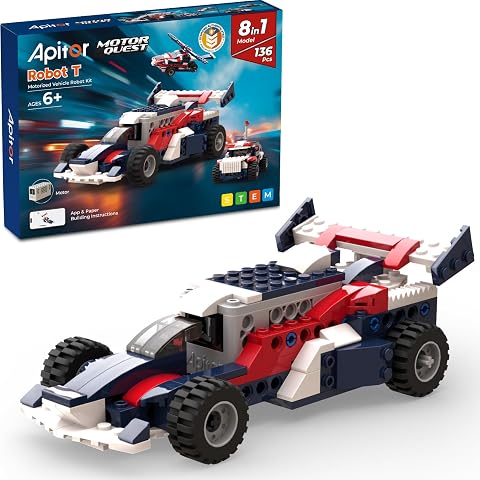
Apitor Robot T, STEM Toys for Boys Ages 6-12, 8-in-1 Electric Building Set | 136 PCS Technic Toy, Build Robot for Kids, Creative Gifts for 6-8 Year Old Boy, Educational Engineering Construction Set
$39.99
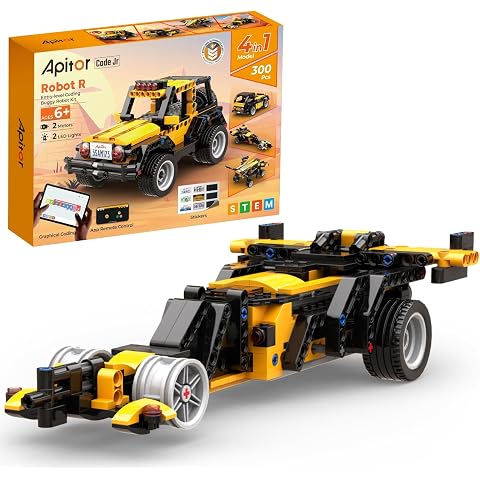
Apitor Robot R, 4-in-1 Building & Coding Robot for Ages 6+ STEM Boys Toys | ScratchJr Compatible, Coding Learning App, App Remote Control, Vehicle-Themed 300pcs Activity Set, Educational Gift for Boys
$49.99
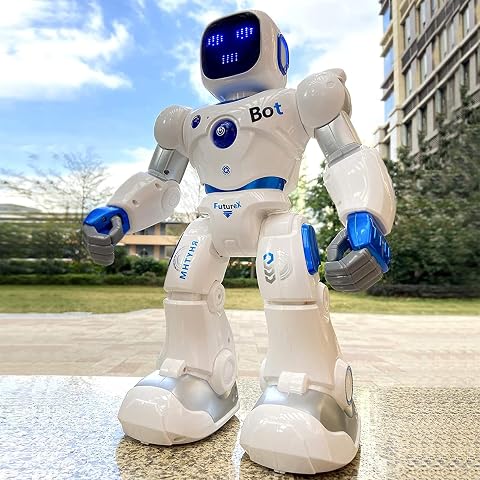
Ruko 1088 Smart Robot Toys, Remote/App/Voice Control, Gifts for Kids | Programmable, Interactive Play, 100 Min Playtime, Educational STEM Toy, Birthday Gift for Boys & Girls Ages 4-9
$139.99
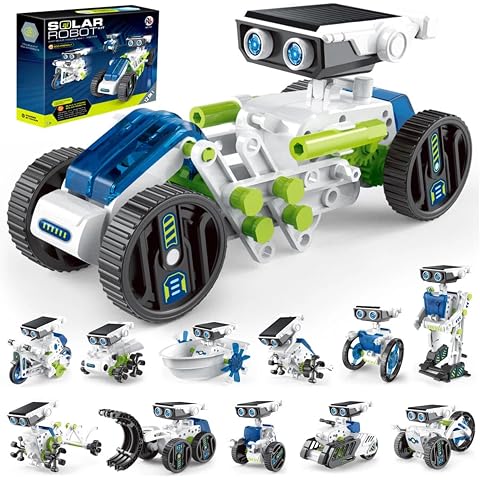
12-in-1 Solar Robot Kit for Kids Ages 8-12, STEM Building Toy with Solar Panel & Rechargeable Battery, DIY Educational Science Kit, Solar Powered Car Boat Robot Engineering, Ideal for Boys & Girls
$35.99