 1 / 7
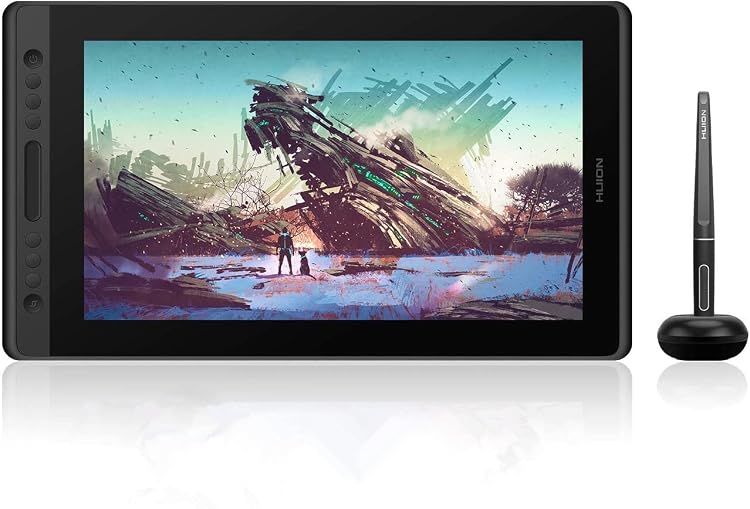
HUION Kamvas Pro 16 15.6-inch Pen Display
The HUION Kamvas Pro 16 is a 15.6-inch pen display for drawing and design, made to connect to a computer rather than operate on its own. Its Full HD resolution, pressure-sensitive battery-free pen and shortcut controls suit desk-based creative work, provided your computer has the required connections.
At a glance
- The display is a pen-input screen, not a standalone computer, so drawing requires a connected computer.
- The product listing specifies 1920x1080 resolution and anti-glare glass.
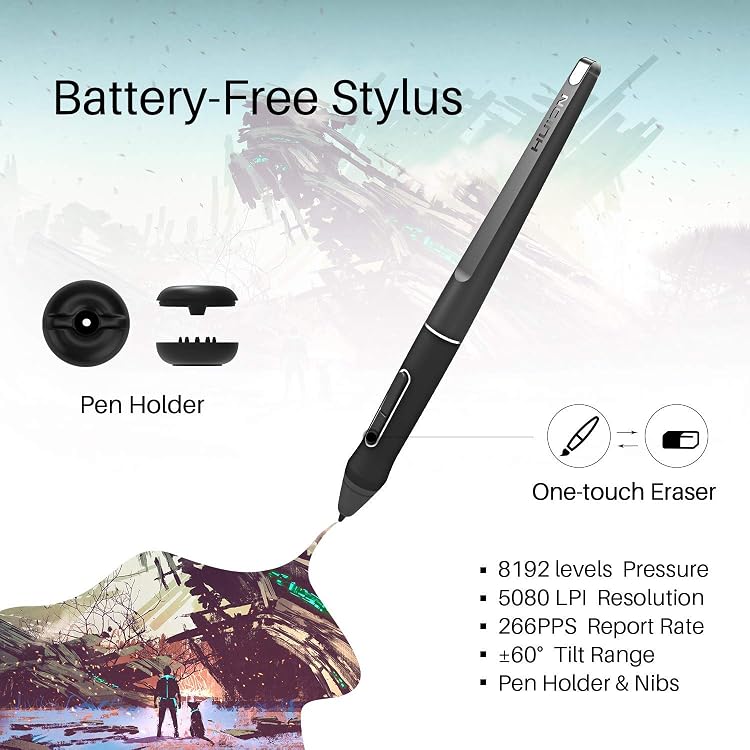
- A battery-free pen is described with 8192 pressure levels and tilt support.
- Six express keys and a touch bar can be assigned to common controls.
Often bought together
Pros and cons
Pros
- The 15.6-inch screen provides a direct drawing surface, with a specified 1920x1080 resolution.
- The listing includes a battery-free pen and describes pressure and tilt input.
- The six express keys and touch bar offer on-device controls for shortcuts and adjustments.
Cons
- It depends on a connected computer, so it cannot be used as a standalone drawing device.
Technical specifications
20 specifications| Brand | HUION |
|---|---|
| Model | Kamvas Pro 16 |
| Screen size | 15.6 Inches |
|---|---|
| Native resolution | 1920x1080 |
| Active surface area | 344.2*193.6mm |
| Display type | IPS |
| Surface | Anti-Glare Glass |
| Colour gamut | 120% s RGB |
| Viewing angle | 178°wide viewing angle |
| Pressure sensitivity | 8192 Levels |
|---|---|
| Pen report rate | 266PPS |
| Pen resolution | 5080LPI |
| Tilt support | 60° Tilt Support |
| Shortcut controls | 6 Express Keys and 1 Touch Bar |
| Connection listed | USB |
|---|---|
| Operating systems | Linux(Ubuntu), Mac OS 10.12 and above, Windows 7 and above |
| Computer connection requirement | Your computer needs to have HDMI and USB ports available for the connection, if not, you need an adapter to convert the connection. |
| Weight | 1.35 Kilograms |
|---|---|
| Dimensions | 43.8L x 25.1W centimetres |
| Thickness | 11.5mm |
What to know before buying
Listing details to confirm
This display needs a computer and the listing specifies HDMI and USB connections, with an adapter needed if those ports are unavailable. The advertised OS support differs between entries, with one listing Linux(Ubuntu), Mac OS 10.12 and above, Windows 7 and above and another naming Windows 7/8/8.1/10 and Mac OS 10.12 or later. Package details also disagree: one list gives 10 nibs and another gives 8, while the title claims 6 shortcut keys and a feature entry says 6 Express Keys and 1 Touch Bar. Confirm the selected listing's operating-system support, controls and nib quantity before buying. The stated 178° viewing angle and -89° to +89° description are consistent in span but phrased differently.
What’s in the box
- Digital Pen PW507Included
- 3-in-1 CableIncluded
- Power adapterIncluded
- Nib ClipIncluded
- GloveIncluded
- Cleaning ClothIncluded
- Quick Start GuideIncluded
- Pen Holder PH05Included
- Pen nibs, quantity variesCheck selected pack
Check which accessories are included in your selected pack before buying.
Who is it for?
A good fit for
- Digital artists, illustrators and designers who want to draw directly on a computer-connected screen.
- Buyers looking for a mid-sized pen display with express keys and a touch bar.
- Users whose computer and preferred software support the stated connection and operating systems.
Less suited to
- Anyone seeking a standalone tablet that runs drawing apps without a computer.
- Buyers whose computer cannot connect through the required HDMI and USB ports or suitable adapters.
- Anyone needing a higher resolution than the listed 1920x1080.
Customer reviews on Amazon
- 5 stars
70% 70% - 4 stars
17% 17% - 3 stars
9% 9% - 2 stars
0% 0% - 1 star
4% 4%
Customer feedback reports positive impressions of overall performance and display colours. That may matter to artists who prioritise an on-screen drawing surface, though feedback does not establish colour accuracy or performance for a particular workflow. The overall rating distribution is mostly five-star, with some lower ratings, so experiences are not uniformly positive.
Positive themes
- Customers report positive impressions of performance.
- Customers praise the display colours.
Frequently asked questions
Can the Kamvas Pro 16 work without a computer?
No. The listing says it is not standalone and must be connected to a computer or laptop.
What resolution does the display have?
The listed native resolution is 1920x1080.
Which computer connections are required?
The listing specifies HDMI and USB ports. It says an adapter is needed if the computer does not have them.
What is included in the package?
The supplied contents lists mention a pen, cable, power adapter, pen holder, glove, cleaning cloth, quick-start guide and nib clip. They disagree on whether the package has 8 or 10 nibs, so check the selected listing.
Alternative options
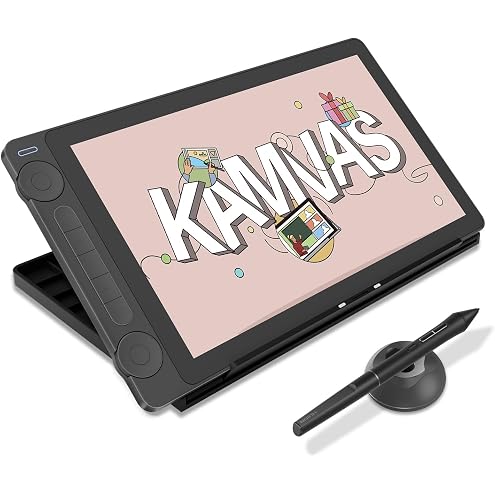
HUION Kamvas 13 (Gen 3) Drawing Tablet with Screen, Dual Dial, 13.3", Black | Full Lamination, Canvas Glass 2.0, 99% sRGB, PenTech 4.0 16384 Levels, Works with PC, Mac and Android, With Stand
$329.99
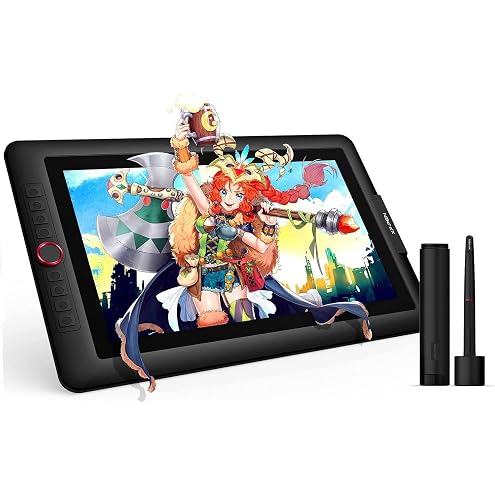
XPPen Artist 15.6 Pro V2 Drawing Tablet with Screen, 16K Pen Pressure Stylus Digital Art Tablet with Full-Laminated Anti-Glare Glass Adjustable Stand 8 Shortcut Keys Work for PC Mac Linux Android
$299.99
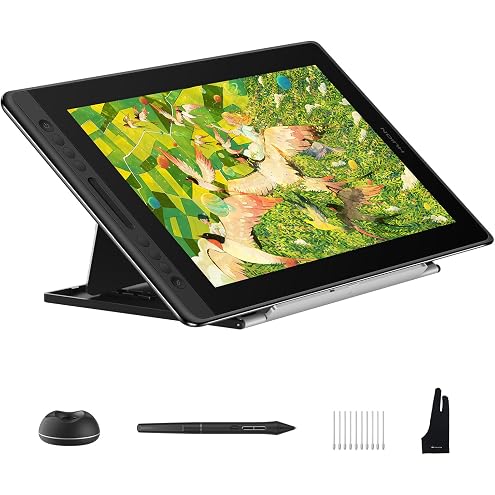
HUION Kamvas Pro 16 V2 Drawing Tablet with Screen 16384 Levels Battery-Free Pen Tilt Support 2g IAF, 15.6" Full-Laminated AG Glass, Smart Touch Bar & 6 Keys Art Tablet Work with Windows, Mac and Linux
$375.69
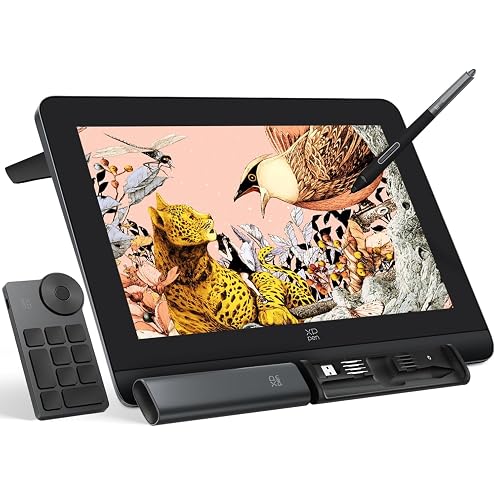
XPPen Artist Pro 16 Gen2 2.5K 16 inch QHD Drawing Tablet with Full Laminated Anti-Glare Screen 16384 Pressure Levels X3 Pro Battery-Free Stylus 159% sRGB Tilt Graphic Drawing Tablet with Mini Keydial
$559.99
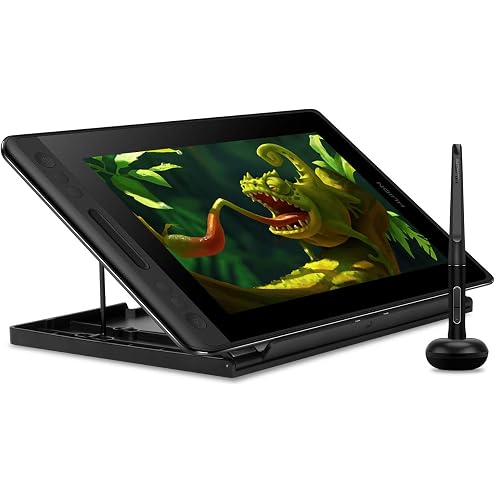
Huion KAMVAS Pro 12 Drawing Tablet with Screen Graphics Drawing Monitor Full-Laminated Pen Display with Battery-Free Pen and Adjustable Stand 8192 Pen Pressure(GT-116)
$227.99
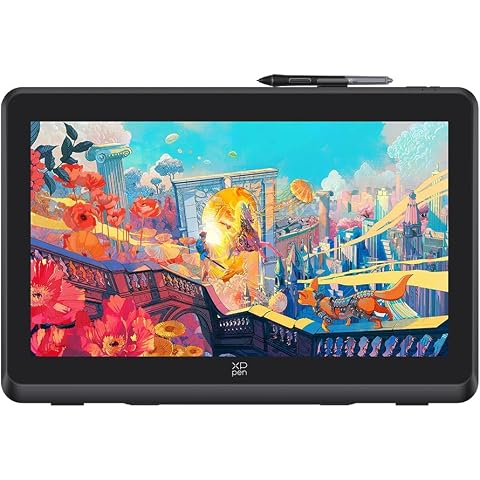
XPPen Artist 22 Plus Drawing Display Digital Drawing Monitor Graphic Tablet with Screen 22 Inch
$589.99
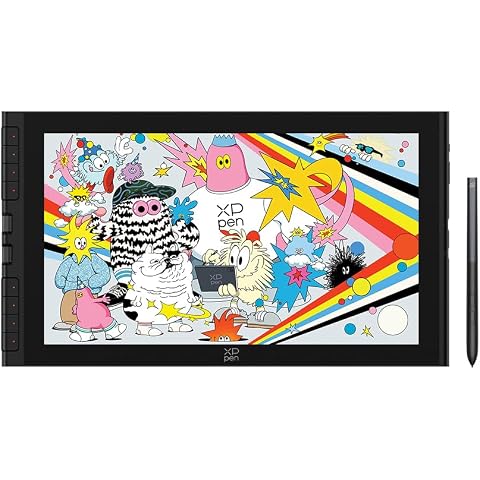
XPPen Artist 16 3rd Drawing Tablet with Screen, 15.4"Pen Display with 16K Pressure Stylus, Anti-Glare Etched Glass, 2 Scroll Wheels & 8 Hotkeys, Include Foldable Stand, Compatible with Mac/Win/Android
$399.99
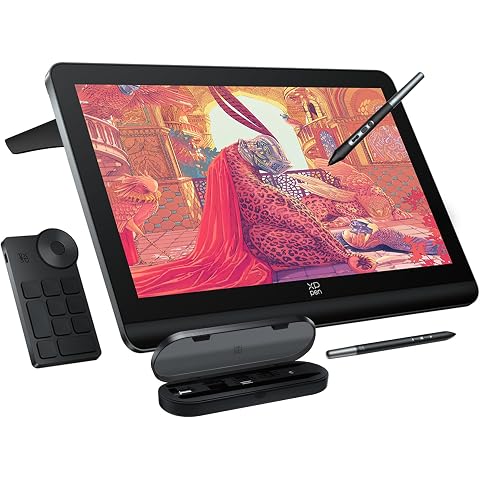
XPPen 4K UHD Artist Pro 19 Gen2 Drawing Tablet with Screen, 156% sRGB Graphic Tablet with 1.07 Billion Colors Anti-Glare Drawing Monitor with Dual 16384 Pen Pressure Stylus, Mini Keydial, 18.4"
$1,124.99