USB Flash Drives
Products · USB Flash Drives
7 active deals
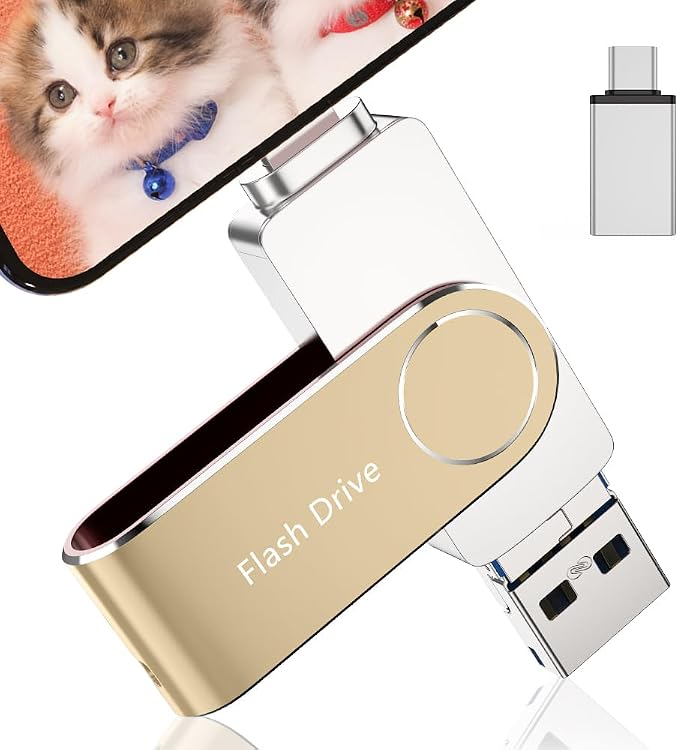
Xviket 512 GB USB Flash Drive
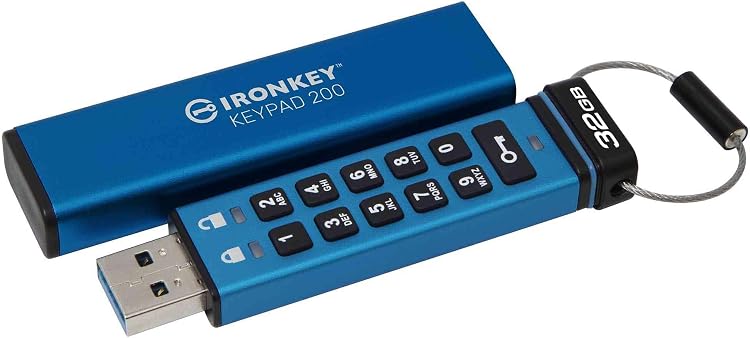
Kingston IronKey Keypad 200 32GB Encrypted USB Drive
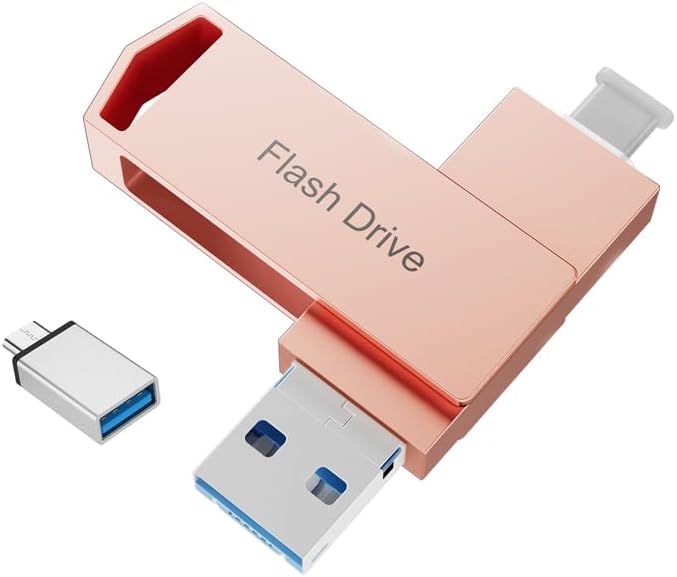
Abaisheng 512GB USB 3.0 4-in-1 Flash Drive
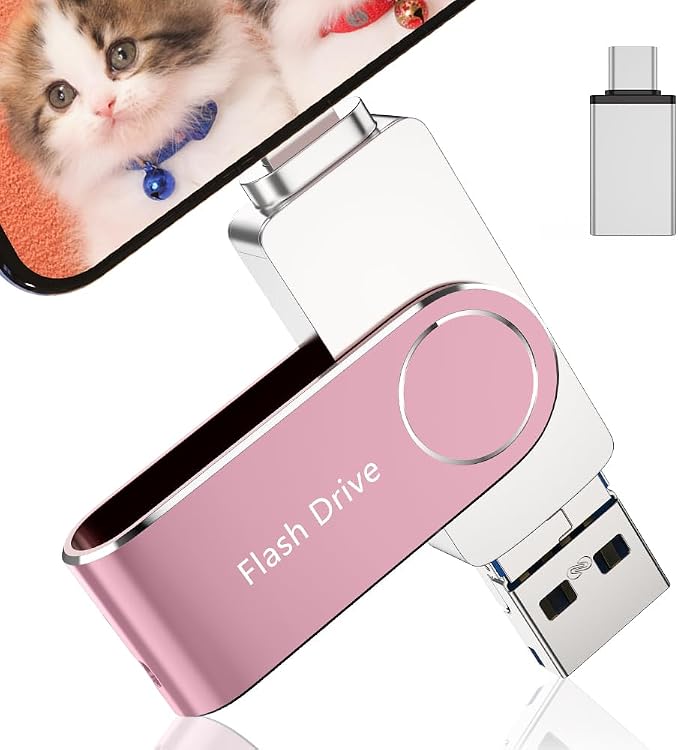
Xviket USB Flash Drive 256PK, 256 GB, USB 3.0
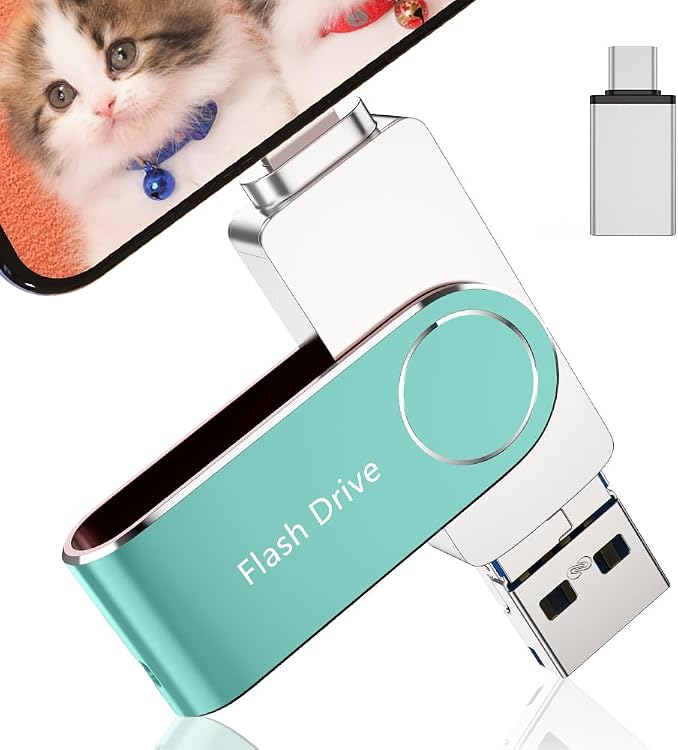
Xviket USB Flash Drive 512GR, 512 GB, USB 3.0
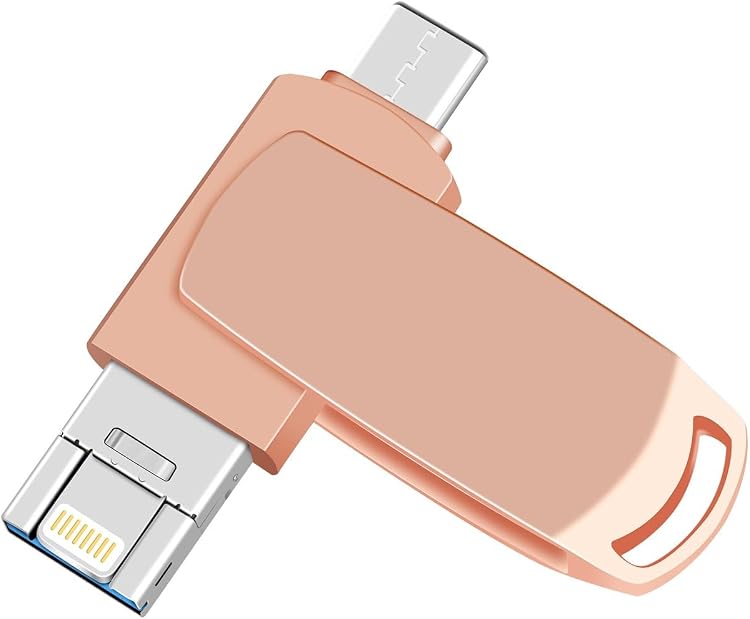
Forpmon 3-in-1 USB Flash Drive, Lightning and USB-A, Pink
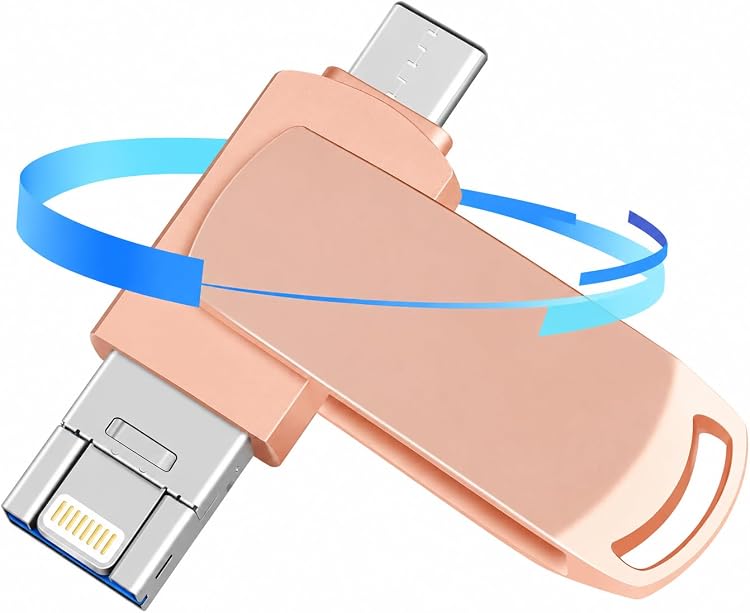
Forpmon XG20260831UP-PINK 2TB 4-in-1 USB Flash Drive
New in USB Flash Drives
Recently added or updated deals.
Xviket 512 GB USB Flash Drive
Kingston IronKey Keypad 200 32GB Encrypted USB Drive
Abaisheng 512GB USB 3.0 4-in-1 Flash Drive
Xviket USB Flash Drive 256PK, 256 GB, USB 3.0
Xviket USB Flash Drive 512GR, 512 GB, USB 3.0
Forpmon 3-in-1 USB Flash Drive, Lightning and USB-A, Pink
Forpmon XG20260831UP-PINK 2TB 4-in-1 USB Flash Drive
USB flash drives for carrying files without unnecessary compromises
A USB flash drive can carry a presentation, hand over documents or become installation media. The choice depends on the receiving device and how often you copy files. A tiny drive with a large capacity is not necessarily the most practical tool for those particular jobs.
Choose the connector for both ends of the journey
Check the ports on the computer sending the files and the device receiving them. USB-A and USB-C describe connectors, not guaranteed speed. A drive with both can avoid adapters, although its size might block a neighbouring socket.
For phones and tablets, verify support for external storage and whether the relevant application handles the files you need. Televisions, cars and printers may impose capacity or format restrictions. Physical connection does not guarantee they can open your documents.
Fast reading does not ensure fast copying
A high read-speed figure helps retrieve files, but slow writing can make loading the drive inconvenient. Look for writing information for the exact model and capacity, particularly if you regularly move video or large folders.
Many small files and one film do not produce the same performance. Sustained speed matters too: a brief copy may conceal a later slowdown. For continuous work with demanding projects, consider whether an external SSD is more appropriate, without treating the two products as interchangeable.
The format must support the file you carry
Some file systems limit individual file size; others are not recognised by every device. Select the format for the destination equipment, not only the computer used to prepare the drive.
Formatting erases its contents. Before changing the format, keep a copy and check the receiving device's requirements. For bootable media, verify its specific conditions as well: storing an installer does not mean every computer can start from that drive.
Protect both data and connector
Caps can get lost, while retractable mechanisms can collect dirt. Consider how the drive will be carried and whether its casing offers a secure grip for removal. Avoid leaving it protruding where it can be knocked.
For sensitive data, distinguish genuine encryption from a simple application password and check unlocking compatibility. Keep the keys and another copy. Avoid drives of unknown provenance, verify capacity and reading before trusting them, and use the system's eject function where appropriate.