 1 / 7
Wisoqu 4-Port M.2 NVMe PCIe x16 Adapter Card
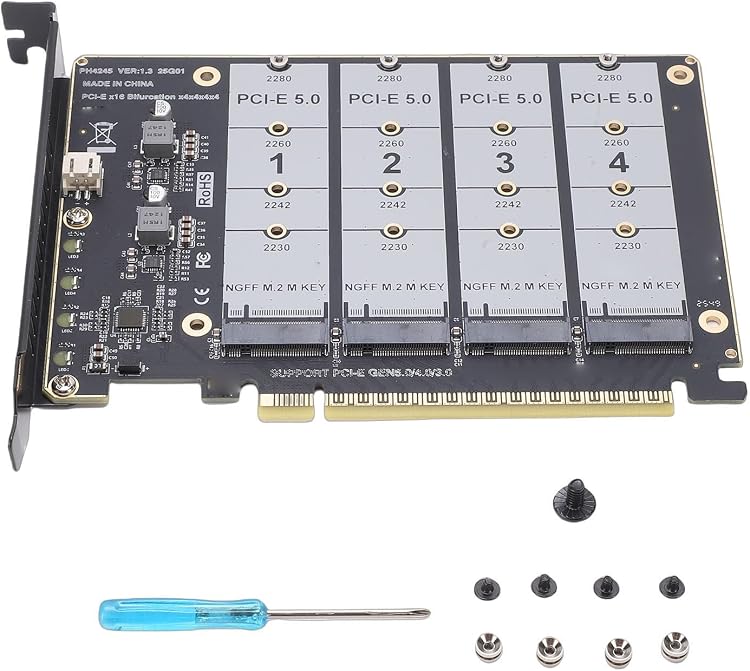
The Wisoqu 4-Port M.2 NVMe PCIe x16 Adapter Card adds four M.2 drive slots to a compatible PCIe x16 system. Its key limitation is platform support: the motherboard and CPU must provide suitable PCIe bifurcation and lane allocation for the drives you plan to use.
At a glance
- Four M.2 expansion slots connect through a PCIe x16 card interface.
- The listing claims compatibility with PCIe 3.0, 4.0 and 5.0 protocols and M.2 NVMe and PCIe SSDs.
- Per-drive LEDs are described as indicators for each disk.
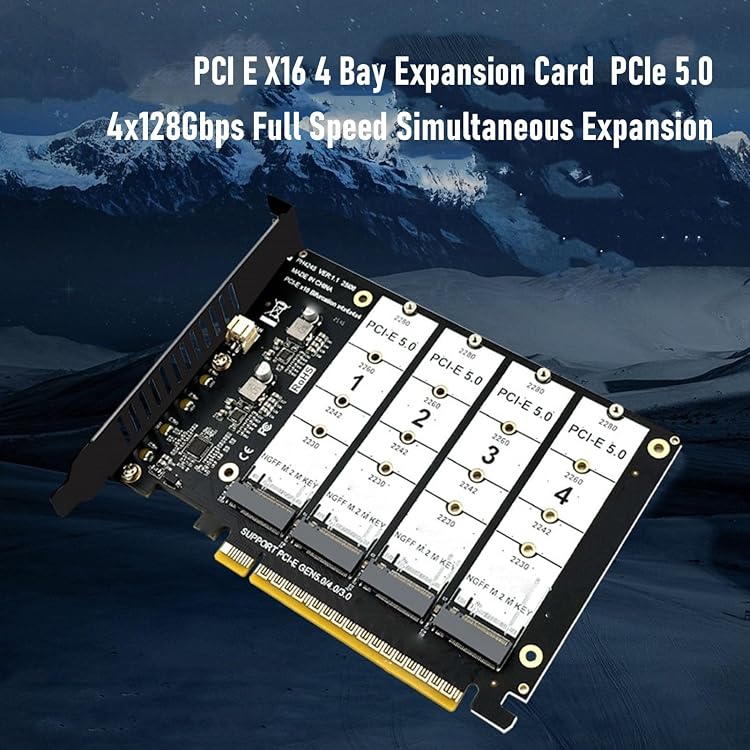
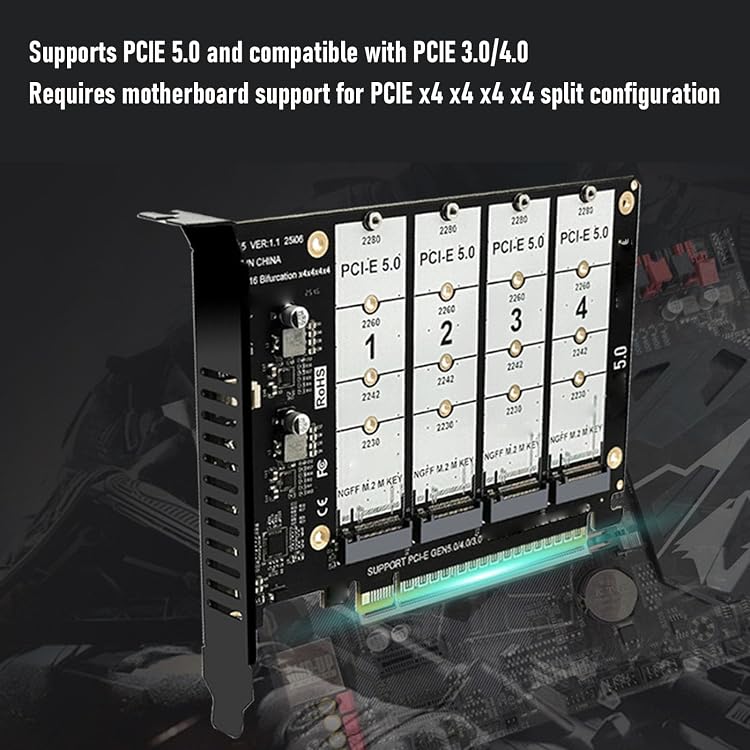
- The motherboard must support PCIe bifurcation, and the CPU needs enough PCIe lanes. Drive count may also depend on lane allocation and other installed PCIe devices.
Pros and cons
Pros
- Four M.2 slots offer a way to add several compatible drives through one expansion card.
- The listing specifies a PCIe x16 host interface and support claims for three PCIe generations.
- Per-drive LED indicators can help distinguish drive activity or status, although their exact behaviour is not stated.
Cons
- Using multiple drives depends on motherboard bifurcation settings and sufficient CPU PCIe lanes, which can limit the number recognised in a given system.
Technical specifications
8 specifications| Brand | Wisoqu |
|---|---|
| Model | Wisoquaw23gijtns |
| Host interface | PCI Express x16 |
|---|---|
| Compatible devices | Desktop, Laptop |
| Claimed drive compatibility | M.2 NVME and M.2 PCIE standards |
| Claimed PCIe protocols | PCIE 3.0, 4.0, and 5.0 |
| Expansion slots | four expansion slots |
|---|---|
| LED indicators | four LED indicators on each disk |
What to know before buying
Listing details to confirm
The listing's title and feature text claim ×128Gbps and 4x128Gbps per slot, but do not clearly define the bandwidth unit or reconcile these figures with lane allocation. Treat those speed claims as unconfirmed. It also describes PCIe X4X4X4 or 4X4 bifurcation, while warning that X8+X4+X4 layouts may support only three drives in some configurations. Confirm the motherboard's bifurcation modes, CPU lane capacity, shared-slot constraints and expected drive count before buying.
Who is it for?
A good fit for
- Desktop builders with a motherboard that supports the required PCIe bifurcation and enough CPU lanes.
- Users who want to connect several M.2 NVMe or PCIe drives through a PCIe x16 slot.
Less suited to
- Systems without configurable PCIe bifurcation or with insufficient PCIe lanes for the intended drive count.
- Buyers who need a clearly specified, guaranteed per-drive bandwidth figure.
Customer reviews on Amazon
- 5 stars
100% 100% - 4 stars
0% 0% - 3 stars
0% 0% - 2 stars
0% 0% - 1 star
0% 0%
The supplied feedback consists only of a single top-star aggregate rating, with no written review details. That very limited signal does not establish reliability, drive compatibility or performance, so system bifurcation and lane support remain the more useful buying checks.
Frequently asked questions
Will this card run four SSDs in any PCIe x16 slot?
Not necessarily. The listing requires motherboard PCIe bifurcation and adequate CPU PCIe lanes. It also notes that lane sharing or an X8+X4+X4 arrangement may reduce the number of recognised drives.
Which PCIe generations does it claim to support?
The listing claims support for PCIe 3.0, 4.0 and 5.0 protocols, along with M.2 NVMe and PCIe standards. Actual compatibility depends on the system.
Is the advertised 128Gbps speed clearly established?
No. The title and feature text use 128Gbps figures but do not clearly define or reconcile them with the card's lane configuration. Check the seller's details rather than treating the figure as a confirmed per-drive speed.
Alternative options
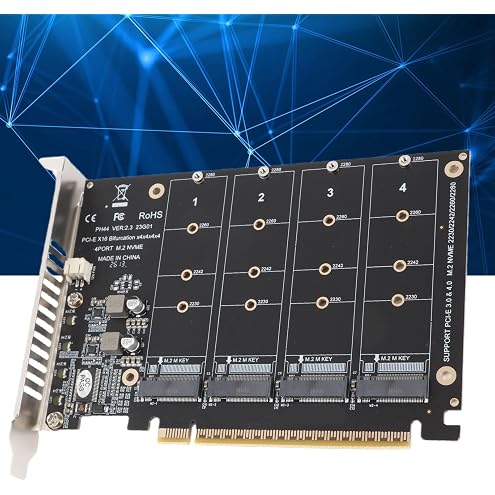
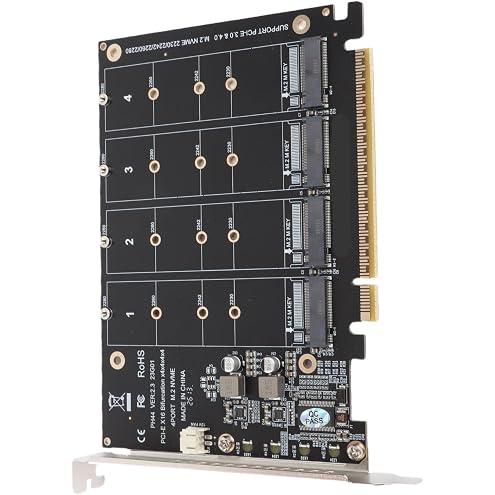
4-Port NVMe to PCI-e Host Controller Expansion Card, M.2 NVME to PCIe X16 Adapter, M Key Hard Drive Converter Reader Expansion Card (ph44)
$28.92
4 Port M.2 NVME SSD to PCIE X16 Adapter Card - Hard Drive Converter Reader Expansion for PCIE Equipment
$30.87
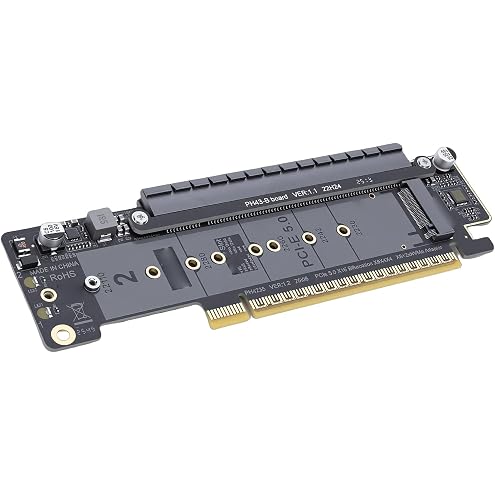
Wisoqu Dual M.2 NVMe PCIe 5.0 X16 Adapter Card with Bifurcation | Supports M key 2230 2242 2260 2280 22110 SSD, U.2 Compatible, X8 X4 X4 Split
$21.79
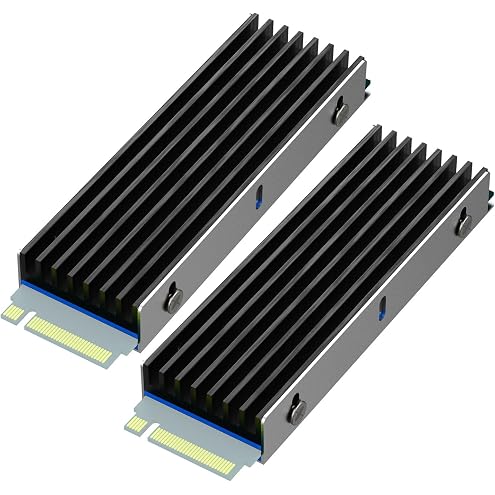
GLOTRENDS M.2 Heat Sink with M.2 Screws and Thermal Pads for Single/Double Sided Chip M.2 SSD, PC/PS5/PS5 Slim Installation (2 Packs)
$15.99
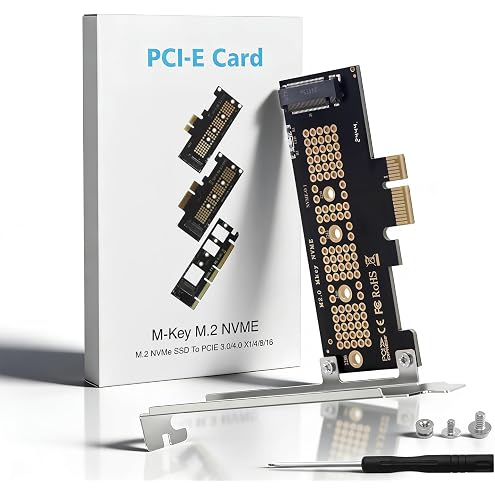
Duttek M.2 NVME SSD to PCIE 3.0/4.0 X1 Expansion Card Supports The M.2 NVME X4 X8 X16 Slots and The 2230/2242/2260/2280 SSD of The Protocol
$12.65
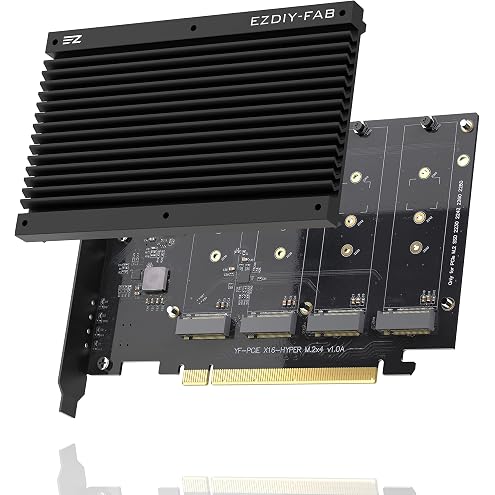
EZDIY-FAB Quad M.2 PCIe 4.0/3.0 X16 Expansion Cad with Heatsink, Support 4 x PCIe NVME M.2 SSD, RAID-on-CPU (VROC) in Intel Platform and PCIe 4.0 RAID in AMD Platform, M/B PCIe Bifurcatin is Required
$44.88
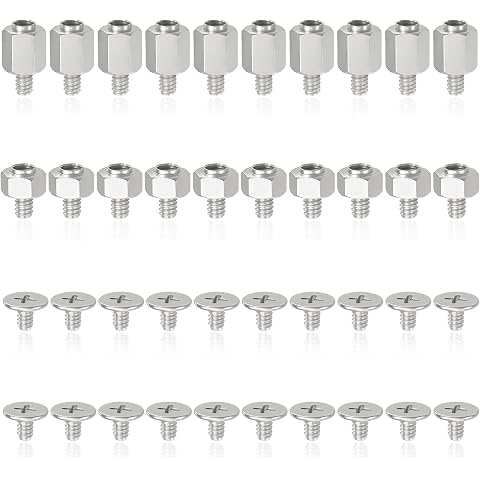
M2 SSD NVMe Computer Screw Fixing Silver Kit 10 Sets of M2x2.5+2.5 & M2x4.5+2.5, Perfectly Compatible with All PC Devices & Small Machinery High Hardness Fasteners
$7.99
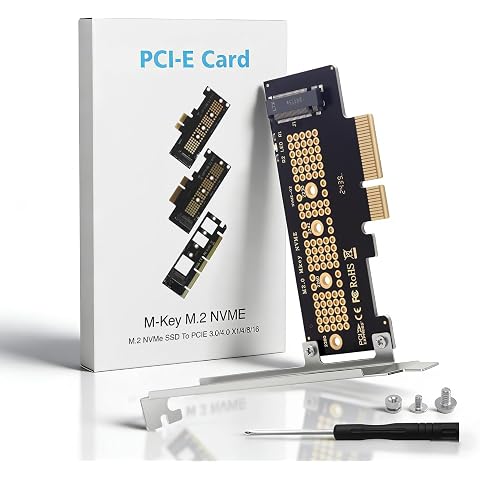
Duttek M.2 to PCIE Adapter 4.0,3.0,2.0, 1.0, NVME PCIe Adapter X4 for 2230/2242/2260/2280 M.2 NVMe Solid State Drives, PCIE X4 M.2 NVME Protocol Expansion Card
$12.65
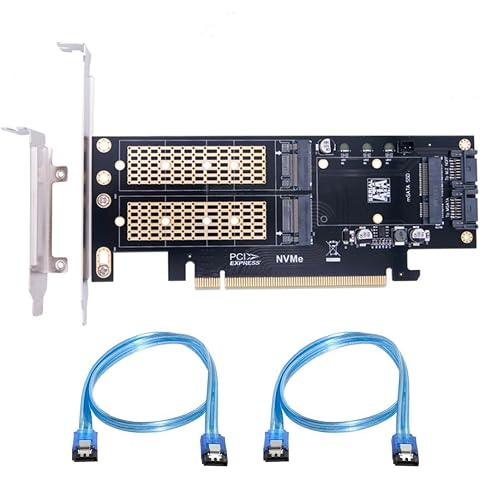
ChenYang M.2 NVME to PCIe 3.0/4.0 X16 & SATA/MSATA SSD to SATA 3 in 1 Combo SSD Upgrade Expansion Card Adapter
$33.99
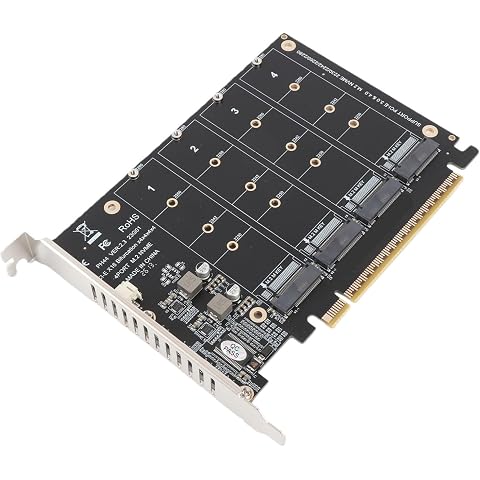
Marhynchus M.2 Adapter NVMe SSD to PCIe X16 Card 4 Port M.2 NVMe SSD Adapter with 4 X 32Gbps Full Speed PCIe 3.0/.0 Support for Equipment (ph44)
$29.13
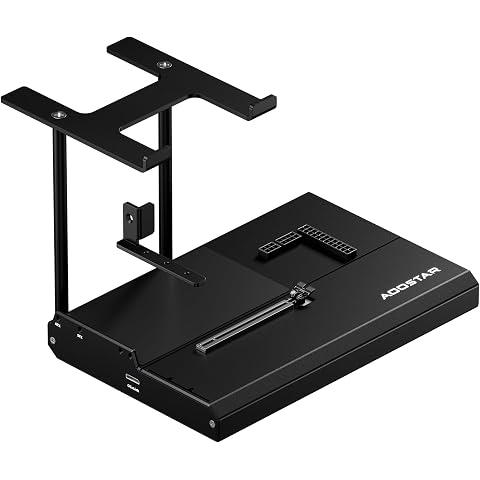
AOOSTAR EG01 Docking Station, OCULINK eGPU Dock - PCIe 4.0 x4 7000Mb/s, Power Compatibility ATX/SFX, Compatible with Mini PC & Laptops, Supports Most Graphics Cards (EG01, OCuLink)
$159.20
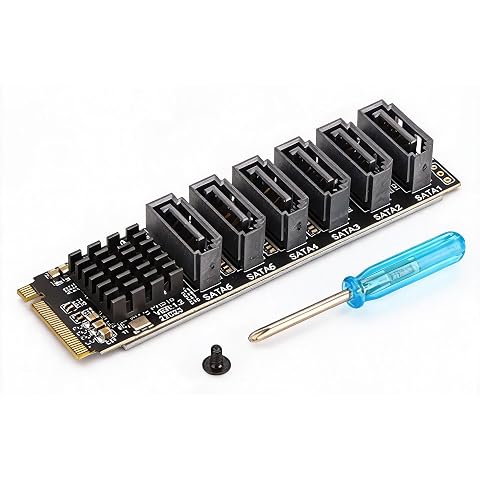
Bewinner M.2 to SATA3.0 Expansion Card 6 PortsSATA 3.0 Controller PCIe Expansion Card for ASM1166 Chip Adapter Card PCIE3.0 X2 16Gbps SATA3.0 6Gbps X 5 Support 6 SATA Devices
$35.35