 1 / 7
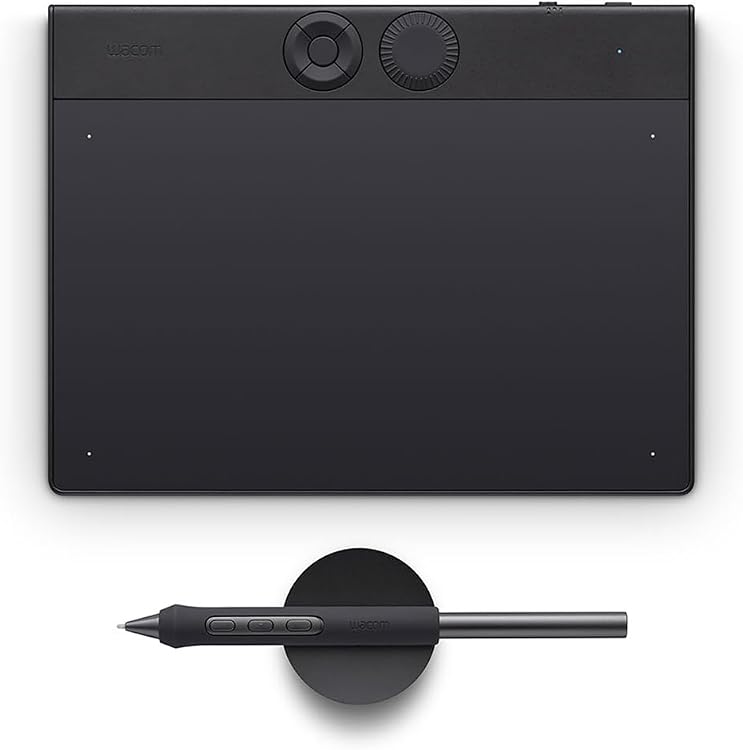
Wacom Intuos Pro S Pen Tablet with Wacom Pro Pen 3
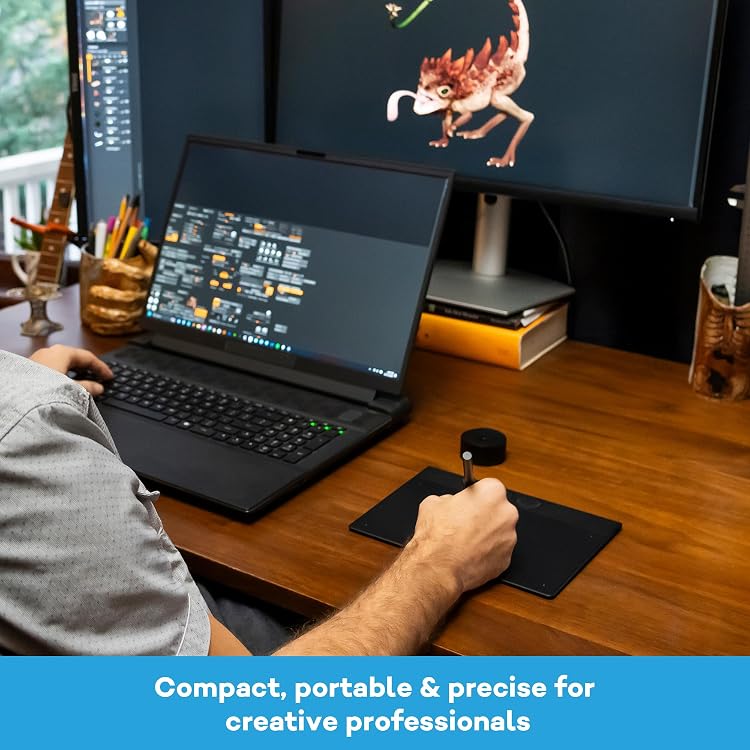
Wacom Intuos Pro S is a compact pen tablet for creators who want a pen-based workspace for illustration, sketching and photo retouching. It has no display, connects via Bluetooth or USB, and the listing claims 8,192 pressure levels. Its small working area suits limited desk space, but buyers wanting to draw directly on a screen should consider a pen display instead.
At a glance
- A screen-free drawing surface works with a separate laptop or desktop display.
- The listed active area is 7.4 x4.1 in, keeping the tablet compact for smaller desks.
- Bluetooth and USB connectivity are listed, with Windows and macOS compatibility.
- The listing describes an ambidextrous design and shortcut key. The feature copy also mentions ExpressKeys and mechanical dials.
Reference price: $369.83
Price checked: 16 Nov 2026
View offerAhead of Black FridayExplore the selectionOften bought together
Pros and cons
Pros
- Compact active area and listed dimensions suit a constrained desk or portable setup.
- Bluetooth and USB give a choice of wireless or wired connection.
- The listing states 8,192 pressure levels and includes the Wacom Pro Pen 3 in the title.
Cons
- The tablet has no built-in display, so drawing takes place on a separate computer screen.
- The listed active area is relatively compact, which may not suit users who prefer a larger drawing workspace.
Technical specifications
14 specifications| Brand | Wacom |
|---|---|
| Model | Wacom Intuos Pro S |
| Screen size listed | 21.1 |
|---|---|
| Display | No display |
| Connectivity | Bluetooth, USB |
|---|---|
| Pressure sensitivity | 8192 Levels |
| Features | Ambidextrous Design, Ergonomic, Extra-Slim, Shortcut Key |
| Operating systems | Windows, macOS |
|---|---|
| Compatible devices | Laptop, Desktop Computer |
| Active surface area | 7.4 x4.1 in |
|---|---|
| Native resolution | 8,192 lpi |
| Dimensions | 21.5L x 16.3W centimetres |
|---|---|
| Weight | 0.62 Kilograms |
| Colour | Black |
What to know before buying
Listing details to confirm
The listing details are inconsistent: it gives screen size as 21.1 without a unit despite also specifying no display, lists 21.5L x 16.3W centimetres for dimensions, and gives active area as 7.4 x4.1 in while the box description says 187 x 105 mm. Feature copy mentions up to 16 hours of battery life but does not clarify operating conditions. Check the selected listing for the exact measurement and battery details.
What’s in the box
- Wacom Intuos Pro Small, BlackCheck selected pack
- Wacom Pro Pen 3Check selected pack
- USB C to A cable (1.8m)Check selected pack
- Pen standCheck selected pack
- Pen accessoriesCheck selected pack
- Quick Start Guide, IPI sheet and Warranty cardCheck selected pack
Check which accessories are included in your selected pack before buying.
Who is it for?
A good fit for
- Illustrators and sketchers who prefer a compact, screen-free tablet paired with a computer.
- Photo retouching on a laptop or desktop, where the drawing surface can stay on a small desk.
- Right- or left-handed users looking for a tablet described as ambidextrous.
Less suited to
- Buyers who want to draw directly on a built-in screen.
- Users who need a large active drawing area.
Customer reviews on Amazon
- 5 stars
71% 71% - 4 stars
8% 8% - 3 stars
13% 13% - 2 stars
0% 0% - 1 star
8% 8%
Aggregate ratings lean positive, with most ratings in the five-star category, but a smaller share are three- or one-star ratings. This offers only a broad impression and does not reveal what buyers liked or disliked. Consider the reported rating pattern alongside the tablet's compact active area and lack of a display, which are practical fit considerations rather than customer-reported opinions.
Frequently asked questions
Does the Wacom Intuos Pro S have a screen?
No. The listing specifies No display, so you use it with a separate laptop or desktop screen.
What is the listed active drawing area?
The details list 7.4 x4.1 in. A separate box description gives 187 x 105 mm, so confirm the measurement in the selected listing if it is important to your setup.
How does it connect to a computer?
Bluetooth and USB are listed, and the stated operating systems are Windows and macOS.
Is a Wacom Pro Pen 3 included?
The product title names the Wacom Pro Pen 3, and the box description also lists it among the contents. Check the selected listing to confirm the bundle.
Alternative options
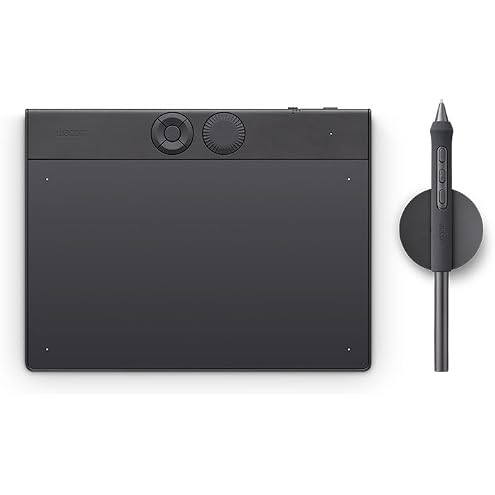
Wacom Intuos Pro Small TPTK470K0C Pen Tablet, Pen Tab, Pro, Board Tab, Wacom Pro Pen 3, Compatible with Windows and Mac
$374.03
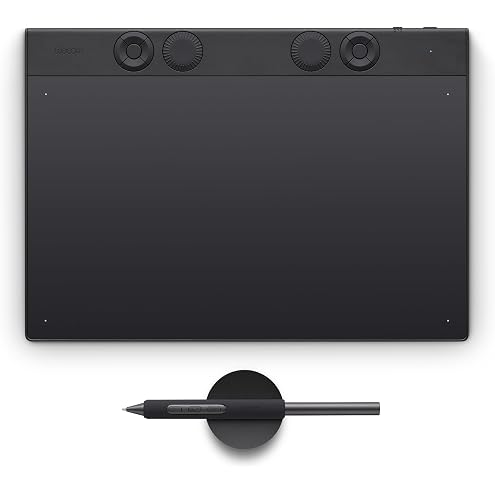
Wacom Intuos Pro Medium - Innovative Graphics Tablet Including Wacom Pro Pen 3 Compact & Lightweight - Versatile Choice for Illustrators, Designers & Photo Editors
$490.62
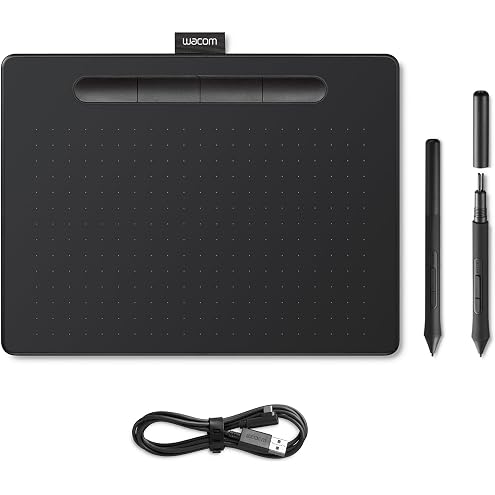
Wacom Intuos M Black – Drawing Tablet with Pen, Stylus Battery-Free & Pressure-Sensitive, Compatible with Windows, Mac & Android, Perfect Tablet for Drawing, Graphics or Remote Working
$109.52
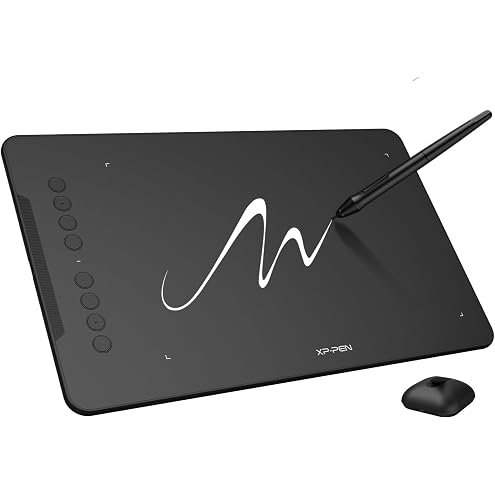
XPPen Updated Deco 01 V3 Drawing Tablet-16384 Levels of Pressure Battery-Free Stylus, 10x6 Inch OSU Graphic Tablet, 8 Hotkeys for Digital Art, Teaching, Gaming Drawing Pad for Chrome, PC, Mac, Android
$89.99
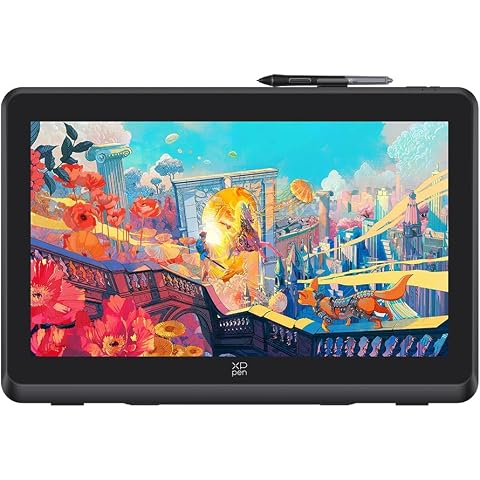
XPPen Artist 22 Plus Drawing Display Digital Drawing Monitor Graphic Tablet with Screen 22 Inch
$739.99
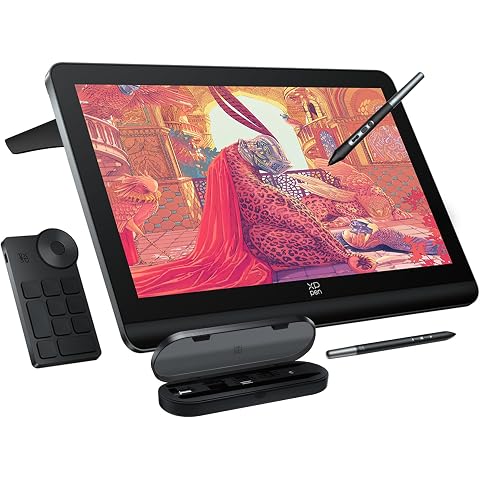
XPPen 4K UHD Artist Pro 19 Gen2 Drawing Tablet with Screen, 156% sRGB Graphic Tablet with 1.07 Billion Colors Anti-Glare Drawing Monitor with Dual 16384 Pen Pressure Stylus, Mini Keydial, 18.4"
$1,499.99
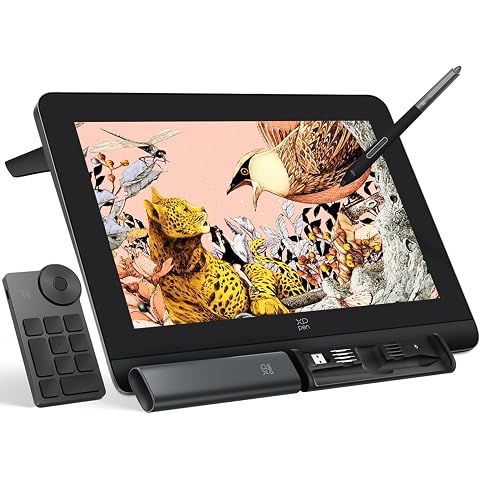
XPPen Artist Pro 16 Gen2 2.5K 16 inch QHD Drawing Tablet with Full Laminated Anti-Glare Screen 16384 Pressure Levels X3 Pro Battery-Free Stylus 159% sRGB Tilt Graphic Drawing Tablet with Mini Keydial
$689.99
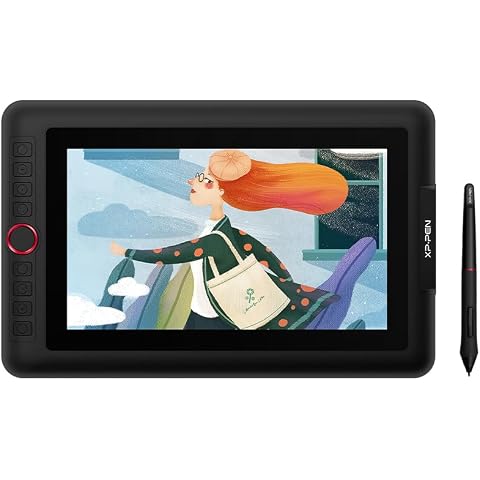
XPPen Artist 12 Pro Lite Version Drawing Tablet with Screen 8192 Stylus | 11.6" Drawing Monitor with Full Laminated Glass, 8 Shortcut Keys & Red Dial Tilt Support, Battery-Free Stylus
$299.99
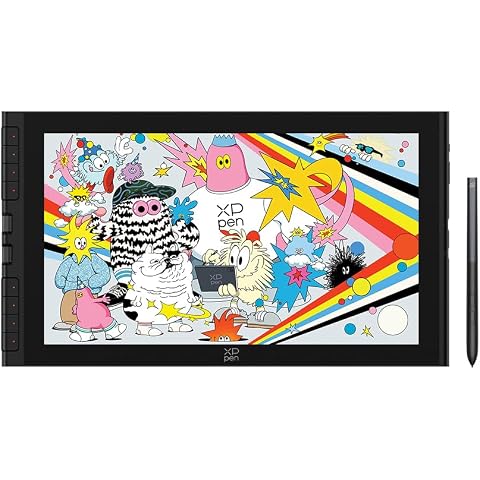
XPPen Artist 16 3rd Drawing Tablet with Screen, 15.4"Pen Display with 16K Pressure Stylus, Anti-Glare Etched Glass, 2 Scroll Wheels & 8 Hotkeys, Include Foldable Stand, Compatible with Mac/Win/Android
$499.99
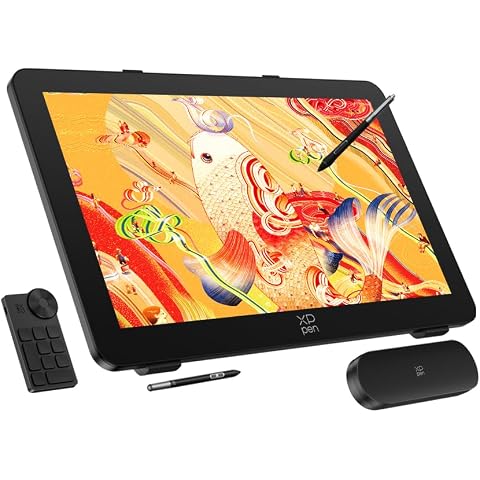
XPPen Artist Pro 27 (Gen 2) Color Master Touchscreen Drawing Display, 4K+120Hz Mega Display, 1.07 Billion Colors, X-Touch Solution, Efficient Control Smooth Operation, Dual X3 Pro Styli
$2,899.99
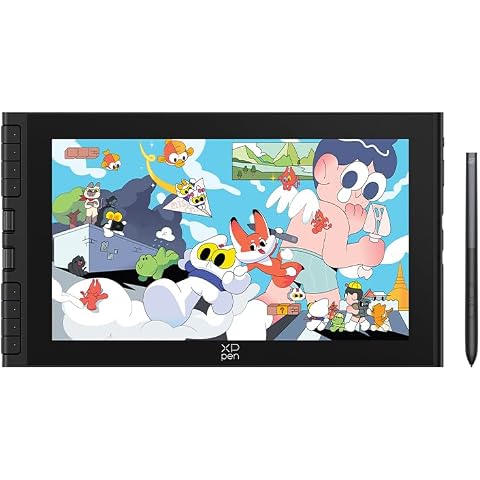
XPPen Artist 12 3rd 11.9" Drawing Tablet with Screen | X4 Pen 16K Pressure | Dial Wheels+8 Keys | AG Etched Glass Portable Art Drawing Tablet Compatible with Windows/macOS/Android/ChromeOS/Linux
$359.99
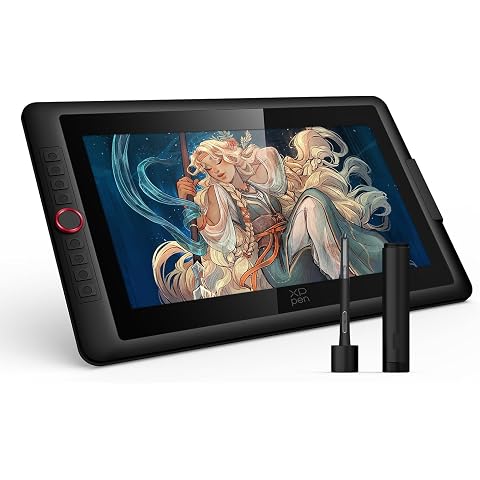
XPPen Upgraded Artist 15.6 Pro V2 Drawing Tablet with Screen 16384 Pen Pressure X3 Pro Stylus Graphic Art Tablet with Full-Laminated Anti-Glare Glass Tilt Support Red Dial and 8 Shortcut Keys
$499.99