 1 / 7
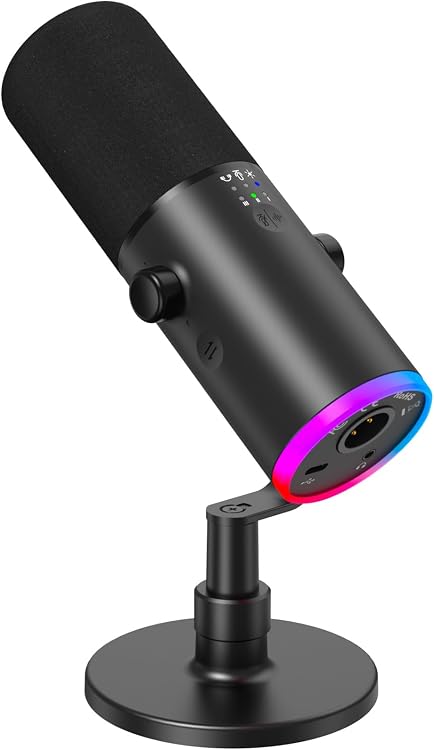
TONOR TD510 Air S USB/XLR Dynamic Microphone
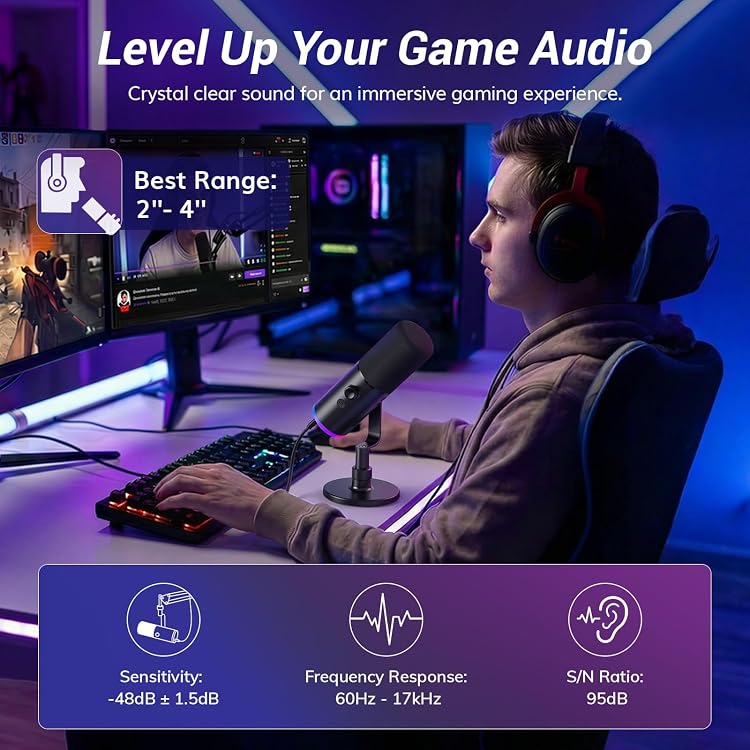
The TONOR TD510 Air S is a desktop dynamic microphone with USB and XLR connectivity for gaming, streaming and recording. USB mode provides the listed controls and monitoring features, while XLR connection is aimed at use with audio equipment such as a sound card.
At a glance
- Dual USB and XLR outputs provide a USB route for direct connection and an XLR route for compatible audio equipment.
- USB mode includes a headphone jack for monitoring, microphone gain and volume controls, and tap-to-mute.
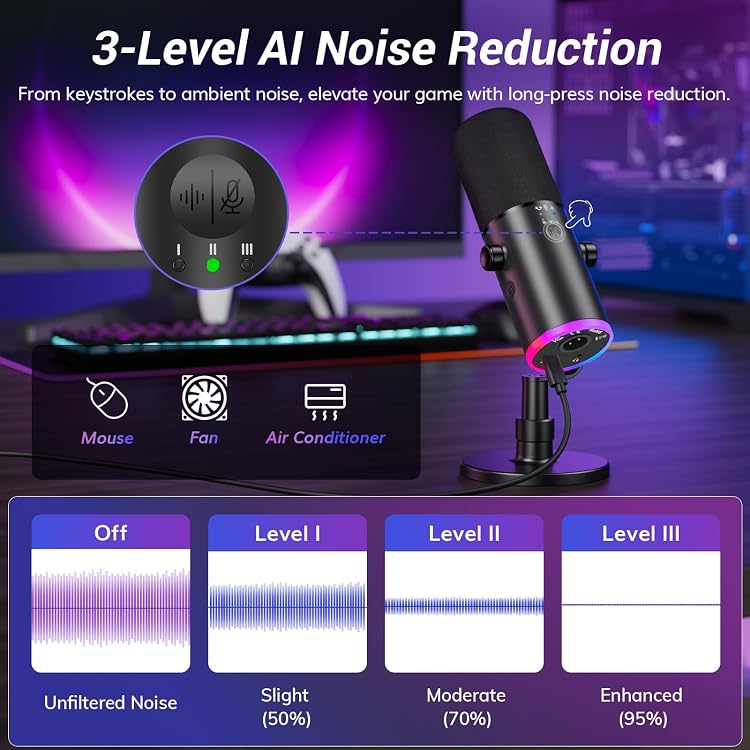
- The listing describes three noise-reduction levels and customisable RGB lighting. RGB controls are stated to work via USB only.
- A desktop stand and USB cable appear in the stated package contents.
Reference price: $59.99
Price checked: 13 Nov 2026
View offerAhead of Black FridayExplore the selectionOften bought together
Pros and cons
Pros
- USB and XLR connectivity supports a direct computer setup as well as a compatible XLR audio setup.
- USB mode combines mute, gain and volume controls with a headphone jack for real-time monitoring.
- The stated kit includes a desktop stand, USB cable and Type-C adapter.
Cons
- Microphone controls including gain, mute and mode switching are USB-only, limiting control access when using XLR alone.
Technical specifications
12 specifications| Brand | TONOR |
|---|---|
| Model | TD510 Air S |
| Microphone form factor | Desktop |
| Channels | 1 |
| Compatible devices | Personal Computer |
| Colour | Black |
| Enclosure material | Acrylonitrile Butadiene Styrene, Metal |
| Connections listed | USB,XLR |
|---|---|
| Special features | AI Denoise;Tap-to-Mute;Headphone Jack;Mic Gain;Volume Control; Dual Mode USB/XLR;RGB Control; |
| Power configuration | USB 5V |
|---|
| Dimensions listed | 28.3 x 13.7 x 10 centimetres |
|---|---|
| Weight listed | 517 Grams |
What to know before buying
- The listing says the microphone can connect to a computer by USB and an audio interface by XLR simultaneously, but it also says controls are USB-only and that USB must additionally be connected to use them in XLR mode. Confirm the intended connection and control behaviour for your setup.
What’s in the box
Included- Microphone × 1
- USB cable × 1
- Desktop stand × 1
- Manual × 1
- Type-C adapter × 1
Who is it for?
A good fit for
- PC gamers and streamers wanting USB connection, on-mic controls and headphone monitoring.
- Creators who want the option of connecting through XLR equipment as part of an audio setup.
- Buyers looking for a desktop microphone with adjustable RGB lighting and noise-reduction modes.
Less suited to
- Anyone who needs the listed gain, mute and mode controls to operate over XLR alone.
- Buyers seeking a boom-arm setup, as the stated package lists a desktop stand.
Customer reviews on Amazon
- 5 stars
70% 70% - 4 stars
17% 17% - 3 stars
5% 5% - 2 stars
4% 4% - 1 star
4% 4%
Customer feedback reports decent sound, useful noise reduction, easy setup and a professional appearance. Some also value the microphone's adjustability, while others report difficulty positioning it. That mixed feedback matters for desk placement, especially because the listed package includes a desktop stand rather than a boom arm. These are reported impressions, not confirmation of measured performance.
Positive themes
- Customers report decent sound quality and effective noise reduction.
- Feedback highlights straightforward setup and a professional appearance.
Mixed feedback
- Adjustability receives mixed feedback, with some reporting easy movement and others reporting positioning difficulties.
Frequently asked questions
Can the TD510 Air S connect by both USB and XLR?
The listing specifies USB and XLR outputs and claims they can be used simultaneously with a computer and an audio interface. It also says USB is needed for the on-mic controls when connected by XLR, so confirm the setup requirements for your equipment.
Do the controls work in XLR mode?
The listing says gain, mute and mode controls are USB-only. It states that the microphone must also be connected by USB to use those features while connected via XLR.
What is included in the listed package?
The contents list specifies one microphone, one USB cable, one desktop stand, one manual and one Type-C adapter.
Can the RGB lighting be turned off?
The listing says RGB lighting can be customised or turned off using the control knob, and that this feature is available via USB only.
Alternative options
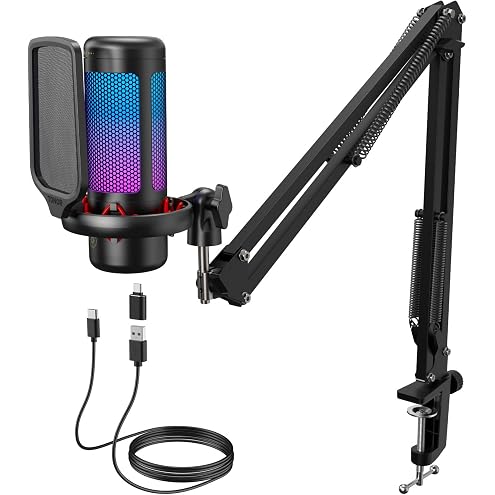
TONOR USB/XLR Dynamic Microphone for PC Gaming, Streaming, TC310+ | Podcast Mic with RGB Light, Boom Arm Stand, Headphone Jack, Noise Reduction, Mute Button for Vocal Recording&Singing&YouTube
$59.99
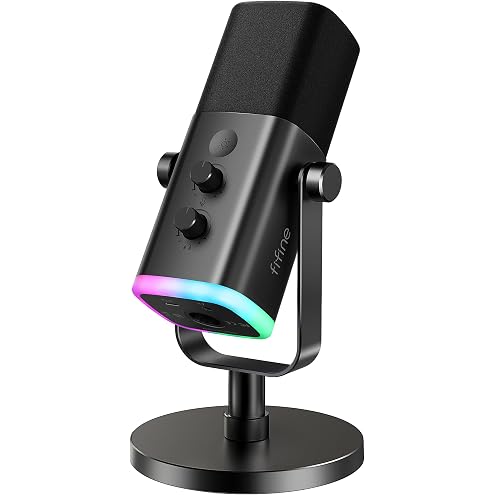
FIFINE AmpliGame AM8 USB/XLR Dynamic Microphone for Gaming Streaming | Podcast Mic with RGB Light, Mute Button, Headphones Jack, Desktop Stand, for Vocal Recording Singing YouTube, Metal
$107.99
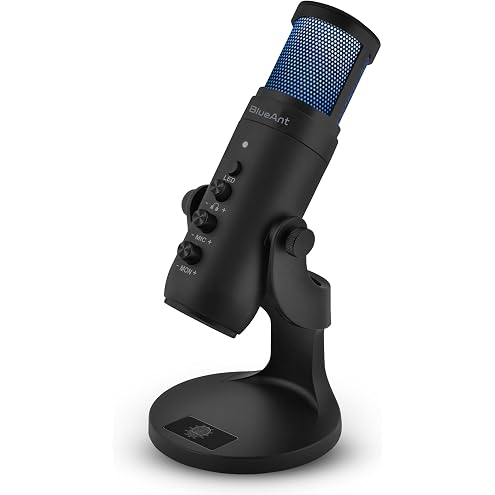
BlueAnt Stream X USB Condenser Microphone, Plug-and-Play USB-C Mic with Real-Time Monitoring, Adjustable Stand and LED Lighting for Streaming, Podcasting, Gaming and Calls
$49.00
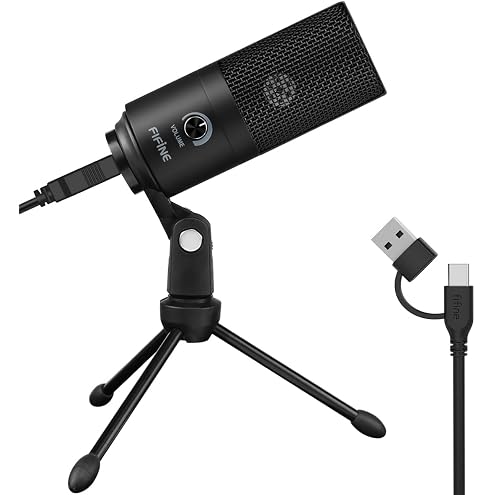
FIFINE K669B USB Microphone, Condenser Recording Mic for Vocals, Meeting | Metal Cardioid Laptop Mic for MAC OS, Windows, Voice Overs, Streaming, Online Meeting and YouTube Videos
$56.99
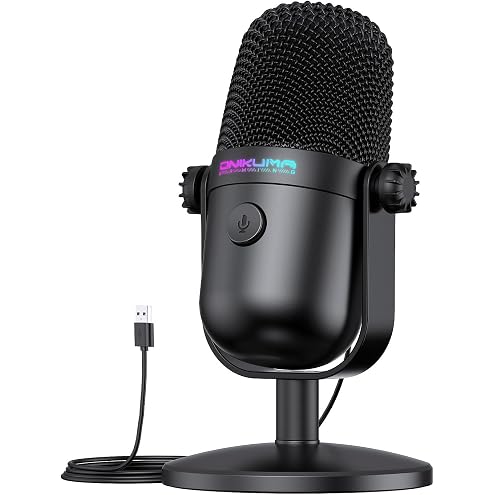
Gaming Microphone with Noise Cancellation & Mute Button, USB Condenser Mic for Streaming/Recording, Ultra-Compact Design, Compatible with PC/Mac/PS4/PS5, Podcast/YouTube/Twitch/Discord (Black)
$39.99
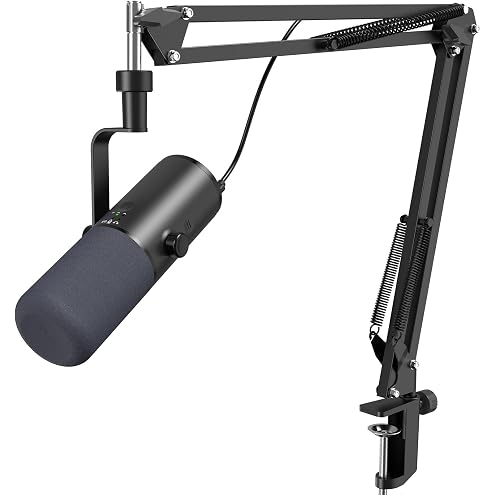
TONOR USB/XLR Dynamic Microphone for PC Gaming, Streaming, TD510 AIR H+ | Podcast Mic With Boom Arm Stand, Headphone Jack, AI Noise Reduction, Mute Button for Vocal Recording&Singing&Discord&YouTube
$79.99