 1 / 7
Shure MVX2U XLR-to-USB Audio Interface
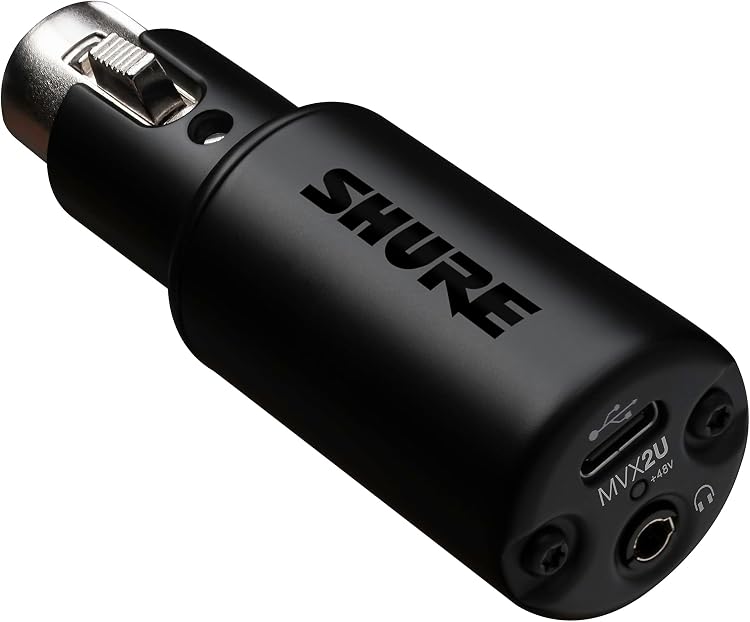
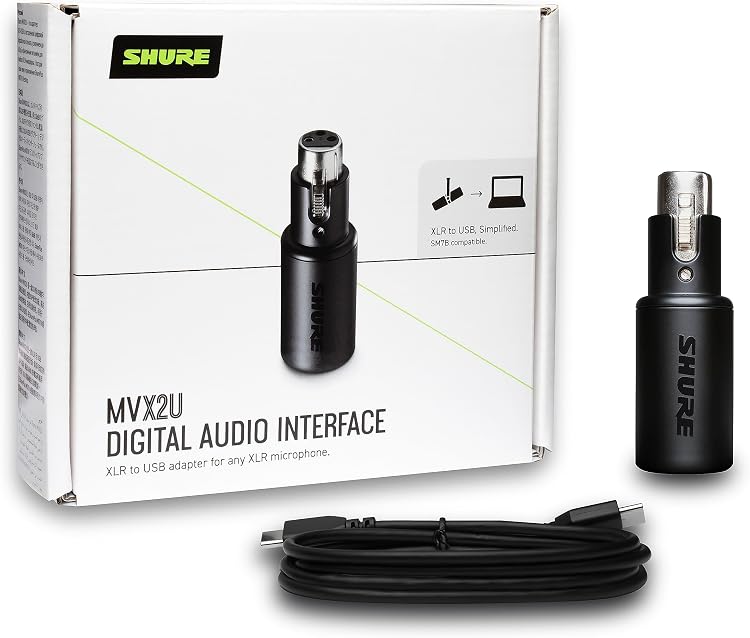
XLR-to-USB Audio Interface: The Shure MVX2U converts an XLR microphone connection to USB for computer recording and streaming. It combines a claimed 60 dB gain range, 48 V phantom power, headphone monitoring and configurable DSP, making it a compact option for a single-microphone setup.
At a glance
- Connects an XLR microphone to a computer over USB for digital recording or streaming.
- The listing claims up to 60 dB of gain and 48 V phantom power for compatible condenser microphones.
- A built-in headphone jack supports zero-latency monitoring, and desktop software provides configurable DSP.
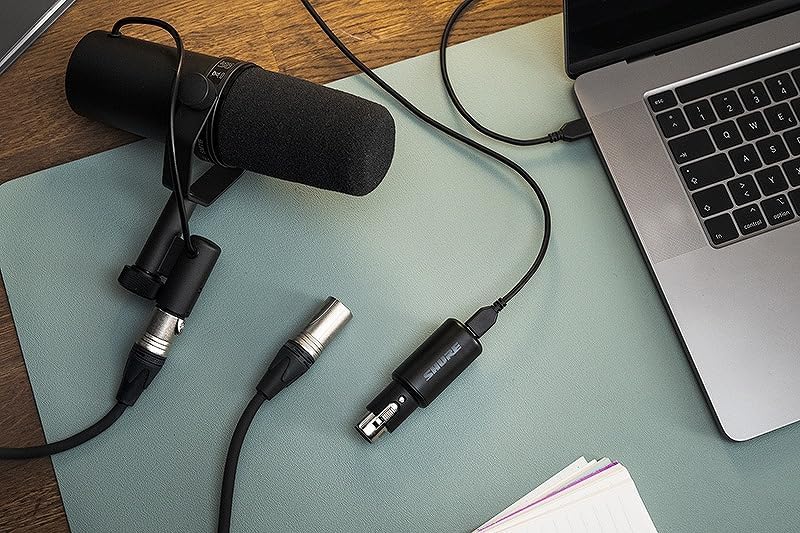
- Can attach directly to an XLR microphone or sit inline with an XLR cable, according to the listing.
Often bought together
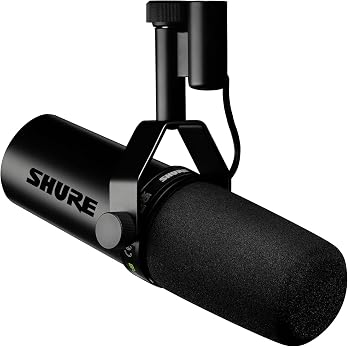
Shure SM7db Active Dynamic Broadcast Voice Over Cardioid Microphone | Dynamic vocal mic with built-in preamp for streaming, podcasting and recording; warm smooth sound, rugged build
$666.66
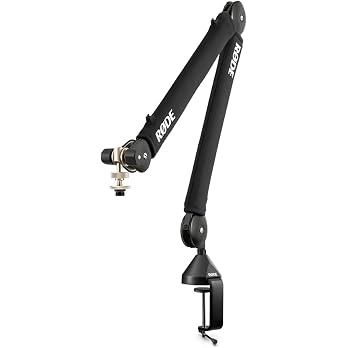
RØDE Microphones Premium Professional Studio Boom Arm PSA1+ | Fits mics 0.25 to 1.2kg with 360 degree rotation, silent spring operation and internal cable management for podcast desks
$170.10
Pros and cons
Pros
- Combines an XLR input, USB computer connection and headphone monitoring in one compact interface.
- The stated gain range is intended to support dynamic microphones, while phantom power accommodates condenser microphones.
- Customer feedback describes setup as easy and reports clean sound and useful gain.
Technical specifications
14 specifications| Brand | Shure |
|---|---|
| Model | MVX2U |
| USB connection listed | USB |
|---|---|
| Audio input | XLR |
| Channels | 1 |
| Maximum sample rate | 48 KHz |
| Headphone monitoring | Built-in 3.5mm headphone jack with zero-latency monitoring |
| Gain | up to 60dB |
| Phantom power | 48v |
| Supported software | Shure Plus MOTIV Desktop App |
|---|---|
| Compatible devices | Personal Computer |
| Operating system listed | Windows |
| Dimensions (D x W x H) | 28D x 28W x 85H millimetres |
|---|---|
| Weight | 100 Grams |
What to know before buying
Listing details to confirm
The listing describes compatibility with both Mac and Windows, while its operating-system detail lists Windows only. Confirm support for your computer and intended software before buying.
Who is it for?
A good fit for
- Podcasters, streamers and home recordists who want to connect one XLR microphone directly to a computer.
- Users seeking headphone monitoring and onboard DSP controls through Shure's desktop app.
Less suited to
- People who need multiple microphone channels or a multi-input recording interface.
- Buyers who need a confirmed operating-system compatibility list beyond the conflicting listing details.
Customer reviews on Amazon
- 5 stars
76% 76% - 4 stars
10% 10% - 3 stars
7% 7% - 2 stars
3% 3% - 1 star
4% 4%
Customer feedback highlights ease of setup, clean sound, compatibility and useful gain, including reports that it can connect XLR microphones to USB without fuss. One reported observation is that it picks up fine nearby detail, which may matter when positioning a microphone. These are customer impressions, while the listing separately claims up to 60 dB gain and single-channel operation. Aggregate ratings are mostly five-star but include lower ratings, so experiences are not uniform.
Positive themes
- Customers describe setup as easy and report clean sound and useful gain.
- Feedback mentions compatibility and straightforward XLR-to-USB connection.
Frequently asked questions
What does the Shure MVX2U connect?
It takes an XLR microphone input and connects to a computer over USB. The listing identifies one channel.
Does it support condenser microphones?
The listing says it supplies 48 V phantom power for condenser microphones. Confirm that your microphone's requirements match.
Can I monitor audio through headphones?
Yes. The listing specifies a built-in 3.5 mm headphone jack with zero-latency monitoring.
Which computers does it support?
The listing claims Mac and Windows compatibility, but the operating-system detail names Windows only. Check support for your computer before purchase.
Alternative options
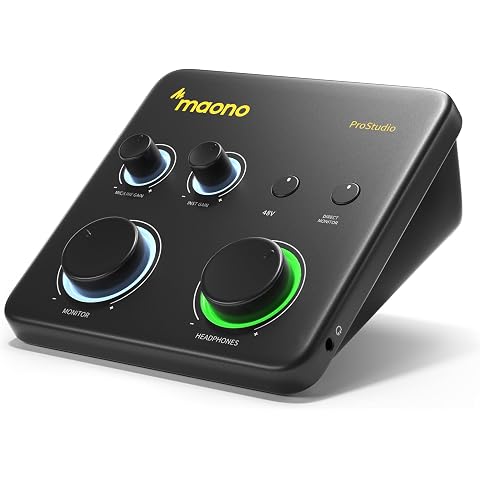
MAONO PS22 Lite USB Audio Interface for PC for Guitar & Vocals Streaming | Low-noise preamp, 24-bit/192kHz, loopback, ASIO driver, routing software, for home studio, DAW recording, OBS, creators
$99.96
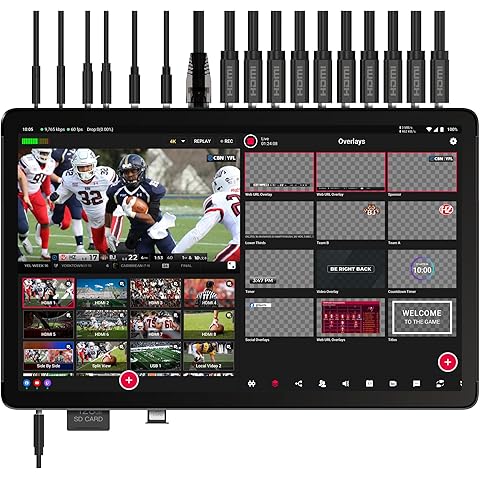
YoloLiv YoloBox Extreme, 4K All-in-One Multi-Cam Live Streaming Equipment | 8 HDMI & 3 USB & 6 NDI Inputs, 2 HDMI Out, 4K ISO Recording, 11.2'' Touchscreen Control OLED, for Facebook, YouTube, RTMP/SRT
$3,299.00
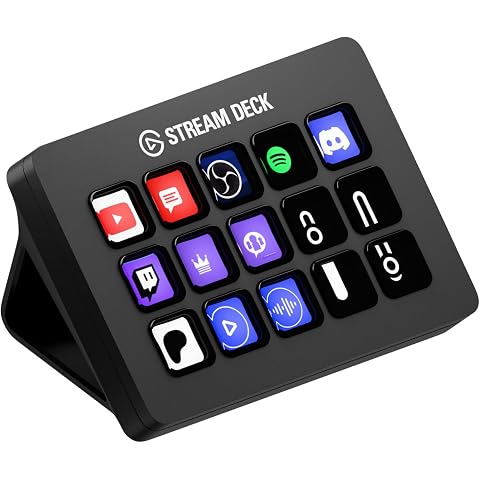
Elgato Stream Deck MK.2 Studio Controller, 15 Macro Keys | Trigger actions in OBS, Twitch, YouTube and more, Visual feedback, Hundreds of plugins, Works with Mac and PC
$169.00
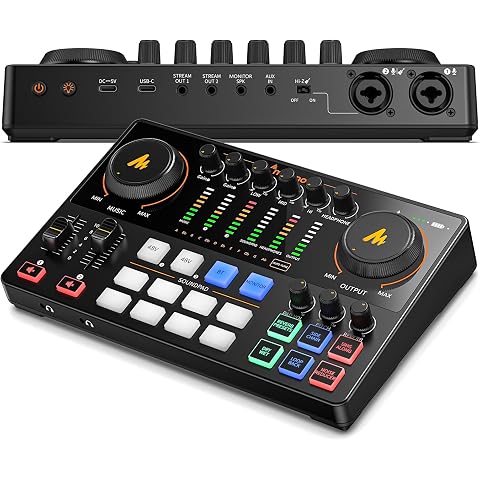
MAONO Podcast Equipment Bundle: Audio Interface mixer with Dual XLR Input for Podcast Streaming - MaonoCaster E2 Gen2
$167.99
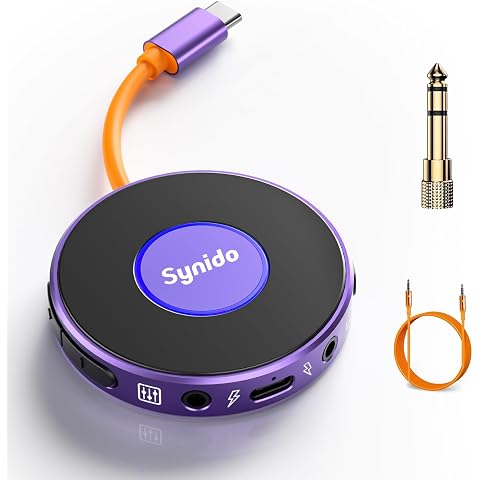
A10 Portable USB-C Audio Interface for Phone & Live Streaming | 24bit/48kHz Sampling, Plug & Play, Record while Charging, Wireless Backing Track Support, 2 Buttons for Input/Monitor Balance
$30.39
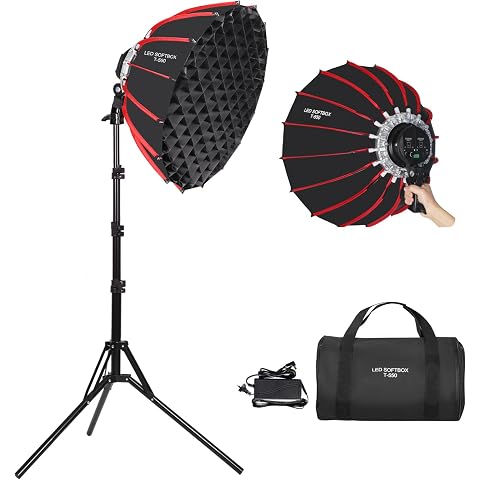
XPAISYQC 21in/55cm 60W LED Parabolic Video Softbox Light with Grid | Quick Release and Foldable Handheld Softbox for Studio Outdoor Portrait Products Photography Live Streaming Video Recording
$127.49
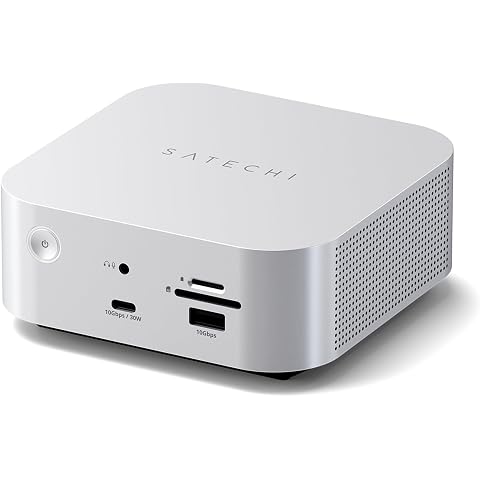
Satechi Thunderbolt 5 CubeDock with Built-in NVMe SSD Enclosure, Silver | USB-C Docking Station, 80/120Gbps USB4 v2, 140W Charging, Up to 8K Display, 2.5GbE, 10Gbps Type-A/C, Active Cooling
$611.99
K&F CONCEPT 82mm True Color Variable Fader ND2-32 ND Filter and CPL Circular Polarizing Lens Filter in 1 for Camera Lens Neutral Density Polarizer Filter Nano-X Series
$168.99
Hollyland Lark M2 Wireless Microphone for iPhone, Camera and Android, All in One(2TX+3RX), 1000ft Los Range, Hi-Fi Audio, Noise Cancellation, 40H Duration, for Vlogging
$174.00
Elgato Wave Mic Arm Low Profile Microphone Boom Arm | Sits below shoulder line, 360-degree rotation, Magnetic cable channels, All-metal build, Fully adjustable mount
$103.00
Shure MV7X XLR Podcast Microphone (Black) | XLR dynamic mic with voice-isolating technology and all-metal build for podcasting and vocal recording
$277.40
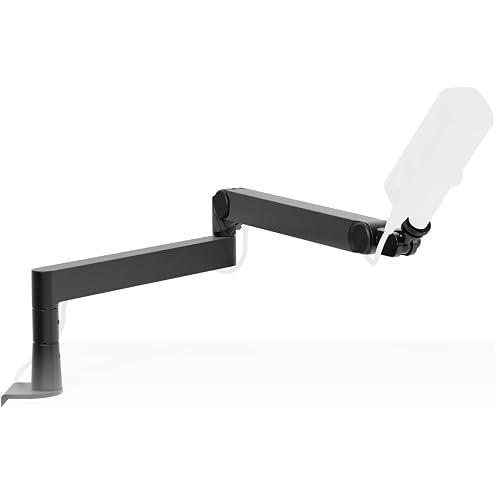
Elgato Wave Mic Arm Pro, Gas Spring Microphone Arm | Supports up to 3kg, Silent gas-spring adjustment, Hidden cable channels, Padded clamp, Compatible with most mic brands
$203.00