 1 / 7
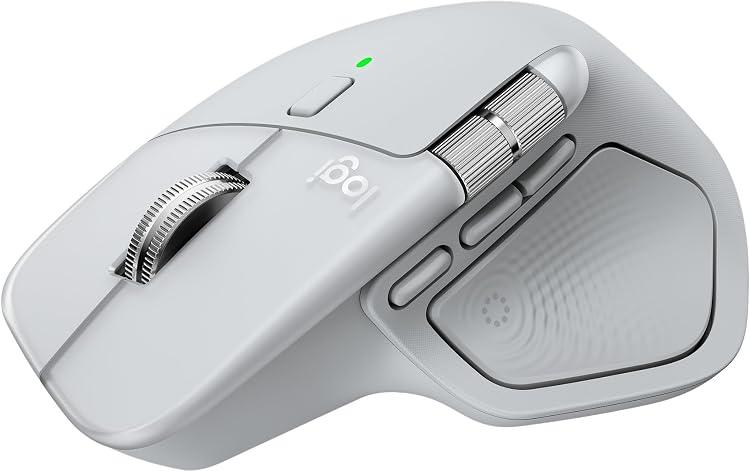
Logitech MX Master 4 for Mac Wireless Mouse, Silver
Silver: Logitech MX Master 4 for Mac is a rechargeable wireless mouse with Bluetooth connectivity, haptic feedback, and a MagSpeed scroll wheel. Its customisable shortcuts and app-focused controls suit creative and productivity workflows, while the large ergonomic right-hand design may not suit every grip or setup.
At a glance
- MagSpeed scroll wheel is claimed to scroll up to 1,000 lines per second and offers ratchet and hyper-fast modes.
- Actions Ring provides an app-adaptive overlay for shortcuts and tools. Logi Options+ is required for customisation.
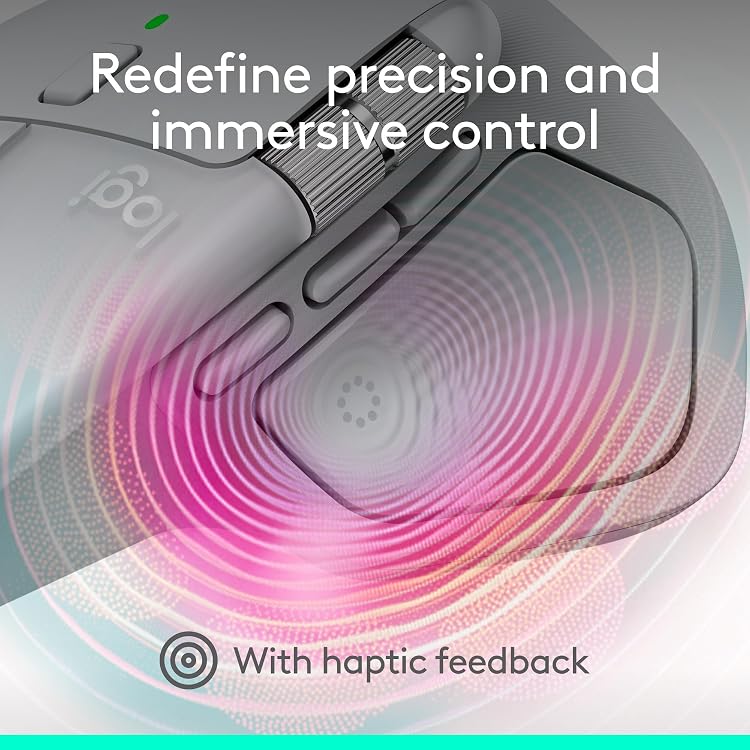
- Haptic feedback can be customised using Logi Options+.
- The listing claims up to 70 days per full charge and 3 hours of use from a 1-minute quick charge. Battery life may vary.
- Can connect to up to three devices and switch between them. File transfer across devices requires Logi Options+.
Often bought together
Pros and cons
Pros
- Customisable shortcuts and haptic controls may help streamline repeated creative or office tasks.
- Two scroll modes offer a choice between controlled movement and rapid navigation through long pages.
- USB-C charging and the stated long battery life reduce the need for frequent charging.
Cons
- Right-hand orientation limits its fit for left-handed users.
- Many of the custom shortcut and cross-device functions depend on Logi Options+ software.
Technical specifications
18 specifications| Brand | Logitech |
|---|---|
| Model | Logitech MX Master 4 for Mac Mouse - Silver |
| Screen technology listed | LCD |
|---|
| Wireless connection listed | Bluetooth, USB |
|---|---|
| Maximum sensitivity | 8000 Dots per Inch |
| Buttons | 4 Way Scrolling, Ergonomic Design, Lightweight, Rechargeable, Wireless |
| Movement detection | DarkField High Precision |
| Hand orientation | Right |
| Power configuration | Battery Powered |
|---|---|
| Battery life listed | 70 days |
| Battery information | 1 Nonstandard Battery batteries required. (included) |
| Weight listed | 85 Grams |
|---|---|
| Dimensions | 12.8L x 8.8W centimetres |
| Operating system | MAC OS |
|---|---|
| Minimum required operating system version | Mac OS 13 Ventura, Windows 11 |
| Compatible devices | Gaming Console, Personal Computer, Smartphone, Tablet |
| Enclosure material | Recycled Plastic |
| Finish | Matte |
What to know before buying
Listing details to confirm
The listing inconsistently identifies the model colour as Silver and Pale Grey, and its included-components list names a Logi Bolt USB-C receiver while product details say USB connectivity and manufacturer text elsewhere says the dongle is not included. The stated LCD screen technology is also unconfirmed and appears inconsistent with a mouse listing. Check the selected listing for the exact colour and receiver bundle. Battery-life and quick-charge figures are manufacturer claims, and battery life may vary.
What’s in the box
- Logi Bolt USB-C receiverCheck selected pack
- MX Master 4 wireless mouse for MacIncluded
- User documentationIncluded
Check which accessories are included in your selected pack before buying.
Who is it for?
A good fit for
- Mac users seeking an ergonomic, right-handed mouse with programmable app shortcuts.
- Creative and office workflows that benefit from rapid scrolling and customisable controls.
- People who regularly switch among up to three devices and can use Logi Options+ for added features.
Less suited to
- Left-handed users or buyers who prefer a compact mouse.
- Buyers who need confirmed receiver contents or do not want to rely on companion software for customisation.
Customer reviews on Amazon
- 5 stars
77% 77% - 4 stars
7% 7% - 3 stars
6% 6% - 2 stars
2% 2% - 1 star
8% 8%
Customer feedback describes the mouse as good quality, including a mention of creator use, but responsiveness reports are mixed. One comment notes the wheel's fast and precise modes, while another reports slow performance. These are individual reported experiences, not a guarantee of results. The scroll modes are supported by the listing, but the mixed responsiveness feedback matters to buyers who rely on consistent cursor and wheel response in detailed work.
Positive themes
- Customer feedback describes the mouse as good quality, with a mention of creator use.
Mixed feedback
- Feedback on responsiveness is mixed, with reports noting the scroll modes and slow performance.
Frequently asked questions
Does the MX Master 4 for Mac connect over Bluetooth?
The listing specifies Bluetooth and USB connectivity. It also describes a USB-C receiver, but receiver inclusion is inconsistent across the supplied details, so check the selected listing.
How long does the battery last?
The listing gives up to 70 days per full charge and claims 3 hours of use from a 1-minute quick charge. Battery life may vary.
Can it switch between multiple devices?
The manufacturer says it can connect to up to three devices and switch between them. File transfer across devices requires Logi Options+.
Is the mouse suitable for left-handed users?
The listing specifies a right-hand orientation, so it is intended for right-handed use.

Alternative options
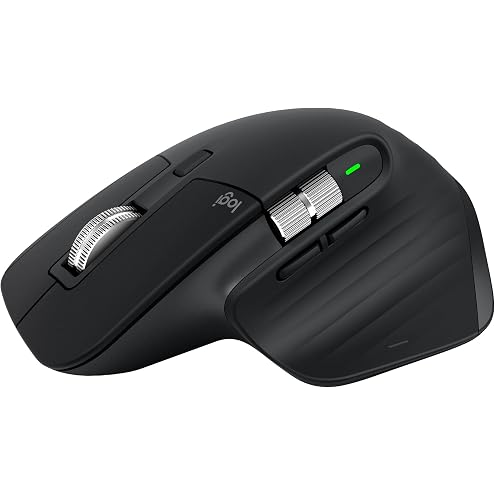
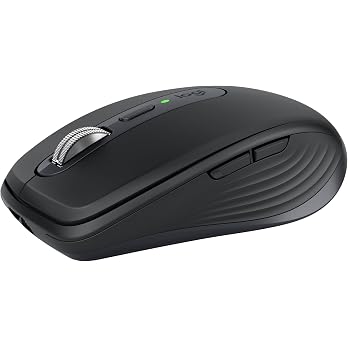
Logitech MX Master 3S – Bluetooth Edition, Graphite, Wireless Performance Mouse with Ultra-Fast Scrolling, Ergo, 8K DPI, Track on Glass, Quiet Clicks, Bluetooth, (Cable & Logi Bolt NOT Included)
$93.99
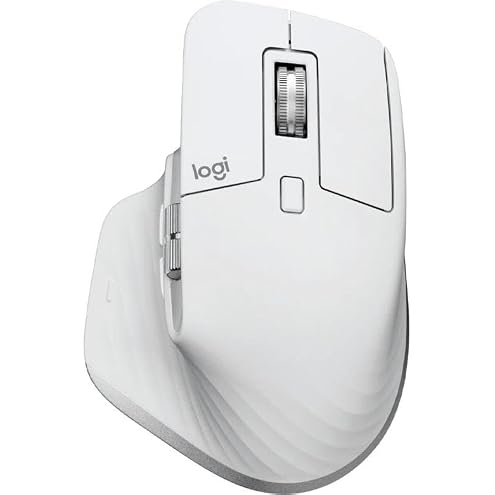
Logitech MX Master 3S Wireless Performance Mouse (White) | Ergo, 8K DPI, Glass Tracking, Quiet Clicks, USB-C, Bluetooth, Windows, Linux, Chrome - Light Grey
$200.08
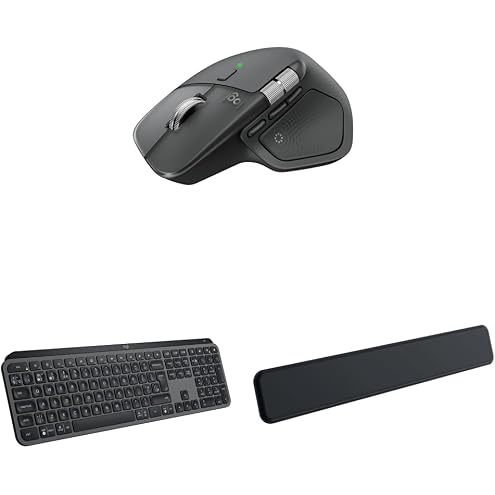
Logitech MX Master 4 Combo
$313.03
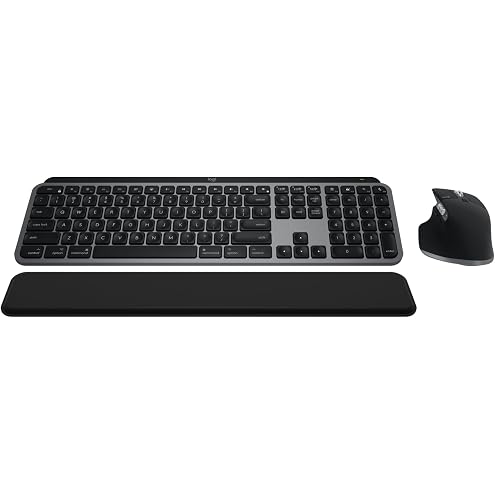
Logitech MX Keys S Combo for Mac, Wireless Keyboard and Mouse with Palm Rest, Backlit Keyboard, Fast Scroll Wireless Mouse, Bluetooth USB C for MacBook Pro, MacBook Air, iMac, iPad
$271.00
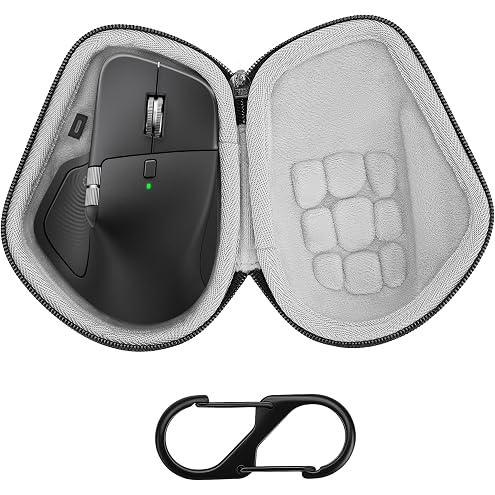
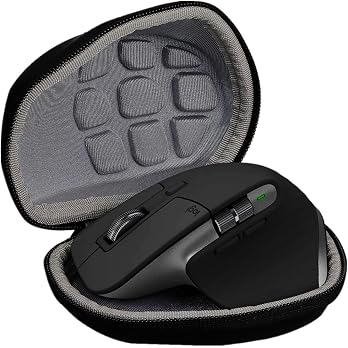
Geekria Hard Shell Mouse Case, Compatible with Logitech MX Master 4 / MX Master 3S / MX Master 3, EVA Travel Carrying Bag (Dark Gray)
$21.95
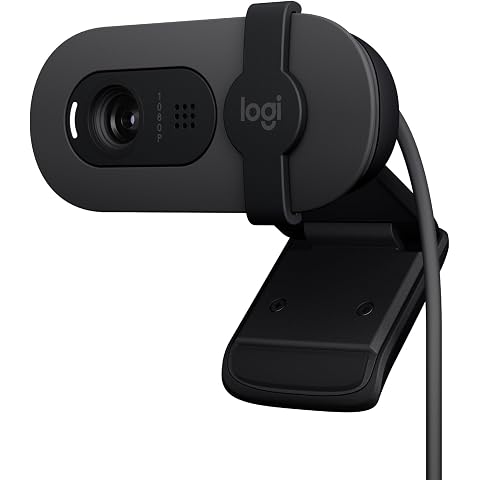
Logitech Brio 100 Full HD Webcam for Meetings and Streaming, Auto-Light Balance, Built-in Mic, Privacy Shutter, USB-A, for Microsoft Teams, Google Meet, Zoom - Graphite
$46.99
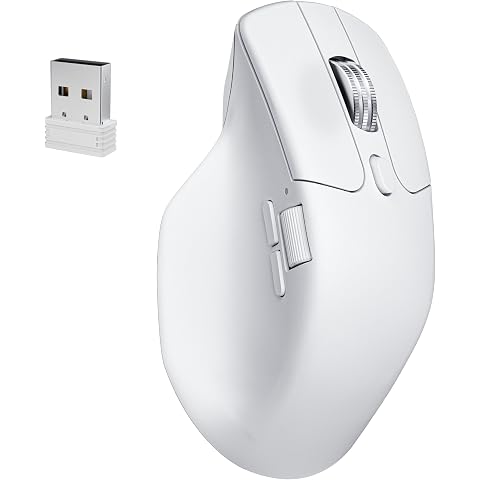
Keychron M6 8000 Hz Wireless Bluetooth 2.4 GHz/Wired Connection Mouse, Lightweight Body Programmable PixArt 3950 Sensor for Windows Mac Linux - White
$111.20
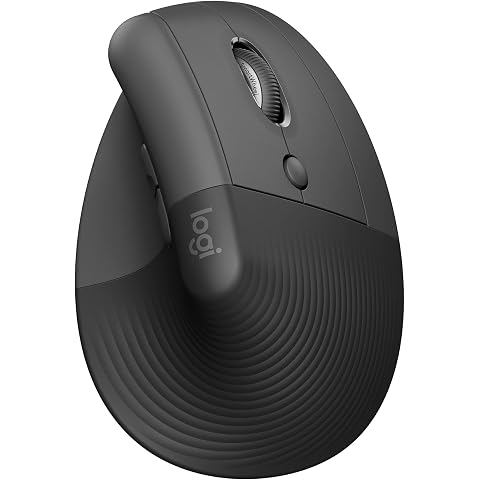
Logitech Lift Vertical Ergonomic Wireless Mouse, Right-Handed, Graphite | Ergonomic vertical design. 57° angle reduces wrist strain and promotes natural handshake posture. Softly textured grip
$74.00
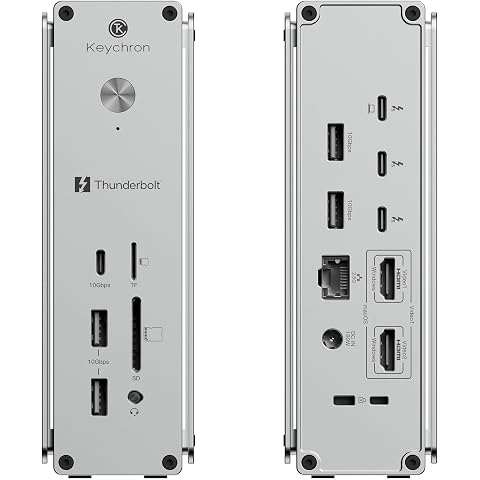
Keychron Thunderbolt 5 Dock, 14-in-1 Laptop Docking Station, 80Gbps Bi-Directional Bandwidth, Up to 120Gbps Boost, Dual 8K@60Hz, 140W PD, HDMI 2.1, 2.5GbE, USB-A/C, SD/microSD for Mac Windows
$499.00
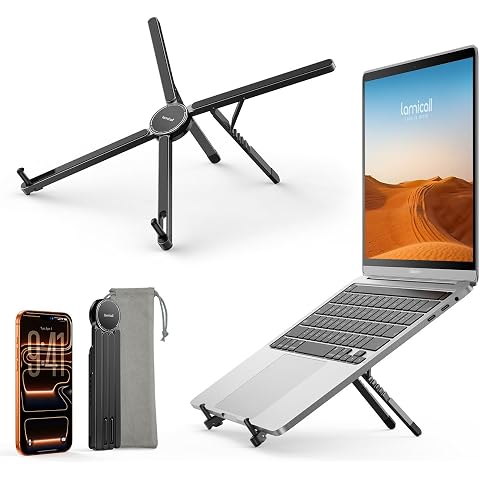
Lamicall [Ultra-Slim] Foldable Portable Laptop Stand for Desk, 6 Level Height Ergonomic Laptop Riser for Business Trip Library Cafe, Computer Holder fit 10-15.6" MacBook Neo Air HP - Black
$24.99
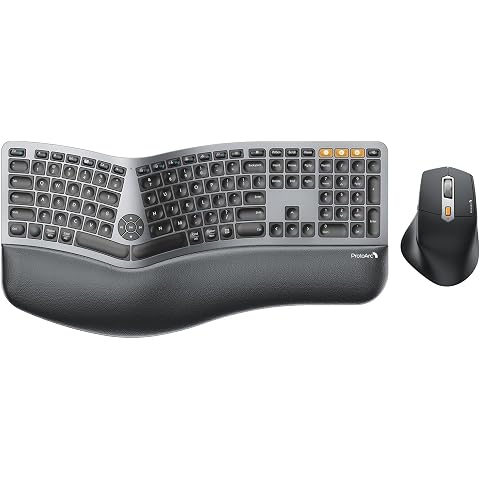
ProtoArc EKM01 Plus Wireless Ergonomic Keyboard Mouse Combo, Gray and Black | Full-size Split Keyboard with Cushioned Wrist Rest, Ergonomic Mouse, 3-Device Bluetooth/2.4G, USB-C Rechargeable
$109.99
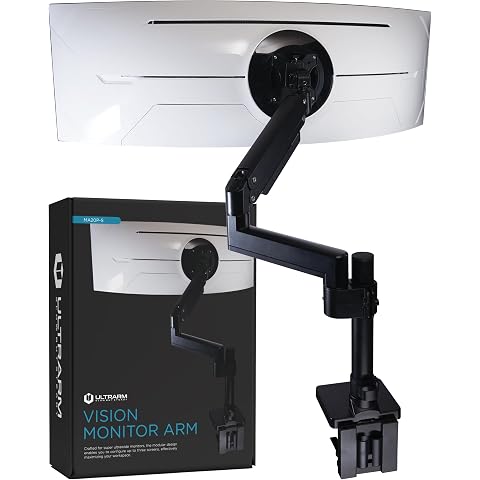
ULTRARM Heavy Duty Monitor Arm for Ultrawide Curved Monitors Modular Design | Max 57", 44 lb, 900R Screens, VESA 100x100, Upgradable, Pneumatic Height Adjustable, C-clamp & Grommet Mount, Black, MA20P-S
$175.99