 1 / 7
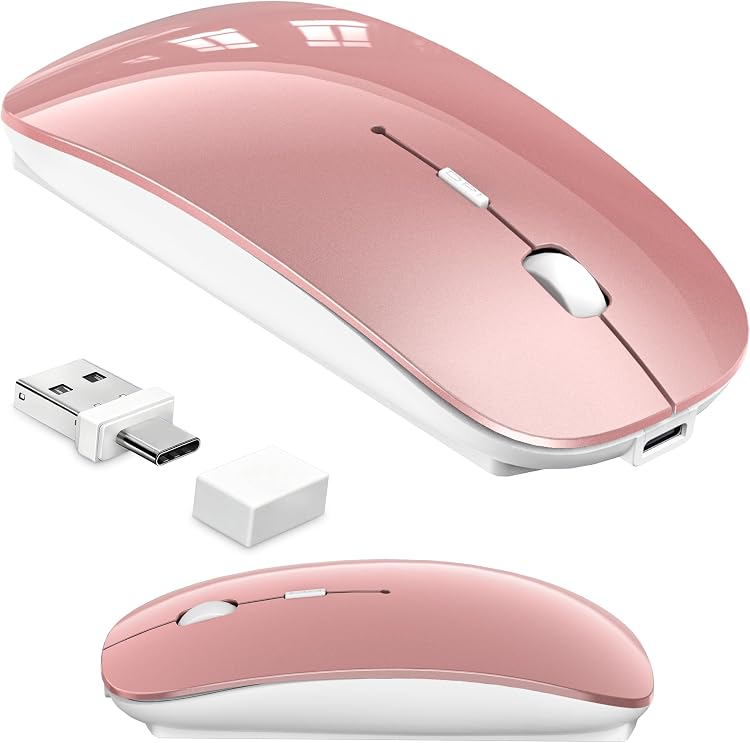
Kenvala Wireless Mouse for MacBook, Rose Gold
The Kenvala Wireless Mouse for MacBook is a rose-gold wireless mouse offering Bluetooth and 2.4GHz receiver connections, with an optional activity mode that moves the cursor to help keep a computer awake. The listing also claims rechargeable power, adjustable DPI and quiet clicks, but gives differing Bluetooth versions and battery-life descriptions.
At a glance
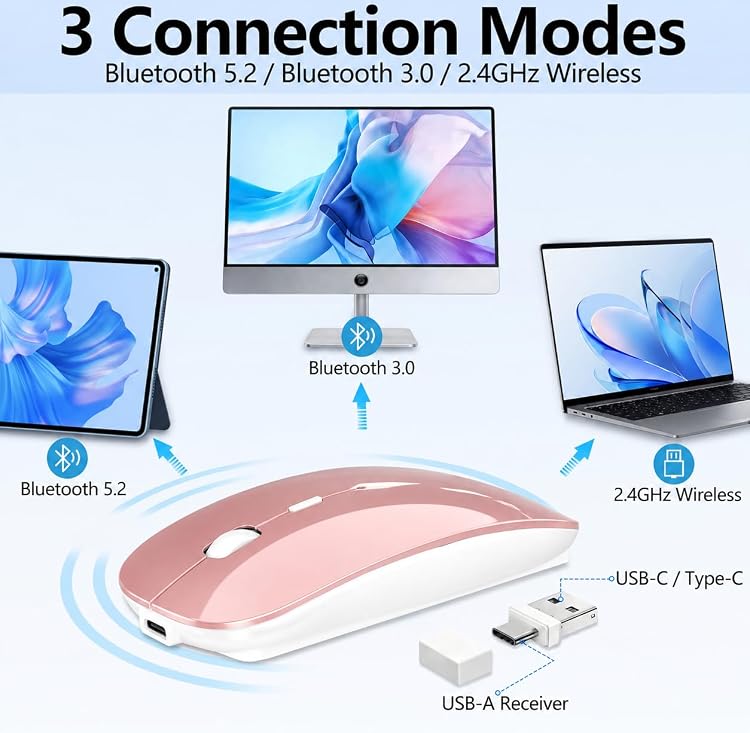
- Connect using Bluetooth or the included USB-A and USB-C receiver, with three connection modes claimed.
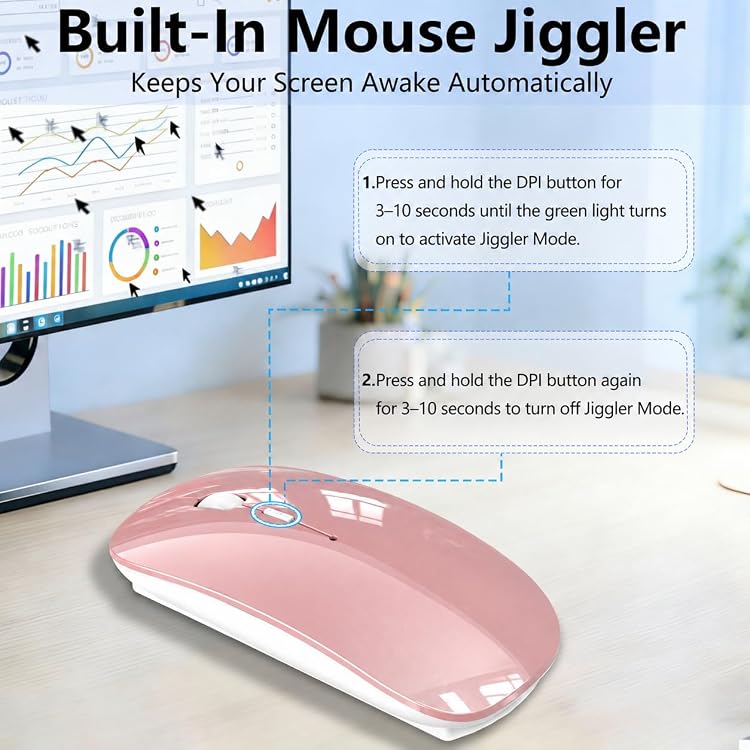
- Optional activity mode is described as creating gentle cursor movement to help prevent the computer from sleeping. The listing says it can be switched off.
- The product description lists three DPI settings: 800, 1200 and 1600.
- Manufacturer claims include a rechargeable battery, USB-C charging and automatic sleep when idle.
Reference price: $28.99
Price checked: 14 Nov 2026
View offerAhead of Black FridayExplore the selectionPros and cons
Pros
- Bluetooth and USB receiver options suit setups with different available ports.
- The optional cursor movement mode can be turned off for ordinary mouse use.
- Ambidextrous orientation and a compact listed size may suit shared desks and portable setups.
Cons
- At up to 1600 DPI, its listed sensitivity range is modest for buyers seeking higher-DPI control.
Technical specifications
17 specifications| Brand | Kenvala |
|---|---|
| Model | wireless mouse for macbook |
| Wireless connection listed | 2.4G USB-A & USB-C, 3 Modes Switching, Bluetooth, 2.4GHz Wireless, Mouse Mover Undetectable, Movement Detection |
|---|---|
| Buttons | 4 |
| Hand orientation | Ambidextrous |
| Movement detection | Optical |
| Maximum sensitivity | 1600 Dots per Inch |
| Power configuration | Battery Powered |
|---|---|
| Battery life listed | 50 Hours |
| Battery quantity | 1 Nonstandard Battery batteries required. (included) |
| Rechargeable | Rechargeable |
| Weight listed | 0.15 Pounds |
|---|---|
| Dimensions | 11.4L x 7W centimetres |
| Colour | Rose Gold |
|---|---|
| Enclosure material | Plastic |
| Finish | Glossy |
| Compatible operating systems | Android, Chrome OS, Linux, Mac OS, iOS |
What to know before buying
Listing details to confirm
Listing details are inconsistent or unconfirmed: Bluetooth is variously stated as versions 5.2 and 3.0, while battery life is listed as 50 hours in one field and described as weeks of daily use elsewhere. The claimed three DPI settings are provided in the feature text, but the structured specification gives only a maximum of 1600 DPI. Confirm the selected listing details if these distinctions matter.
What’s in the box
Included- 1 × Charging Cable
- 1 × USB-A & USB-C 2-in-1 Receiver
- 1 × User Guide
- 1 × Wireless Bluetooth Mouse with Built-in Mouse Jiggler
Who is it for?
A good fit for
- MacBook and iPad users wanting both Bluetooth and USB receiver connection options.
- People seeking a mouse with an optional activity mode for keeping a computer awake during reading, downloads or presentations.
- Portable everyday computing, where the listed dimensions, low stated weight and ambidextrous design are relevant.
Less suited to
- Buyers who need a verified Bluetooth version or dependable, clearly specified battery runtime before purchase.
- Users who require a high-DPI mouse for sensitivity beyond the stated 1600 DPI maximum.
Customer reviews on Amazon
- 5 stars
72% 72% - 4 stars
14% 14% - 3 stars
8% 8% - 2 stars
1% 1% - 1 star
5% 5%
Customer feedback highlights ease of connection and use, including positive reports of MacBook compatibility and one report of lag-free tracking on a surface. Customers also mention the design and perceived value, while build quality is mixed and some describe the mouse as flimsy. For buyers considering its listed wireless options and portable size, the reported setup convenience is relevant, but feedback does not establish consistent durability or performance.
Positive themes
- Customers report straightforward connection and ease of use.
- The feedback describes positive MacBook compatibility and sleek design.
Negative themes
- Build-quality feedback is mixed, with some customers describing the mouse as flimsy.
Mixed feedback
- Customer feedback includes a report of lag-free tracking on a surface, but does not establish consistent tracking performance across surfaces.
Frequently asked questions
Can this mouse connect without a USB port?
The listing claims Bluetooth connectivity as well as an included USB-A and USB-C receiver. It gives conflicting Bluetooth version details, so check the selected listing if the version matters.
What does the activity mode do?
The listing describes an optional mode that creates gentle cursor movement to help keep a computer from going to sleep. It says the mode can be switched off.
How long does the battery last?
One specification lists 50 hours, while product text describes weeks of daily use. These claims are inconsistent, so treat runtime as unconfirmed.
What DPI settings are listed?
The feature text names 800, 1200 and 1600 DPI. The structured sensitivity field states a maximum of 1600 DPI.
Alternative options
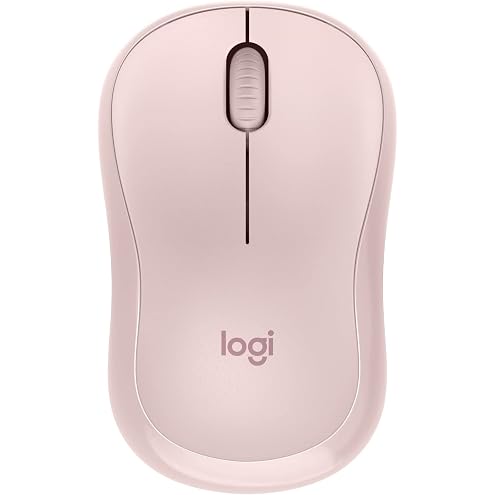
Logitech M240 Silent Bluetooth Mouse, Rose
$22.00
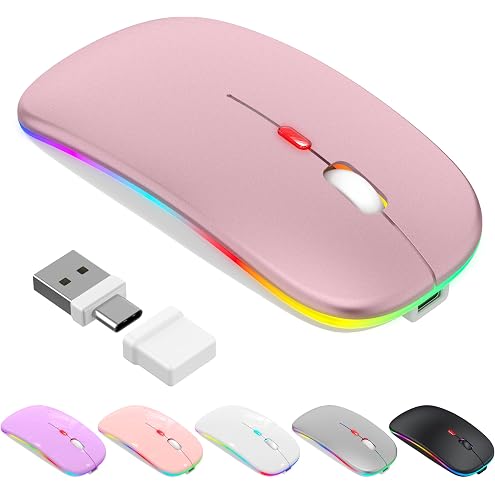
LED Bluetooth Wireless Mouse for MacBook Air Mac Pro Laptop iPad | Rechargeable Silent Light-Up Optical Mouse with Jiggler Dual Mode BT5.2 & USB-A/USB-C for Students, Kids, Girls, Boys
$26.99
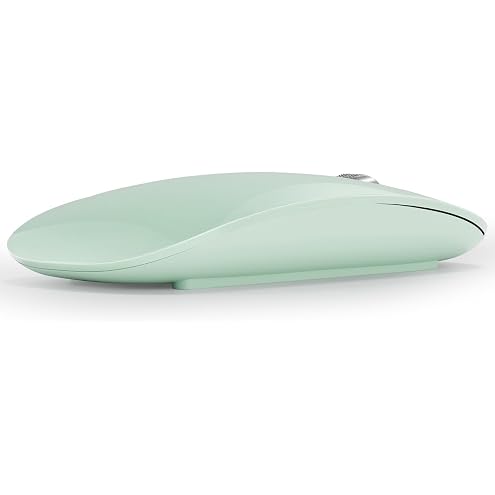
AmeFanie Bluetooth Mouse, USB C Rechargeable Wireless Mouse, Triple Mode (Dual Bluetooth+USB) Computer Silent Mice Portable with USB Receiver and Type C Adapter for Laptop/MacBook/iPad/PC-Green
$28.87
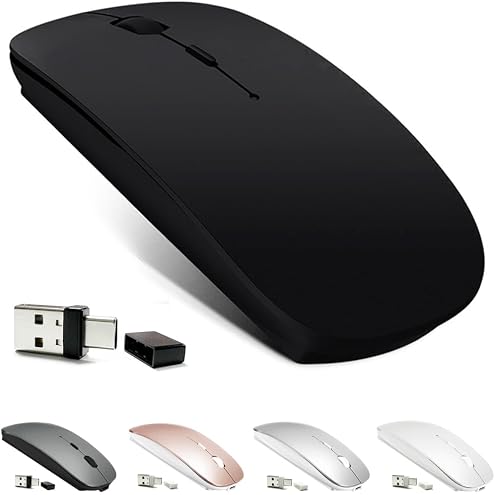
KLO Rechargeable Bluetooth Mouse for MacBook/MacBook air/Pro/iPad, Wireless Mouse for Laptop/Notebook/pc/iPad/Chromebook (Black)
$17.99
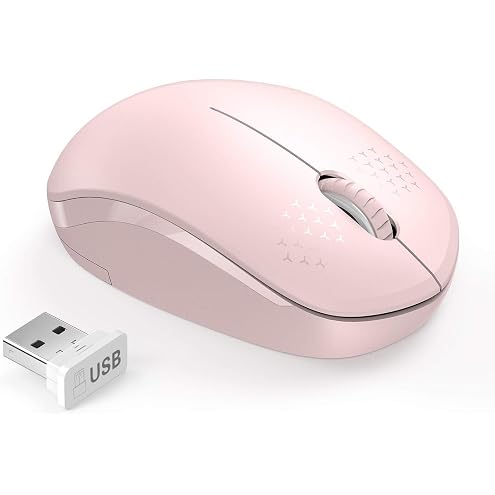
seenda Wireless Mouse for Laptop, 2.4G Noiseless Computer Mouse,Pink | Small portable design,USB receiver, quiet clicks, smooth tracking, 24-month battery life Mice for laptop,Chromebook and PC.
$21.99
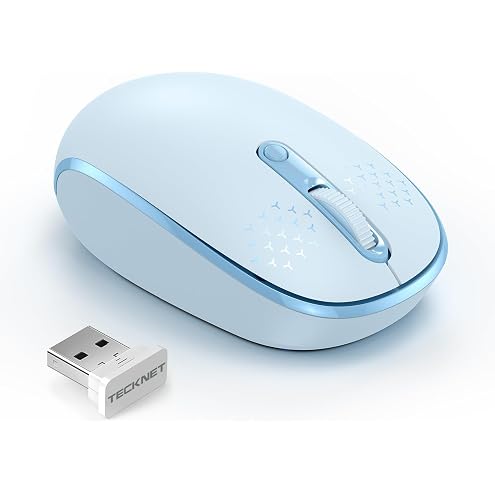
TECKNET Wireless Mouse, 2.4G Quiet Computer Mouse with USB Receiver, 4 Buttons Portable Cordless Mice for Chromebook, Laptop, PC, Mac, 800/1200/1600 DPI - Light Blue
$23.99