 1 / 7
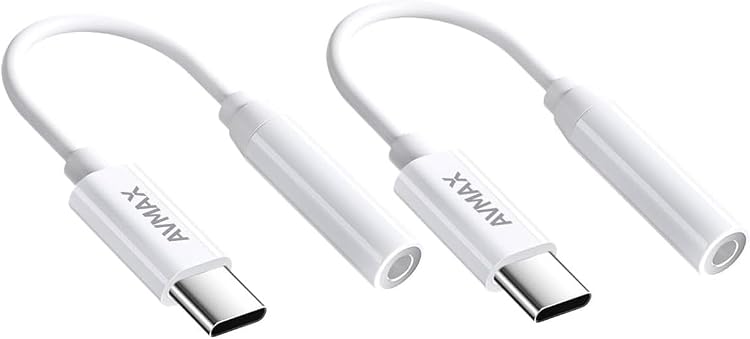
AVMAX CTAA2(W) USB-C to 3.5 mm Audio Adapter, White, 2-Pack
White: The AVMAX CTAA2(W) is a USB-C to 3.5 mm audio adapter for connecting wired headphones to compatible USB-C phones, tablets or laptops. The listing describes a DAC-equipped design and a two-adapter pack, but customer feedback reports mixed reliability, sound quality and device compatibility.
At a glance
- USB-C to 3.5 mm audio conversion for wired headphones.
- The listing claims a DAC chip and high-resolution audio transmission, without giving a resolution figure.
- Thickened shell and copper cable are claimed, along with 10000 plug and unplug tests.
- The title describes a white two-pack.
Reference price: $11.99
Price checked: 18 Nov 2026
View offerAhead of Black FridayExplore the selectionPros and cons
Pros
- A straightforward way to connect 3.5 mm headphones to a compatible USB-C device.
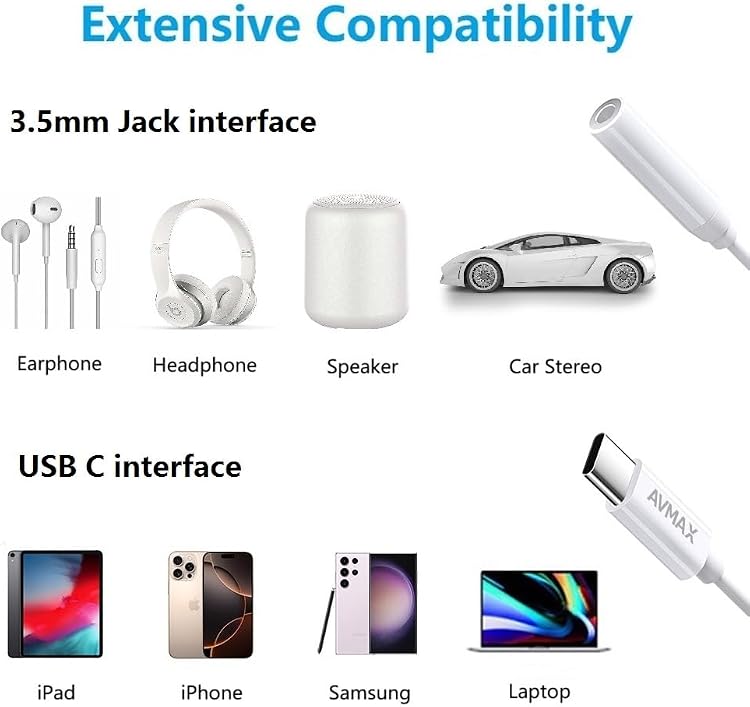
- The listing specifies compatibility with headphones and laptops and names Windows, macOS and Android.
Cons
- Customer feedback describes mixed reliability, audio quality and compatibility, so performance may vary by device and use.
Technical specifications
6 specifications| Brand | AVMAX |
|---|---|
| Model | CTAA2(W) |
| Connector type | USB Type C |
|---|---|
| Compatible devices | Headphones, Laptop |
| Colour | White |
|---|---|
| Weight listed | 0.01 Kilograms |
What to know before buying
Listing details to confirm
The listing warns that calling may not work if the USB-C device already has a 3.5 mm audio port. It names broad device families but does not confirm compatibility for every specific device, so check your device before purchase.
Who is it for?
A good fit for
- People who need a USB-C to 3.5 mm connection for wired headphones.
- Buyers wanting a pair of adapters for use with compatible USB-C phones, tablets or laptops.
Less suited to
- People who need assured calling support, particularly when their USB-C device also has a 3.5 mm audio port.
- Buyers who require confirmed compatibility with a specific device model or consistently reported performance.
Customer reviews on Amazon
- 5 stars
73% 73% - 4 stars
9% 9% - 3 stars
6% 6% - 2 stars
3% 3% - 1 star
9% 9%
Customer feedback is mixed on reliability, audio quality and compatibility. Some report clean audio and a working connection, while others describe poor sound, connection problems or an adapter that stopped working after a month. This matters for buyers relying on it as a regular headphone connection. The listing claims a DAC and broad compatibility, but those claims do not resolve the varied reported experiences.
Mixed feedback
- Customers report both clean audio and poor sound quality.
- Reported reliability ranges from working well to stopping after a month.
- Compatibility feedback includes both successful use and connection issues.
- Value perceptions are mixed.
Frequently asked questions
What does the AVMAX CTAA2(W) connect?
It converts a USB Type-C connection to a 3.5 mm headphone connection. The listing names headphones and laptops as compatible devices.
Does the listing confirm calling support?
No. It cautions that calling may not work if the USB-C device has a 3.5 mm audio port.
Is this a two-pack?
The product title describes it as a 2-pack. Confirm the selected listing's pack details before ordering.
Is high-resolution audio independently specified?
The listing claims high-resolution audio transmission but provides no resolution figure. Customer feedback on sound quality is mixed.
Alternative options
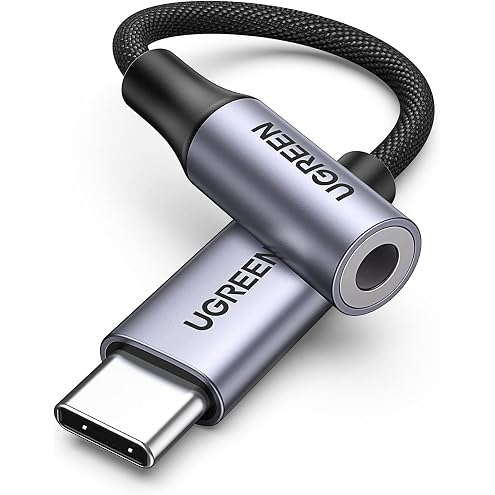
UGREEN USB-C to 3.5mm Audio Adapter with 24-bit/96kHz DAC, Grey | Hi-Fi audio for 3.5mm wired headphones; Compatible with iPhone 18 17 and 16 series, iPad, Galaxy S26/S25 Ultra and Pixel 10
$12.73
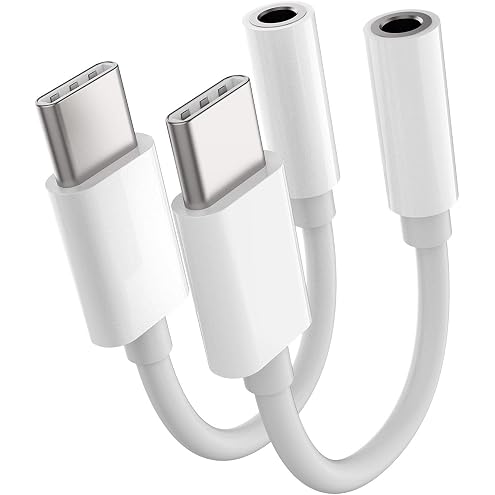
2pack,Usb C To 3.5mm Headphone Jack Adapter,Usbc Type C Android Aux Dongle Audio For Google Pixel 6,Samsung Galaxy S21 S10 S9 S20 ultra Note,For Ipad Air4 Pro,Huawei Mate 40 30 Lg Converter Connector
$7.99
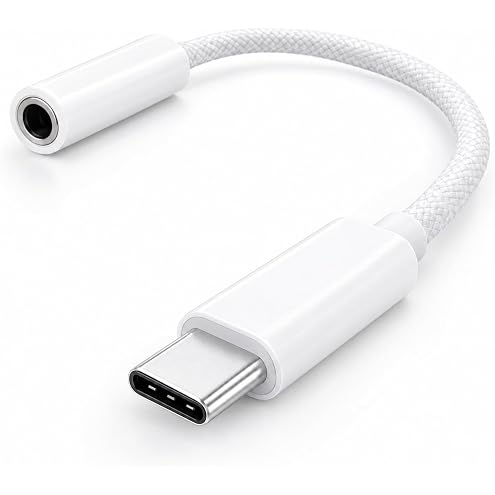
[Apple MFi Certified] USB C to 3.5mm Headphone Jack Adapter for Audio | Hi-Res Lossless Audio Dongle for iPhone 17 Pro Max, Galaxy S26 Ultra, Pixel 9, iPad Pro/Air (White)
$7.31
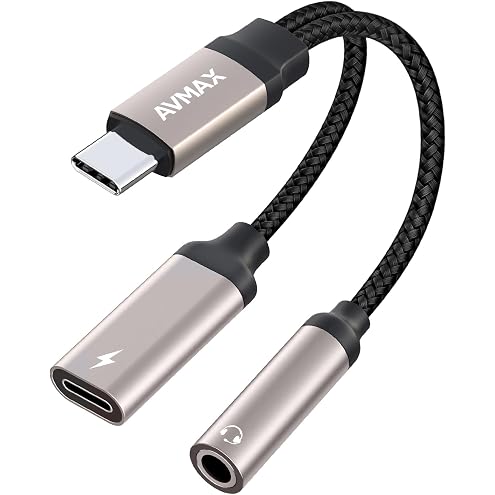
AVMAX USB C to 3.5mm Headphone Audio and Charger Adapter,2 in 1 32bit/384kHz Tyepe c to Aux Jack Cable with PD 3.0 60W Fast Charging Dongle Cable for Iphone17 Iphone16
$19.99
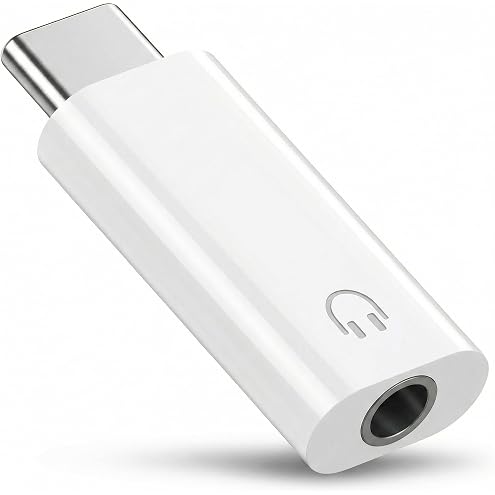
Type C to 3.5mm Audio Adapter, Type-C to Headphone Jack Aux Converter Cable Cord Compatible with iPhone 17 16 15, iPad, Galaxy S25 S24, Pixel - White
$8.99
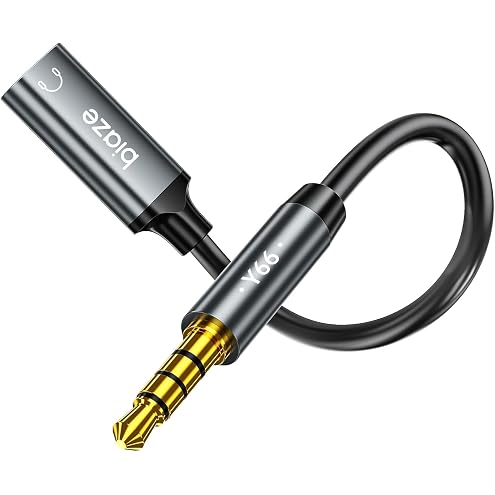
USB C Female to 3.5mm Jack Male Audio Adapter Only for Analog Headphones | Type-C Converter Headphone Jack Adapter Compatible with MP3 Players, CD Players, Laptops, Tablets, Smartphone
$12.91
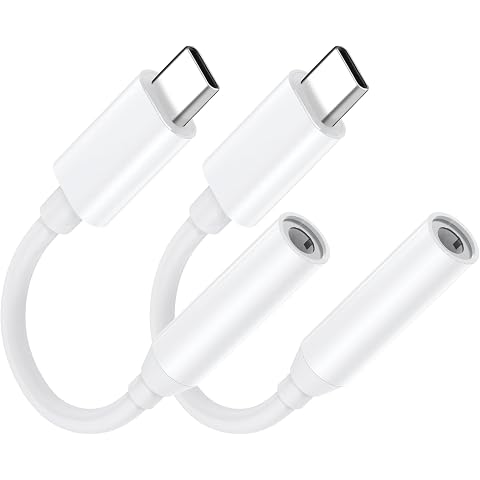
2 Pack USB C to 3.5mm Headphone Jack Adapter,Type C Android Aux Dongle Audio for Google Pixel 6,Samsung Galaxy S21 S10 S9 S20 Ultra Note,for Ipad Air4 Pro,Huawei Mate 40 30 Lg Converter Connector
$5.77
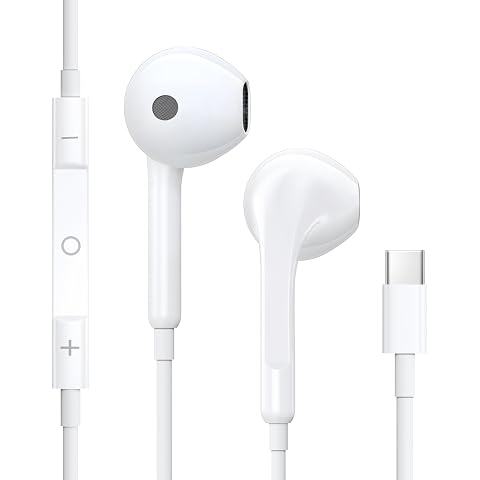
USB C Headphones for iPhone 18 17 16 15, HiFi Stereo Wired Earphones | in-Ear Wired Earbuds with Mic & Volume Control, for Sam-sung S26/25/S24/S23 Ultra A53 A54, iPad Pro Pixel 7/6/5/4 OnePlus 9 8
$13.25
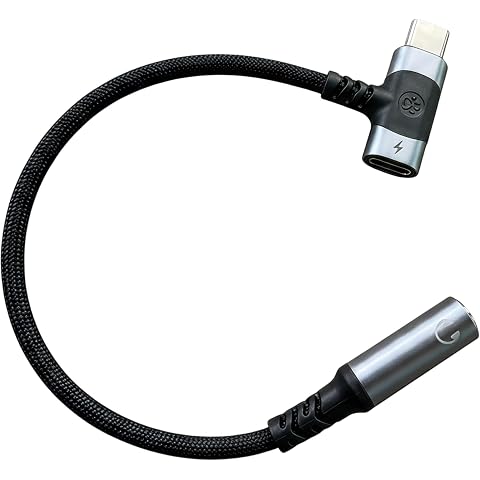
FARLINK USB C to 3.5mm Audio Adapter Charging for Headphones | 2-in-1 USB C to Aux Dongle HiFi Headphone Jack and Charge Adapter for USB-C devices,Support Charging/Audio
$11.99
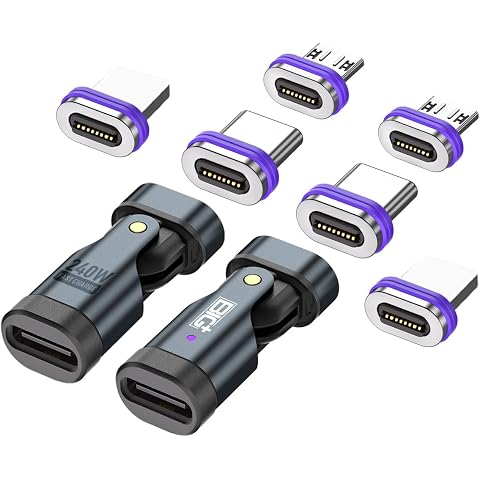
BIG+ 240W Magnetic USB-C Adapter, 2-Pack, 5A Fast Charging, 16-Pin Oval Shaped Connector, 180° Bending Design, with 6 Tips for Laptops, Tablets and Phones
$31.99
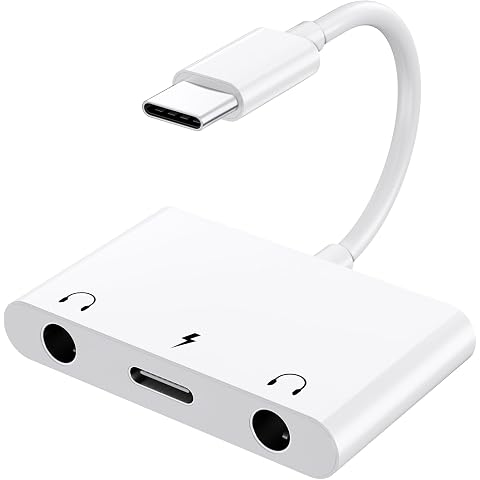
USB C to 3.5mm Audio Adapter,3 in 1 Aux to USB C Adapter for iPhone17/16/15 | Dual 3.5mm Headphone Jack Splitter and PD 60W Fast Charging, for Galaxy S22/Pixel/i-Pad Pro/Air/Mini and Other Android Phones
$17.59
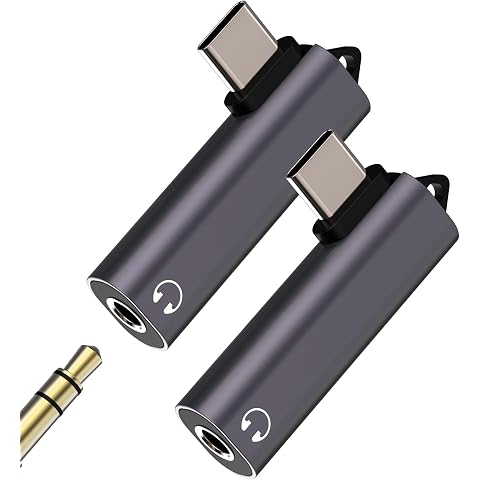
USB C to Aux 3.5mm Headphone Jack Adapter (2Pack)DAC Type C Audio Charger Adaptor for iPhone15 16 Pro for Apple for iPad compatible for Samsung Splitter Car Earphone Converter Cable Microphone Dongle
$7.97