 1 / 7
ATLAHET Dual-Monitor DisplayPort KVM Switch, 8K@60Hz
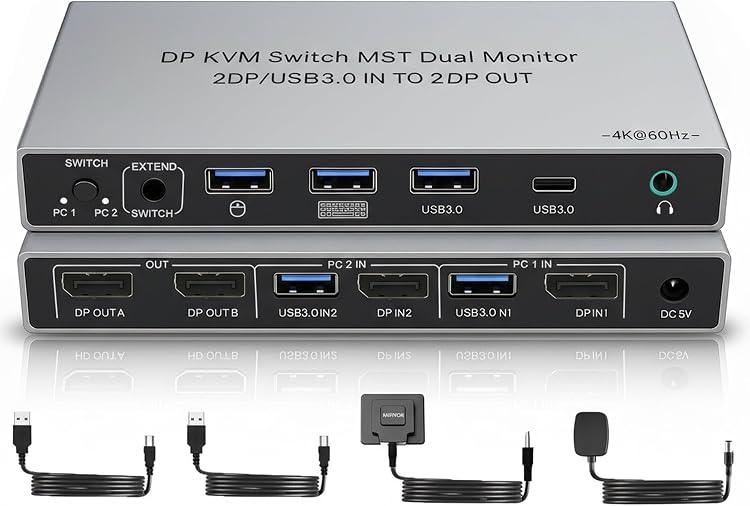
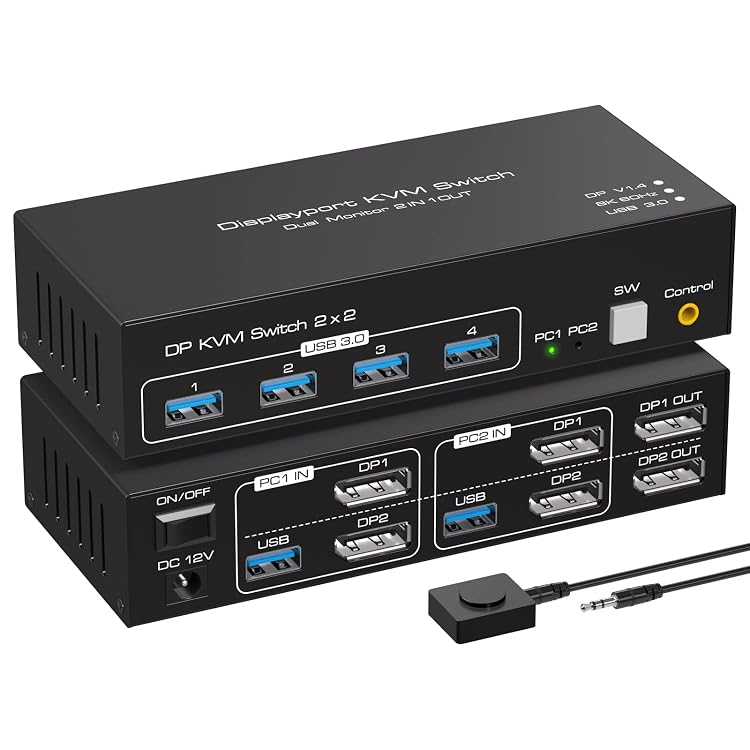
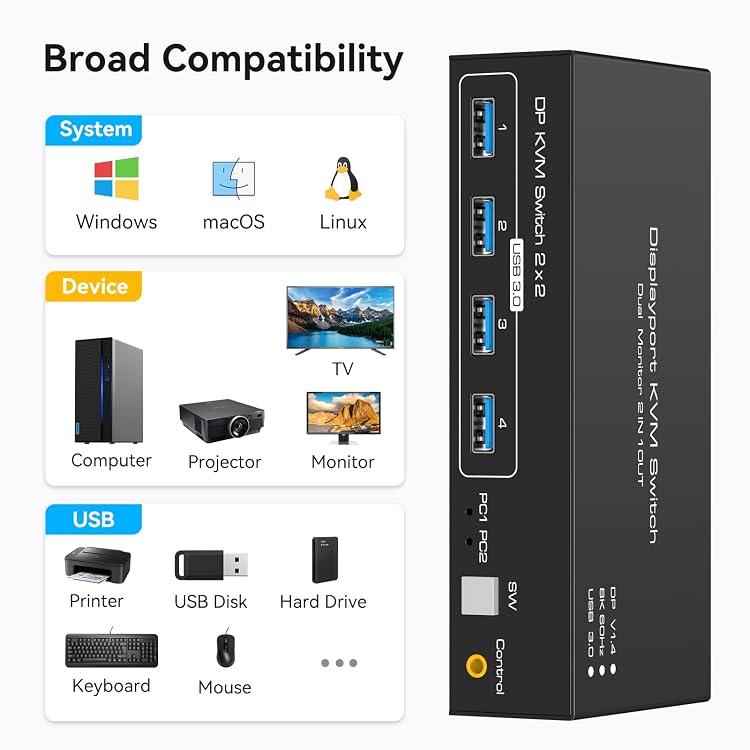
ATLAHET’s dual-monitor DisplayPort KVM switch lets two computers share two monitors and up to four USB peripherals, with push-button selection between computers. The listing claims support up to 8K@60Hz, but both computers need two DisplayPort outputs each and both monitors need DisplayPort inputs.
At a glance
- Switch between two computers sharing two monitors and four USB peripherals, according to the listing.
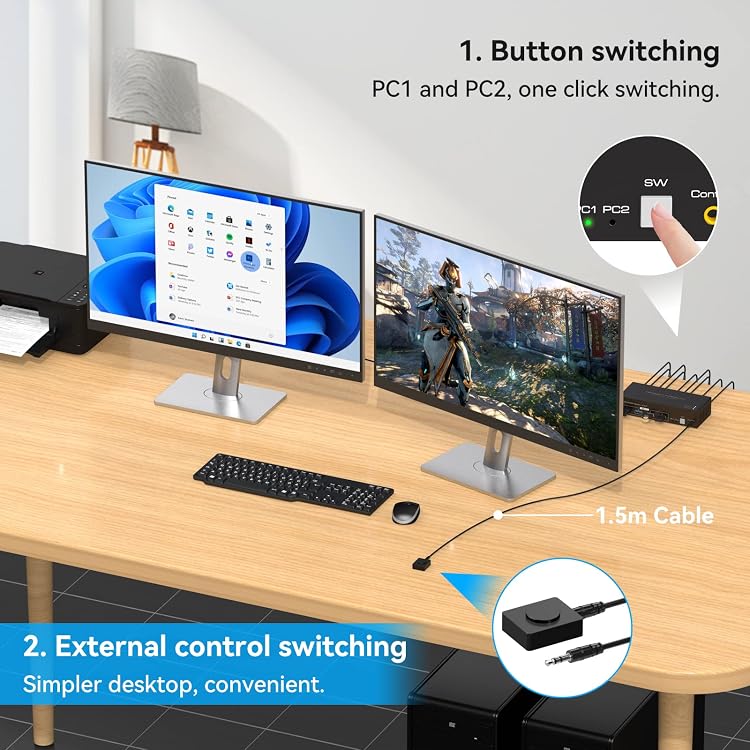
- Supports both panel-button and wired extension-controller switching. The listing says hotkey switching is not supported.
- The listing claims up to 8K@60Hz or 4K@120Hz and says the computer, monitor and cable must support the target resolution.
- Extended and duplicate display modes are described for the two monitors.
Reference price: $89.99
Price checked: 18 Nov 2026
View offerAhead of Black FridayExplore the selectionOften bought together
Pros and cons
Pros
- Four USB 3.0 ports can share peripherals such as a keyboard, mouse, printer or webcam between the connected computers.
- A wired button controller provides a switching option away from the main unit.
- A 12V external adapter is listed, and the instructions say to connect external power during use.
Cons
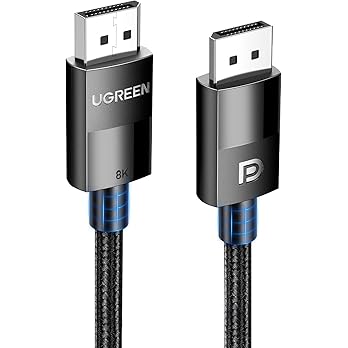
- The required connections are specific: each computer needs two DisplayPort ports and each monitor needs a DisplayPort input.
- Hotkey switching is not supported.
Technical specifications
16 specifications| Brand | ATLAHET |
|---|
| Video connector | DP |
|---|---|
| Maximum claimed resolution and refresh rate | 8K@60Hz/4K@120Hz |
| Computers and monitors | 2 computers sharing 2 monitors |
| USB ports | four USB 3.0 ports |
| USB transfer rate | up to 5Gbps |
| USB compatibility | USB 2.0/1.1/1.0 |
| Control methods listed | Push Button |
|---|---|
| Operation mode | Manual |
| Operating voltage | 12 Volts |
| Compatible devices | Personal Computer, Monitor |
| Operating system compatibility | Windows/Vista/XP and MacOS, Linux and Unix |
| Dimensions listed | 15 x 6.5 x 3.6 centimetres |
|---|---|
| Material | Aluminium, Metal |
| Colour | Fog Black |
| Upper temperature rating | 45 Degrees Celsius |
What to know before buying
Listing details to confirm
The listing says both computers need two DP ports and the two monitors need one DP port each. It also discourages docking stations and adapter cables, and says to use DP-to-DP cables. The stated 8K@60Hz and 4K@120Hz limits depend on compatible computers, monitors and cables. External 12V power is required during use. The listing describes both duplicate and extended modes, but elsewhere phrases these as each computer showing the same or different screens. Confirm the intended display behaviour and required cabling for your setup before buying.
Who is it for?
A good fit for
- A desk with two computers, two DisplayPort monitors and shared USB peripherals.
- Users who want manual switching from either the KVM panel or its wired extension button.
Less suited to
- Setups where either computer lacks two DisplayPort outputs or either monitor lacks a DisplayPort input.
- Anyone needing keyboard hotkey switching or a connection path based on a docking station or adapter cables.
Customer reviews on Amazon
- 5 stars
70% 70% - 4 stars
9% 9% - 3 stars
5% 5% - 2 stars
5% 5% - 1 star
11% 11%
Customer feedback highlights ease of setup and switching between two computers, while reliability experiences are mixed, including reports of monitor disconnecting and reconnecting. For a dual-monitor setup, those interruptions could matter more than the convenience of one-touch switching. The listing claims support for two DisplayPort monitors and recommends external power, but those claims do not establish the cause of reported issues or guarantee reliability.
Positive themes
- Customers report that setup and use are easy, with quick switching between computers.
Mixed feedback
- Reliability feedback is mixed, with reports ranging from working out of the box to occasional monitor disconnecting and reconnecting.
Frequently asked questions
What connections does this KVM switch require?
The listing says each computer must have two DisplayPort ports and each monitor must have a DisplayPort input. It calls for DP-to-DP cables and discourages docking stations and adapter cables.
How can I switch between computers?
The listing describes buttons on the unit and a wired extension controller. It explicitly says hotkey switching is not supported.
Does it support 8K at 60Hz?
The listing claims up to 8K@60Hz and 4K@120Hz. It says the computer, monitor and cables must also support the chosen resolution.
Does it need external power?
Yes. The listing instructs users to connect the supplied 12V external power supply during use.
Alternative options
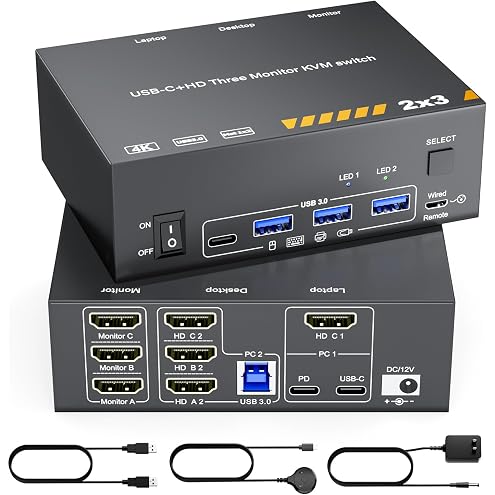
KVM Switch 3 Monitors MST USB-C & Triple HDMI USB Type-C Docking 4K@60Hz Triple Monitor KVM Switch for Laptop & Desktop PC, 100W PD Charging, with Type-C 3.1 Gen2 Cable and Wired Remote
$152.99
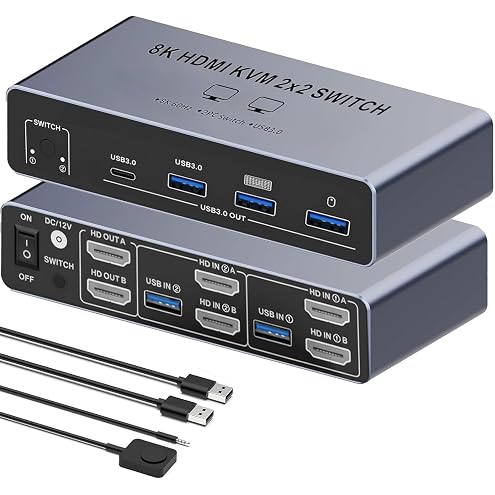
【Dual HDMI 2 in 2 Out】 KVM Switch 2 Monitors 2 Desktop Computers SW221, 8K 60Hz HDMI KVM Switcher 2 in 2OUT, 4 USB3.0 Ports Share Keyboard Mouse Printer, Support Extended and Mode
$69.99
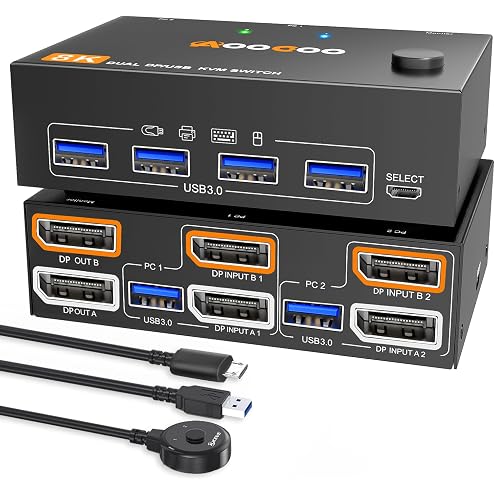
4K@144Hz KVM Switch 2 Monitors 2 Computers Displayport 1.4 Dual Monitor 8K@30Hz/4K@144Hz 5Gbps DP1.4 for 2 PCs Share 2 Screens & 4 USB 3.0 External Devices, with 2 USB 3.0 Cables & Wired Remote
$84.99
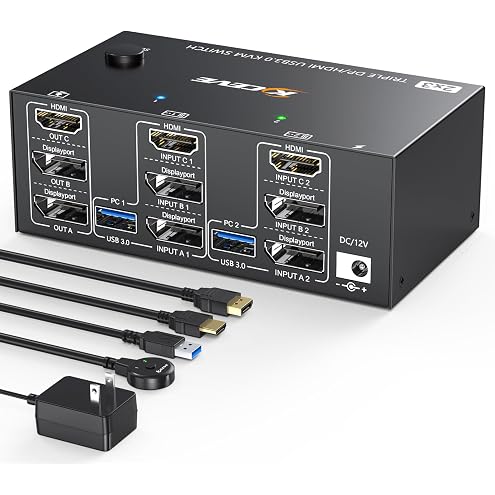
Triple Monitor KVM Switch 3 Monitors 2 Computers, 3 Port 2 Displayport + HDMI USB 3.0 KVM Switch, DP 1.4 Supports 8K@30Hz/4K@144Hz, HDMI Supports Max 8K@60Hz /4K@60Hz with Wired Remote Control
$93.49
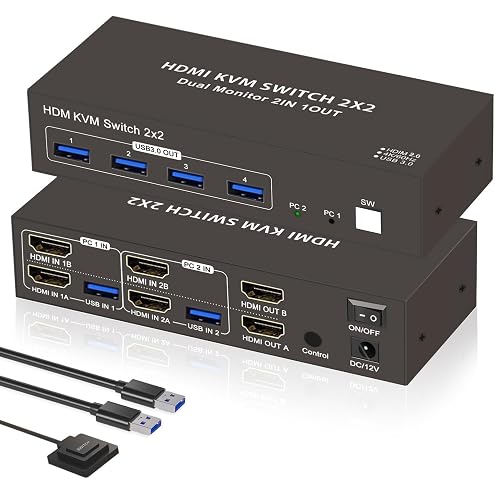
Dual Monitor HDMI KVM Switch 2 Desktop Computers 2 Monitors, 4K 60Hz KVM Switch 2PC, 4 USB 3.0 Devices, with Remote & Button Control, Keyboard Mouse Sharing, Extended and Mirrored Mode for PC/Mac/PS5
$58.60
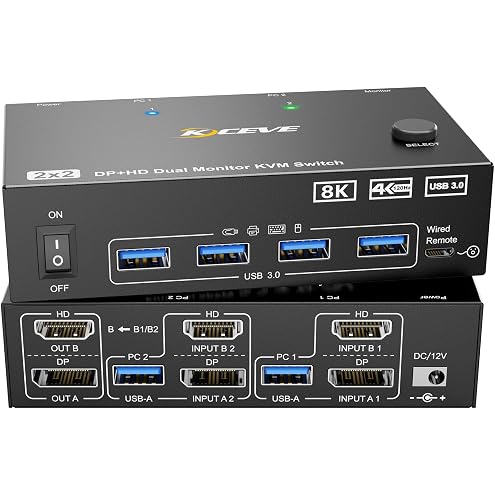
4K@144Hz KVM Switch 2 Monitors 2 Computers 8K@60Hz,Camgeet HDMI and Displayport Dual Monitor KVM Switch with 4 USB 3.0 Port for Keyboard Mouse Printer,Wired Remote,Power Adapter and USB Cable Included
$95.99
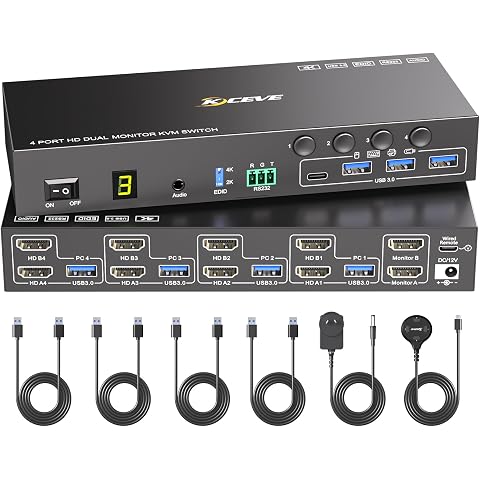
4 Port HDMI KVM Switch 2 Monitors 4 Computers 4K@60Hz EDID Simulation,Dual Monitor KVM Switch with 4 USB 3.0 Ports for USB Peripherals,Audio,RS232,with Wired Remote,12V Power and 4 USB Cables
$149.99
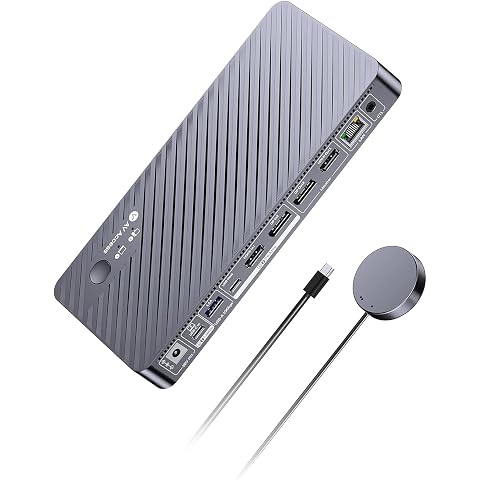
AV Access 8K KVM Switch 2 Monitors 2 Computers for Laptop & Desktop | KVM Docking Station Dual Monitor 8K@60Hz/4K@165Hz, 100W PD, 4xUSB 3.2 10Gbps USB C Hub, Audio, SD, Remote Switch, 1G Ethernet
$342.23
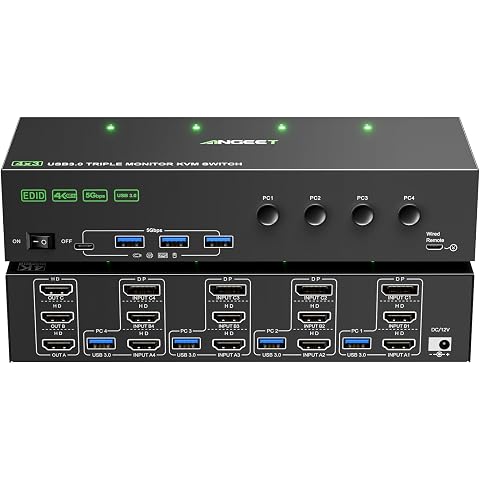
KVM Switch 3 Monitors 4 Computers 4K@60Hz,EDID Simulation,HDMI Displayport Triple Monitor KVM Switch,3 Monitor KVM with 4 USB 3.0 Ports for Keyboard Mouse, Wired Remote and 4 USB3.0 Cables Included
$169.99
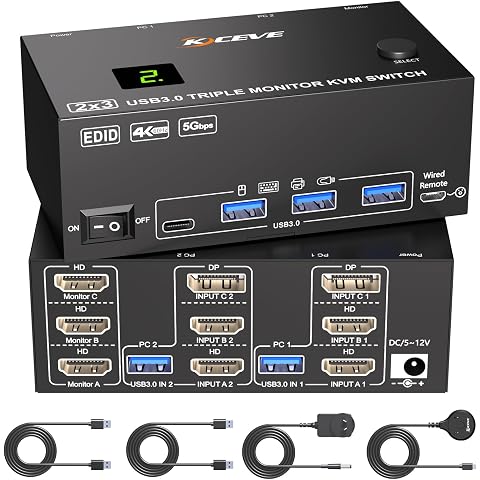
KVM Switch 3 Monitors 2 Computers 4K@60Hz,EDID Simulation,HDMI Displayport Triple Monitor KVM Switch,3 Monitor KVM with 4 USB 3.0 Ports for Keyboard Mouse, Wired Remote and 2 USB3.0 Cables Included
$108.99
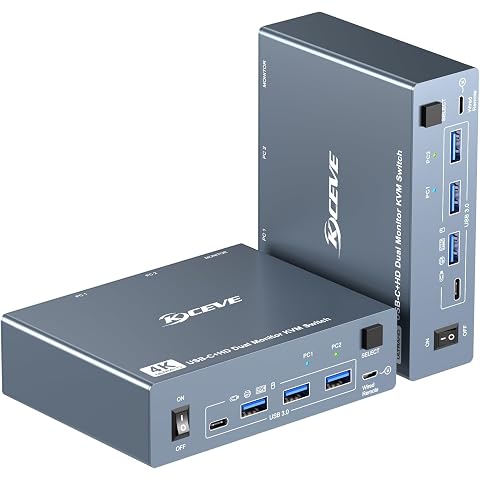
HDMI USB C KVM Switch 2 Monitors 1 Computer 1 Laptop 4K@60Hz PD100W Charge | Docking Station KVM Switch 2 Monitors 2 Computers 1 Laptop 1 PC with 4 USB 3.0 Port for Keyboard Mouse, with Wired Remote
$169.99
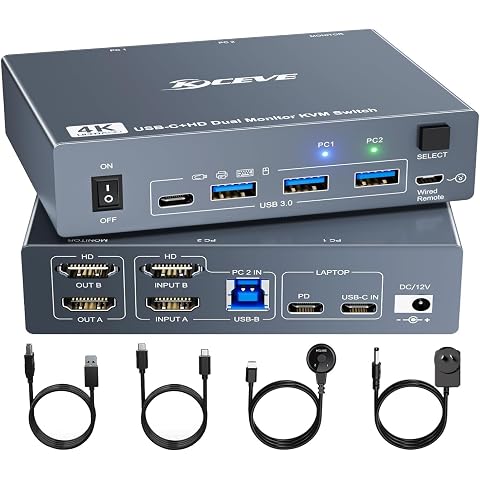
USB C + HDMI KVM Switch 2 Monitors 1 Laptop 1 Desktop 4K@60Hz, USB C Docking KVM Switch Share 2 Monitor and 4 USB 3.0 Devices, 80W PD for Laptop, Cables,Wired Remote and Power Adapter Included
$169.99