 1 / 7
AOOCOO Triple-Monitor KVM Switch for 3 Computers
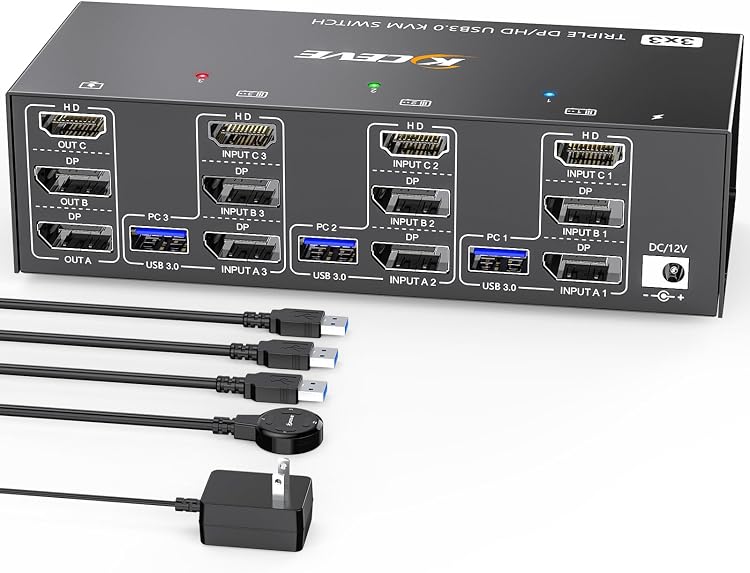
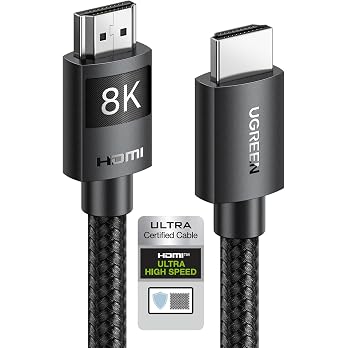
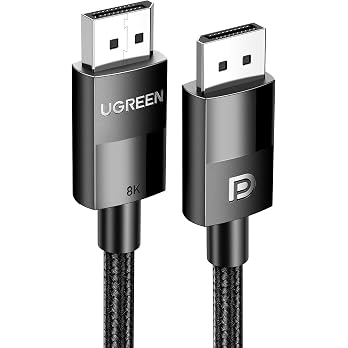
The AOOCOO triple-monitor KVM switch lets three computers share three displays and four USB 3.0 peripherals. It combines two DisplayPort 1.4 inputs per computer with one HDMI 2.1 input, but your computer must support three displays and provide the required connections.
At a glance
- Switches three computers across three displays and shares four USB 3.0 peripherals.
- Offers a panel button and included wired remote for switching. Active-computer LEDs are also claimed.
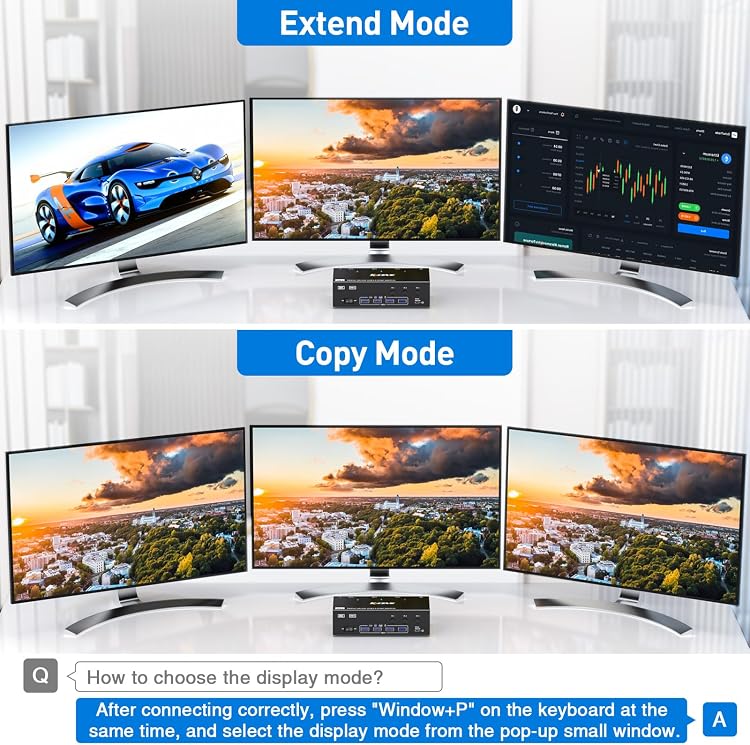
- The listing describes both mirrored and extended display modes, subject to each computer's multi-display capability.
- Resolution depends on the graphics card, monitors, cables and adapters. The listing recommends video cables no longer than 1.5M for best performance.
Reference price: $155.99
Price checked: 18 Nov 2026
View offerAhead of Black FridayExplore the selectionOften bought together
Pros and cons
Pros
- A single switch can manage three computers, three displays and four USB peripherals.
- The wired remote provides a second switching location beyond the panel button.
- USB 3.0 ports are specified for sharing peripherals, with an optional 12V power input for higher-power USB devices.
Technical specifications
8 specifications| Brand | AOOCOO |
|---|
| Computer and monitor capacity | 3 computers share 3 monitors |
|---|---|
| DisplayPort resolution claim | 8K@30Hz/4K@144Hz |
| HDMI resolution claim | 8K@60Hz/4K@120Hz |
| USB peripheral ports | 4 USB 3.0 ports |
| USB transfer rate claim | up to 5Gbps |
| External power port | 12V external power supply port |
| Weight listed | 860 g |
|---|
What to know before buying
Listing details to confirm
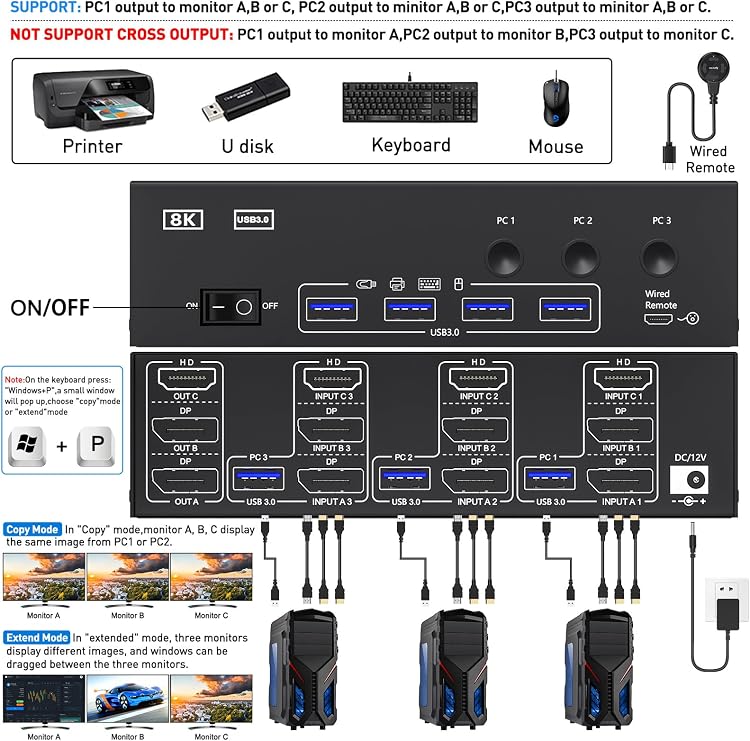
Each computer needs two DisplayPort connections, one HDMI connection and a USB connection to use three displays and shared USB devices. A suitable adapter may be needed. Connect video cables to the discrete graphics card if present. Confirm the computer supports multi-screen display before buying. The listing says Mac M1/M2 does not support extended mode, outputs are restricted to their corresponding input groups with no cross-output, and LG monitors should use DisplayPort rather than HDMI to avoid possible flicker or a black screen at 4K@120Hz. Its resolution claims are inconsistent: the main specification gives DisplayPort 8K@30Hz/4K@144Hz and HDMI 8K@60Hz/4K@120Hz, while another description says “Ultra HD 8K@60Hz/4K@144Hz” without reconciling those port-specific figures. Confirm the needed port and mode with the selected listing and your equipment.
Who is it for?
A good fit for
- People switching a three-monitor workstation between three computers that each support the required display outputs.
- Setups that need to share a keyboard, mouse or other USB peripherals between computers.
- Users who can connect the included wired remote where convenient.
Less suited to
- Computers without three-display support or the required video connections, unless suitable adapters are available.
- Mac M1/M2 users who need extended mode across three screens.
- Setups requiring video output to be routed across different input groups.
Customer reviews on Amazon
- 5 stars
75% 75% - 4 stars
8% 8% - 3 stars
4% 4% - 2 stars
4% 4% - 1 star
9% 9%
Customer feedback highlights reliability, ease of setup, build quality and the remote control. Some feedback reports use with 4K60Hz monitors, laptops and PCs. That experience is relevant to typical workstation switching, but it does not confirm the product's higher port-specific resolution claims or compatibility with every setup. The supplied star distribution is mostly five-star, with some lower ratings, so experiences are not uniformly positive.
Positive themes
- Customers report reliable operation and straightforward setup.
- Feedback mentions good build quality and appreciation for the remote control.
Frequently asked questions
How many computers and monitors can this KVM switch connect?
The listing specifies three computers sharing three monitors. Each computer needs two DisplayPort connections and one HDMI connection for the three-display setup.
Can it extend displays rather than mirror them?
The listing describes both mirrored and extended modes, but each computer must support multi-screen display. It also says Mac M1/M2 does not support extended mode.
What resolution can it support?
The port-specific claims are DisplayPort 8K@30Hz or 4K@144Hz, and HDMI 8K@60Hz or 4K@120Hz. Actual output depends on the graphics card, monitor, cables and adapters, and the listing contains a conflicting general resolution claim.
How do you switch between computers?
The listing says you can use the switch's panel button or the included wired remote. It also claims LED indicators show the active computer.
Does it share USB peripherals?
Yes. The listing specifies four USB 3.0 ports. It says a USB 3.0 cable must connect each computer to the KVM for peripherals to be recognised.
Alternative options
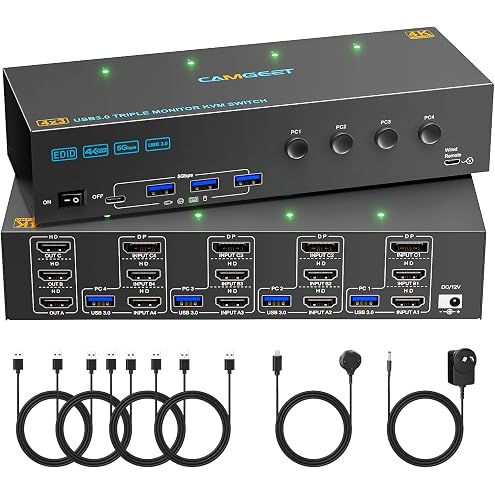
KVM Switch 3 Monitors 4 Computers 4K@60Hz,EDID Simulation,USB 3.0 HDMI Displayport KVM Switch Triple Monitor for 4 PC Share 3 Monitors and Keyboard Mouse Printer,with Wired Remote and 4 USB Cables
$169.99
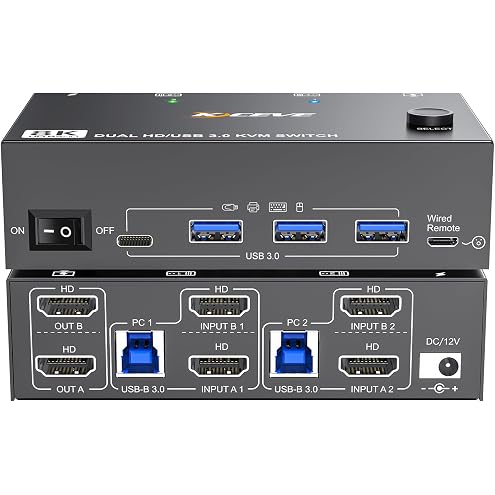
8K Dual Monitor KVM Switch HDMI 8K@60Hz 4K@144Hz,Camgeet KVM Switch 2 Monitors 2 Computers with 4 USB 3.0 HUB for Keyboard Mouse Printer,Wired Remote,12V Power Adapter and USB Cables Included
$95.99
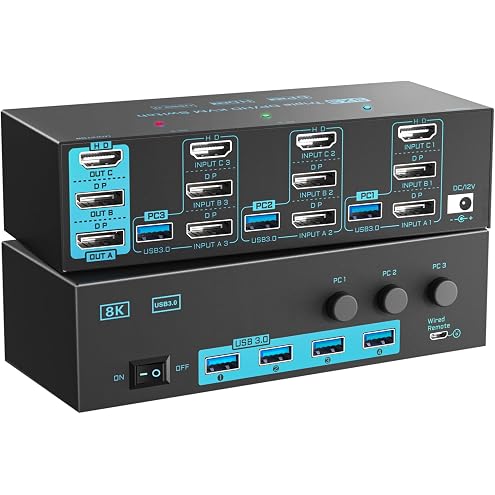
8K/4K KVM Switch 3 Monitors 3 Computers Triple Monitor 3 Port 2 Displayport 1.4 and HDMI 2.1 USB 3.0 KVM Switches, DP 1.4 Supports 8K@30Hz/4K@144Hz, HDMI Supports 8K@60Hz /4K@120Hz with Wired Remote
$155.99
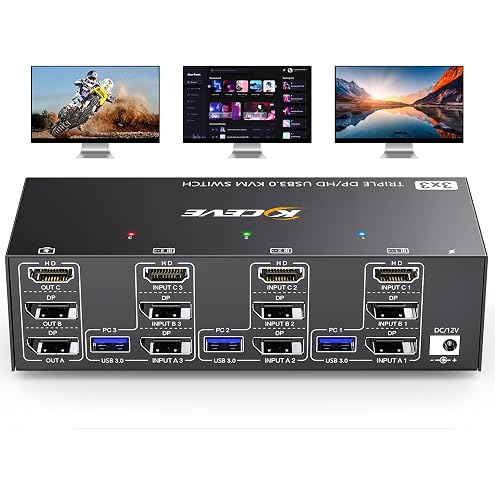
KVM Switch 3 Monitors 3 Computers 8K@60Hz,4K@144Hz, HDMI Displayport KVM Switch Triple Monitor for 3 PC Share 3 Monitor and 4 USB 3.0 Devices, Wired Remote,12V Adapter and 3 USB Cables Included
$155.99
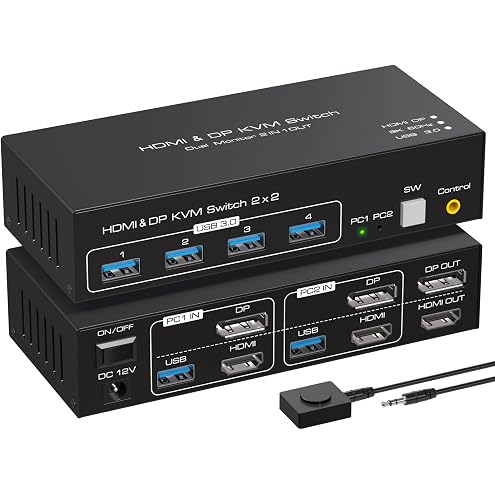
ATLAHET 8K HDMI+Displayport Dual Monitor KVM Switch 2 Monitors 2 Computers USB 3.0 KVM Switcher Support 8k 60hz 4k 120hz for Two Computers Share 4 USB Devices with External Wired Controller - Black
$76.49
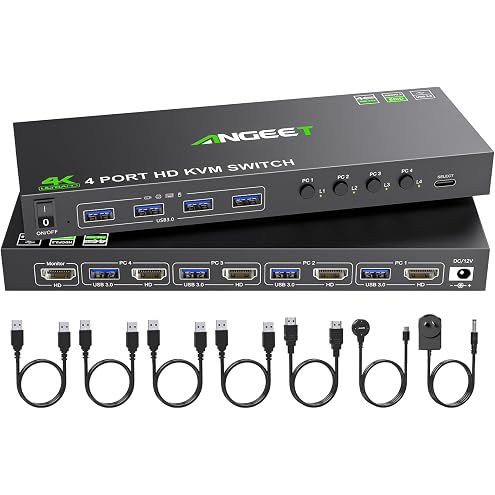
4 Port KVM Switch HDMI 4K@60Hz, Simulation EDID, USB 3.0 HDMI KVM Switch for 4 Computers Share 1 Monitor and 4 USB Peripherals, with Wired Remote,12V Power Adapter and 5 Cables
$75.99
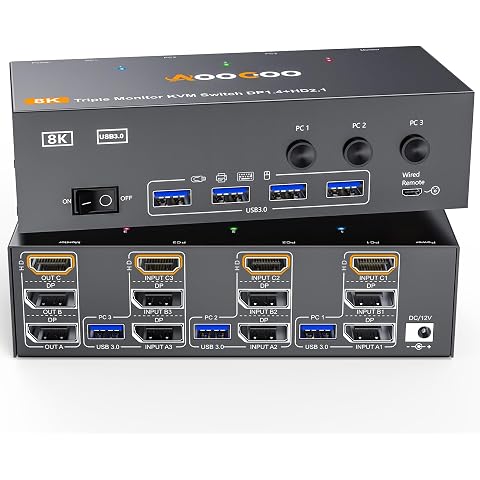
3 Monitors 3 Computers KVM Switch Triple Monitor 3 Port Displayport 1.4 + HDMI 2.1
$132.59
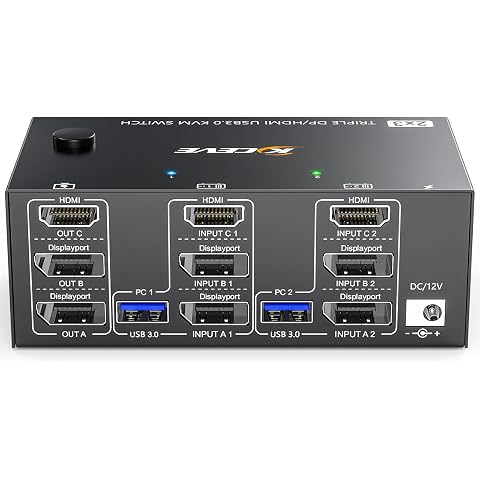
KVM Switch 3 Monitors 2 Computers 8K@60Hz 4K@144Hz, HDMI+2 Displayport KVM Switch Triple Monitor for 2 Computer Share 3 Monitor and 4 USB3.0 Port Keyboard Mouse,Wired Remote and 5 Cables Included
$108.99
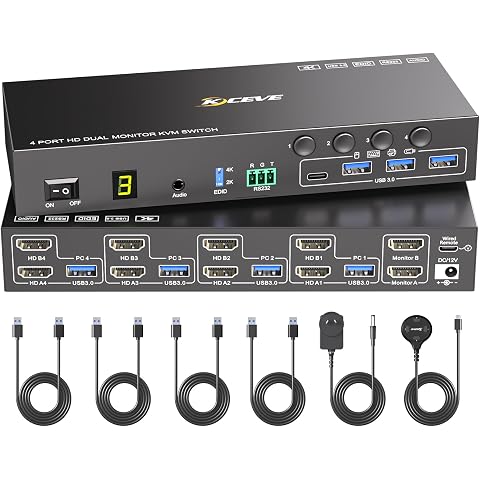
4 Port HDMI KVM Switch 2 Monitors 4 Computers 4K@60Hz EDID Simulation,Dual Monitor KVM Switch with 4 USB 3.0 Ports for USB Peripherals,Audio,RS232,with Wired Remote,12V Power and 4 USB Cables
$149.99
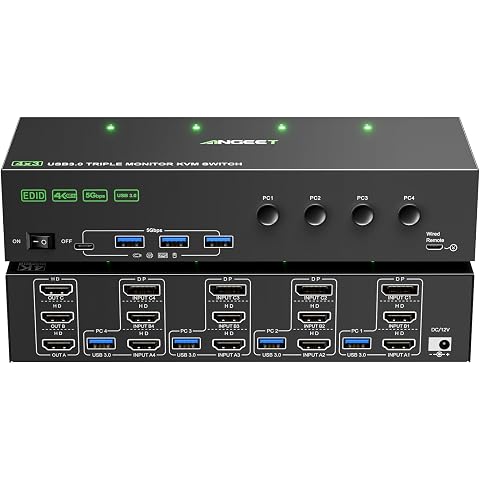
KVM Switch 3 Monitors 4 Computers 4K@60Hz,EDID Simulation,HDMI Displayport Triple Monitor KVM Switch,3 Monitor KVM with 4 USB 3.0 Ports for Keyboard Mouse, Wired Remote and 4 USB3.0 Cables Included
$169.99
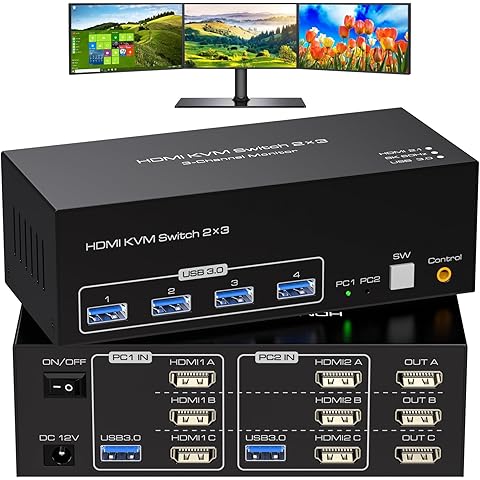
ATLAHET HDMI KVM Switch 3 Monitors 2 Computers 8K 60Hz 4K 120Hz 2 Port KVM Switches Share Triple Monitor and 4 USB Devices Support Copy and Extend Mode Includes Desktop Control and Power Adapter
$108.78
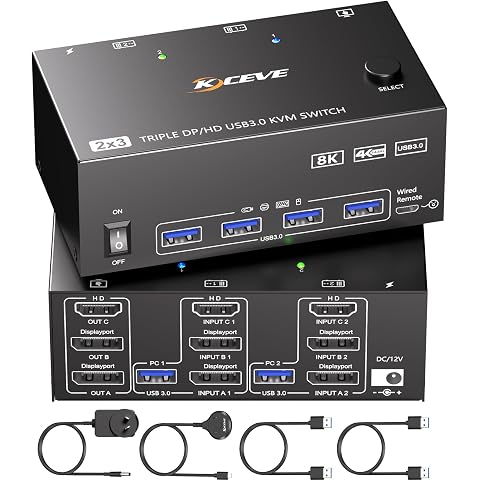
KVM Switch 3 Monitors 2 Computers 8K@60Hz,Triple Monitor KVM Switch for Running Two Computers Across 3 Monitors, Sharing 4 USB 3.0 Devices, with Wired Remote & USB Cable
$109.99