 1 / 7
AOOCOO KVM203DH Triple-Monitor KVM Switch for 2 Computers
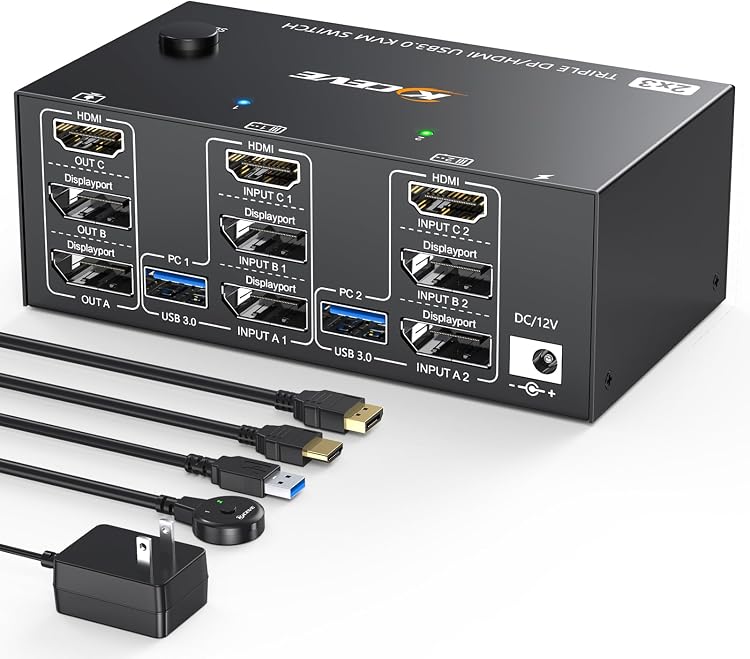
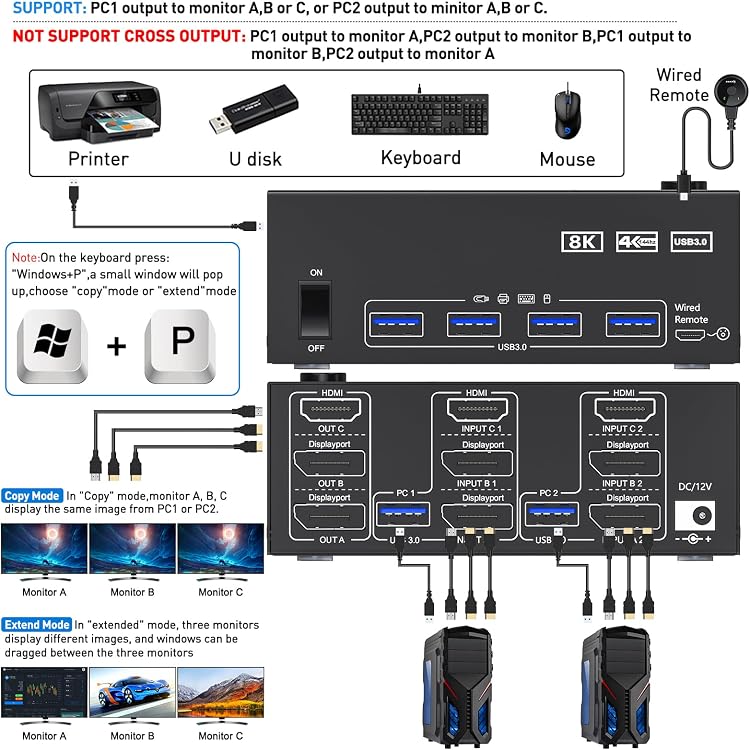
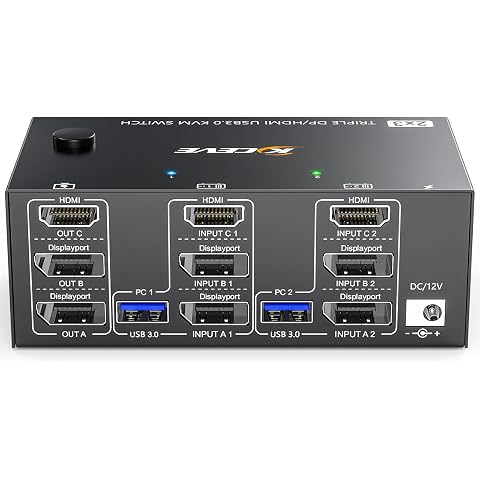
Triple-Monitor: AOOCOO KVM203DH lets two computers share three monitors and four USB 3.0 ports, with switching from the unit or its wired remote. Both computers need multi-display support and matching video connections, or suitable adapters.
At a glance
- Switches three monitors and four USB peripherals between two computers.
- Switch using the unit's button or the included wired remote. Indicator lights show the active computer.
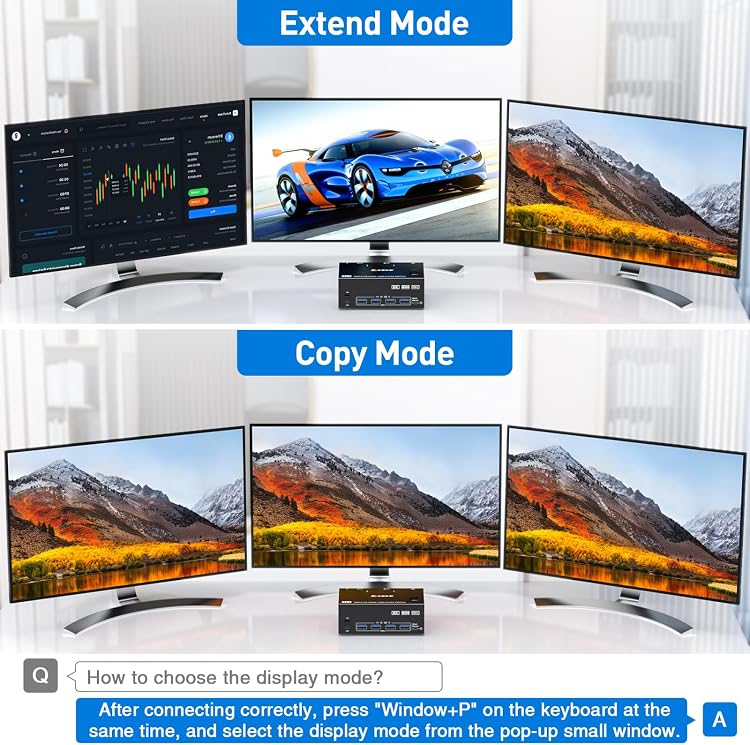
- Supports mirror and extend modes when the connected computer supports the required multi-display output.
- The listing describes DP 1.4 support up to 8K@30Hz or 4K@144Hz, with separate HDMI limits.
Often bought together
Pros and cons
Pros
- One switch can share a three-screen setup and up to four USB devices between two computers.
- Both on-device and wired-remote switching are specified, with status indicators.
- The stated kit includes video and USB cables as well as a power adapter.
Cons
- Each computer needs two DisplayPort connections, one HDMI connection and one USB connection for the stated three-screen setup.
- The listing says Mac M1/M2 does not support extend mode.
- EDID lock screen function is not supported, according to the listing.
Technical specifications
14 specifications| Brand | AOOCOO |
|---|---|
| Model | KVM203DH |
| Computer connections | Computers/Laptops with multi-display support and 2 DisplayPort + 1 HDMI ports |
|---|---|
| Display arrangement | 2 Displayport+HDMI triple monitor KVM switch |
| DisplayPort 1.4 maximum stated | 8K@30Hz/4K@144Hz |
| HDMI maximum stated | 8K@60Hz/4K@60Hz/2K@60Hz |
| USB ports | 4 USB 3.0 ports |
| USB transfer rate stated | 5Gbps |
| Mounting types listed | Rack Mount |
|---|---|
| Weight listed | 980 g |
| Package dimensions and weight | 20.6 x 20.4 x 7.1 cm; 980 Grams |
| Material | Metal |
| Batteries required | No |
|---|---|
| Compatible operating systems stated | Windows, Linux, Mac, Unix, Ubuntu, Raspberry and most other major OS |
What to know before buying
Listing details to confirm
Each connected computer must support three or more displays and extend mode if that is the intended setup. Final resolution depends on the graphics card, cables, monitors and adapters. The listing gives conflicting overall resolution claims, including 8K@60Hz/4K@144Hz in one description while specifying lower DP and HDMI limits separately. Confirm the intended mode and per-output limits before buying. It also says powered HDMI-to-DisplayPort adapters may be needed for computers without the listed ports. High-power USB devices may require the included 12V/1A adapter. The stated reset procedure is to power off for 5 seconds and turn it back on.
What’s in the box
- 2 DisplayPort 1.4 cablesCheck selected pack
- 1 HDMI 2.1 cableCheck selected pack
- 2 USB 3.0 cablesCheck selected pack
- 1 power adapterCheck selected pack
- 1 wired remoteCheck selected pack
- 1 user manualCheck selected pack
Check which accessories are included in your selected pack before buying.
Who is it for?
A good fit for
- People switching a three-monitor workstation between two computers that support the required display outputs.
- Setups that share a keyboard, mouse, printer or other USB peripherals across the two computers.
- Users who prefer a wired remote as an alternative to reaching the switch.
Less suited to
- Computers that cannot drive three displays simultaneously or lack compatible video connections and adapters.
- Mac M1/M2 users who need extended desktop mode.
- Buyers who require EDID lock screen functionality or depend on a guaranteed 4K/144Hz or 8K/60Hz result across all outputs.
Customer reviews on Amazon
- 5 stars
75% 75% - 4 stars
8% 8% - 3 stars
4% 4% - 2 stars
4% 4% - 1 star
9% 9%
Customer feedback describes the switch as reliable and easy to set up, with positive mentions of build quality and the remote. The supplied feedback also says it works well with 4K60Hz monitors, laptops and PCs. That experience is relevant to ordinary multi-device desk setups, but does not resolve the listing's conflicting higher-resolution claims or establish performance for every three-screen configuration. Aggregate ratings are mostly five-star, with a smaller spread across lower star levels, so experiences are not uniformly positive.
Positive themes
- Customers report reliable operation and straightforward setup.
- Feedback praises build quality and the remote control.
Frequently asked questions
Can it switch three monitors between two computers?
The listing specifies three monitors shared by two computers. Each computer must support at least three displays and connect with two DisplayPort cables, one HDMI cable and one USB cable.
What resolutions does it support?
The listing states DP 1.4 up to 8K@30Hz or 4K@144Hz, and HDMI up to 8K@60Hz, 4K@60Hz or 2K@60Hz. It separately makes a higher overall 8K@60Hz/4K@144Hz claim, so verify the limits for your exact output arrangement.
Does it support extended displays on Mac M1 or M2?
The listing says Mac M1/M2 does not support extend mode.
How can I switch between computers?
Use the button on the switch or the included wired remote. The listing says indicator lights identify the active computer.
Alternative options
KVM Switch 3 Monitors 4 Computers 4K@60Hz,EDID Simulation,USB 3.0 HDMI Displayport KVM Switch Triple Monitor for 4 PC Share 3 Monitors and Keyboard Mouse Printer,with Wired Remote and 4 USB Cables
$169.99
ATLAHET 8K HDMI+Displayport Dual Monitor KVM Switch 2 Monitors 2 Computers USB 3.0 KVM Switcher Support 8k 60hz 4k 120hz for Two Computers Share 4 USB Devices with External Wired Controller - Black
$76.49
KVM Switch 3 Monitors 3 Computers 8K@60Hz,4K@144Hz, HDMI Displayport KVM Switch Triple Monitor for 3 PC Share 3 Monitor and 4 USB 3.0 Devices, Wired Remote,12V Adapter and 3 USB Cables Included
$155.99
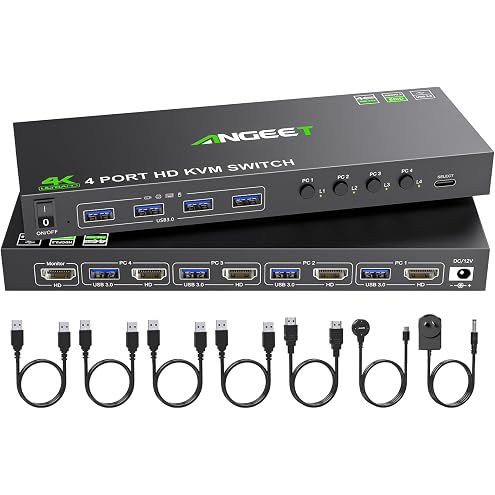
4 Port KVM Switch HDMI 4K@60Hz, Simulation EDID, USB 3.0 HDMI KVM Switch for 4 Computers Share 1 Monitor and 4 USB Peripherals, with Wired Remote,12V Power Adapter and 5 Cables
$75.99
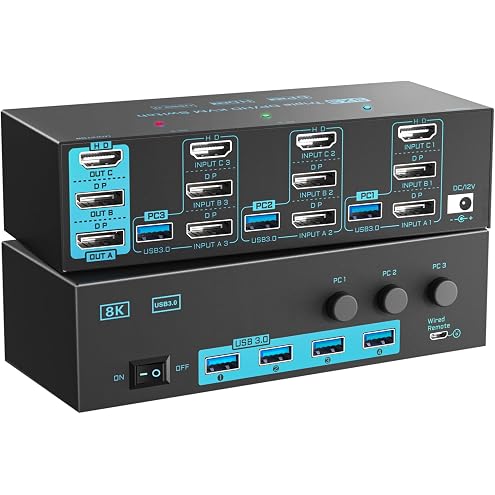
8K/4K KVM Switch 3 Monitors 3 Computers Triple Monitor 3 Port 2 Displayport 1.4 and HDMI 2.1 USB 3.0 KVM Switches, DP 1.4 Supports 8K@30Hz/4K@144Hz, HDMI Supports 8K@60Hz /4K@120Hz with Wired Remote
$155.99
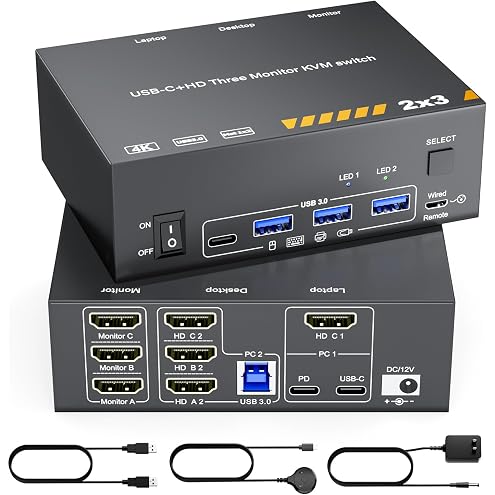
KVM Switch 3 Monitors MST USB-C & Triple HDMI USB Type-C Docking 4K@60Hz Triple Monitor KVM Switch for Laptop & Desktop PC, 100W PD Charging, with Type-C 3.1 Gen2 Cable and Wired Remote
$152.99
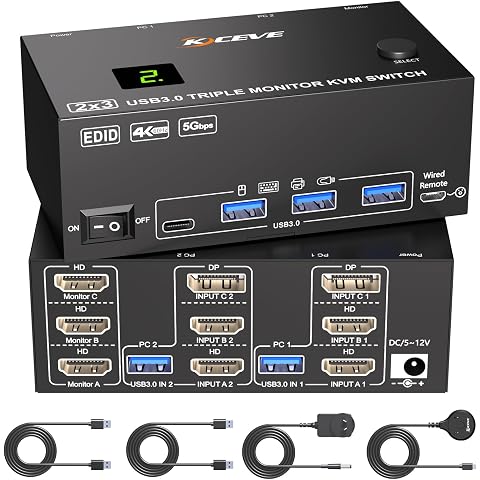
KVM Switch 3 Monitors 2 Computers 4K@60Hz,EDID Simulation,HDMI Displayport Triple Monitor KVM Switch,3 Monitor KVM with 4 USB 3.0 Ports for Keyboard Mouse, Wired Remote and 2 USB3.0 Cables Included
$108.99
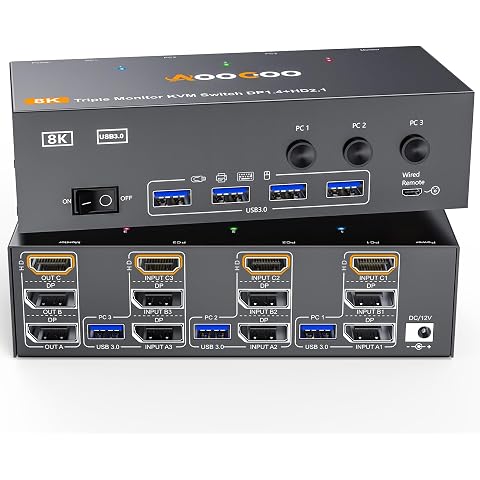
3 Monitors 3 Computers KVM Switch Triple Monitor 3 Port Displayport 1.4 + HDMI 2.1
$132.59
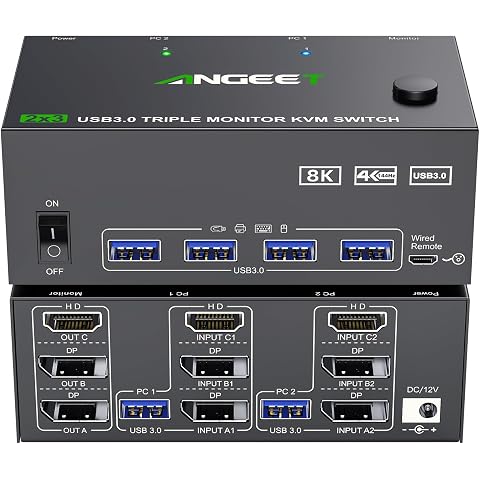
KVM Switch 3 Monitors 2 Computers 8K@60Hz 4K@144Hz,HDMI Displayport KVM Switch Triple Monitor for 2 Computer Share 3 Monitor and 4 USB3.0 Devices, with Wired Remote and Power Adapter
$108.99
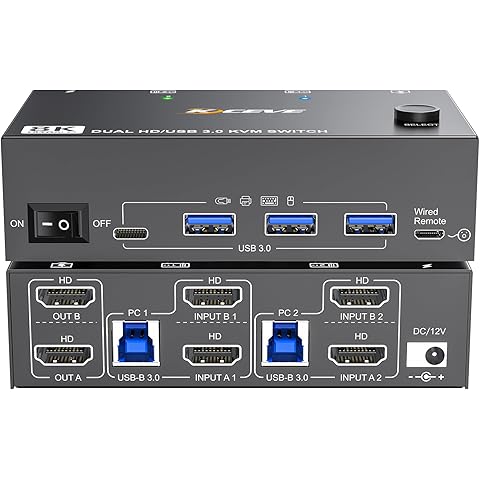
8K Dual Monitor KVM Switch HDMI 8K@60Hz 4K@144Hz,Camgeet KVM Switch 2 Monitors 2 Computers with 4 USB 3.0 HUB for Keyboard Mouse Printer,Wired Remote,12V Power Adapter and USB Cables Included
$95.99
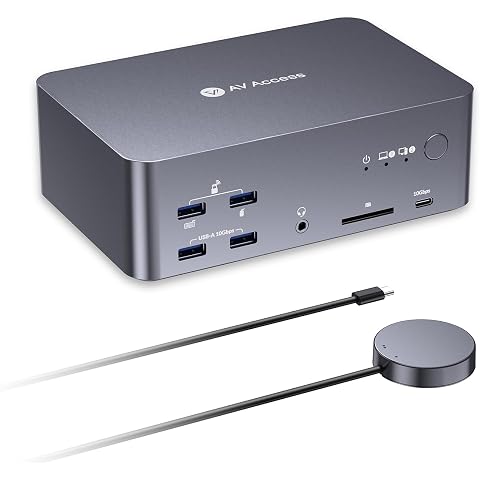
AV Access 8K KVM Switch 3 Monitors 2 Computers, Laptop + Desktop KVM Dock | 100W PD, GbE, 2xUSB 3.2 10Gbps USB C Hub, SD Reader & Remote Switcher for HP, Dell, Chromebook, PC, and More
$375.99
KVM Switch 3 Monitors 2 Computers 8K@60Hz 4K@144Hz, HDMI+2 Displayport KVM Switch Triple Monitor for 2 Computer Share 3 Monitor and 4 USB3.0 Port Keyboard Mouse,Wired Remote and 5 Cables Included
$108.99