 1 / 7
AOOCOO Dual-Monitor HDMI KVM Switch for 2 Computers, up to 4K@60Hz
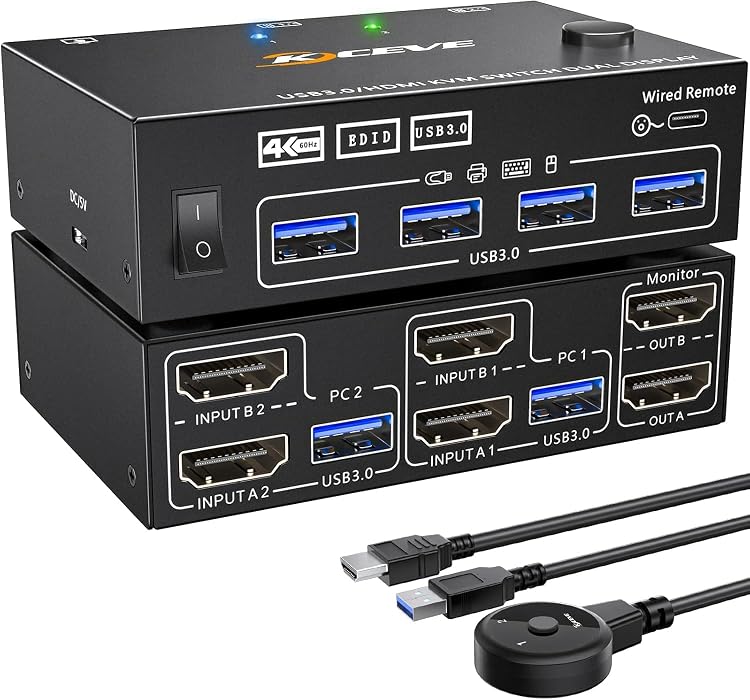
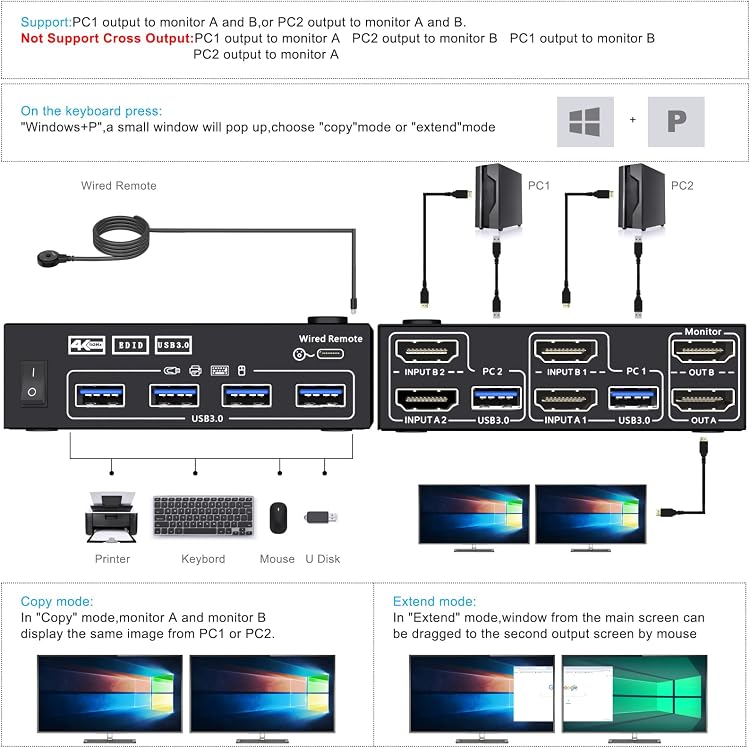
AOOCOO’s dual-monitor HDMI KVM switch lets two computers share two monitors and USB peripherals. It offers physical-button and wired-remote switching, with advertised support up to 4K@60Hz. Each computer needs two HDMI connections to the switch, plus a USB connection for shared peripherals.
At a glance
- Two computers can share two HDMI monitors and USB peripherals, with extended or mirrored display modes.
- EDID simulation is claimed to help retain window positions and monitor display information when switching.
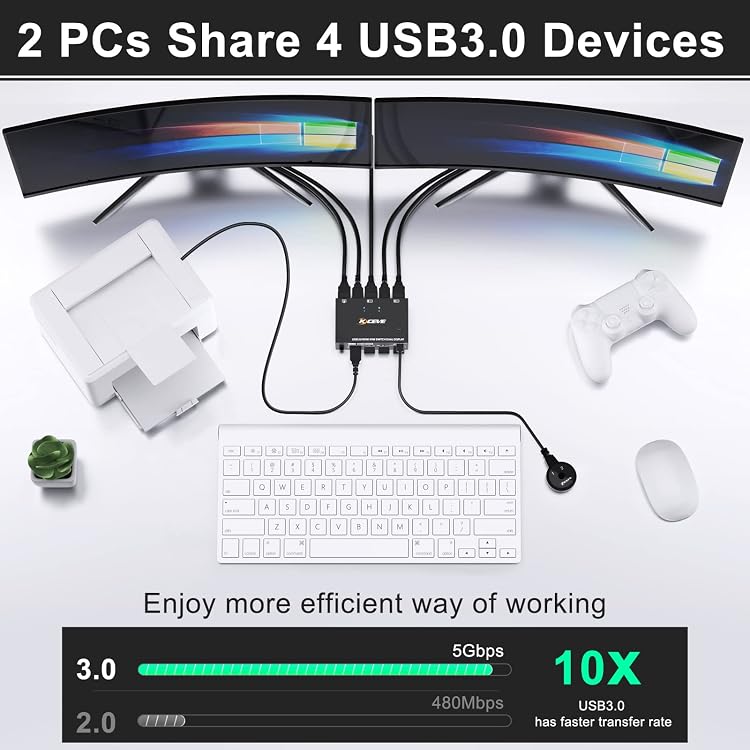
- Four USB 3.0 ports are provided for sharing peripherals such as a keyboard, mouse, printer or scanner.
- Switch between computers using the unit's physical button or the wired remote, which is listed as 1.5 metres long.
Pros and cons
Pros
- Supports a two-computer, two-monitor arrangement and both extended and mirrored display modes.
- Physical and wired-remote switching offer two control options.
- Four USB 3.0 ports allow shared peripherals beyond a keyboard and mouse.
Cons
- Keyboard hotkey switching is not supported.
- A separate power cable and adapter are not included for the DC 5V port.
Technical specifications
14 specifications| Brand | AOOCOO |
|---|
| Maximum listed resolution and refresh rates | 4K@60Hz, 3440*1440@100Hz, 2560*1440@144Hz |
|---|---|
| USB ports | 4 USB 3.0 ports |
| USB data transfer rate | up to 5Gbps |
| Switching methods | physical button and wired control |
|---|---|
| Wired control length | 1.5 meters |
| EDID | EDID simulation |
| Supported operating systems | Windows10 / 8.1 / 8 / 7 / XP / Vista, Mac OS, Linux, Chrome OS |
| Keyboard hotkey switching | Not supported |
| External power port | DC 5V power port |
|---|---|
| Power cable and adapter | Power cable and power adapter are not included |
| Weight listed | 680 g |
| Batteries required | No |
| Shell material | Metal shell |
What to know before buying
- Each computer needs two HDMI signal connections to the KVM and a USB connection for peripherals. A laptop with only one USB-C port may require a USB-C dock.
Listing details to confirm
The listing presents 4K@60Hz alongside 3440*1440@100Hz and 2560*1440@144Hz as supported outputs, but does not clarify the conditions for those different modes. It describes the switch as supporting 2 monitors, so confirm the required computer display outputs and target resolution and refresh rate before buying. The listing also says USB devices may be unstable without external power, while its package description excludes the power cable and adapter.
What’s in the box
- Dual-monitor USB 3.0 KVM switchCheck selected pack
- 2 HDMI 2.0 cablesCheck selected pack
- 2 USB 3.0 cablesCheck selected pack
- Wired remote controllerCheck selected pack
- User manualCheck selected pack
Check which accessories are included in your selected pack before buying.
Who is it for?
A good fit for
- People switching one keyboard, mouse and other USB peripherals between two computers connected to two HDMI monitors.
- Setups where a physical button or wired remote is preferable to keyboard hotkeys.
- Buyers whose computers can provide two HDMI signals each and whose required display mode matches the listing's stated support.
Less suited to
- Users who need keyboard hotkey switching.
- Setups that require a power adapter or cable to be included.
- Computers unable to provide the two HDMI signals required per host without additional equipment.
Customer reviews on Amazon
- 5 stars
70% 70% - 4 stars
13% 13% - 3 stars
6% 6% - 2 stars
7% 7% - 1 star
4% 4%
Customer feedback reports easy setup and positive experiences with operation and value, while compatibility and switching receive mixed feedback. Some customers report difficulty getting dual monitors working. That concern matters here because the listed setup requires two HDMI signals from each computer, and the listing does not spell out conditions for its different resolution and refresh-rate claims. Feedback is not a guarantee that the switch will work with a particular computer or display setup.
Positive themes
- Customers report that setup is easy.
- Customers describe positive functionality and value experiences.
Mixed feedback
- Compatibility feedback is mixed, including reports of the switch not working with dual monitors.
- Switching receives mixed feedback.
Frequently asked questions
How many computers and monitors can this KVM switch connect?
The listing describes two computers sharing two monitors. Each computer must provide two HDMI signals to the switch.
What display modes and resolutions are listed?
The listing states extended and mirrored modes and gives 4K@60Hz, 3440*1440@100Hz and 2560*1440@144Hz. It does not clarify the conditions for each mode, so confirm your intended resolution and refresh rate.
How do you switch between computers?
Use the physical button or the wired control, listed as 1.5 meters long. Keyboard hotkey switching is not supported.
Does it include an external power adapter?
The product information says a DC 5V power port is provided, but the power cable and adapter are not included. The listing recommends external power if USB devices are unstable.
Alternative options
8K Dual Monitor KVM Switch HDMI 8K@60Hz 4K@144Hz,Camgeet KVM Switch 2 Monitors 2 Computers with 4 USB 3.0 HUB for Keyboard Mouse Printer,Wired Remote,12V Power Adapter and USB Cables Included
$95.99
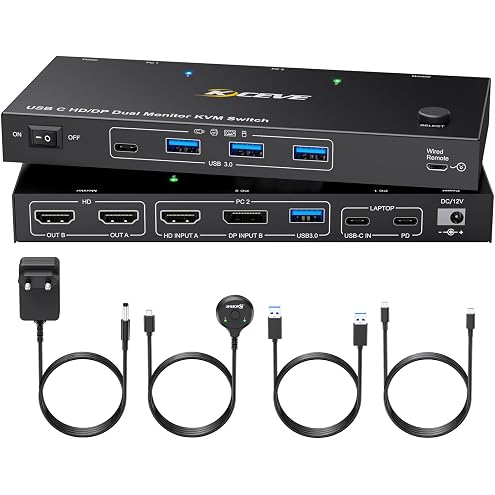
USB-C Docking KVM Switch 2 Monitors MST Type-C & Displayport and HDMI Dual Monitor KVM Switches for One Laptop One Desktop PC, 100W PD Charging, Type-C 3.1 Gen2 Cable and Wired Remote Included
$129.19
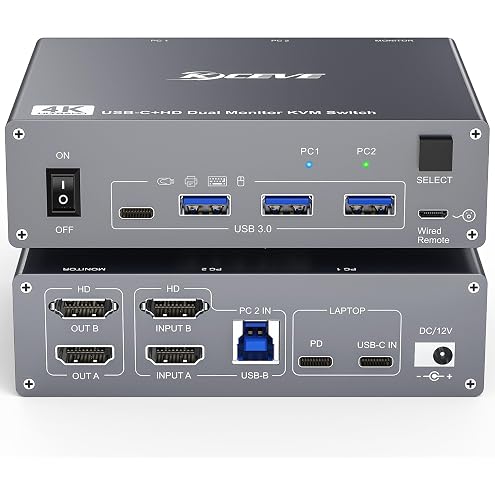
USB Type C Docking Station Dual Monitor KVM Switch 2 Monitors 2 Computers | Laptop & Desktop PC KVM Switch USB-C HDMI 5Gbps 4K@60Hz, 100W PD Charging, with Type-C 3.1 Gen2 Cable and Wired Remote
$169.99
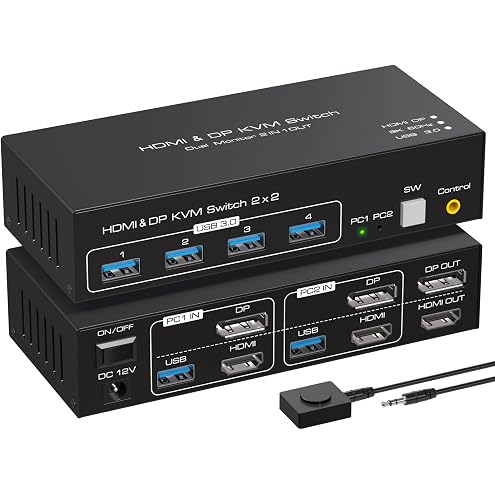
ATLAHET 8K HDMI+Displayport Dual Monitor KVM Switch 2 Monitors 2 Computers USB 3.0 KVM Switcher Support 8k 60hz 4k 120hz for Two Computers Share 4 USB Devices with External Wired Controller - Black
$76.49
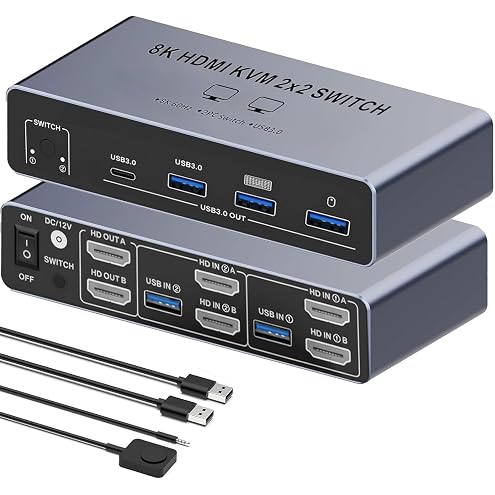
【Dual HDMI 2 in 2 Out】 KVM Switch 2 Monitors 2 Desktop Computers SW221, 8K 60Hz HDMI KVM Switcher 2 in 2OUT, 4 USB3.0 Ports Share Keyboard Mouse Printer, Support Extended and Mode
$69.99
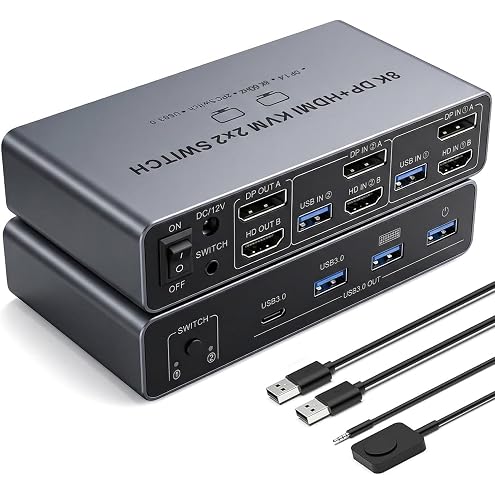
【HDMI Displayport 2 IN 2 OUT】8K KVM Switch 2 Monitors 2 Desktop Computers, Dual Monitor, 4K@144Hz HDMI+DP 2IN 2 OUT USB 3.0 KVM Switcher, 2 Switching Modes, 2 PCs Share 1 Set of Keyboard Mouse Printer
$67.12
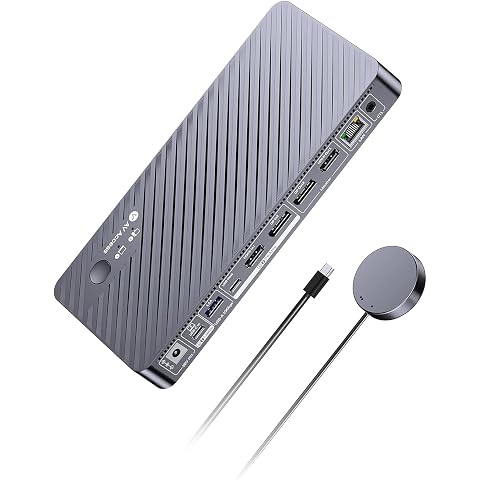
AV Access 8K KVM Switch 2 Monitors 2 Computers for Laptop & Desktop | KVM Docking Station Dual Monitor 8K@60Hz/4K@165Hz, 100W PD, 4xUSB 3.2 10Gbps USB C Hub, Audio, SD, Remote Switch, 1G Ethernet
$342.23
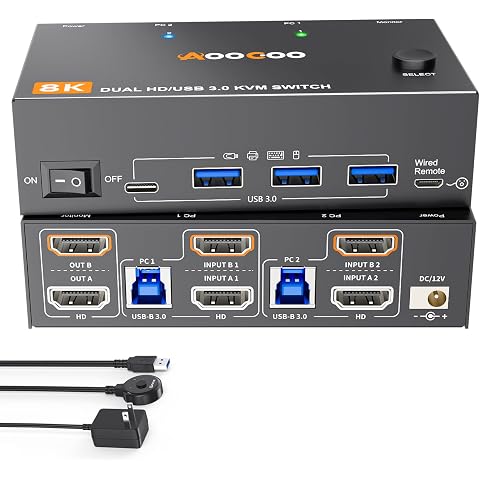
8K Dual Monitor KVM Switch Dual HDMI 2 Monitors 2 Computers 8K@60Hz 4K@120Hz USB 3.0 2 in 2 Out KVM Switches for 2 PC Share 2 Screens & Keyboard Mouse, Printer, Scanner, USB Camera, Hard Drive
$109.99
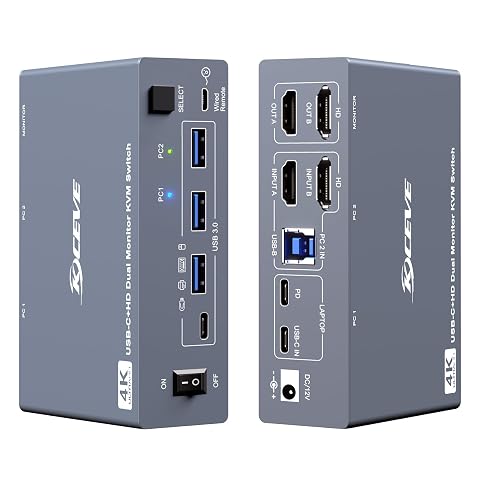
KVM Switch 2 Monitors 1 Desktop and 1 Laptop 4K@60Hz, 7-in-1 Dual Monitor KVM Switch Docking Station, Expand 2 HDMI Displays,4xUSB 3.0,PD 80W, Wired Remote and USB-C Cable Included
$169.99
HDMI USB C KVM Switch 2 Monitors 1 Computer 1 Laptop 4K@60Hz PD100W Charge | Docking Station KVM Switch 2 Monitors 2 Computers 1 Laptop 1 PC with 4 USB 3.0 Port for Keyboard Mouse, with Wired Remote
$169.99
8 Port HDMI Displayport KVM Switch 2 Monitors 8 Computers 4K@60Hz EDID Simulation,8 PC Dual Monitor KVM Switch with 4 USB 3.0 Ports,Audio,RS232,with Wired Remote,12V Power Adapter and 8 USB Cable
$249.99
KVM Switch 3 Monitors 4 Computers 4K@60Hz,EDID Simulation,HDMI Displayport Triple Monitor KVM Switch,3 Monitor KVM with 4 USB 3.0 Ports for Keyboard Mouse, Wired Remote and 4 USB3.0 Cables Included
$169.99