 1 / 7
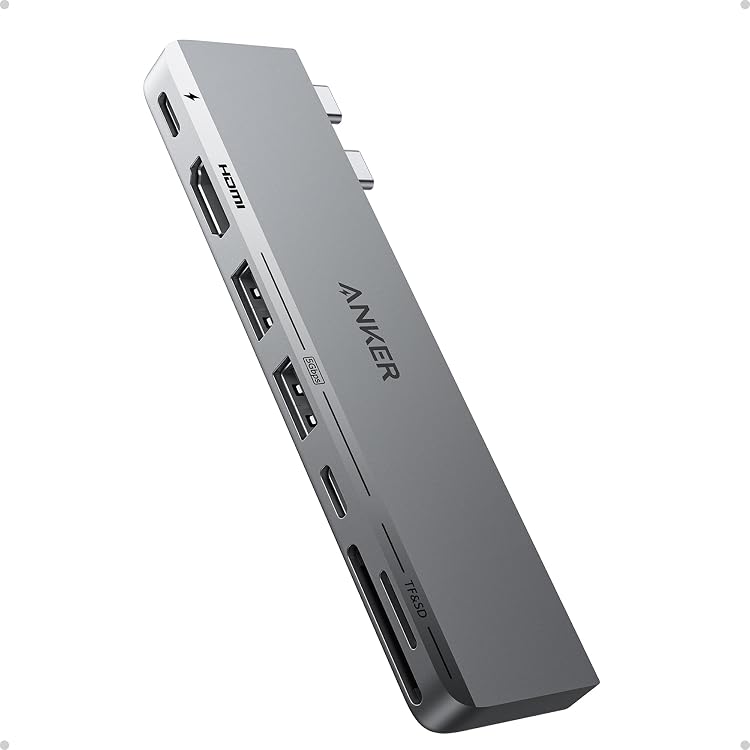
Anker A8354 7-in-2 USB-C Hub for MacBook
The Anker A8354 7-in-2 USB-C hub expands a compatible MacBook’s ports with HDMI, USB, SD and microSD connections, plus USB-C pass-through charging. The listing claims 4K at 60Hz HDMI output and up to 100W charging, with dual-display support subject to Mac model limitations.
At a glance
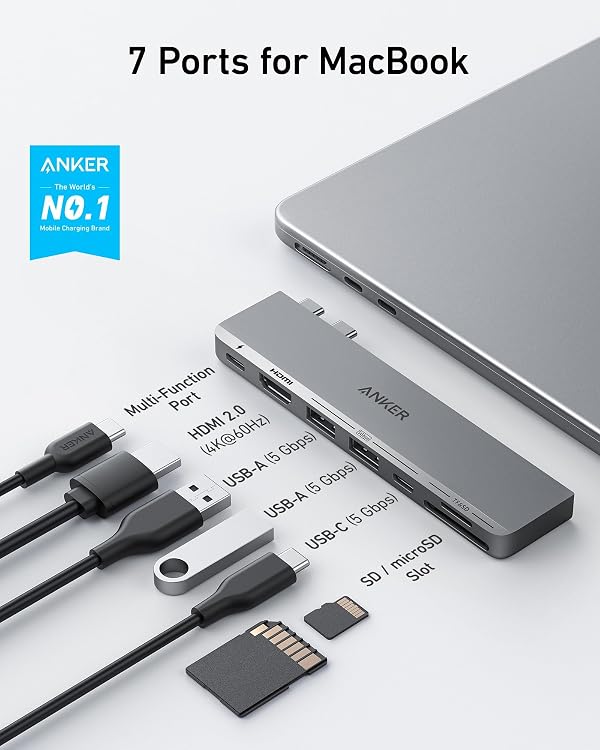
- Adds seven connections through a MacBook-style two-port attachment, including HDMI, two USB-A ports, two USB-C ports, SD and microSD.
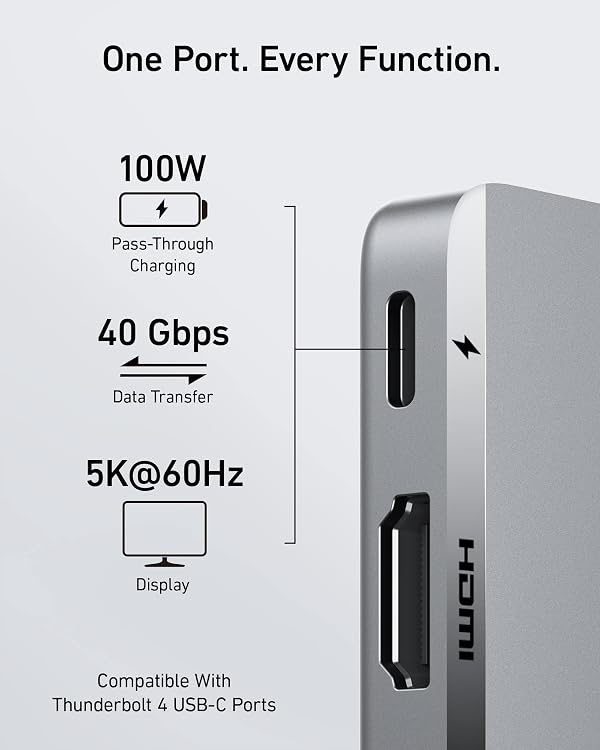
- The listing claims up to 100W pass-through charging and up to 40 Gb/s data transfer through the multi-function USB-C port.
- Supports HDMI output listed at 4K@60Hz and multi-function USB-C display output up to 5K@60Hz.
- Designed to leave the MagSafe port unobstructed on supported recent MacBook Air and Pro models.
Reference price: $69.99
Price checked: 20 Nov 2026
View offerBlack Friday weekExplore the selectionOften bought together
Pros and cons
Pros
- Combines HDMI, USB-A, USB-C and both SD card formats in one compact hub.
- The HDMI port provides a straightforward connection to an external display, and customers mention using it with a large work monitor.
- The listing states that the hub is designed to avoid blocking MagSafe on the latest MacBook Air and Pro models.
Cons
- The dual-display claim has a model-specific limitation, M1 and M2 MacBooks are stated not to support two external displays through this setup.
Technical specifications
10 specifications| Brand | Anker |
|---|---|
| Model | A8354 |
| Weight listed | 110 Grams |
|---|
| Port layout | 1 multi-function USB-C port, 1 USB-C data port, 2 USB-A ports, 1 HDMI port, 1 SD card slot, and 1 microSD card slot |
|---|---|
| Multi-function USB-C charging | up to 100W |
| HDMI display output | 4K@60Hz |
| Compatible devices | Laptops |
|---|---|
| Operating system listed | macOS |
| Colour | Gray |
|---|---|
| Enclosure material | Plastic |
What to know before buying
- The listing describes connecting two displays, but says M1 and M2 MacBooks do not support dual external displays. Confirm your MacBook model and the needed display setup before buying. The 100W figure is a maximum for the multi-function USB-C port, not a guaranteed charging rate for every setup.
Who is it for?
A good fit for
- MacBook users who need HDMI, USB-A, USB-C and SD or microSD connections from one hub.
- People who want a wired external display alongside card-reader and peripheral ports.
- Owners of compatible recent MacBook Air or Pro models who want the MagSafe port kept clear.
Less suited to
- M1 or M2 MacBook owners who require two external displays from this hub.
- Buyers who need a universal dock with a broad range of computer compatibility beyond the listing’s MacBook focus.
Customer reviews on Amazon
- 5 stars
76% 76% - 4 stars
13% 13% - 3 stars
5% 5% - 2 stars
2% 2% - 1 star
4% 4%
Customer feedback highlights useful port expansion, functionality, MacBook fit and convenient HDMI use with a large monitor. Stability receives mixed reports, with some describing the hub as solid and others as unstable. That feedback is relevant for a hub attached directly to a laptop, while the listing’s seven-port layout explains the reported appeal for users connecting displays and peripherals. Overall ratings lean positive, but they do not establish performance in every MacBook or setup.
Positive themes
- Customers describe the hub as functional and appreciate the number of available ports.
- Feedback mentions a good fit with MacBook Pro models and convenient connection to a large monitor.
Mixed feedback
- Stability experiences are mixed, with some customers describing the hub as solid and others calling it unstable.
Frequently asked questions
Does the Anker A8354 support an external HDMI display?
The listing specifies HDMI output at 4K@60Hz. Actual display support depends on the MacBook and connected display.
Can it connect two external displays?
The listing describes using HDMI and the multi-function USB-C port together for two displays, but states M1 and M2 MacBooks do not support dual external displays with this hub.
Does the hub provide charging?
The multi-function USB-C port is claimed to support pass-through charging up to 100W. This is a maximum, not a promise of that rate in every setup.
Which ports are listed?
The hub is described with one multi-function USB-C port, one USB-C data port, two USB-A ports, HDMI, SD and microSD slots.
Alternative options
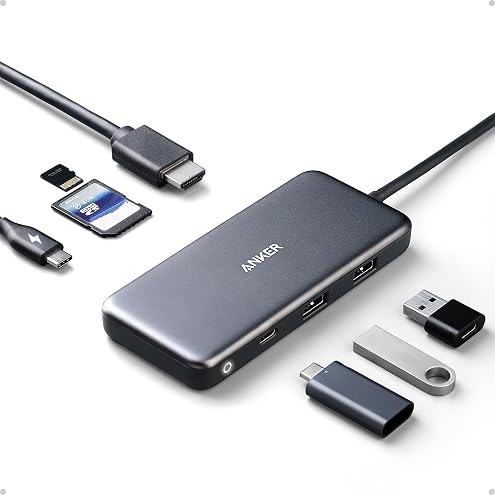
Anker USB C Hub, 7-in-1 Multi-Port USB C Hub, 4K HDMI USB-C Adapter | 1 USB-C and 2 USB-A 5Gbps Ports, 85W Max PD, SD/TF, for MacBook Air, MacBook Pro, XPS and More (Charger Not Included)
$49.99
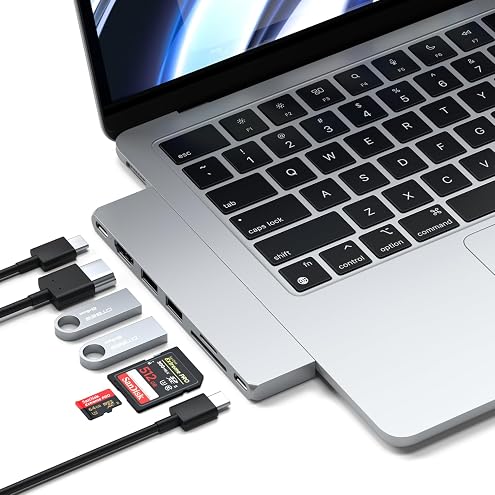
Satechi 7-in-1 USB-C Hub Pro Slim, Multiport Adapter, USB C Dongle, Silver | 4K HDMI, 100W Charging, USB 4, USB 3.2 Gen 2, SD/Micro Card Reader, for Mac, MacBook Air/Pro
$83.30
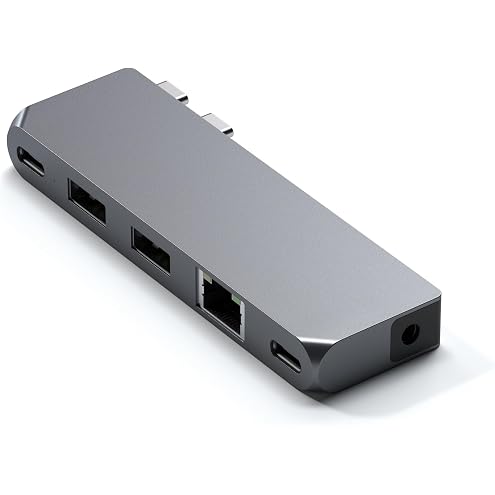
Satechi 6-in-1 USB-C Pro Hub Mini Adapter, Dongle USB4 40Gbps, Space Grey | PD Charging 96W, Video Output up to 6K@60Hz, USB-C and USB-A 5Gbps, Ethernet and Audio – for MacBook Air & Pro M5 M4 M3
$25.29
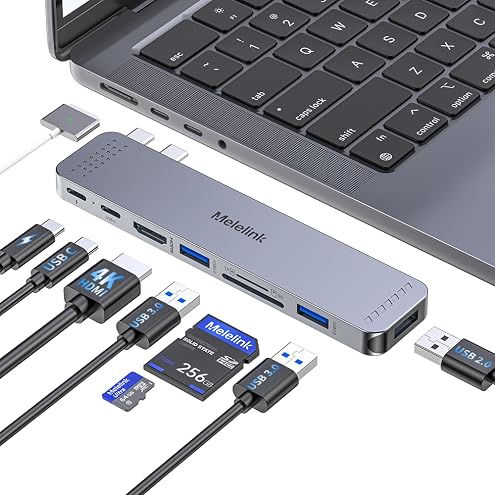
USB C Hub Adapter for MacBook, 8 in 2 MacBook Adapter Multiport Accessories with 4K HDMI, Thunderbolt 3, USB C&A Data Ports, SD/TF, Mac Dongle for MacBook Pro Air M4 M3 M2 M1 2025-2018
$49.66
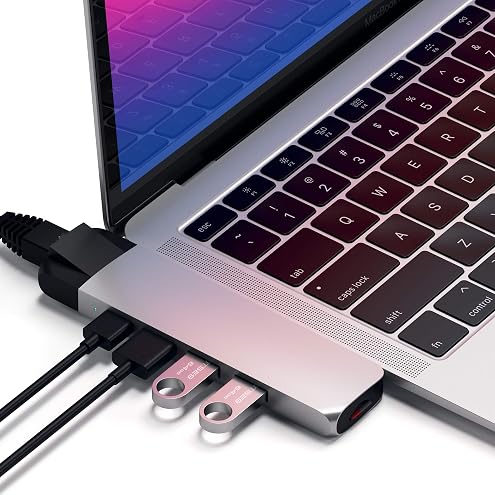
Satechi Type-C Pro Hub Adapter with Ethernet - 4K HDMI, USB-C PD, Gigabit Ethernet, USB 3.0, Micro SD Card Slot - for M2/ M1 MacBook Pro/Air (Silver)
$67.97
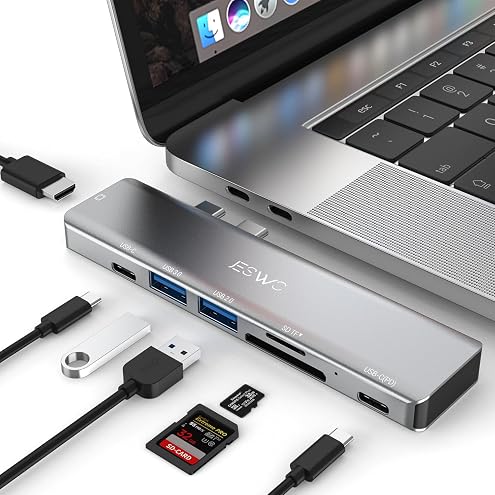
7 in 2 USB C Hub Adapter for MacBook Pro MacBook Air M1 M2 | MacBook Pro Accessories, Mac Dongle USB Hub with 4K HDMI 100W PD Thunderbolt 3 SD/TF Card Reader USB3.0 USB2.0 Ports
$24.64
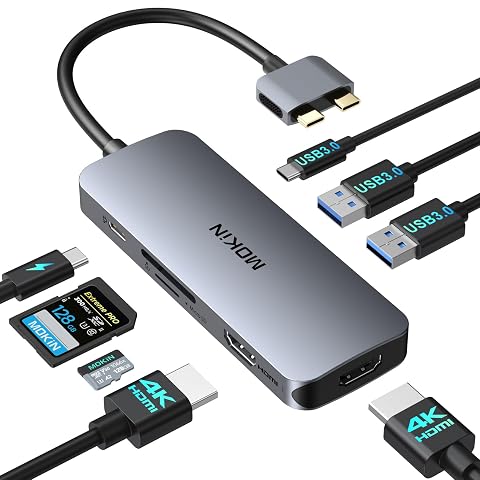
Docking Station for MacBook Pro Air,MOKiN USBC Docking Station Dual Monitor | Dual HDMI Adapter Hub for Mac MacBook Pro with 2*HDMI(4K@60Hz),3*USB 3.0,Card Reader,100W PD USB C Port(Not Work with Neo)
$42.49
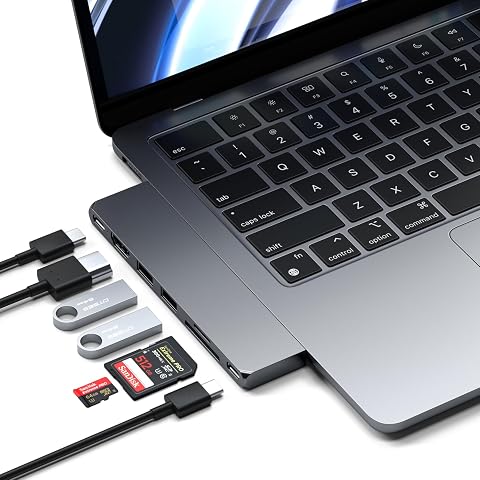
Satechi 7-in-1 USB-C Hub Pro Slim, Multiport Adapter,USB Dongle, Space Grey | 4K HDMI, 100W Charging, USB 4, USB 3.2 Gen 2, SD/Micro Card Reader, for Mac, MacBook Air/Pro
$89.25
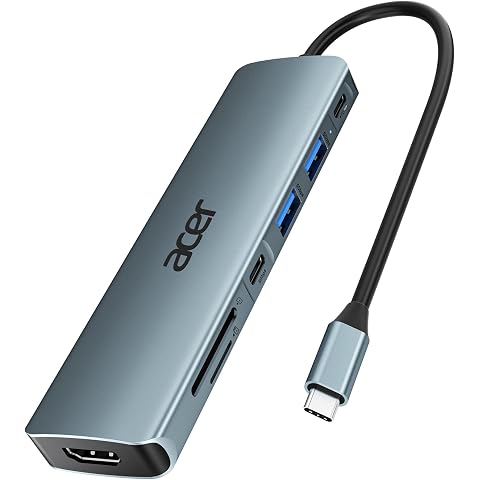
Acer USB C Hub 7-in-1, Multiport Type-C Adapter to 4K HDMI, SD Card Reader | 2 USB-A, Type-C 3.0, 100W PD, USB C Dock for Laptop Tablet, MacBook Neo iPad Pro Air, iPhone 18 17 16 Pro Max, Galaxy S26
$27.19
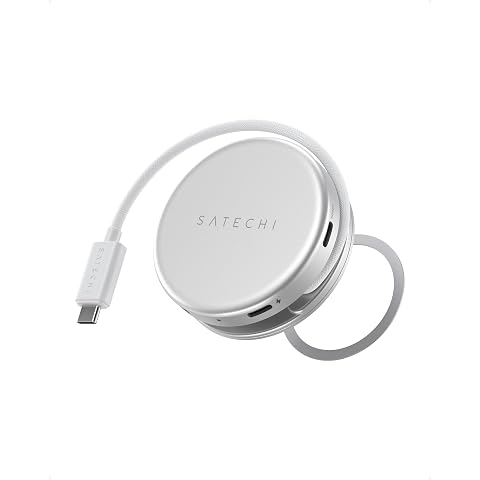
Satechi OntheGo 5-in-1 USB-C Hub, 4K@60Hz HDMI, SD Card Reader, Silver | 60W PD pass-through charging, SD card reader, 5 Gbps Type-A/Type-C data, magnetic mount, for MacBook Neo/Air/Pro, iPad
$63.74
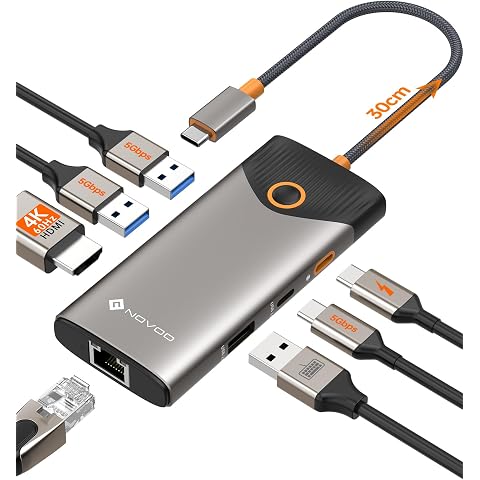
NOVOO USB C Hub, 7-in-1 USB Dock with 4K@60Hz HDMI, 1 Gbps Ethernet, 100W PD, 5Gbps USB-A/C Data Ports Docking Station Compatible for MacBook/iPad/iPhone/Dell/HP/Surface
$27.54
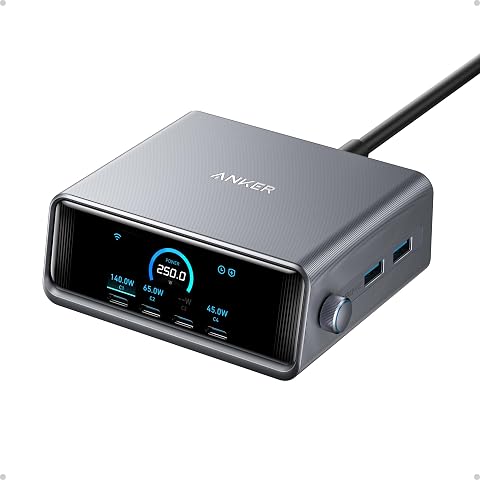
Anker Prime Charging Station, 250W 6-Port GaN USB C Desktop Charger | 2.26" LCD Smart Display Control, Compatible with iPhone, MacBook, Dell for Home Office, Gaming Desk Accessories
$199.45