 1 / 6
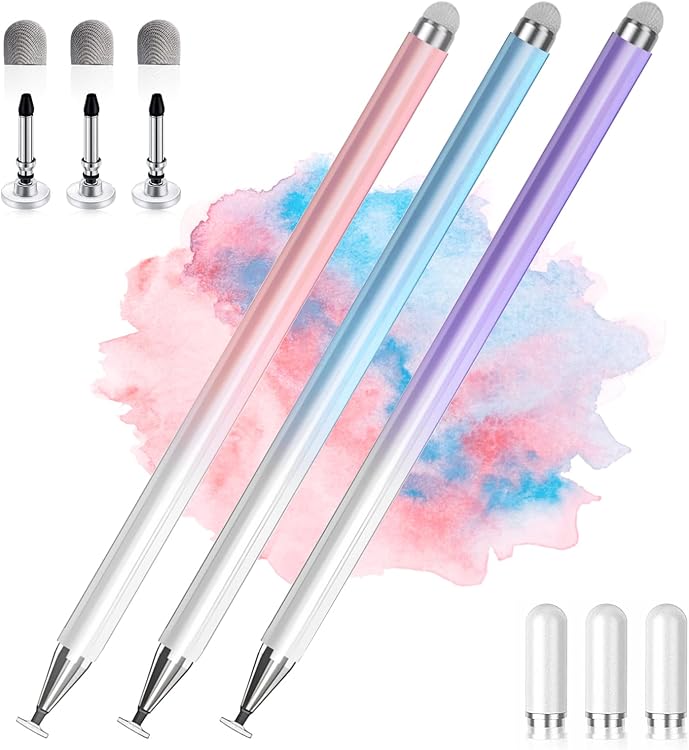
AmberVec 2-in-1 Universal Touchscreen Stylus, 3-Pack
Pack: AmberVec’s universal touchscreen stylus set includes three pens in blue, pink and purple, with a passive, dual-ended design for everyday touch input. It is aimed at browsing, gaming and general tablet or phone use rather than pressure-sensitive drawing.
At a glance
- Passive stylus works through touchscreen contact and requires no power.
- The listing describes a dual-ended design and includes three colours.
- The manufacturer positions it for general browsing, gaming and everyday touchscreen tasks.
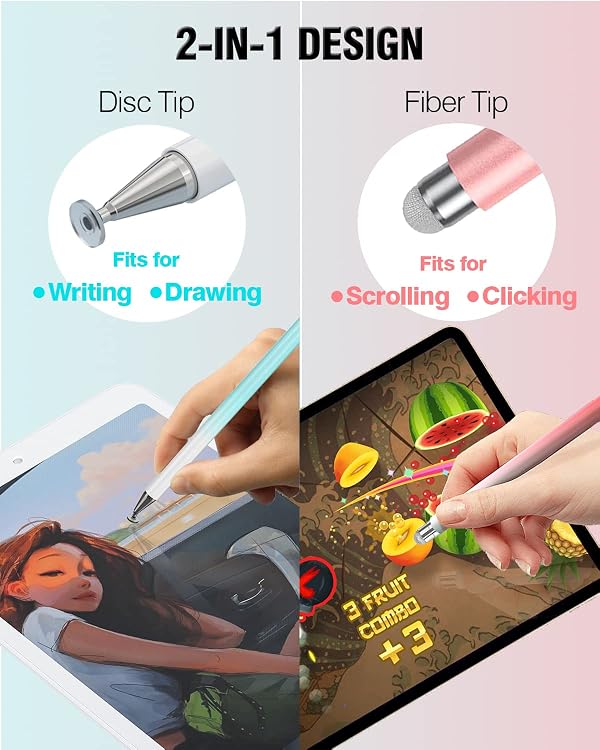
- A transparent disc at the tip is intended to help position contact on the screen.
Often bought together
Pros and cons
Pros
- Three pens in different colours offer a shared or spare set for compatible touchscreens.
- No battery or charging is required.
- Customer feedback reports ease of use and compatibility with Apple and Samsung tablets.
Cons
- No palm rejection, so keep your hand off the screen while writing or drawing.
- No pressure sensitivity for software that relies on pressure-controlled stroke thickness or shading.
Technical specifications
8 specifications| Brand | AmberVec |
|---|---|
| Model | 1 |
| Weight listed | 0.02 Kilograms |
|---|---|
| Material listed | Aluminium |
| Colours | Blue, Pink, Purple |
| Compatible devices | All Touch Screen Devices |
| Pack count | 3 |
| Batteries included | No |
|---|
What to know before buying
- The manufacturer says to turn off “Only Draw with Apple Pencil” on iPad if enabled. Keep the disc tip intact and touching the screen fully. A screen protector is suggested as a precaution. The listing says the spare disc tip is stored inside the stylus body, accessible by rotating the fibre-tip end, and that replacement tips are available.
- Customer feedback on durability is mixed, including reports of a plastic tip falling out. If the fibre tip feels loose, the listing says to tighten it by rotating it. Small parts mean the set is not recommended for very young children, and older children should be supervised.
What’s in the box
- Stylus pens, 3-packCheck selected pack
Check which accessories are included in your selected pack before buying.
Who is it for?
A good fit for
- People wanting a simple passive stylus for everyday browsing, gaming and touchscreen taps.
- Buyers looking for a three-pen set in blue, pink and purple.
- Users who do not need palm rejection or pressure-sensitive drawing features.
Less suited to
- Digital artists who need pressure-sensitive strokes, shading control or palm rejection.
- Users who expect stylus input to work while resting a hand on the screen.
Customer reviews on Amazon
- 5 stars
74% 74% - 4 stars
13% 13% - 3 stars
7% 7% - 2 stars
2% 2% - 1 star
4% 4%
Customer feedback highlights perceived good quality, ease of use, attractive colours and reports of the stylus working with Apple and Samsung tablets. Those impressions fit its stated role as a passive tool for general touchscreen tasks, not advanced drawing. Durability feedback is mixed, with some customers reporting the plastic tip can fall out, so tip retention may matter for frequent use.
Positive themes
- Customers describe the pens as easy to hold and use and report that both ends work.
- Customers praise the colours and report compatibility with Apple and Samsung tablets.
Mixed feedback
- Feedback on durability is mixed, including reports of the plastic tip falling out.
Frequently asked questions
Does this stylus need batteries?
No. The listing describes it as a passive stylus that works by touchscreen contact and says batteries are not required.
Is it suitable for pressure-sensitive drawing?
No. The manufacturer says it does not support pressure-sensitive effects such as pressure-controlled stroke thickness and shading.
Does it support palm rejection?
No. The listing says palm rejection is not supported, so avoid resting your hand on the screen while using it.
What should I check if it does not work on an iPad?
The manufacturer advises checking that “Only Draw with Apple Pencil” is turned off. It also suggests testing another touchscreen, checking the screen protector and trying a new stylus tip.
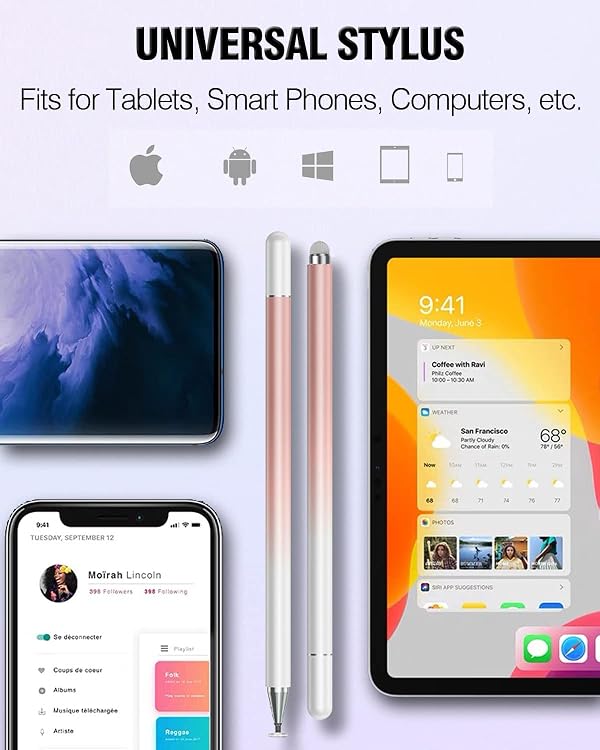
Alternative options
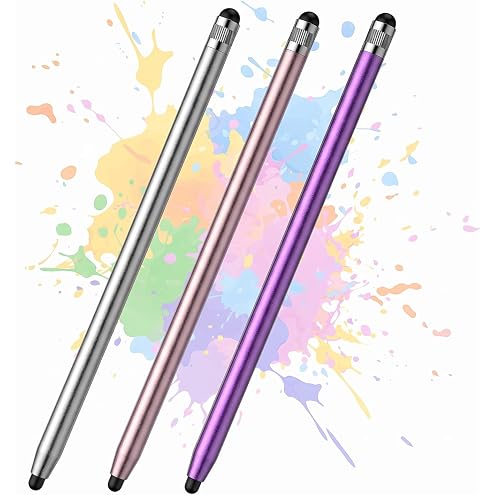
T Tersely 3-Pack Stylus Pen for iPad, iPhone, Android, 2 Soft Rubber Tips | Touch Screen Stylus with 5 mm and 7 mm Tips for Precise Taps and Responsive Swipes, No Charging or Bluetooth Pairing Needed
$10.19
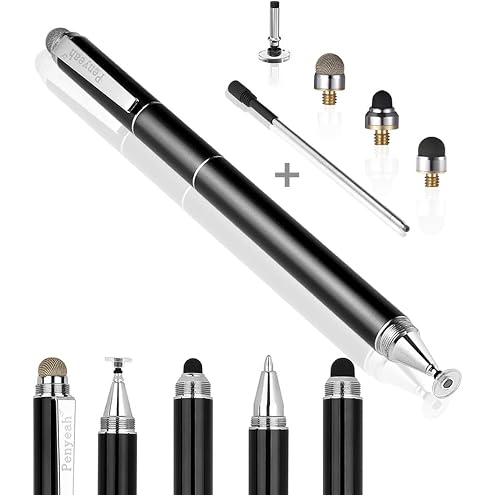
Penyeah Stylus Pen, 4 in 1 Stylus Pen for Touch Screens Everyday Use -Black | High Precision & Sensitivity, Universal Capacitive Stylus, Stylist for Tablets,iPhone,iPad,Laptops,Switch, 4 Replacement Tips
$14.43
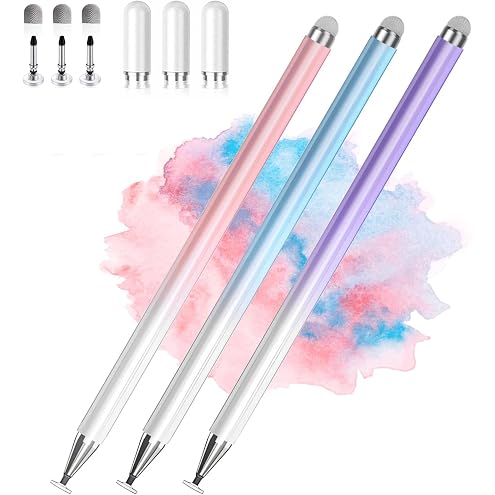
Stylus Pens for Touch Screens, 2 in 1 High Precision Universal Stylus Pen for iPad Compatible with Apple, iPhone, iPad, Android, Microsoft Tablets, Phones, 3 Pack-Blue, Pink, Purple
$16.89
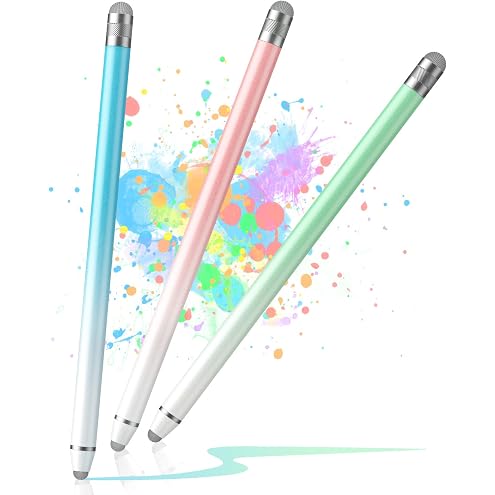
Stylus Pens for Touch Screens (3Pcs), Capacitive Stylus Pen for iPad with High Sensitivity Fiber Tip Compatible with All Universal Touch Screens
$7.68
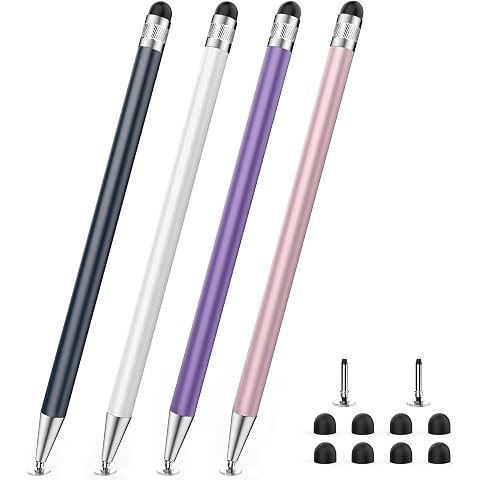
DIGIROOT Stylus Pens (4 Pcs), 2-in-1 Stylus Pen for Touch Screens | For iPhone/iPad/Tablet Android/Microsoft Surface, Compatible with All Capacitive Touch Screens
$11.55
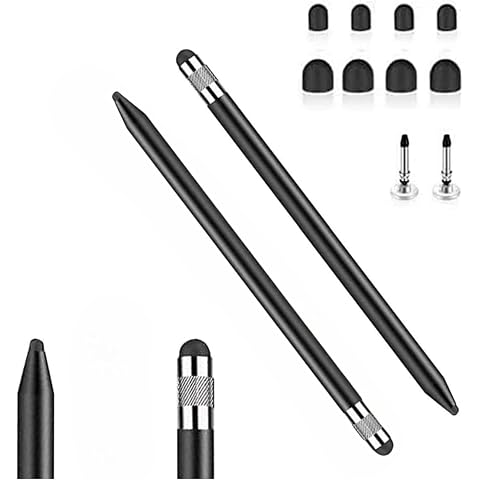
2pcs Universal Capacitive 3-in-1 Stylus Pencil for iPad iPhone TouchScreens | Compatible With Apple iPhone/iPad/Air/Mini/Pro/Chromebook,4 Replacement Tips,for All Other Touchscreen Devices, Black+Black
$11.04
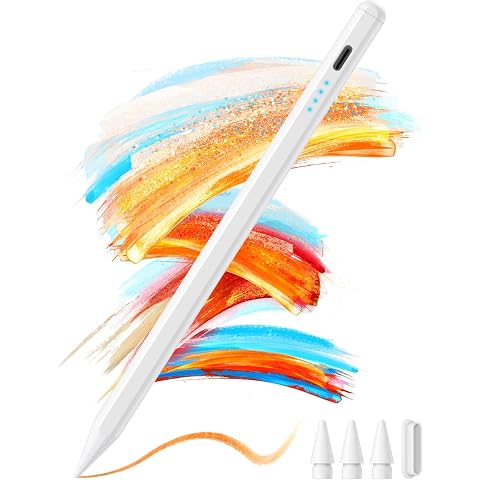
No-Lag Stylus Pen for iPad 2018-2026, Fast Charge, Palm Rejection, Magnetic
$15.98
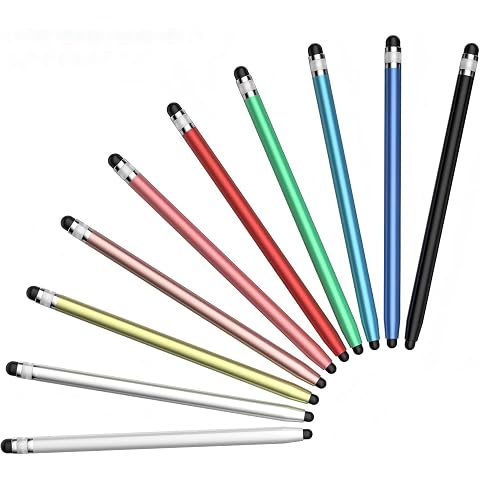
Digiroot Stylus 10Pcs, Stylus Pen for Touchscreen Android iPad iPhone | Universal, High Sensitivity, 2-in-1, For Samsung Tablet Phone iPhone Duo Touch Screens, 20 Replaceable Rubber Tip
$12.73
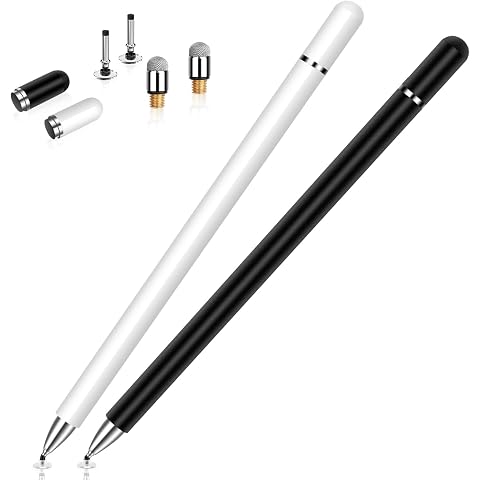
DIGIROOT Stylus Pen for Touchscreen iPad iPhone Android Nintendo Switch | 2 Pack, Disc & Fiber Tip, Stylists Pen for Apple Samsung Capacitive Touch Screen, High Sensitivity & Precision, Magnetic Cap
$13.72
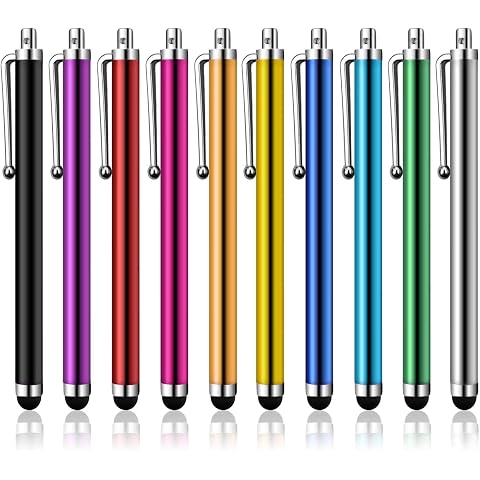
DIGIROOT Stylus Pens for Touch Screens,10PCS Stylist Pen for iPad iPhone | With Clip, For Android Apple Samsung Galaxy Tablets All Universal Capacitive Touchscreen Devices,High Precision
$7.49
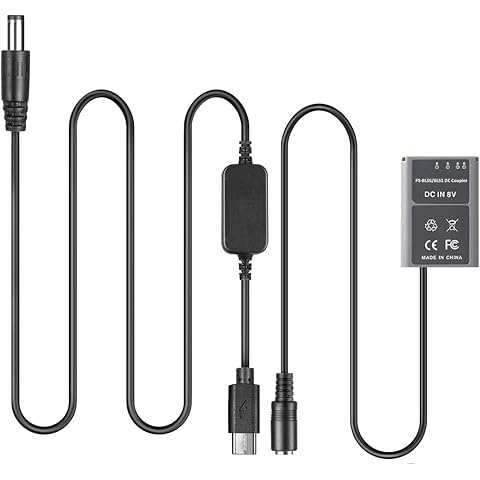
USB-C PD Adapter Cable + PS-BLS-5 DC Coupler BLS5 Dummy Battery for Olympus Pen E-PL7 E-PL5 E-PM2 Stylus 1 1s OM-D E-M10
$32.99
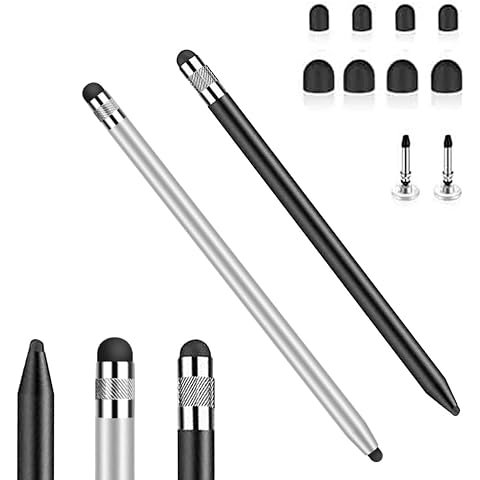
2pcs Universal Capacitive 3-in-1 Stylus Pencil for iPad iPhone TouchScreen | Compatible With Apple iPhone/iPad/Air/Mini/Pro/Chromebook,4 Replacement Tips,for All Other Touchscreen Devices, Black+Silver
$11.04