Motherboards
Products · Motherboards
7 active deals
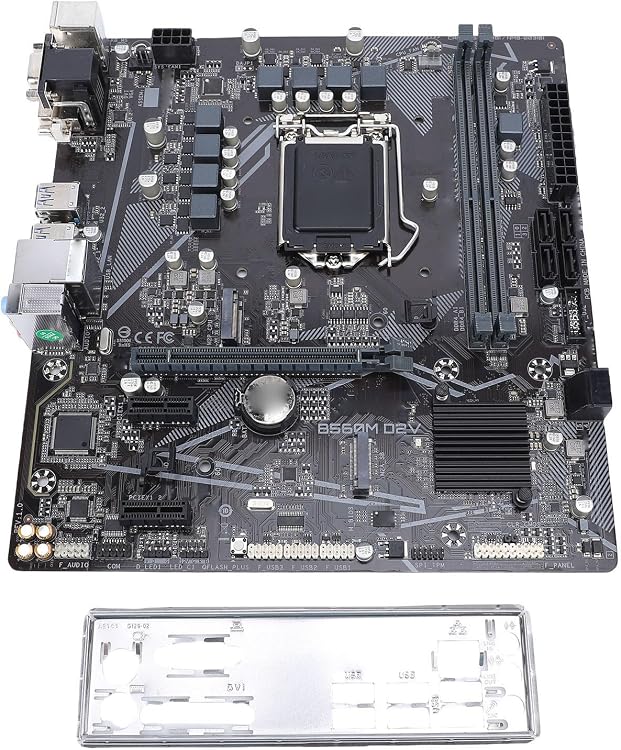
Plyisty Micro ATX LGA1200 Motherboard, 2 M.2 Slots
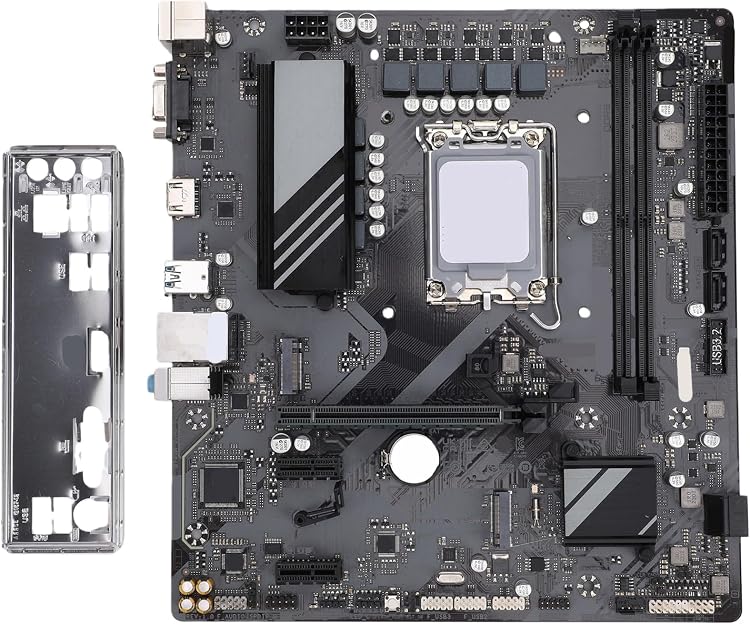
Plyisty B460M LGA 1200 DDR4 Motherboard
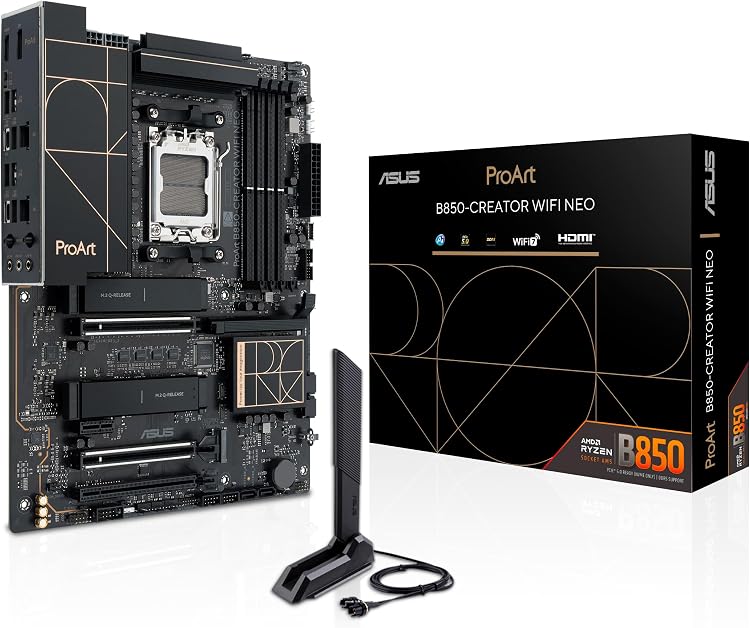
ASUS ProArt B850-Creator WiFi Neo AM5 DDR5 Motherboard
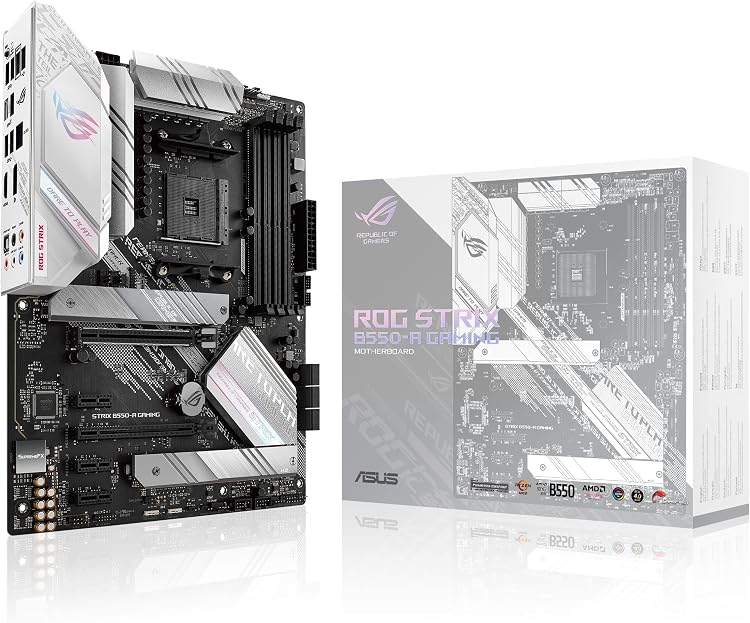
ASUS ROG Strix B550-A Gaming ATX AM4 Motherboard
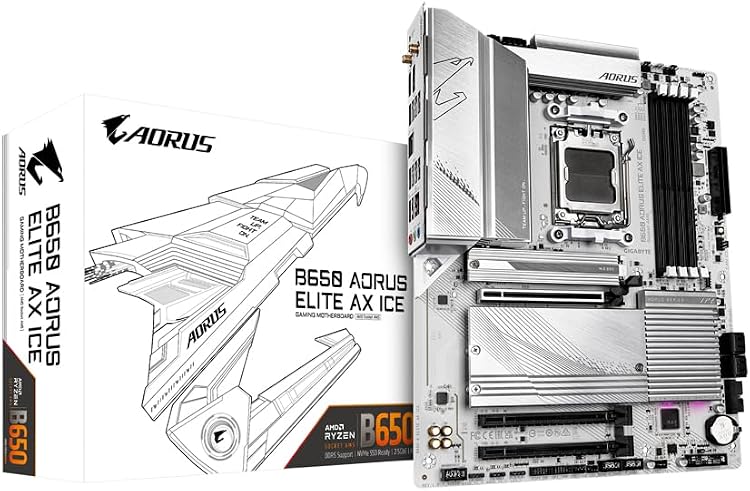
GIGABYTE B650 AORUS Elite AX ICE AM5 DDR5 Motherboard
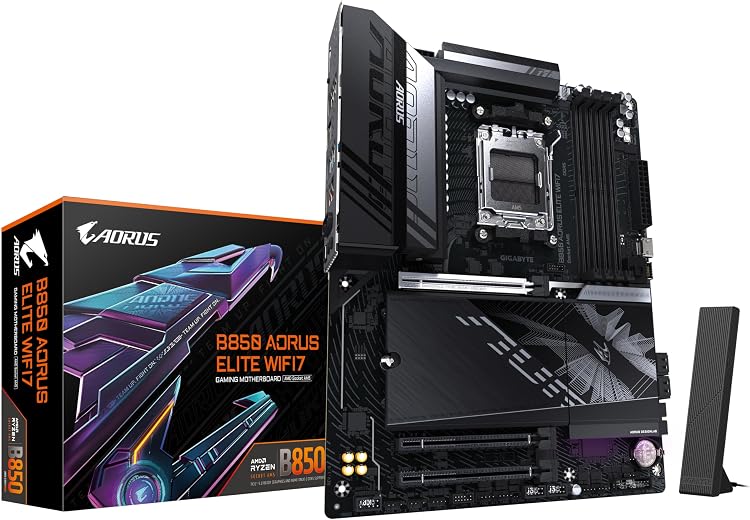
GIGABYTE B850 AORUS Elite WIFI7 AM5 DDR5 Motherboard
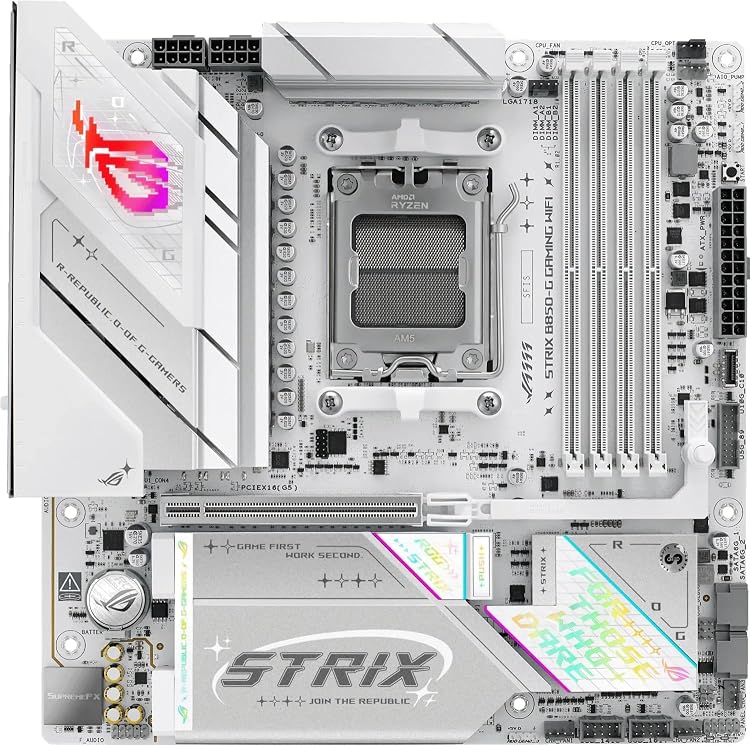
ASUS ROG Strix B850-G Gaming WiFi mATX Motherboard
Top deals in Motherboards
Big discounts across a variety of models and stores.
GIGABYTE B650 AORUS Elite AX ICE AM5 DDR5 Motherboard
Plyisty B460M LGA 1200 DDR4 Motherboard
ASUS ROG Strix B550-A Gaming ATX AM4 Motherboard
ASUS ROG Strix B850-G Gaming WiFi mATX Motherboard
ASUS ProArt B850-Creator WiFi Neo AM5 DDR5 Motherboard
GIGABYTE B850 AORUS Elite WIFI7 AM5 DDR5 Motherboard
Motherboards: choose connections you can use together
A motherboard determines how the computer's parts communicate and connect. Its value lies not in collecting slots, but in supporting your configuration without unexpected restrictions. Make a list of the CPU, memory, cards and connections that must work together, including the ports on the front of your case.
Start with a supported combination
Find your CPU on the exact board model's support list and check the required firmware. A board held in stock for some time may arrive with an earlier version. If an update is necessary, establish how it can be performed with the hardware available or ask the seller. Identify supported memory generation and capacity. When using integrated graphics, check video outputs too: motherboard connections cannot create graphics capability in a processor that does not have it.
Read the restrictions between slots
A slot's physical length does not necessarily describe its electrical connection width. Read the manual to establish what happens when several cards or internal devices are installed: some connectors share resources and can disable others or reduce their link width. Sketch your full configuration before buying. A board with many connection points may provide fewer simultaneous options than its photograph suggests. This matters particularly when adding capture cards, faster networking or other expansion cards to the system.
Match internal connectors to everyday needs
Count rear ports, fan headers and internal connections required by your case. A front USB-C port may need a specific header that some motherboards lack. For wireless networking, confirm that both module and antennas are included; for wired networking, match capabilities to your installation. Check space around the socket and connector locations, especially in compact cases. A form factor fitting your case does not guarantee that cables, expansion cards and the cooler will coexist comfortably.
Pay for useful support rather than decoration
For sustained workloads, seek evidence about CPU power delivery with a comparable processor, rather than relying on the advertised phase count. Value clear documentation, firmware updates and diagnostic aids that help when the computer will not start. Lighting and covers may appeal, but cannot solve incompatibility. For repairs, identify proprietary connections in the original system too. A new motherboard is not always a direct replacement in a branded computer, even when its shape looks similar.